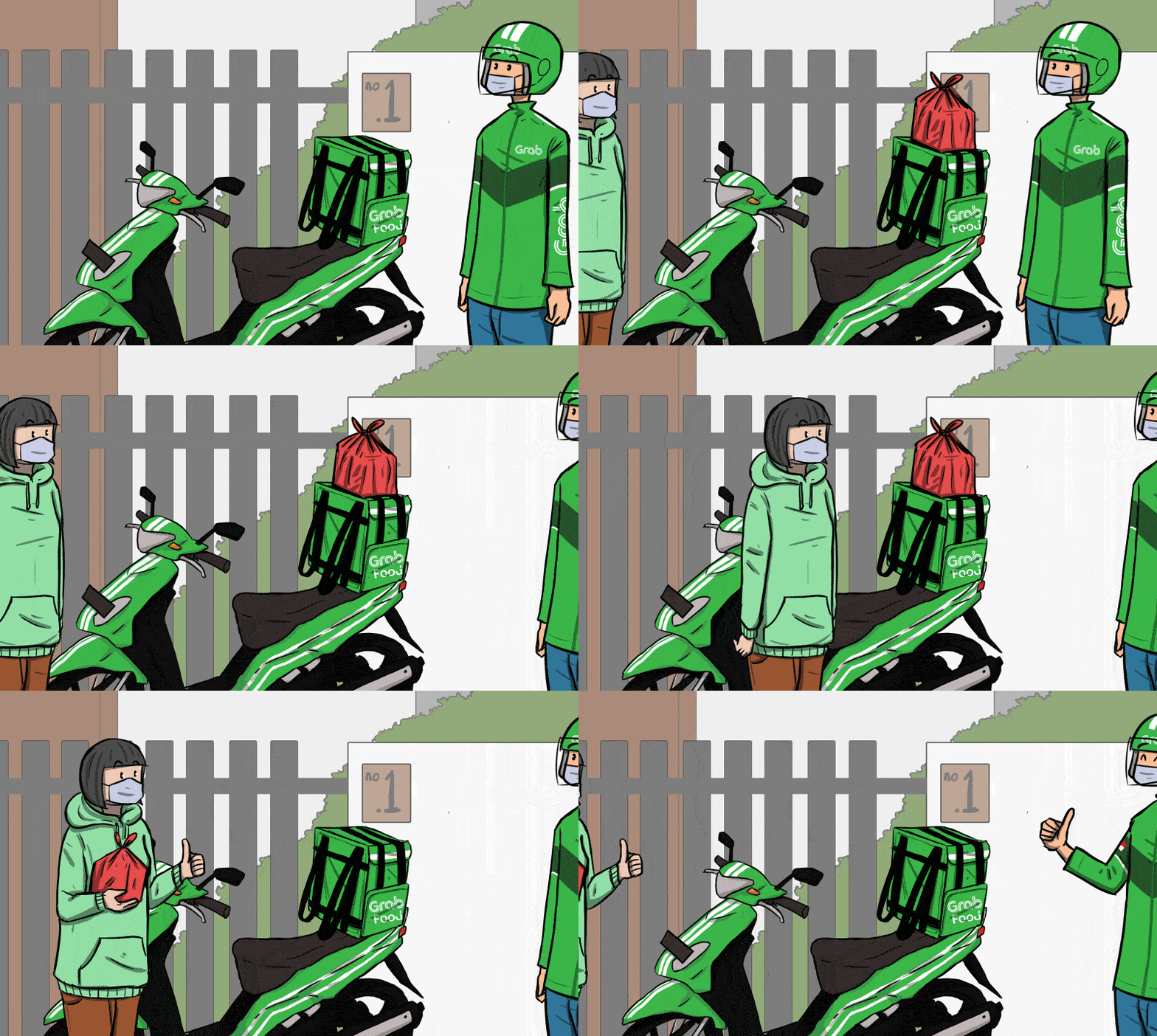
Swiggy Clone Script App Development

Build Your Own Swiggy-Like Food Delivery App

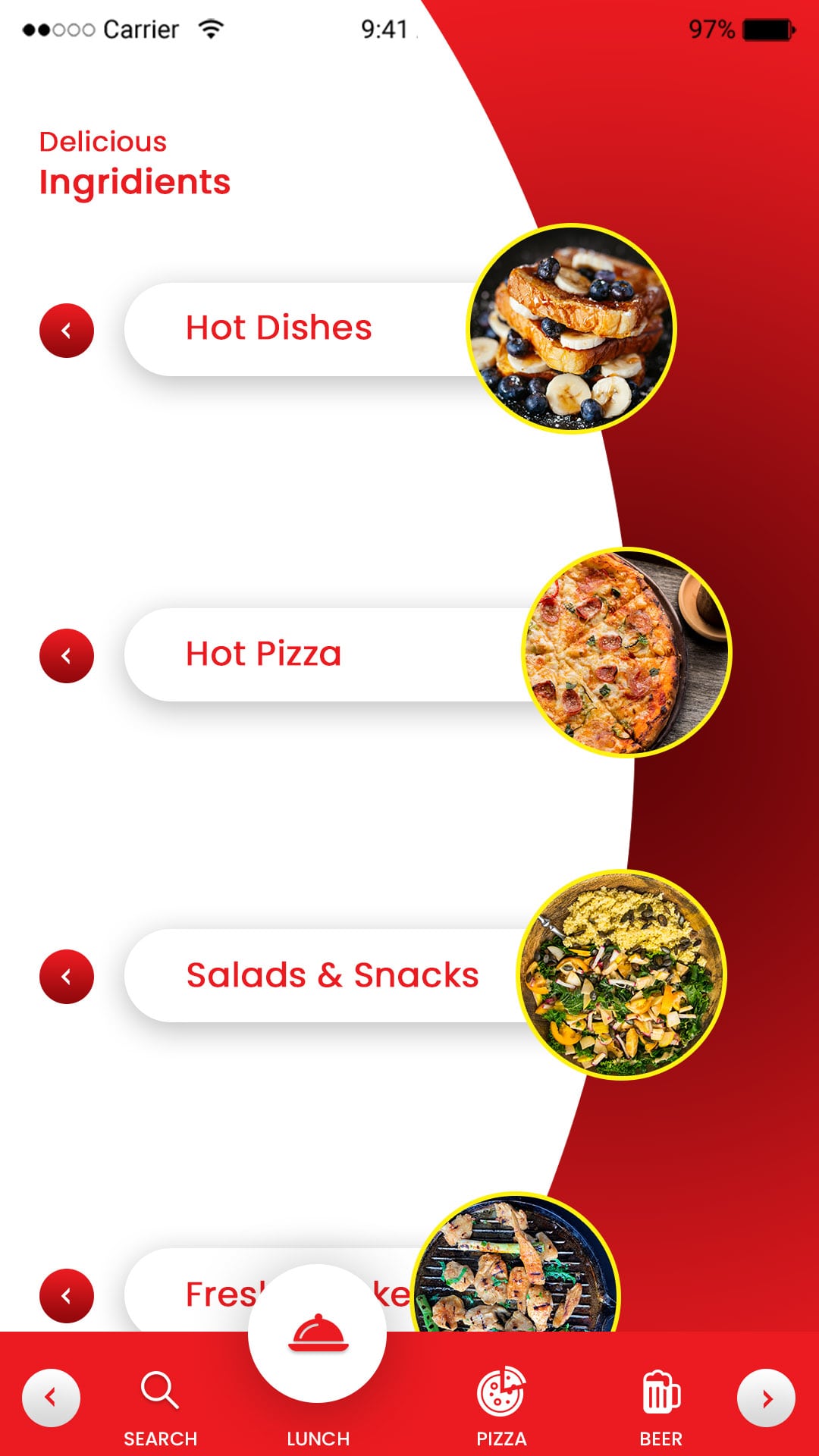
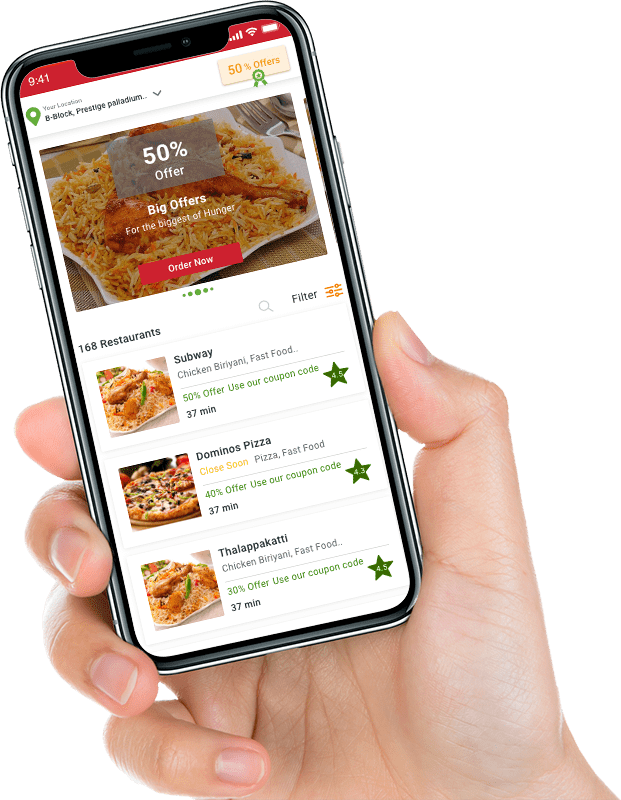
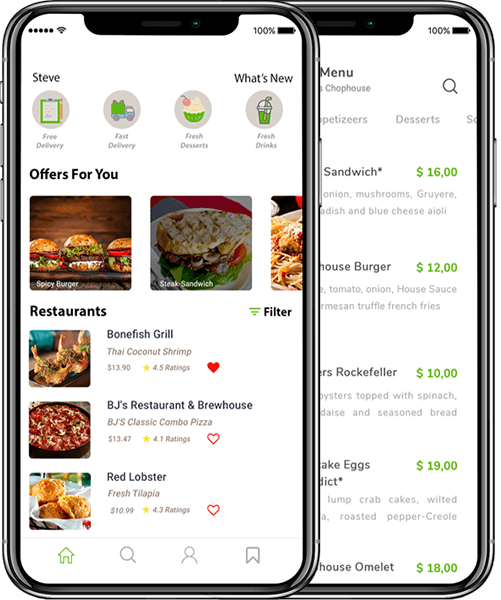
Leverage the universal appeal of online food delivery with our Swiggy clone app, which allows users to place an order online, pay, and have it delivered to their door. It is drenched in a stellar array of features and is wrapped in an appealing UI. It is compatible with iOS, Android, and the web.

Food delivery app displayed on smartphone for Swiggy clone solution

The introduction of online food delivery has altered the entire spectrum of sensitivities and nuances associated with the food industry, for a variety of reasons. To say the least, the captivating capability of ordering and receiving mouth-watering food anywhere, at any time, is enthralling. With an estimated value of $200 billion, now could be the time to invest in this lucrative niche.
At Omninos, we strive to create a ready-made App similar to Swiggy, but with a more robust feature set and cutting-edge technologies. A practical solution for easily connecting target customers with various food establishments. Users are drawn to the app because of its simple user interface. Consider this ideal food delivery solution for your food business and you will be successful!

Among the services are

PAGE OF CONTROL

Users and drivers can create, view, edit, and maintain their profiles and information directly from the mobile app or web dashboard.

NOTIFICATION

Customers can receive notifications about the latest discounts, special offers, and app updates.

ORDER

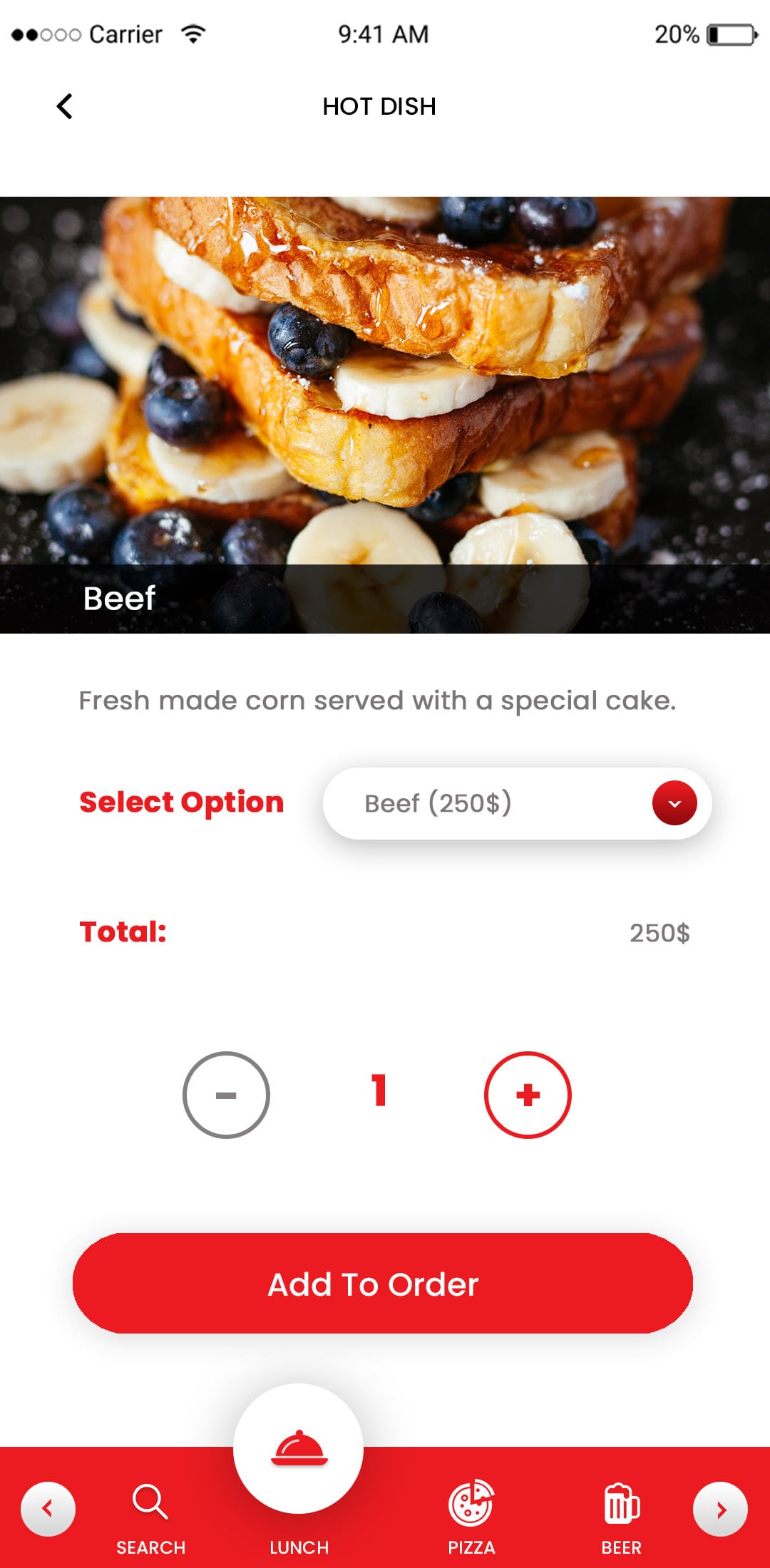
The customer can easily place an order from the food pick up app's listed items. They have the option of ordering takeout or having it delivered to their home.

SEARCH IMMEDIATELY

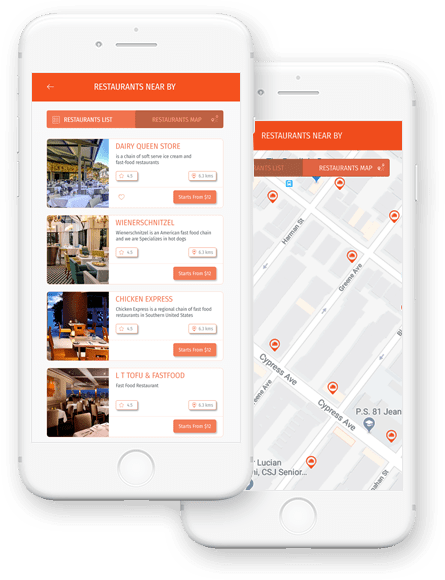
Customers can search restaurants by location, delivery area, nearby pick-up option, timings, reviews, keywords, and category.

FAVORITES

A single restaurant can include a variety of meals on its menu, and users can search for restaurants based on cuisines.

PAGE OF PRODUCTS

Create, manage, and delete specific products from the restaurant's list.
App Specifications

Tracking in Real Time
Allow your users to receive real-time location updates about their orders, in addition to their delivery status, such as •on Process: 'Dispatched,' Delivered,' and so on.
Bar for Advanced Search
Nail down your favorite food by effortlessly navigating an ocean of available food items via an intuitive search bar that is pivoting with diverse filtering and sorting elements.
Notifications via Push
Through in-app push notifications, keep your users up to date on their orders, deliveries, and promotional activities such as exclusive offers, discounts, and celebratory sale days.
Multiple Options for Payment
Give your users as many payment options as possible, including rechargeable electronic wallets integrated into the App like Swiggy, debit/credit cards, UPI, net banking, and more.
Order Record
Reordering is a breeze because users have unlimited access to their entire history of previous food orders and transaction information.
Food delivery app offers and discounts banner
Safe and contactless food delivery animation

Invoice for Payment

For each successful order, a detailed invoice with precise charges and taxation breakdown is generated and sent to the user via in-app notifications or email.

The idea of food order and delivering food at doorstep has changed the way restaurants have been serving. No doubt, you may find numerous apps while browsing, but there's one app that has proven to be brilliant, and that's none other than Swiggy.

Solution Offered

Complete Solution

We concentrate on ideas for creating a food delivery app that can be customized to meet the needs of everyone, including customers, restaurants, and the owner.

Effective Admin Dashboard

Our on-demand food ordering and delivery app development company creates apps that allow partner restaurants to easily change menu items' prices and quantities.

Product Scalability

Admins can choose to display the most recent dishes at the top of the home page for easy access.

Low Cost

Our applications are cost effective and efficient, allowing you to save both time and money.

Apps for Native Mobile Devices

We offer native app solutions for Android and iOS applications in order to improve app performance.

Whitelabel Service

We provide a fully white labeled app to ensure that your app bears your logo and brand name throughout.
Why Should You Use Omninos Swiggy Clone App?

Food delivery app promotional offer illustration
Apps for mobile devices.
We offer fantastic customizable mobile apps for both the Android and iOS platforms.
Web application.
We offer fantastically customizable websites for both the Android and iOS platforms.
The administrative dashboard.
The admin dashboard can view the list of restaurants, the number of users, and the delivery vendors to manage the overall functionality. Using this control panel, the administrator can add and remove any stakeholder at any time.
Completely customizable.
You will be given the complete source code and app is customizable after development, along with your advanced on-demand food ordering application.
Payment Alternatives.
The app allows the user to make secure payments using their debit/credit card or e-Wallet.

User Part Application Flow

Swiggy clone customer app home screen

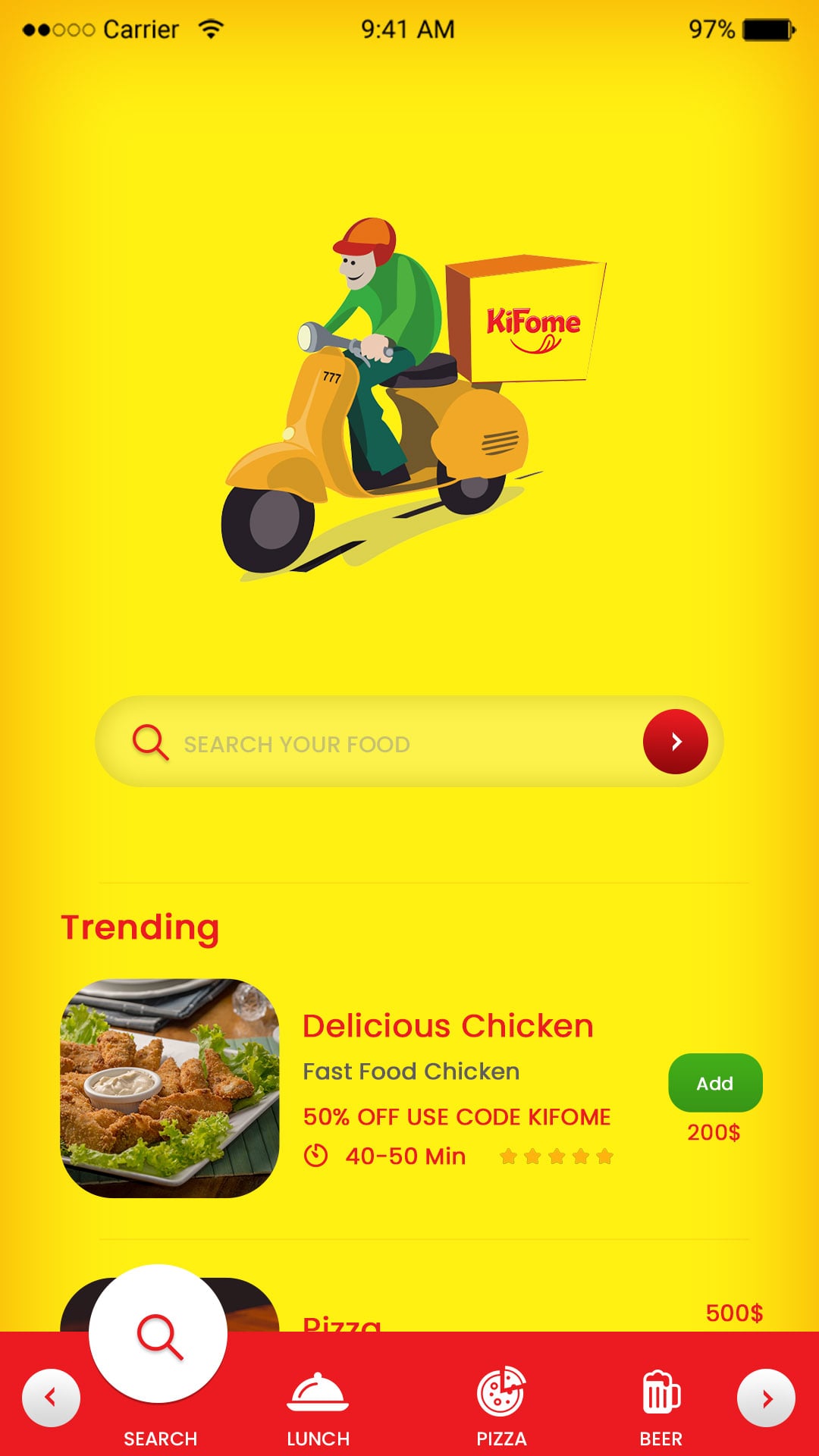
Splash Screen

We offer attractive splash screens with an awesome user interface.

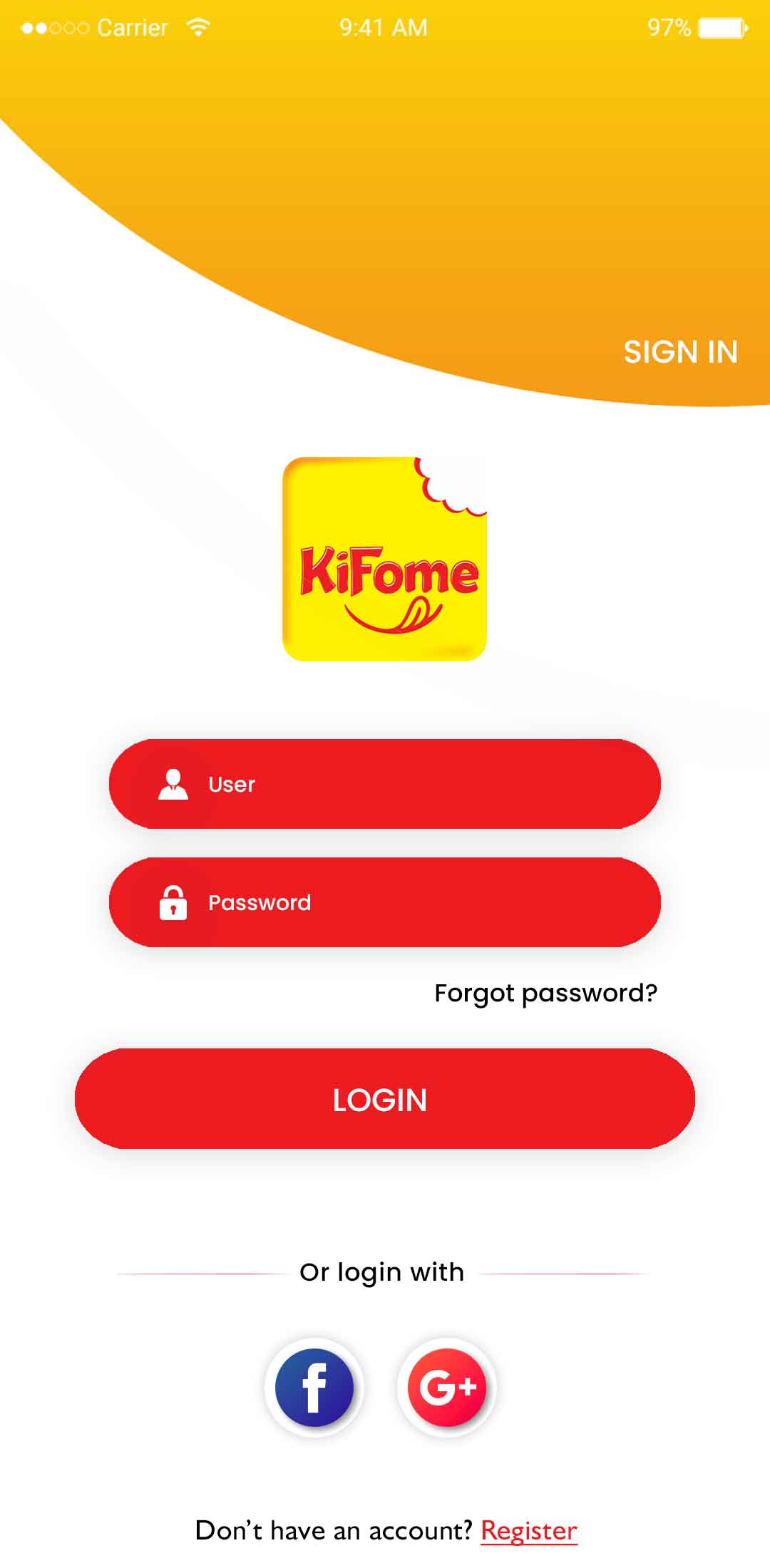
Sign In

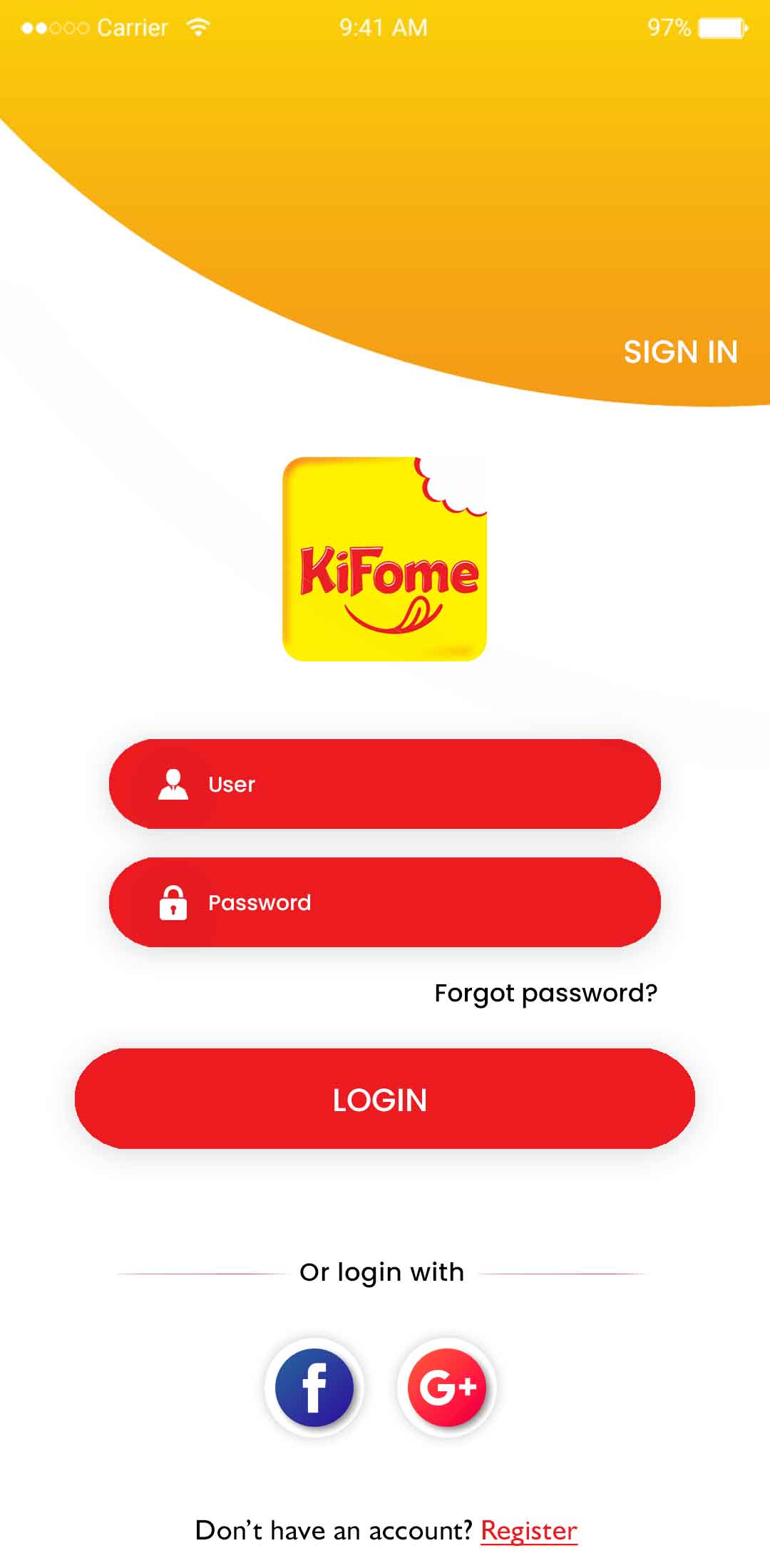
Users can singin in the app using email and mobile number.
Restaurant listing screen in Swiggy clone app
Food menu browsing screen in delivery app

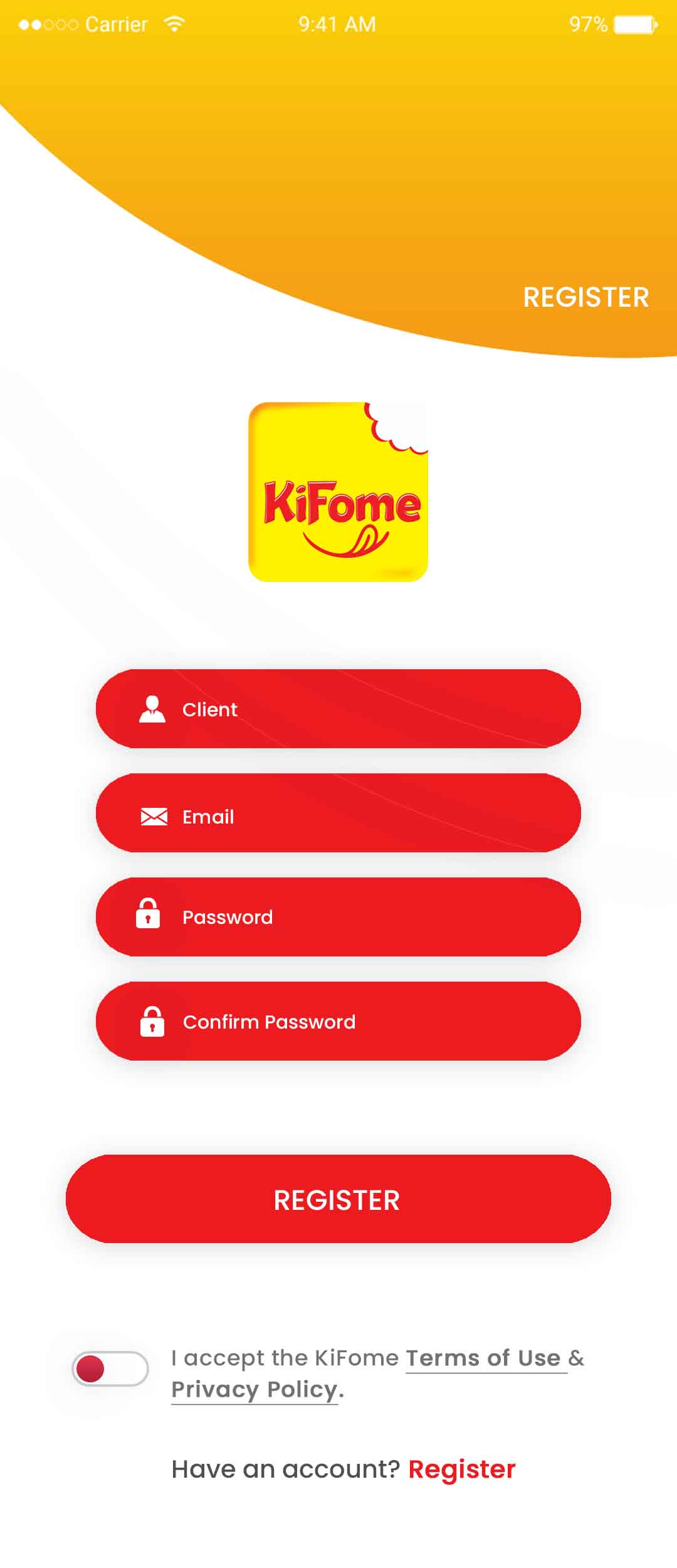
Registor

Users can register in the app by adding a mobile number.

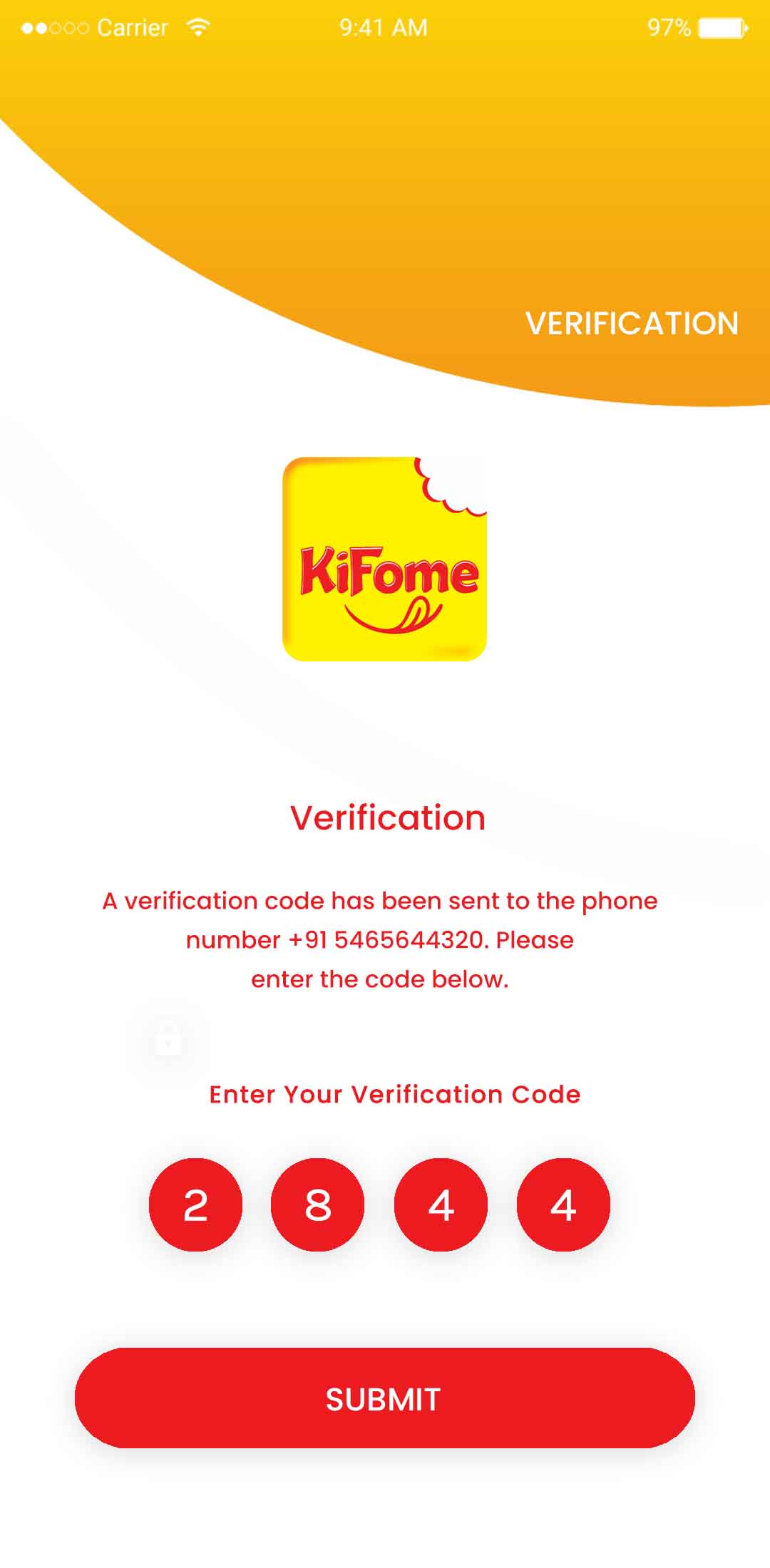
Verification

This feature allows the users to sign up with their mobile number and log in using OTP.
Add to cart and checkout screen in Swiggy clone app
Live food order tracking feature

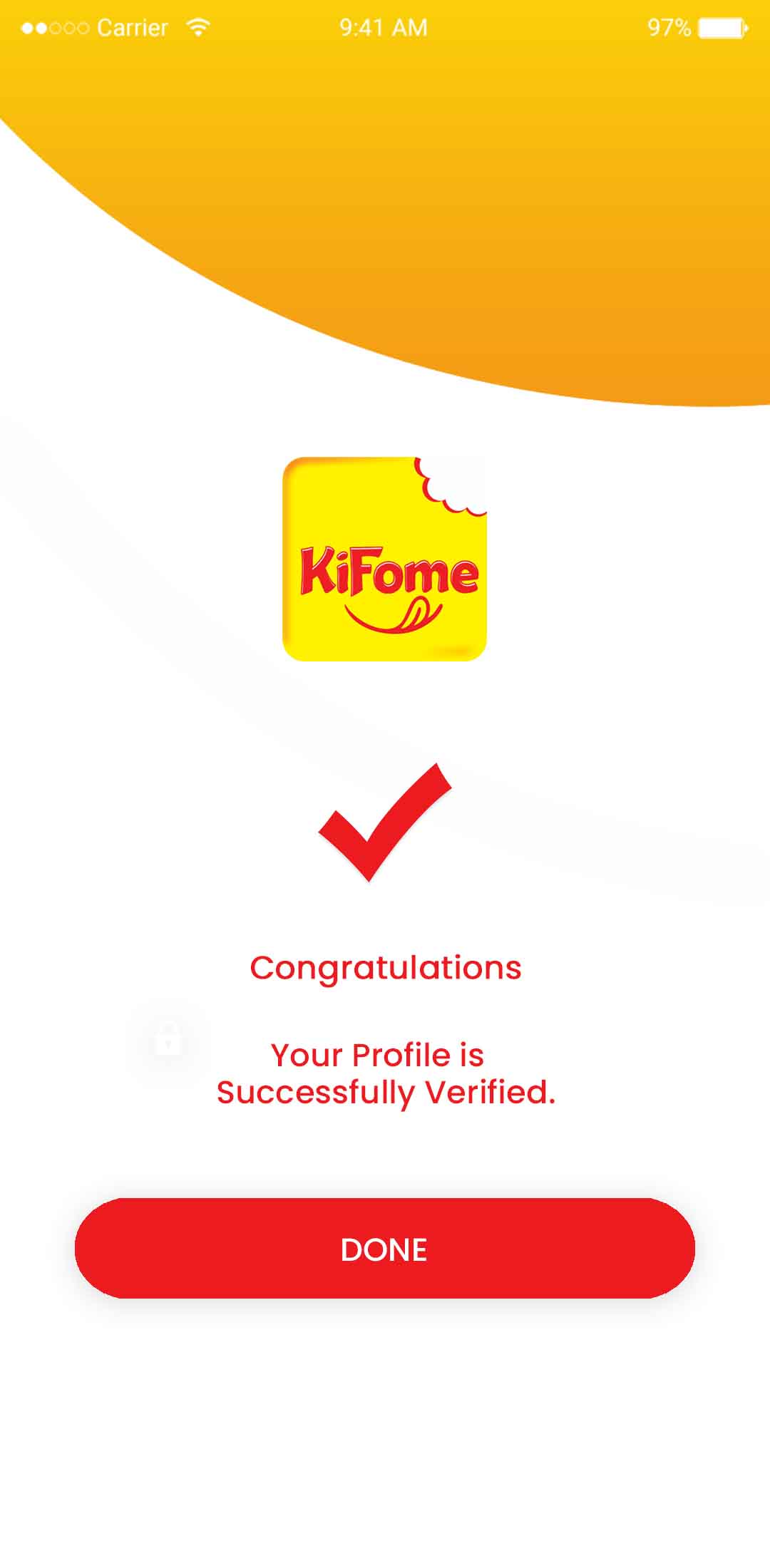
Done Message

Users will receive a done message after successful login.

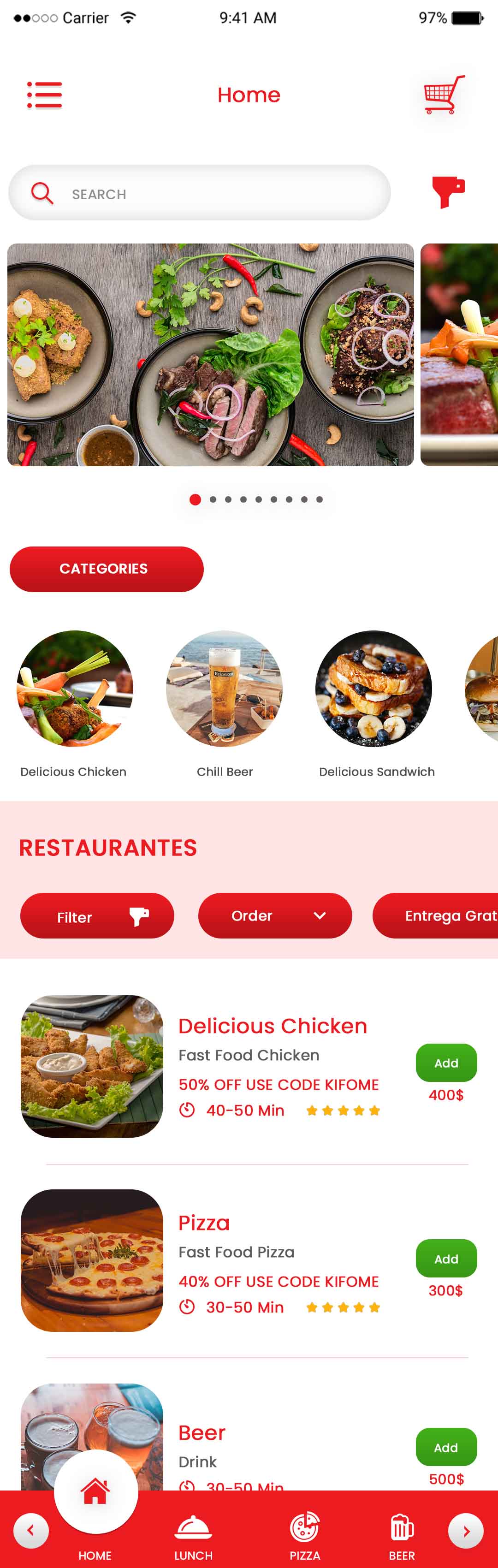
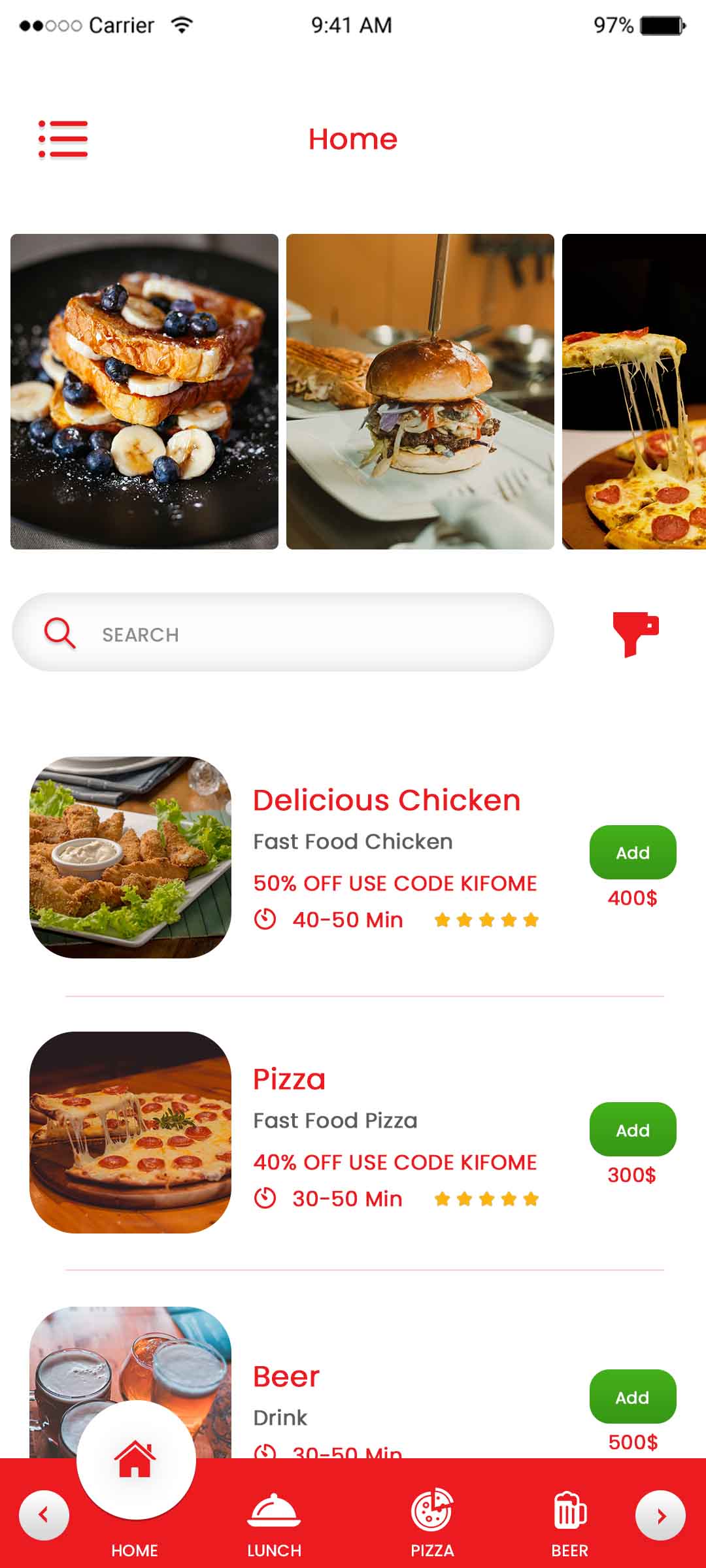
Home Screen

Create, manage, and delete specific products on the list provided by the restaurants.
Multiple payment methods in food delivery app
Delivery partner app navigation screen

Home Screen

We update the eater with order status and other details almost instantly using Firebase Cloud Messaging technology.

Search Food

​Find the nearest restaurants based on the location, category and dish wise as well.
Order history screen in Swiggy clone app
Customer ratings and reviews feature

Select Food

The restaurants can choose a category to add the food items, combo offers and other customizations to the food items.

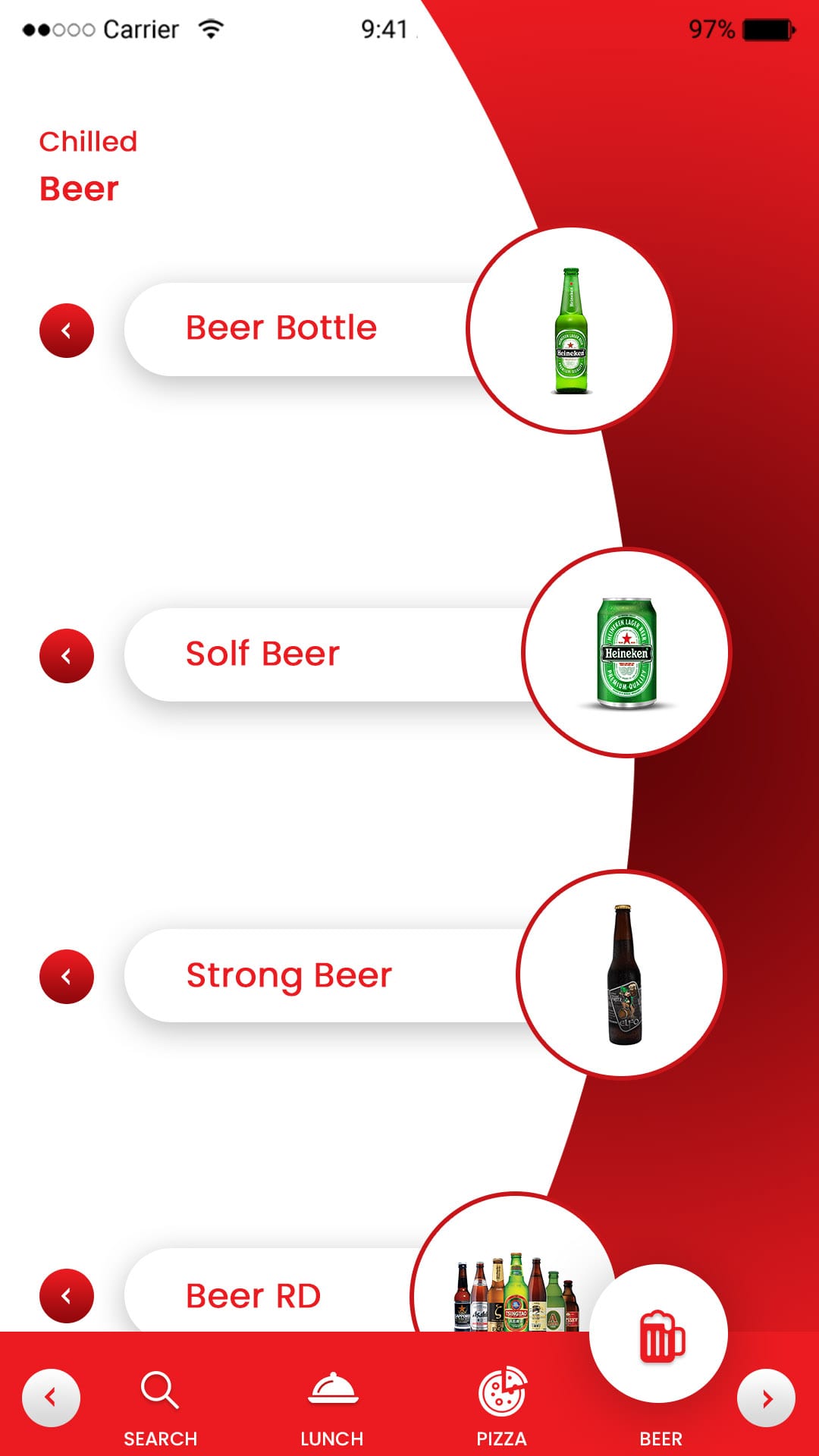
Select Drink

​User can add drinks and can add to cart to order.
Push notification alerts for food orders
User profile management screen in app

Add Order

Users can add order in between their existing orders before ordering.

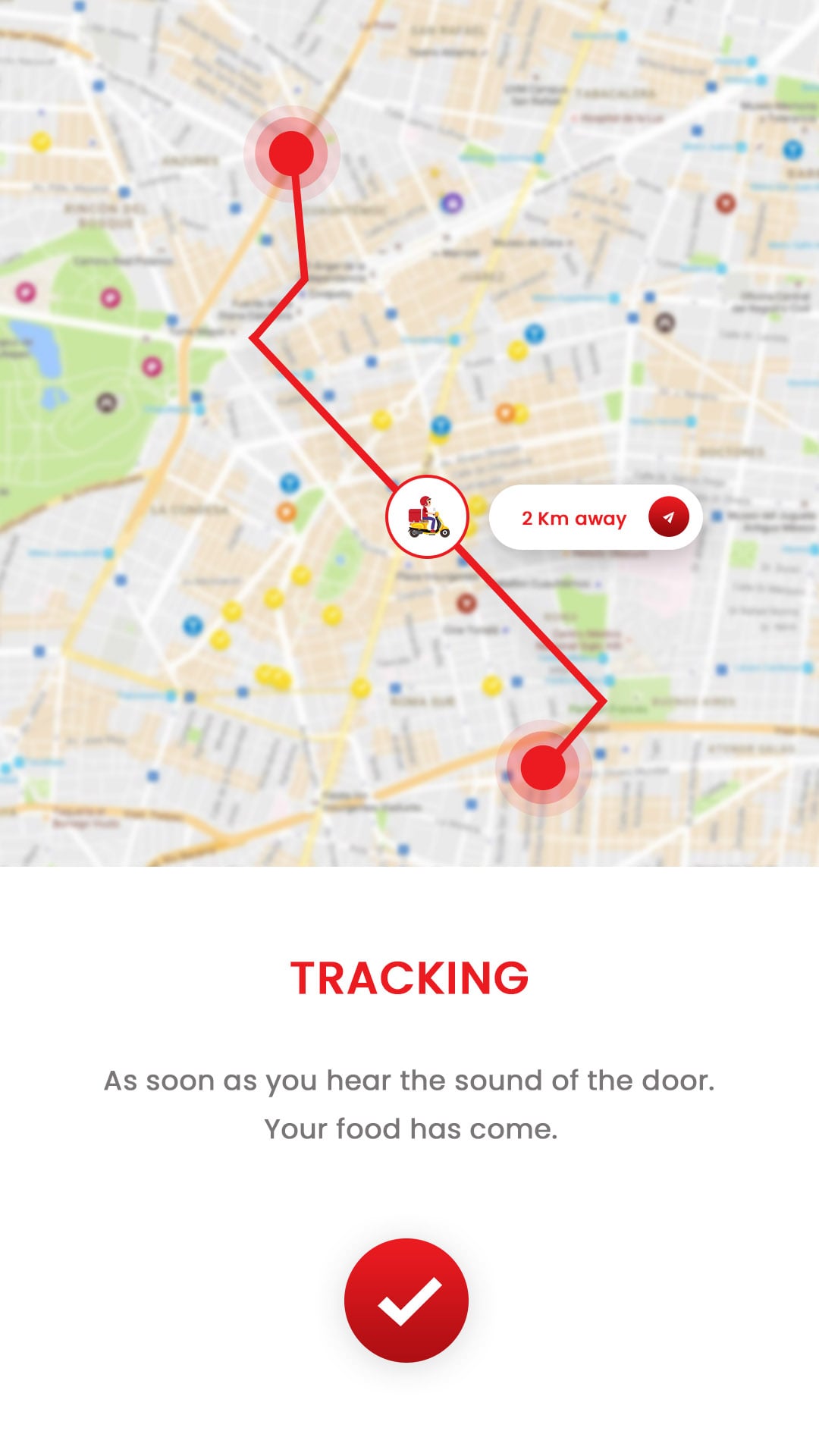
Live Tracking

Both the eater as well as the restaurant can easily track their order with live driver location.
Admin dashboard for food delivery app management
Restaurant vendor management panel

Add Extra

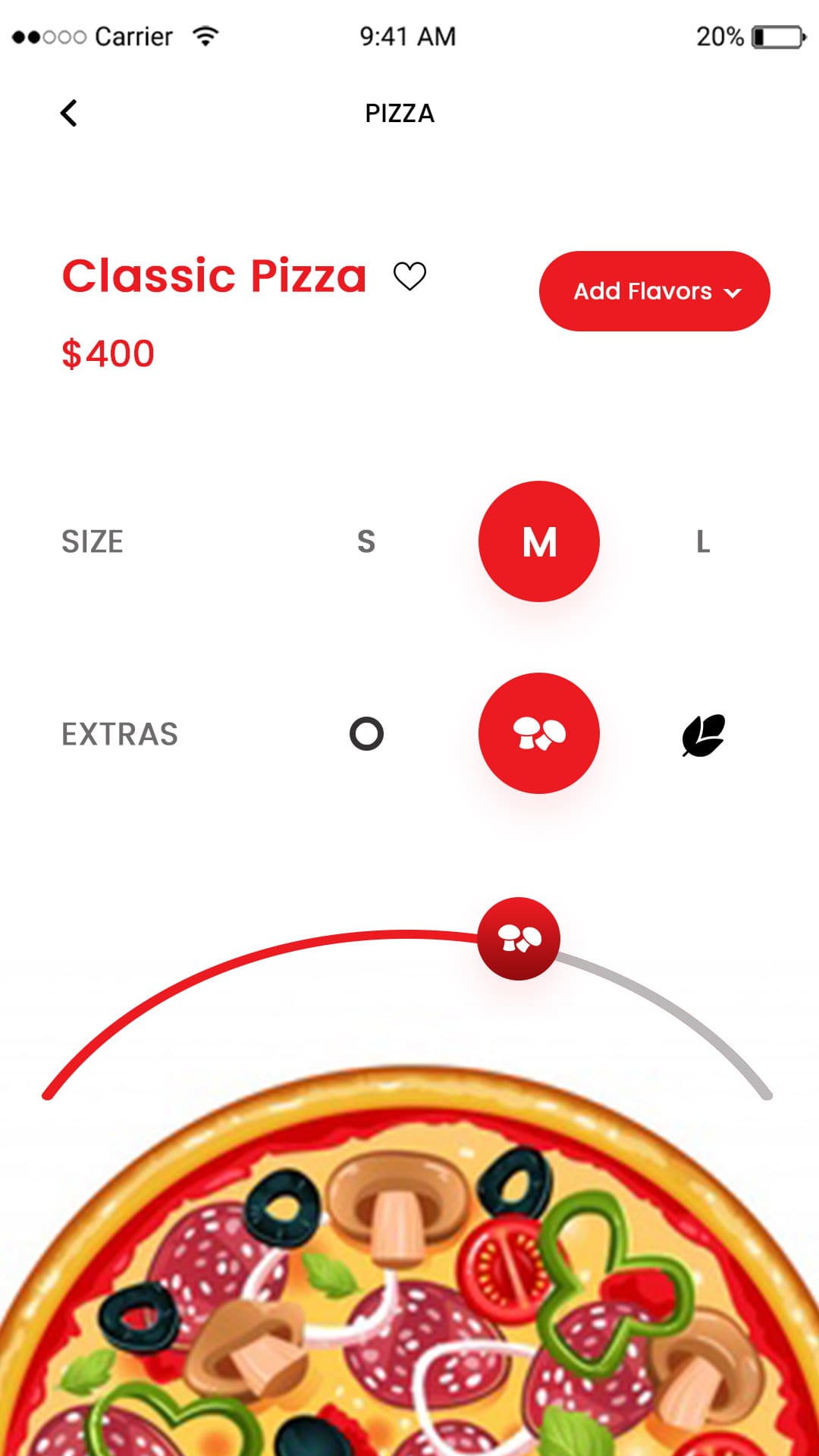
Users can add extra customizations to their order as per their taste.

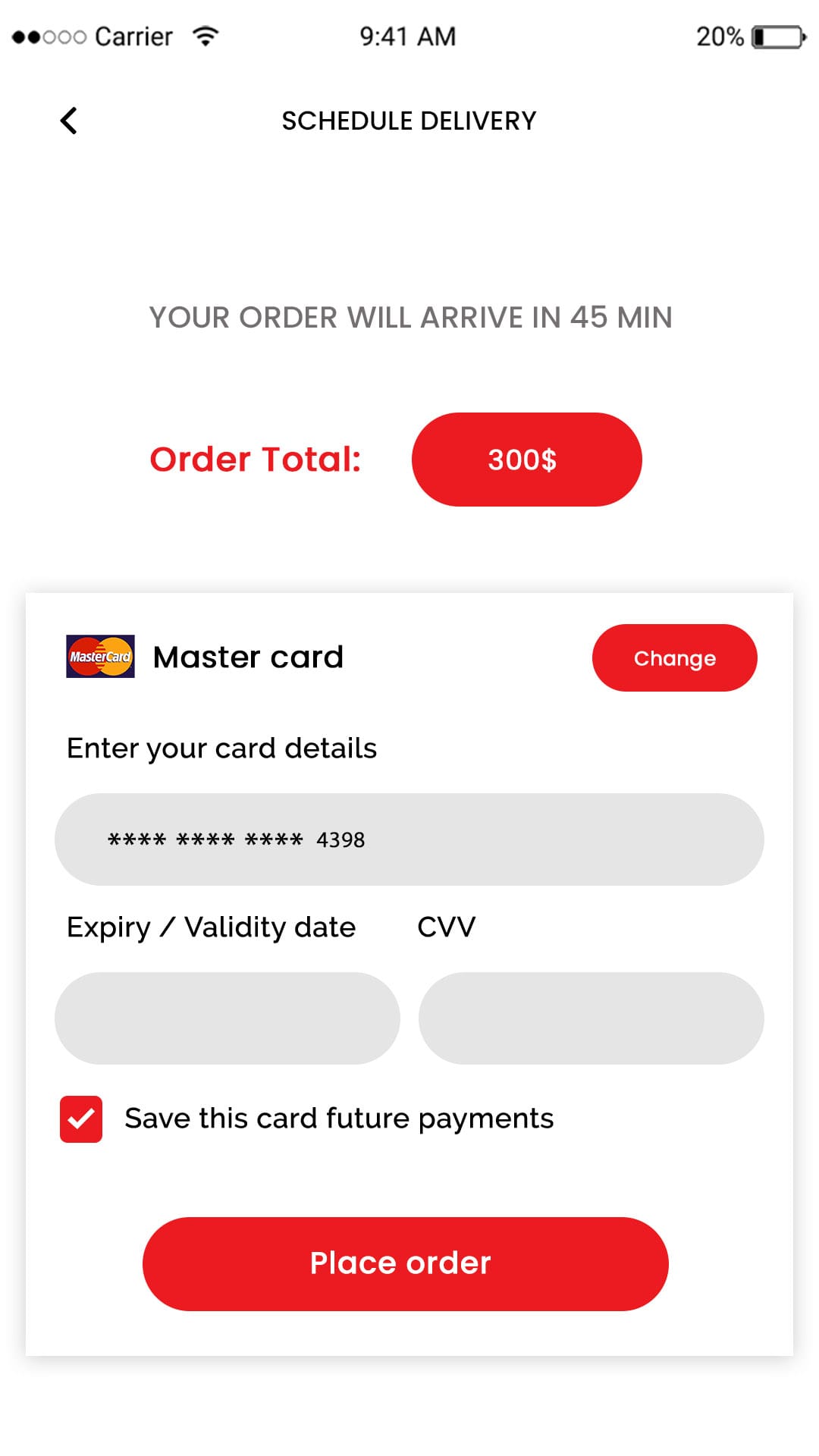
Schedule Delivery

With this option, the eater can easily schedule the order whenever they want.
Food delivery analytics and reporting dashboard

Vendor Part Application Flow

Swiggy clone customer app home screen

Sign In

Users​ can log in/Sign up by using social media accounts like Facebook, Twitter or Gmail accounts.

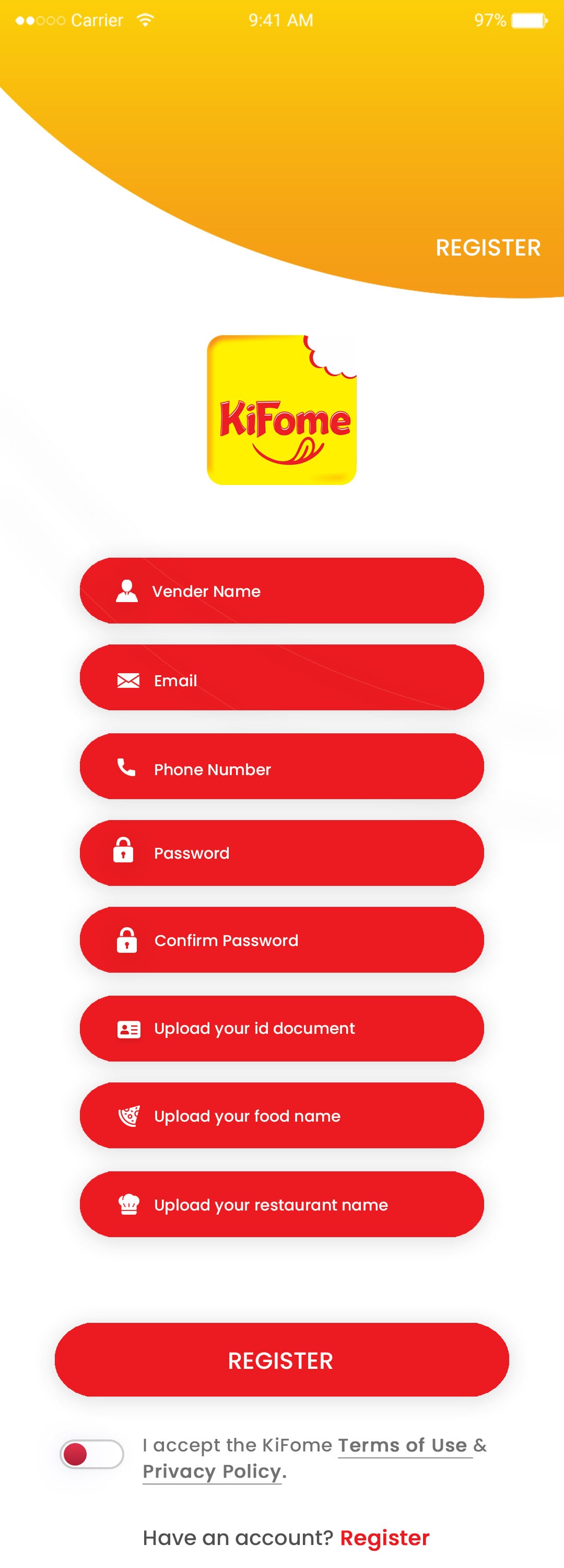
Registor

Drivers can register into the application by using their mobile number.
Restaurant listing screen in Swiggy clone app
Food menu browsing screen in delivery app

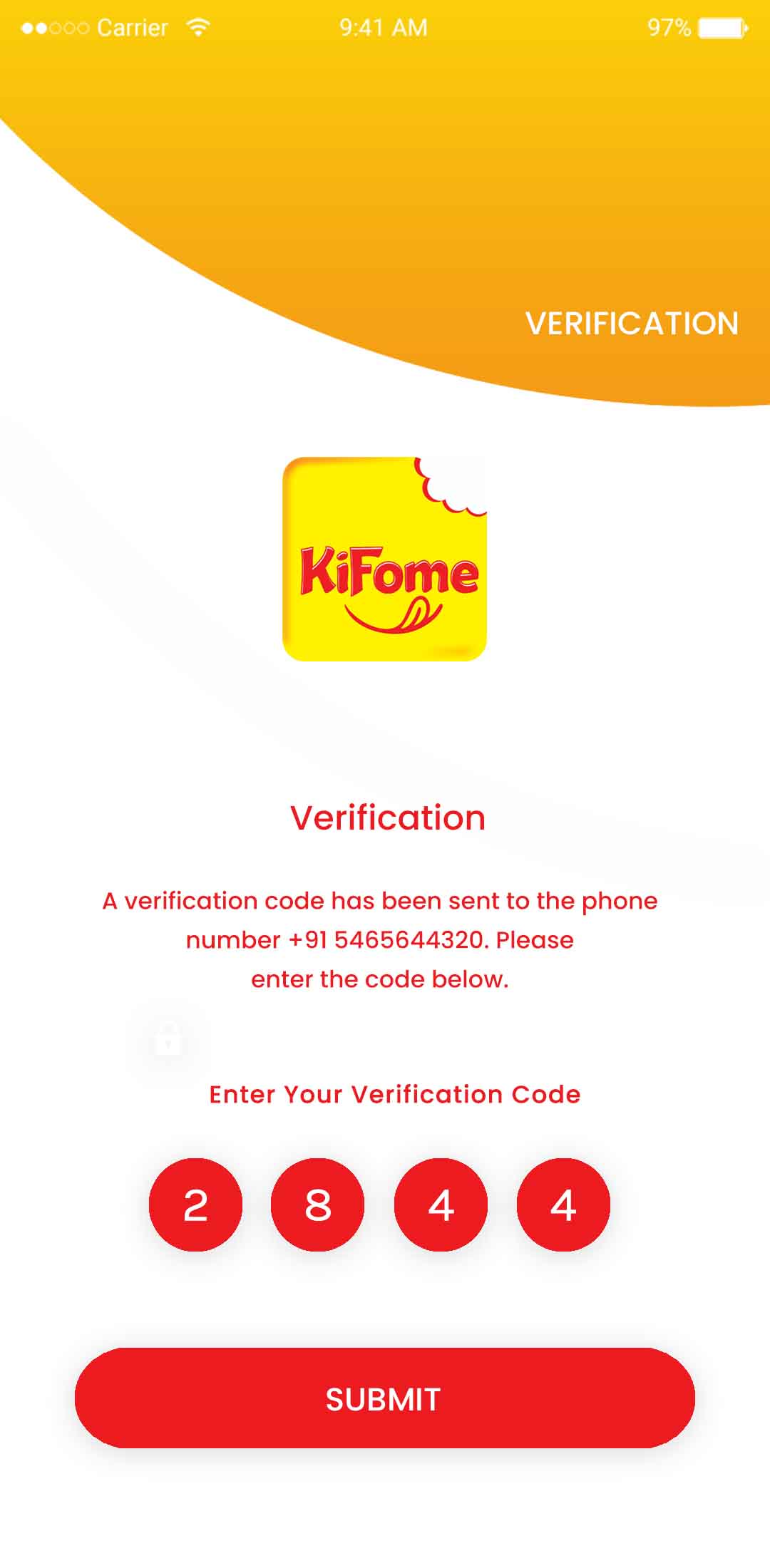
Verification

This feature allows the drivers to sign up with their mobile number and log in using OTP

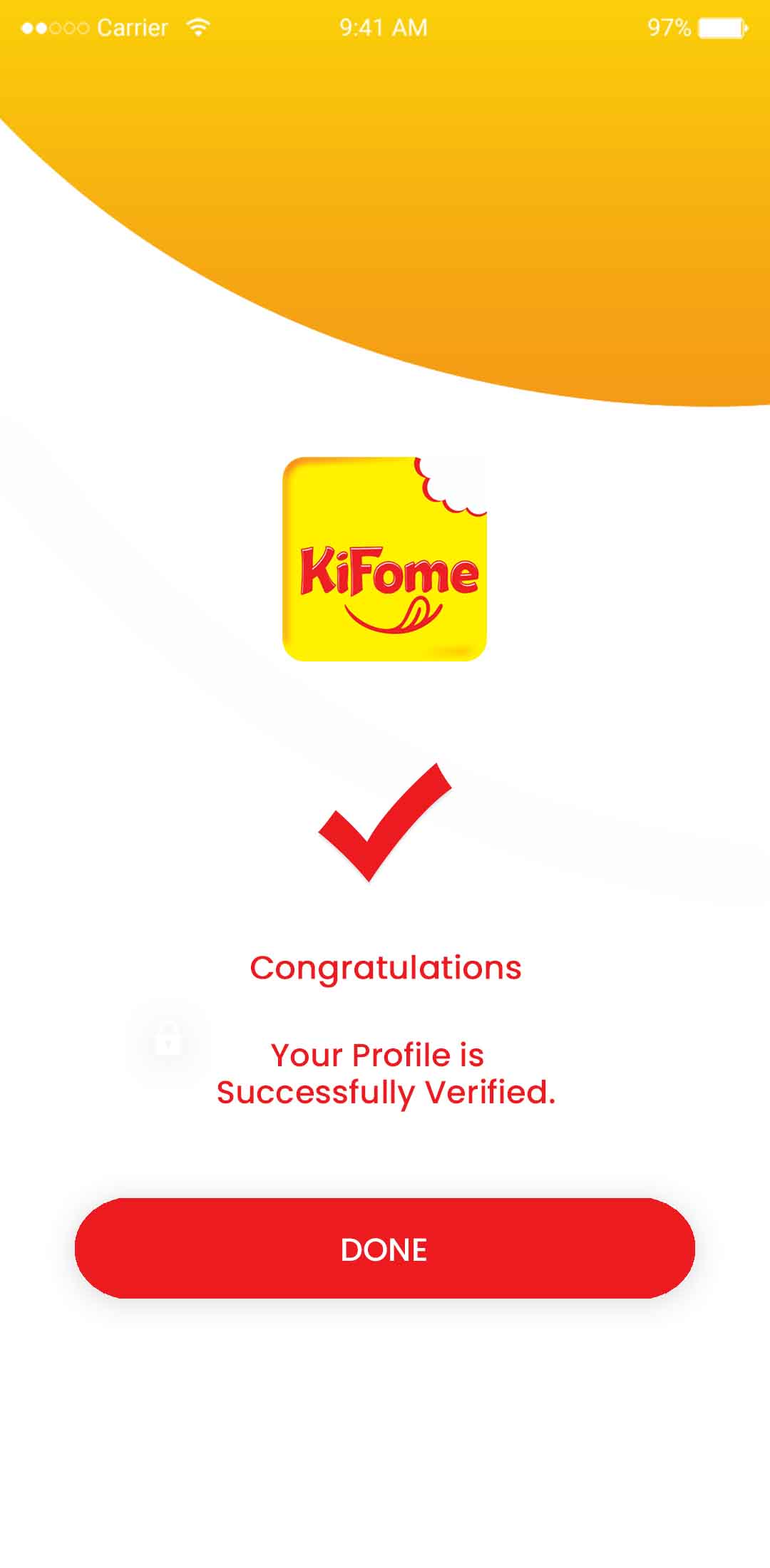
Done Message

After successful login in application drivers will receive a done message.
Add to cart and checkout screen in Swiggy clone app
Live food order tracking feature

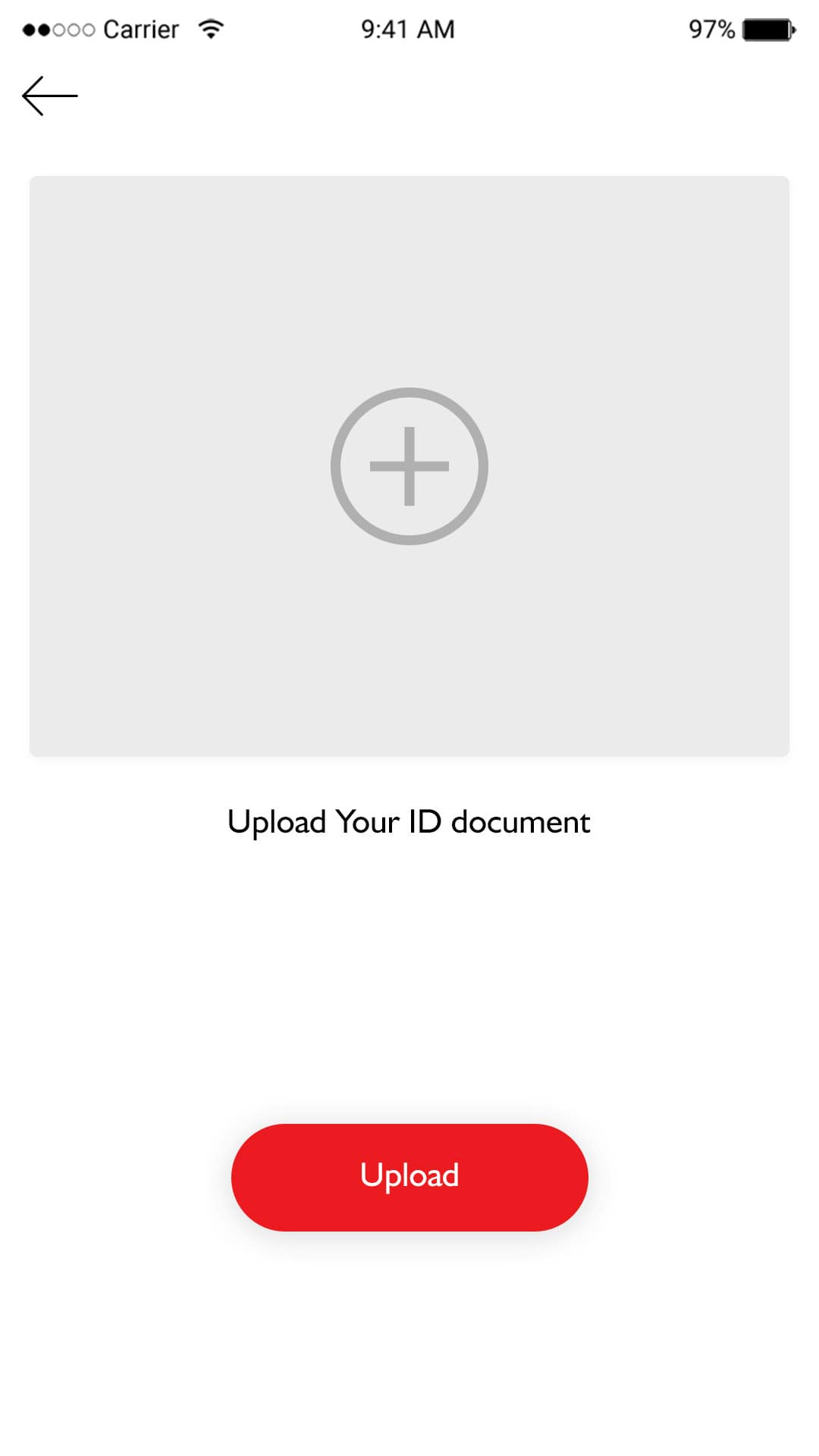
Upload Document

​Drivers need to upload their documents for verification and authentication.

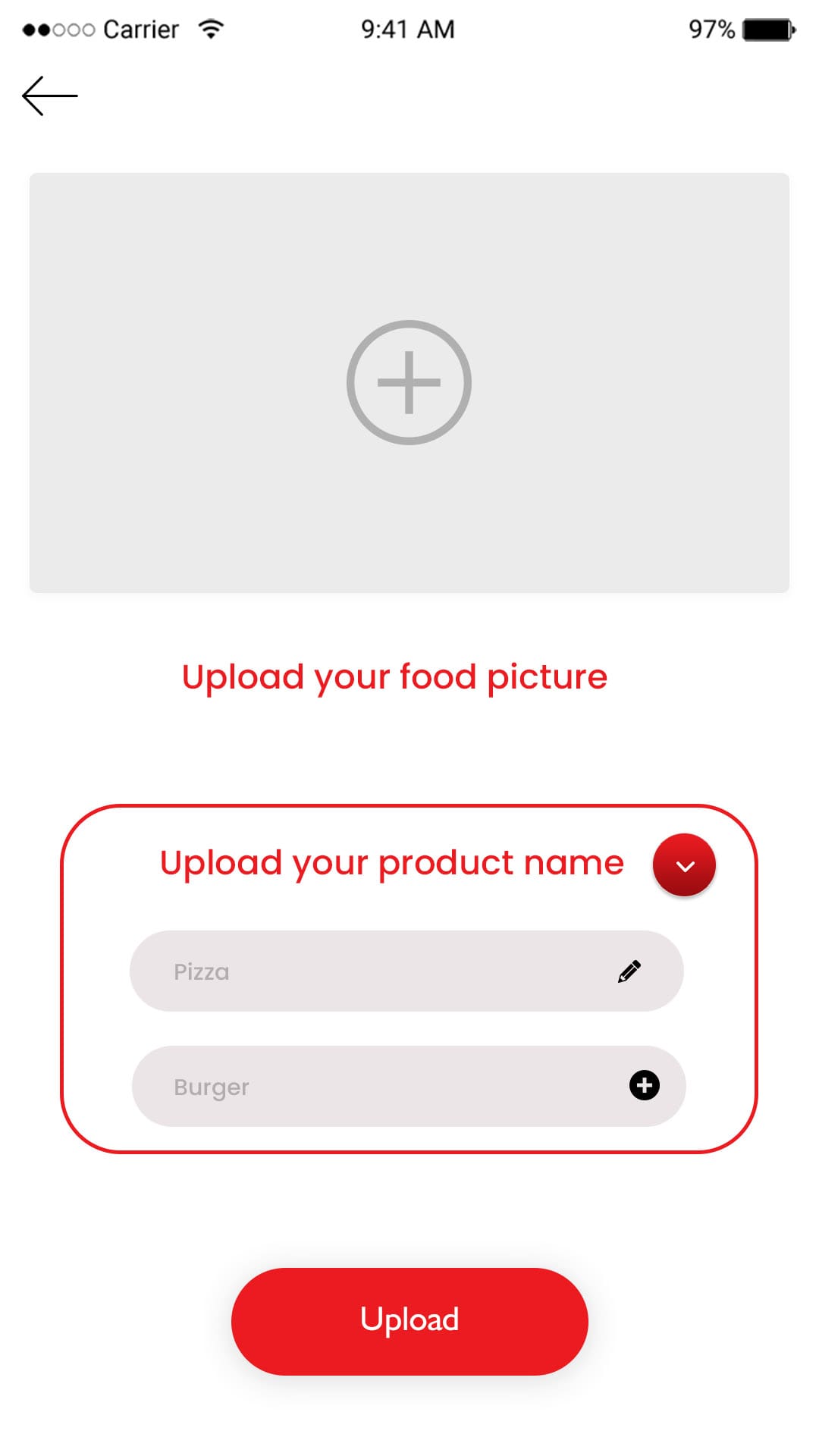
Upload Pictures

Drivers need to upload their picture for identification.
Multiple payment methods in food delivery app
Delivery partner app navigation screen

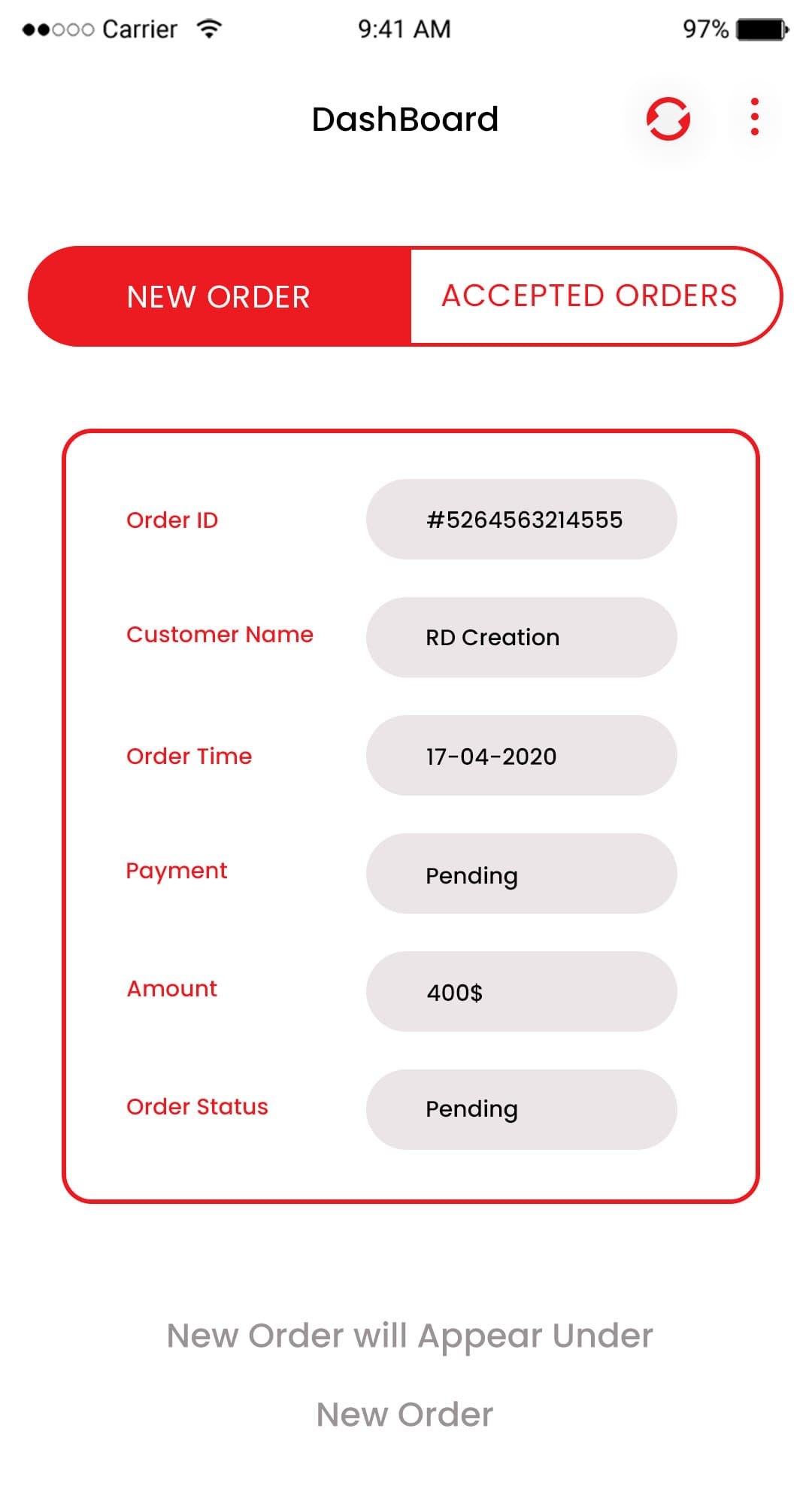
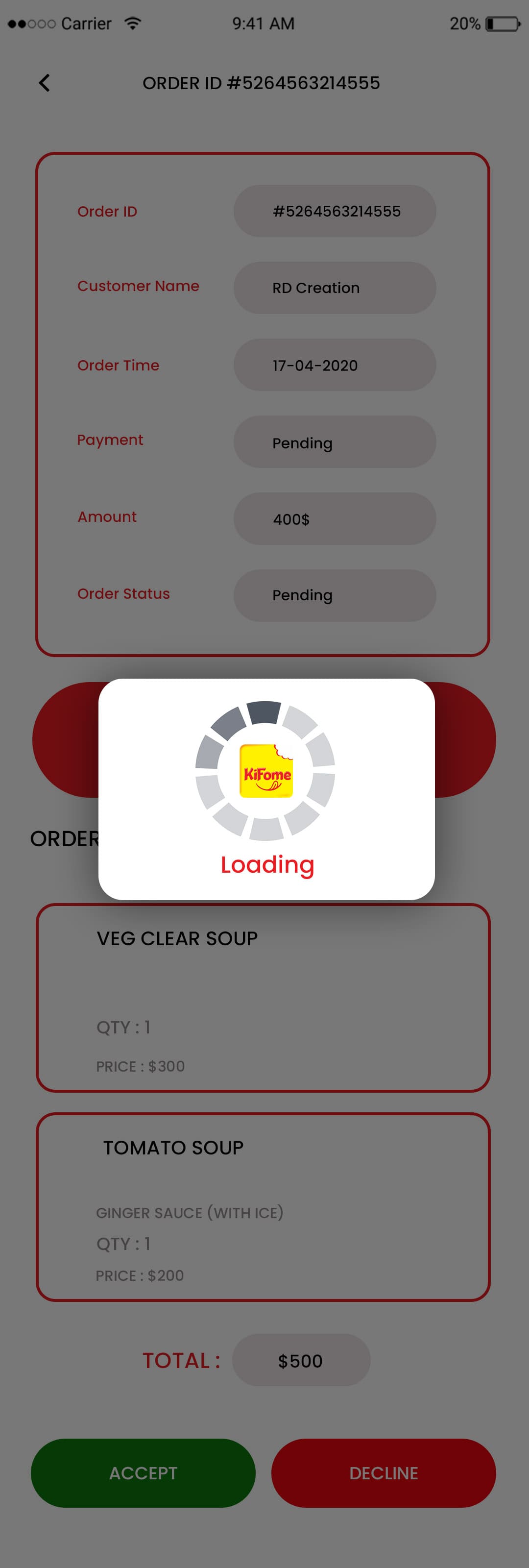
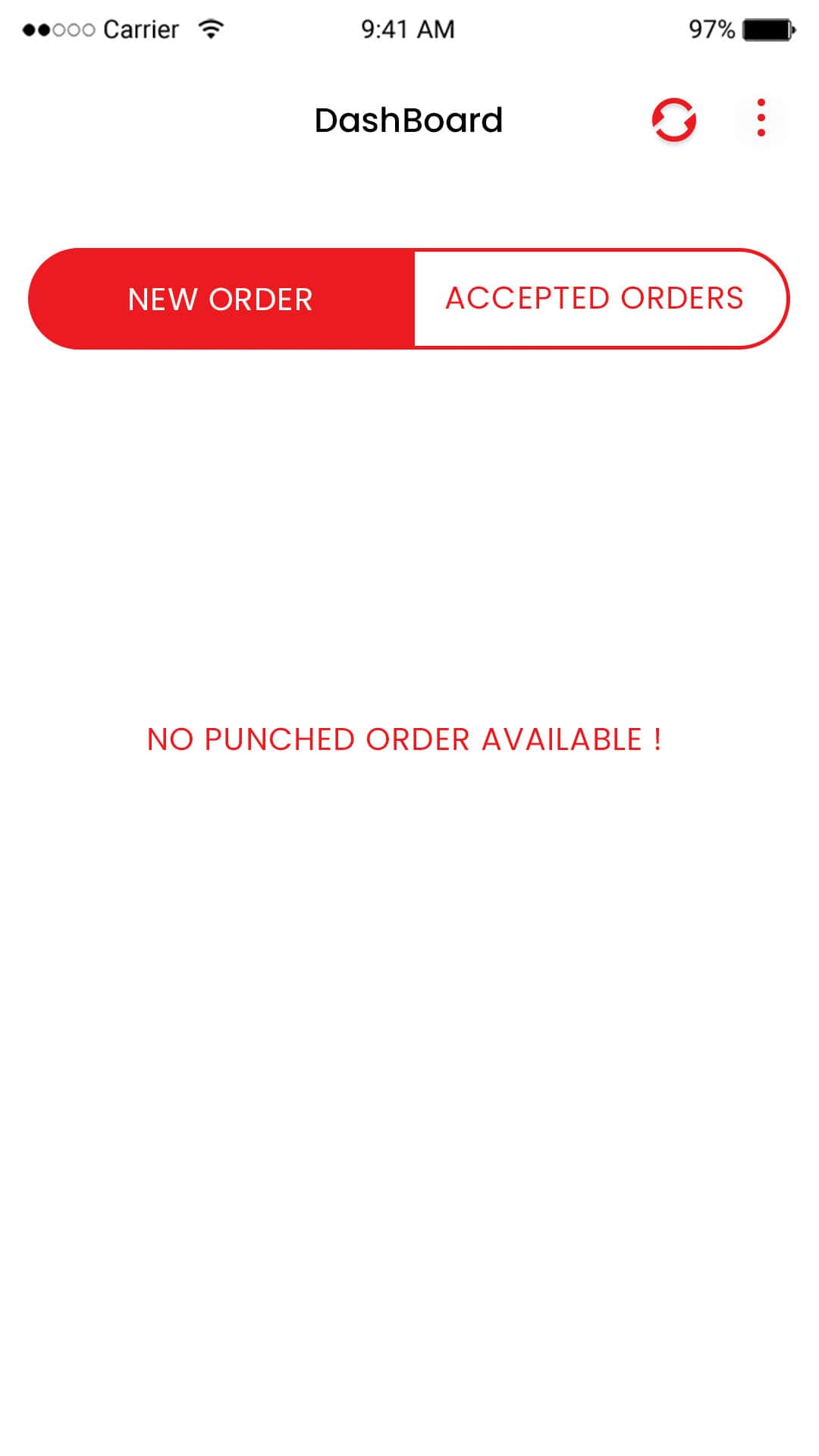
New order

Drivers will be notified for every new order received on the portal.

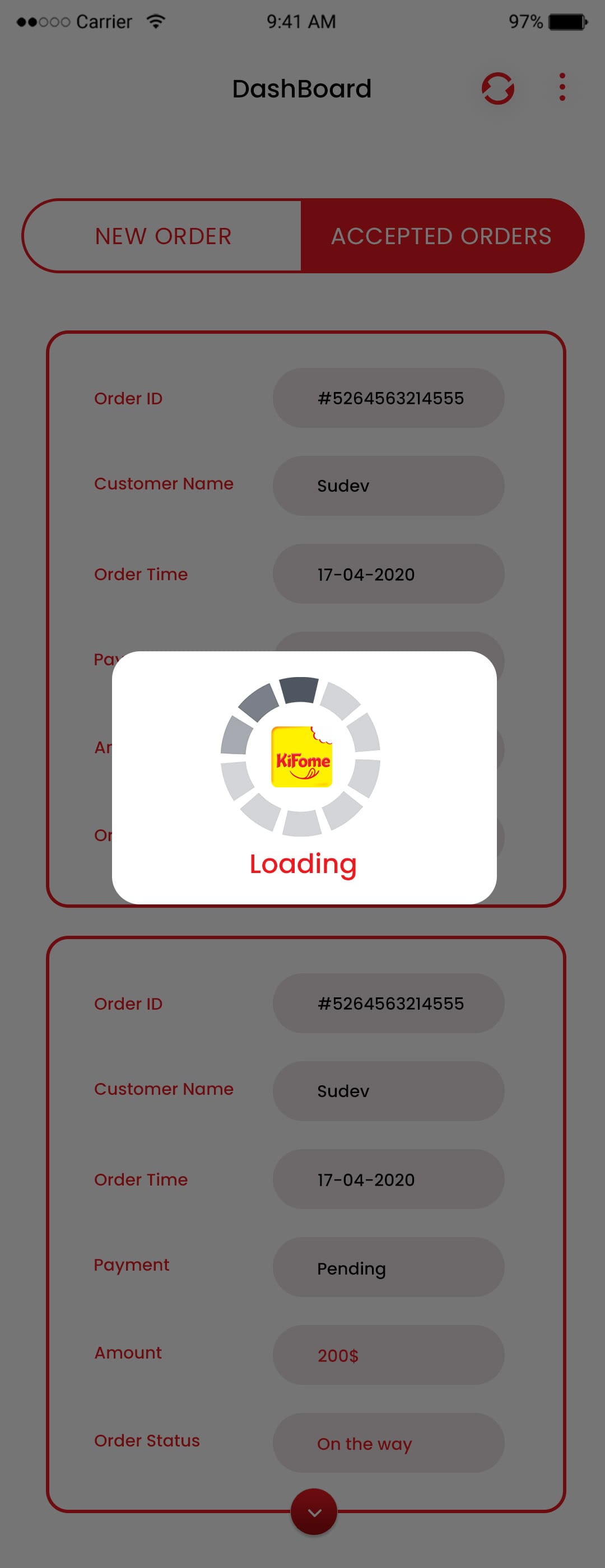
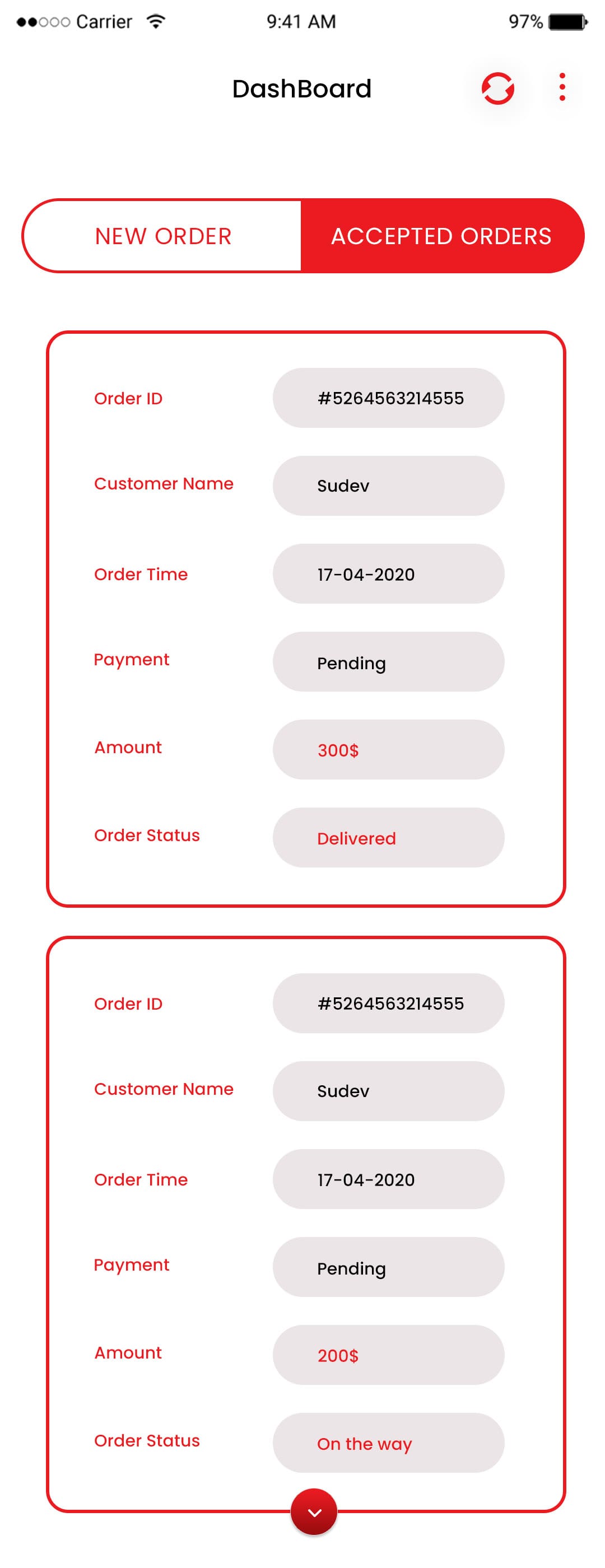
Accepted Orders

Drivers will be shown a list of accepted orders by the driver.
Order history screen in Swiggy clone app
Customer ratings and reviews feature

Processing

Drivers will get a processed list after every new order added in the list.

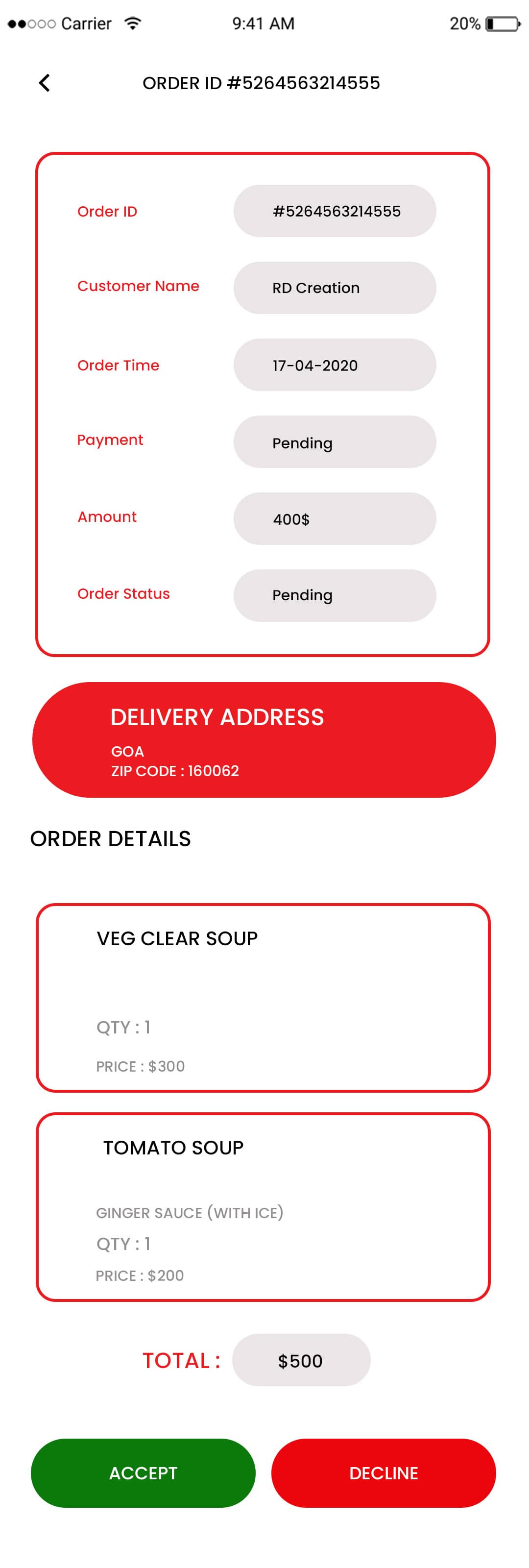
Accept/Decline

​Drivers can accept or reject the order as per their choice.
Push notification alerts for food orders
User profile management screen in app

Accepting Order

After accepting the order list will be processed again.

Dashboard

Drivers will see the list of orders accepted and rejected and new orders on dashboard.
Admin dashboard for food delivery app management
Restaurant vendor management panel

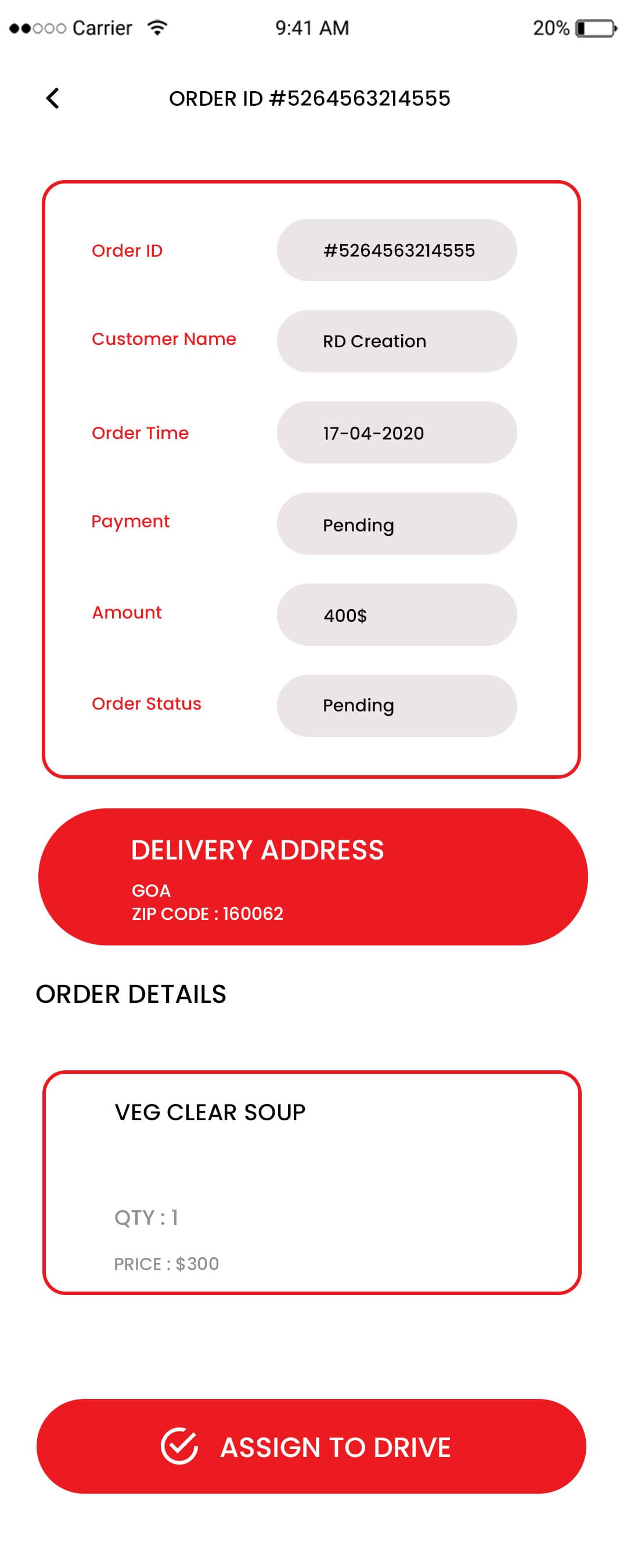
Order Detail

Drivers will get order details for accepted orders to deliver orders.

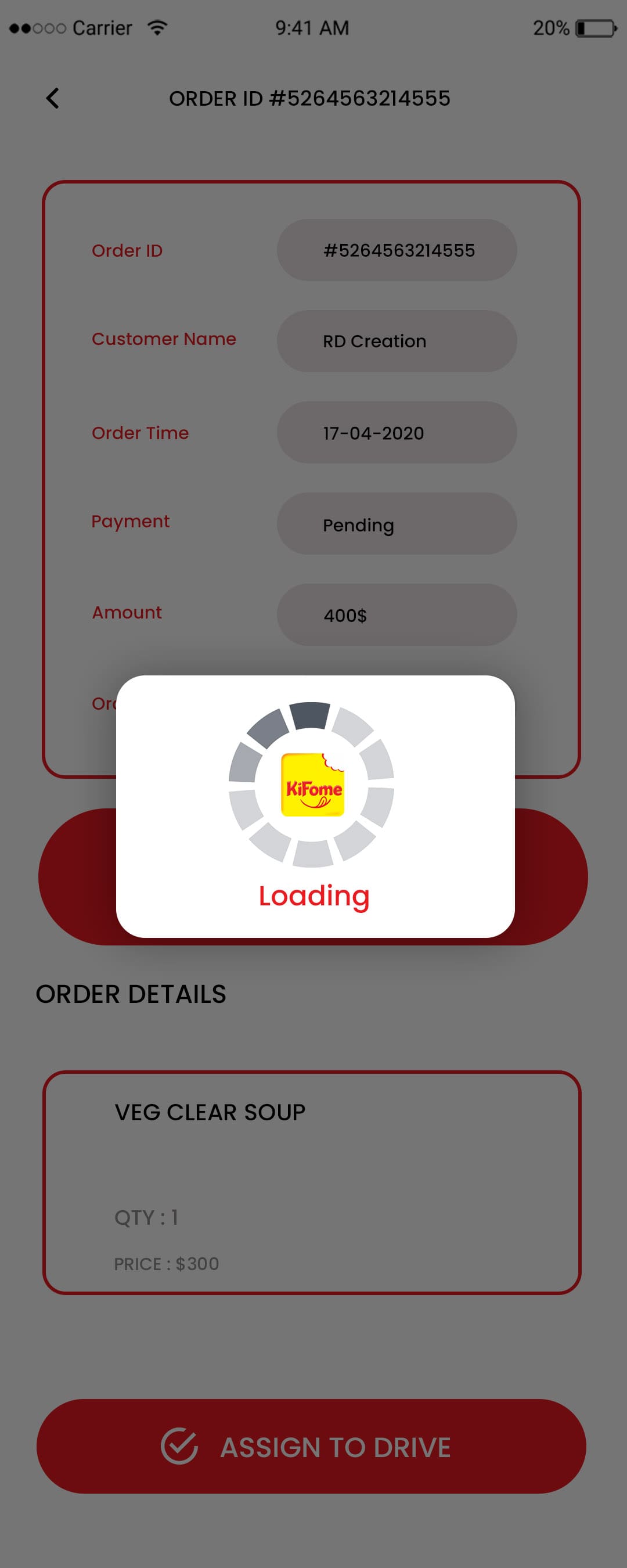
Assigning to Driver

Drivers will be assigned orders as per their request to deliver.
Food delivery analytics and reporting dashboard

Frequently Asked Questions (FAQ)

A Swiggy clone script app is a ready-made, customizable food delivery platform that replicates the core features of the Swiggy app, enabling businesses to launch their own branded on-demand delivery service.span>
The Swiggy clone script includes features like restaurant listings, menu browsing, real-time order tracking, multiple secure payment options, ratings & reviews, delivery partner app, and an admin dashboard for full control.
Yes — the Swiggy clone app is fully customizable. You can tailor branding, user interface, workflows, and features to match your business needs and target market.
The launch timeline depends on the level of customization and integrations required. However, because the script is pre-built, it can be deployed much faster than developing an app from scratch.
Yes — most development providers, including Omninos Solutions, offer ongoing support, upgrades, and maintenance services to ensure your Swiggy clone app runs smoothly and stays updated with new features.
Yes, our advanced Ola Clone Script and Lyft Clone Script are 100% customizable?
You will own the entire source code of your Application. The App will be hosted on your company server
Yes, we will be delighted to assist you with your app enhancement needs as per the agreement.
Yes, our development team will be in constant touch with you from the ideation stage to the launch of your app. Your inputs and suggestions are valuable during development.
No, there is no limit with regards to the number of trips a driver can make in a day. As per client's discretion, the limit of trips per day can be set accordingly.

Schedule - With Us Now