Slack Clone App for Efficient Team Collaboration and Messaging

Channel-Based Communication for Teams

We offer amazingly robust & dynamic real-time chat app solutions to our clients with dynamic needs.

Create a Slack Clone App

If you want to experience the most exclusive messaging application that has completely transformed the messaging app market then you are at the right place. Various attempts have been made fruitless for the Slack clone app as a real-time messenger application, however, none of them transformed into victory. Despite of developing similar functionalities, no real-time chatting application has ever been a distinct advantage or have touched Slack ’s amazingness as an application. With a specific goal to build a chatting app like Slack at omninos we are offering a detailed understanding of its comprehension development process and technicalities.
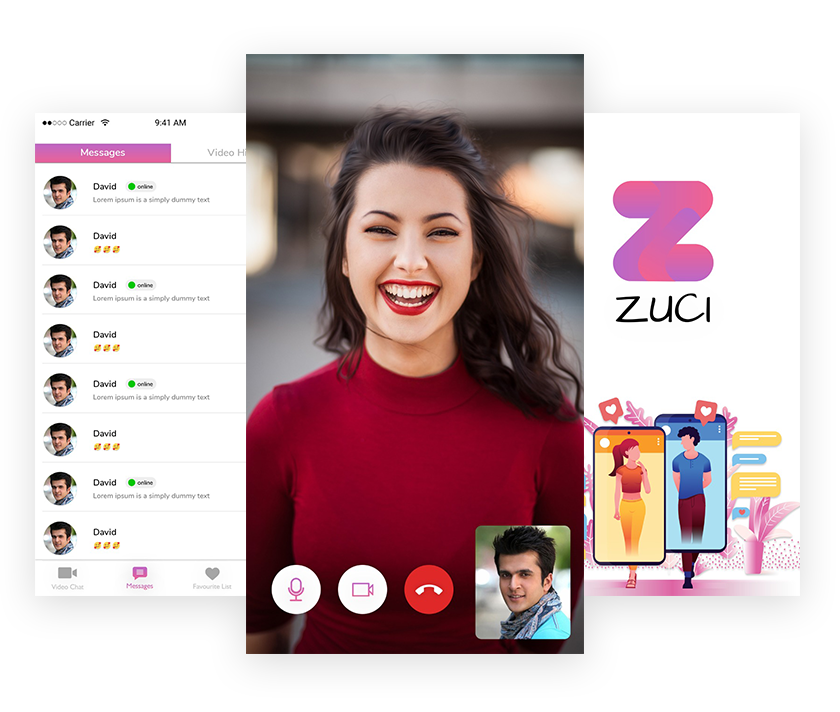
Team collaboration interface with chat channels

Why Choose our app like Slack ?

Direct messaging and file sharing interface

Full customization options for Slack clone appComplete customizable and branding

Slack clone app available for Android and iOSAvailable for Android and iOS

Supports high number of active users and teams Easily accommodate a number of users activity

Developers working on collaboration featuresDedicated Admin panel to manage all the features of the application

Admin panel to manage teams, channels, and messagesProvide code to adopt complete customization

Technical and code support for Slack cloneFree bug support in the support period

Post-launch bug fixing and maintenance periodBuild by a well-experienced team of Web and Mobile developers

Project management for timely app deliveryProper Deliverable management of product

What makes us distinct from other Chatting App development companies?

  • Comprehensive customizations

  • Timely deployment

  • Secure installation

  • Multi-platform operations

  • Appropriate support & maintenance

  • Cost-efficient solutions

  • Powerful admin dashboard

  • Performance scalability

  • Cloud tech integration

Slack Clone App Feature

Dark theme feature

With this feature of our Slack clone, you can improve user involvement on your instant messaging platform. This option will make your app look more attractive than the normal app view and will also decrease the power usage considerably.

Status/Stories

With this attractive feature of our Slack clone, you can enable users on the messaging stage to communicate their ideas with the contacts. This feature will affect users to a larger extent as it permits them to distribute their important moments and update them as needed.

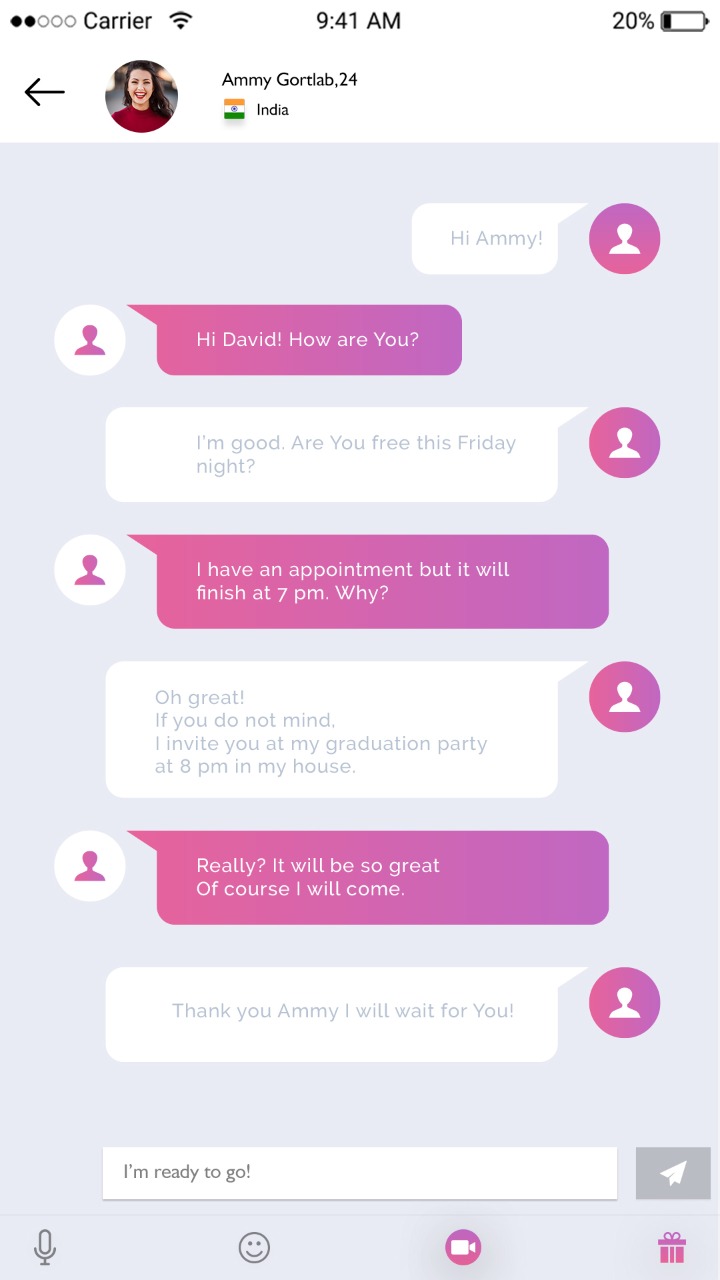
Instant messaging

This charming feature of our Slack clone enhances the chat experience of users and covers the procedure for smooth interaction between users on the instant messaging platform. So, users can have an expeditious and seamless chat with their dear ones whenever required.  

Share option

This interesting feature of our Slack clone lets users share needed records such as images, voice notes, etc with their siblings. This option will grasp the eyeballs of users as it allows them to assign preferred files with their contacts conveniently and efficiently.

Text translator

Add this delightful feature in the Slack clone solution to allow the users on the messaging platform to see the chat messages in their selected language. This feature assists in obtaining rid of language difficulties and thereby improves the user chat experience on the platform.

Smart reply option

Let the users on the instant messaging platform give quick, appropriate responses for each and every incoming chat message. This feature will attract the concentration of users on the instant messaging platform.

Splash screen

With the formation of this exciting feature in the Slack clone solution, you can provide a different look to your instant messaging app. Thereby, you can join users and produce a memorable impression in the brains of app users.

Flexible payment options

​Relieve the payment method of the users with the integration of the best payment gateways into the Slack clone solution. There is no doubt that the formation of available payment options on the app will surprise users to a bigger extent.

Profile

​Users can personalize their profiles, add a name, update display pictures, etc. Aside from that, an app like Slack holds many privacy settings such as managing the viewers for last seen, profile pic, status, etc.

Chat options

​There are two varieties of chats available - individual chats and group chats. Individual discussions refer to one-on-one chat. A group chat permits up to 200 members in a single group. People can share videos, files, pictures, GIFs, stickers in addition to messages.

Video/voice calls

​The Slack currently supports up to 200 members in a group call. Users can immediately click on the video chat icon on the group they prefer to connect to and start the video call. It would be very useful for people as it authorizes conference calls with several associates.

Security

The communications are protected so that any third party cannot inspect them. If the users do not exhibit safe communication with a particular user, they can block them. Then, they can send them messages.

User Part Application Flow

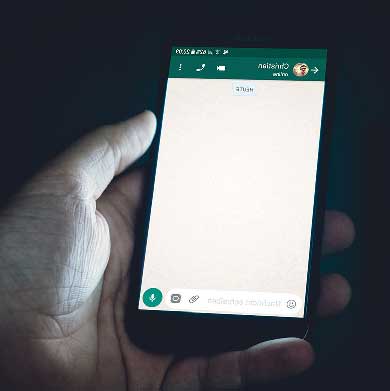
WhatsApp Clone Login Screen

Splash Screen

​The app contains attractive and user interactive splash screens to increase engagements.

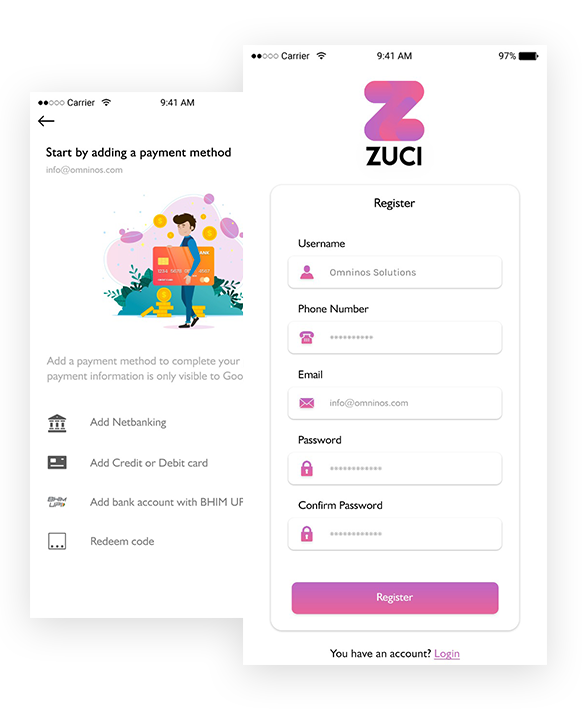
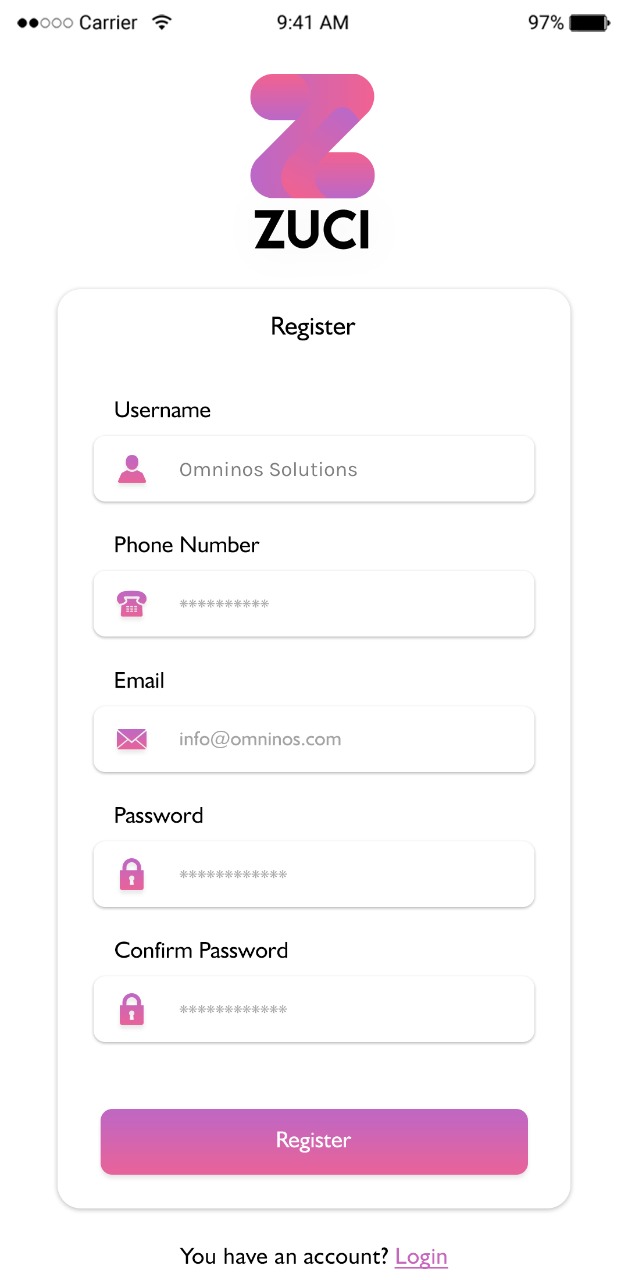
Register

Once the user enters his mobile number for registering on the WhatsApp Clone app, an SMS is sent to the given mobile number for verification.

Chat Screen WhatsApp Clone
Group Chat Feature

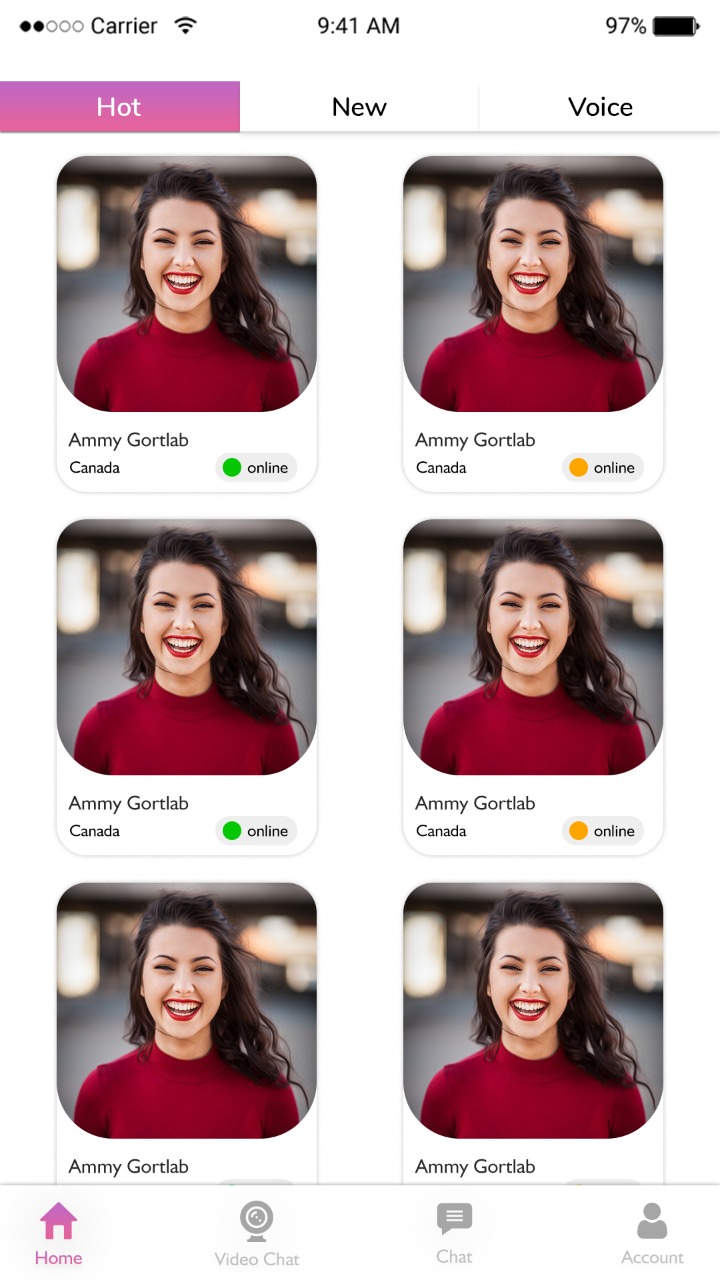
Home

​It contains the icons to jump on voice calls, chat, video calls, favourite list much more.

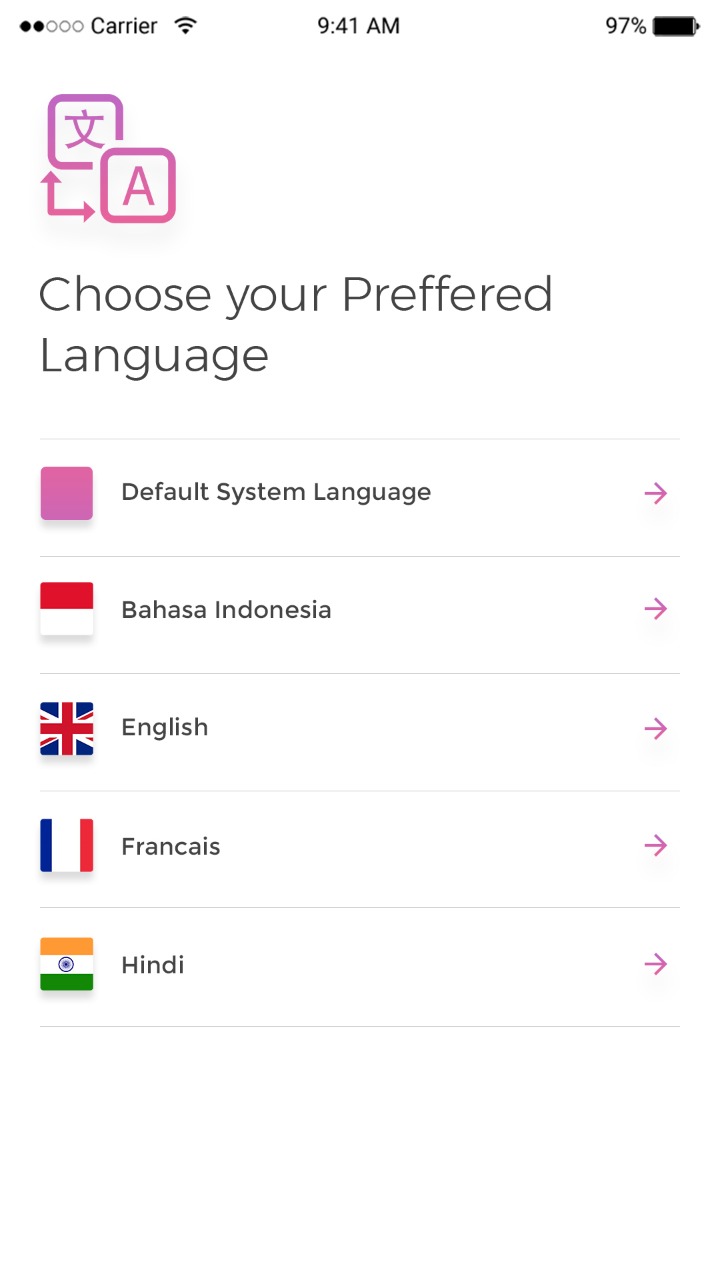
Choose Language

T​he app user needs to select a language to continue with the same language in app.

Media Sharing Chat App
Voice Message Feature

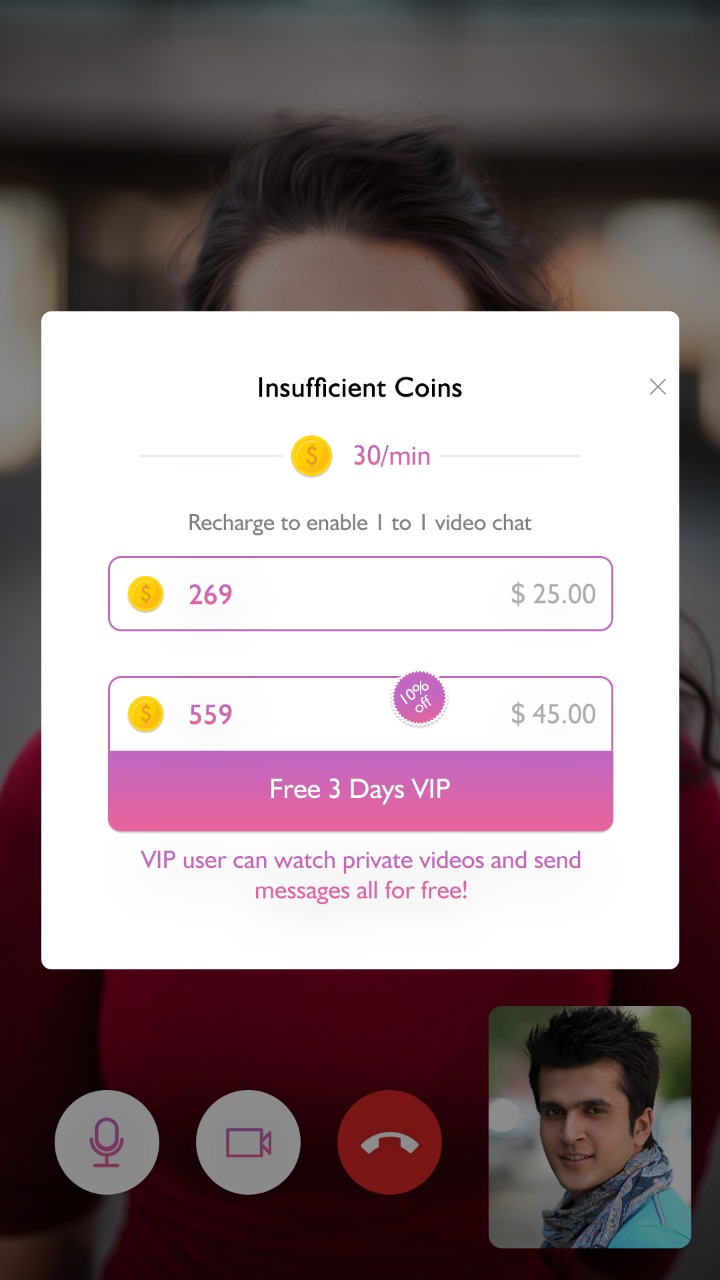
Insufficient Coins

​Lorem ipsum dolor sit amet consectetur adipisicing elit. Tempore officia perspiciatis necessitatibus laborum quos nostrum eum voluptates explicabo in culpa!

Video Call

​This clone app feature helps you to remain connected with your friends, relatives and dear ones from whichever location you may be and any time.

Video Call Feature
Audio Call Feature

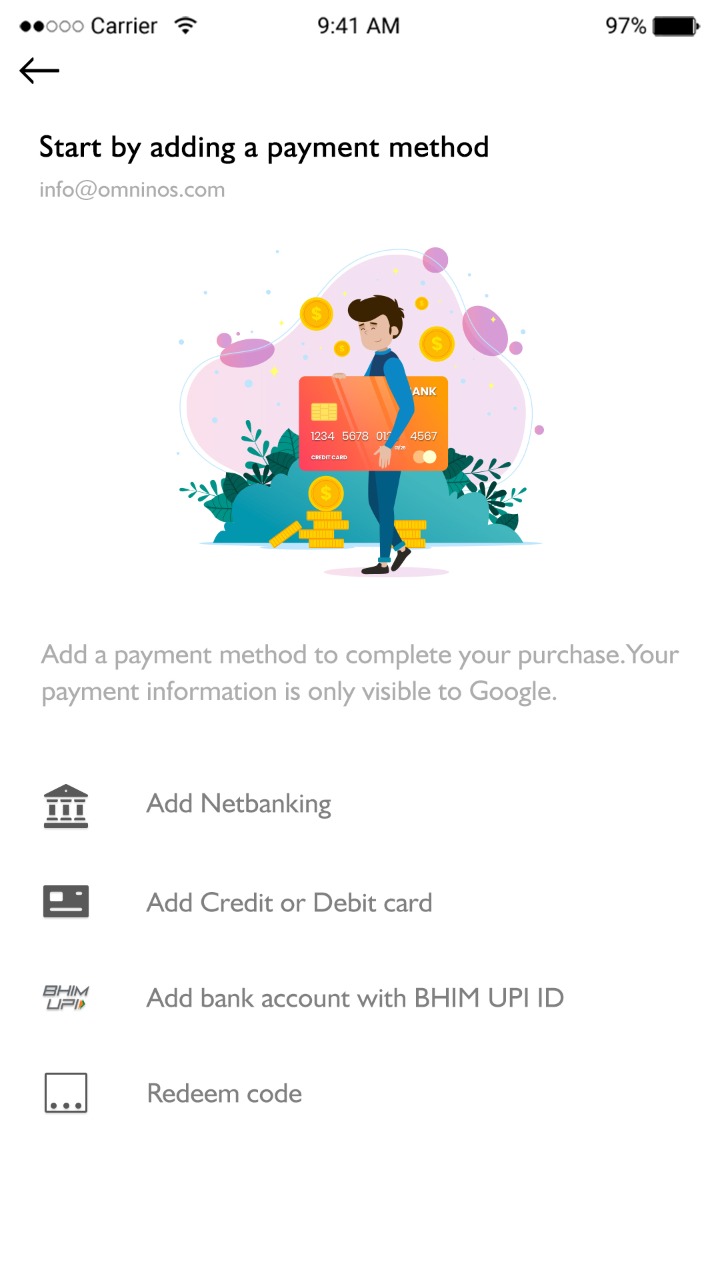
Payment Method

Lorem ipsum dolor sit amet consectetur, adipisicing elit. Ad, quibusdam.

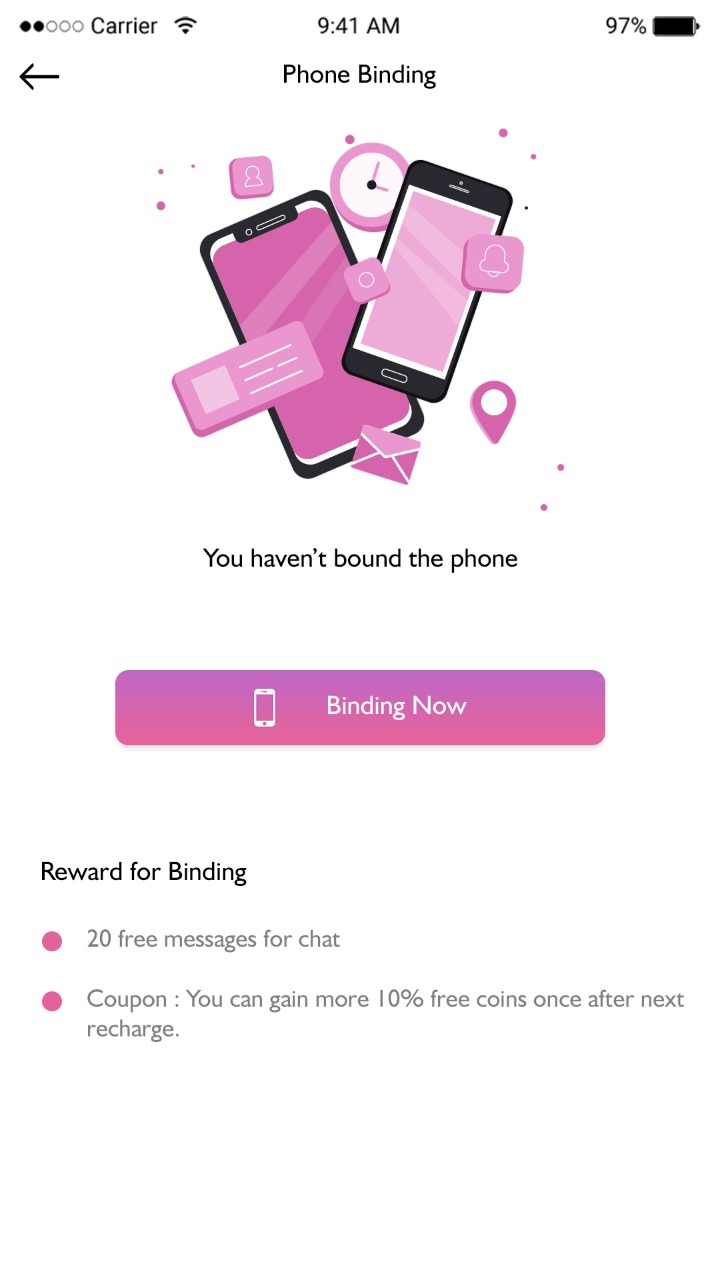
Phone Bidding

Lorem ipsum dolor sit amet consectetur, adipisicing elit. Ad, quibusdam.

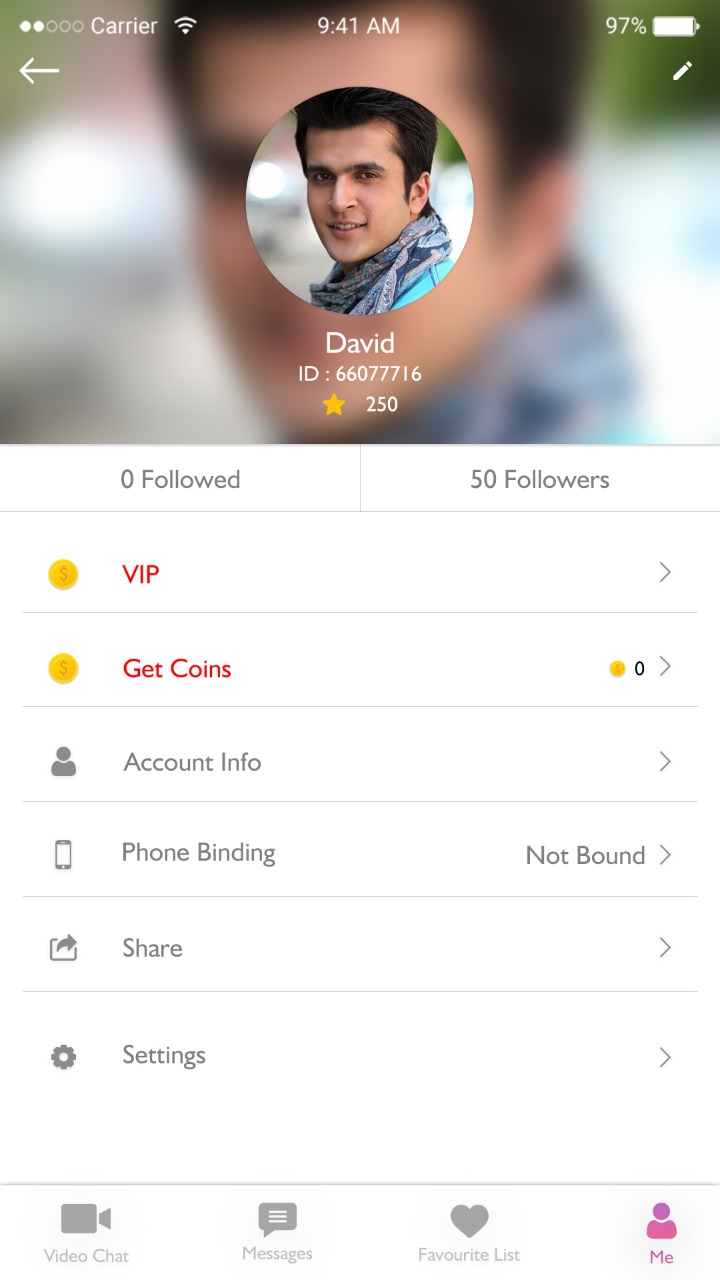
User Profile Screen
Status Feature WhatsApp Clone

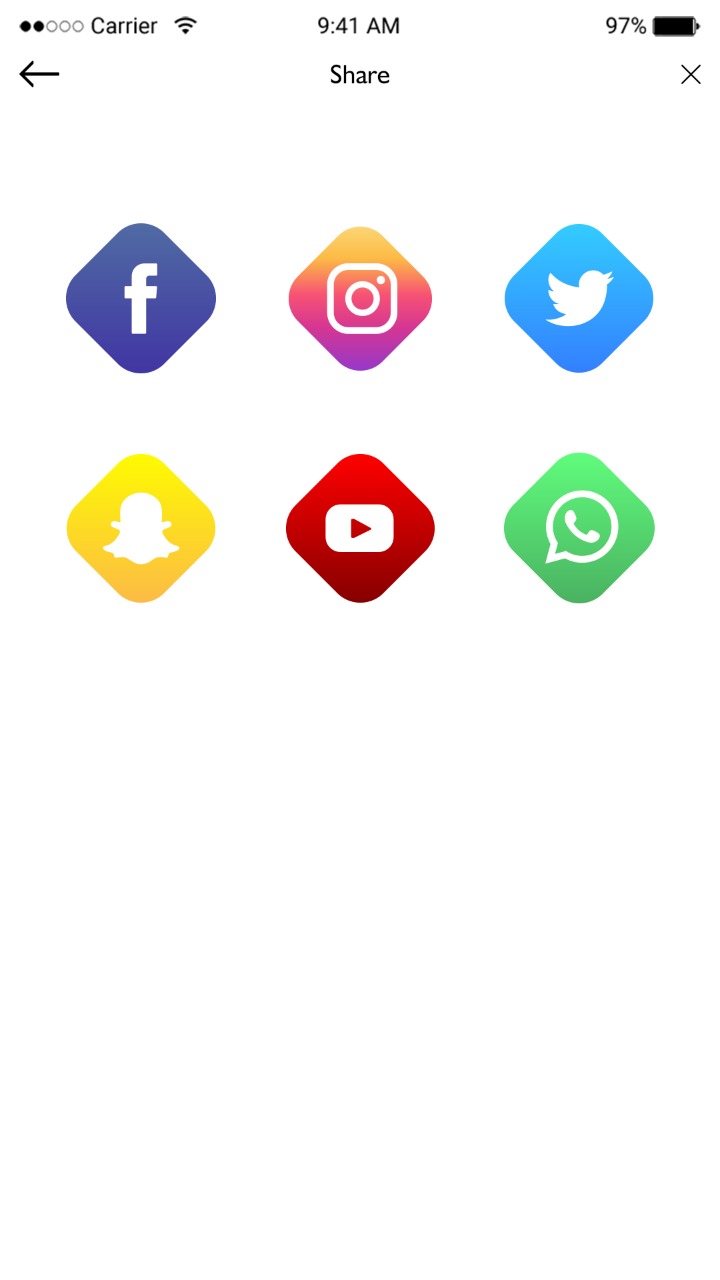
Share on Social Media

To enhance the messaging experience the app  users can send and receive images, videos, voice clips, and documents without 

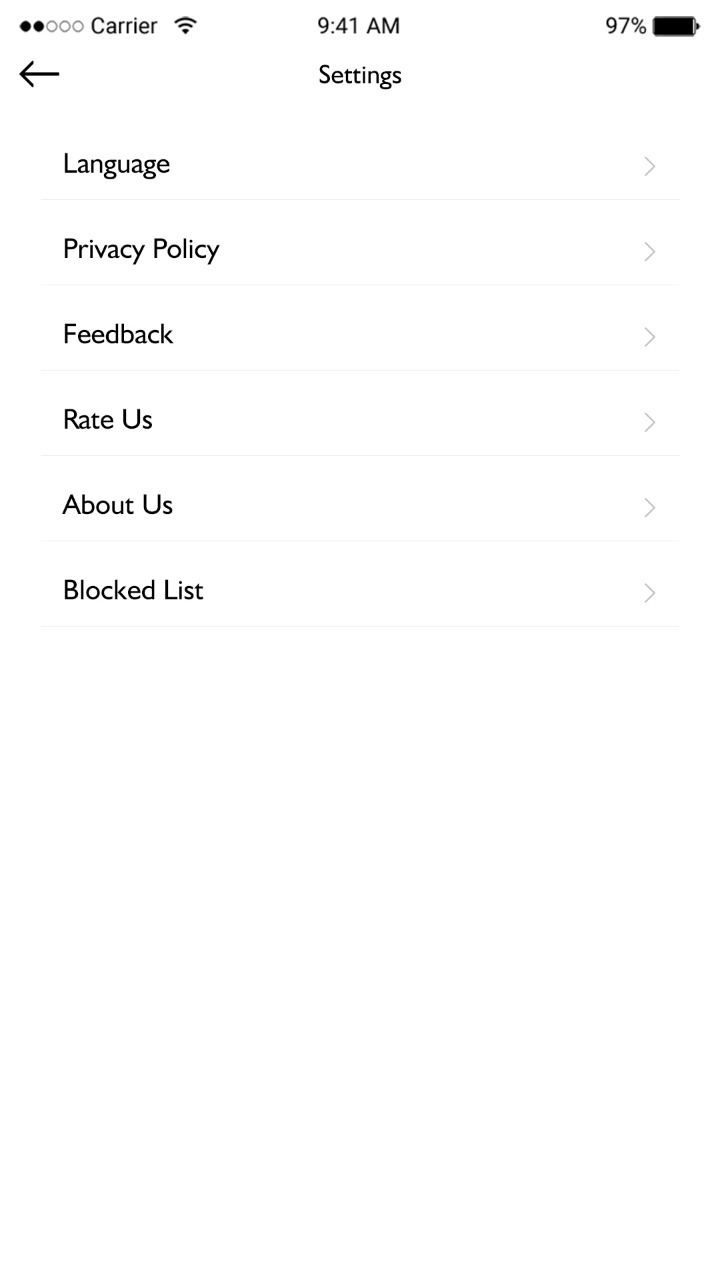
Settings

The app user can change settings according to their needs.

Contact List Chat App
 Notification Feature

Chat System

The app user can select the chat system either to have normal or private chat options.

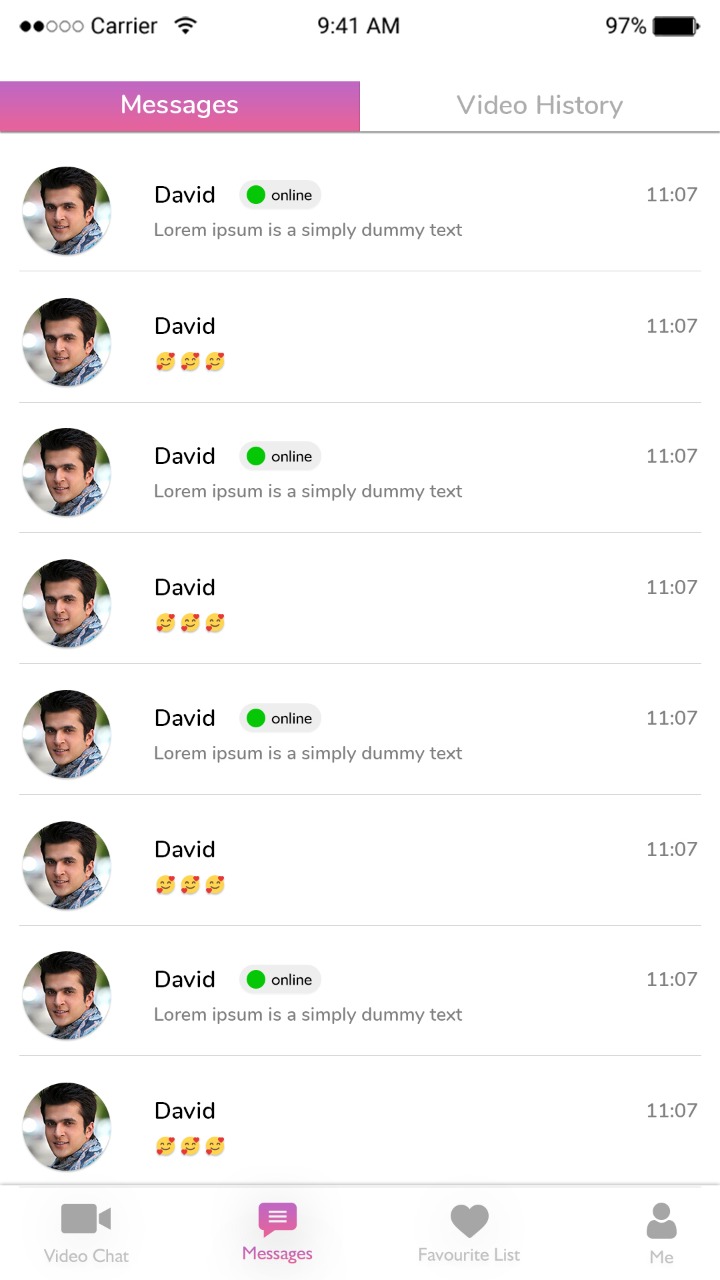
Chat List

​It displays the current chat list of the user on the dashboard.

Privacy Settings Chat App
Admin Dashboard Chat App

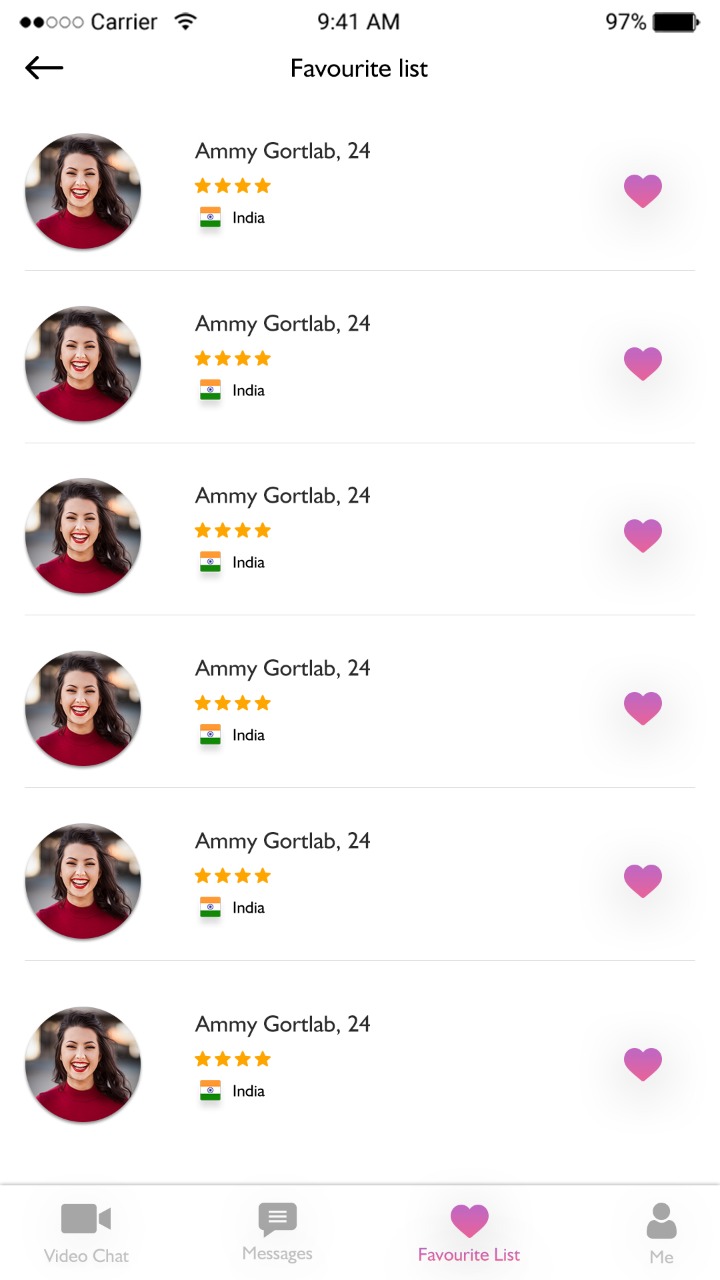
Favorite List

T​he user can add user users on their favourite list.

View Profile

The app user can view the profile of another user.

Chat App UI Design

Frequently Ask Question - FAQ

Businesses, startups, and organizations needing efficient team communication and project collaboration can use it.
Yes, all messages, files, and notifications are delivered in real time across all platforms.
Absolutely, users can create unlimited public and private channels for different projects or departments.
Yes, it works on web, Android, and iOS devices for seamless collaboration.
Omninos provides end-to-end development, high scalability, secure architecture, and ongoing support for your team collaboration app.

Schedule - With Us Now

LATEST PROJECTS

BLOG