E-TRADE Clone Script

Launch a Secure Stock Trading & Investment Platform with Advanced Market Tools

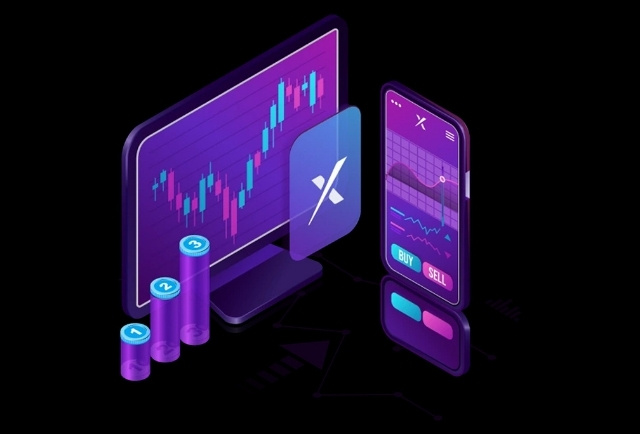
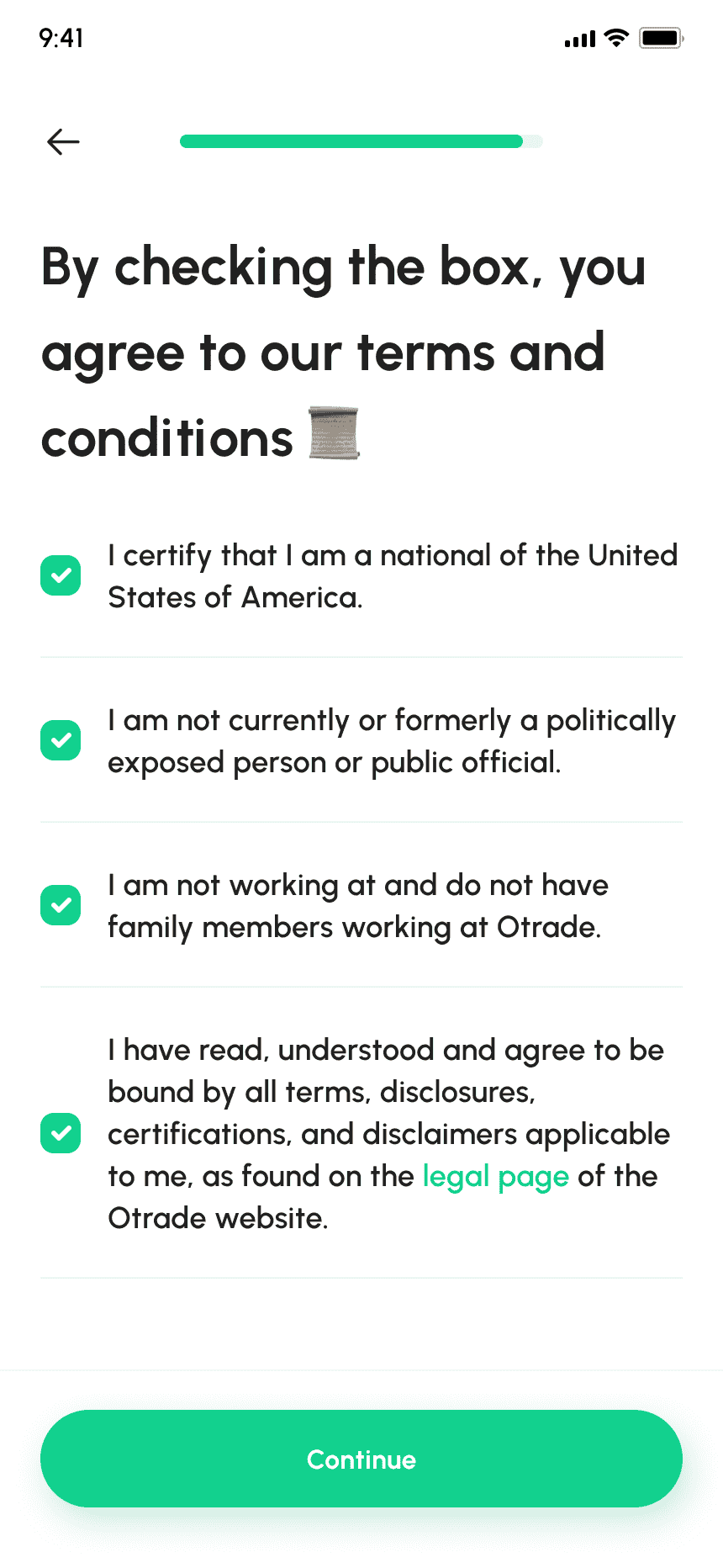
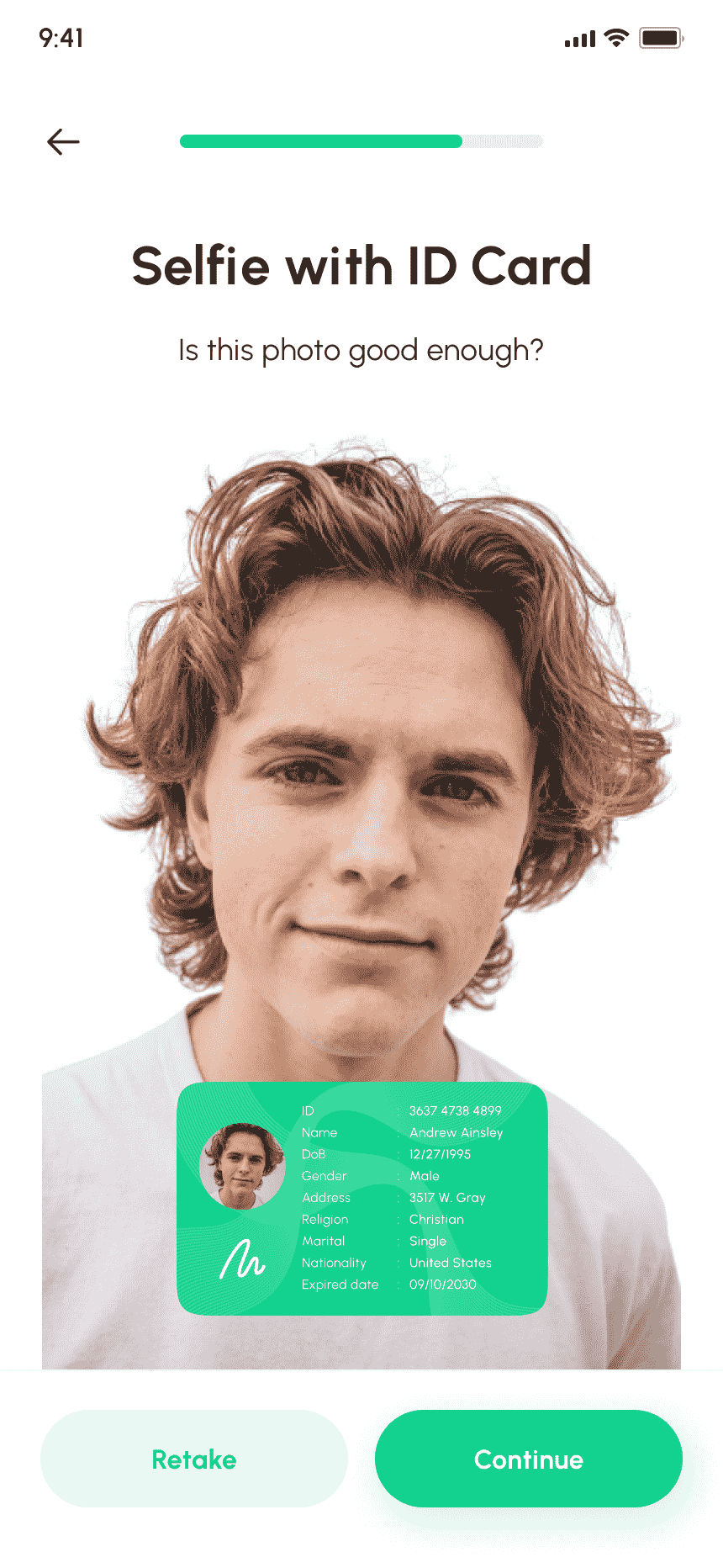
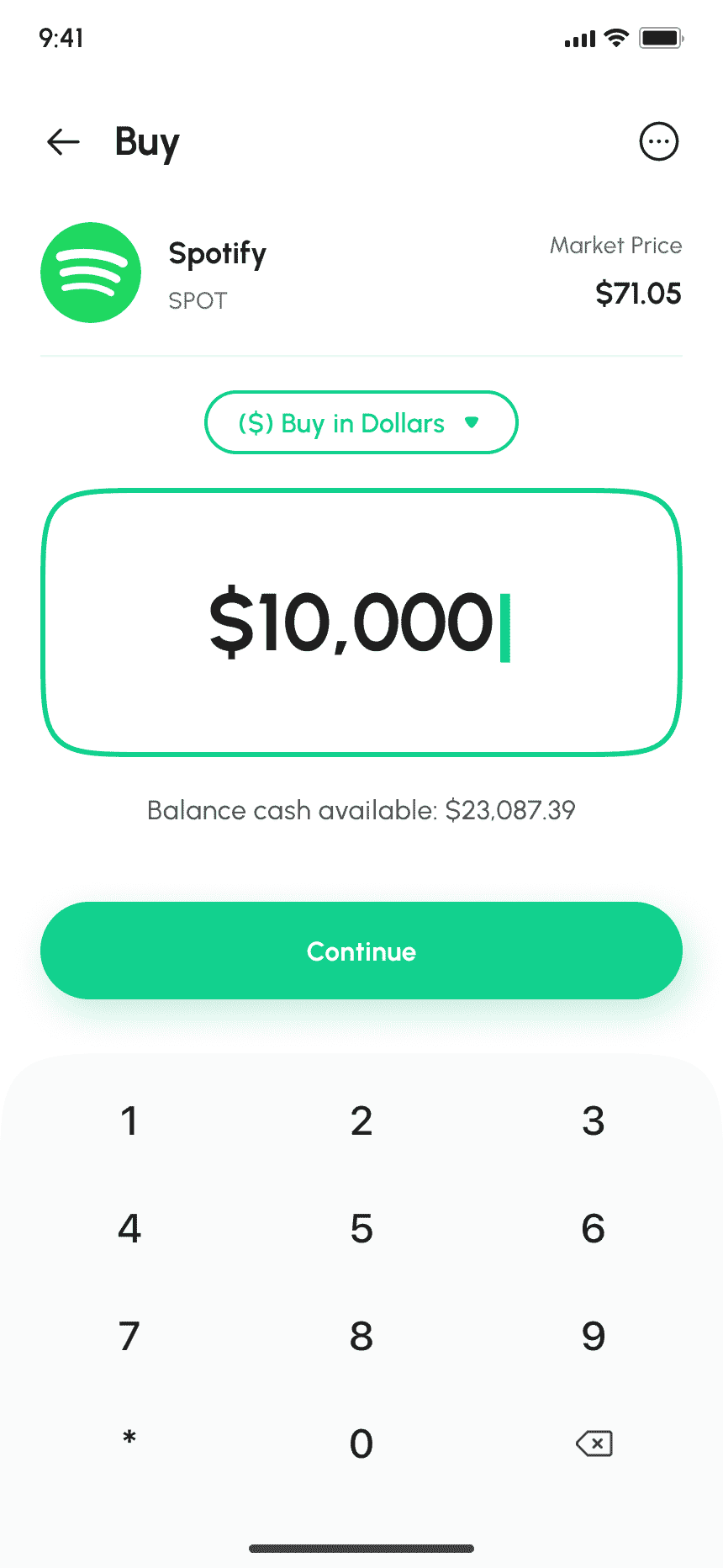
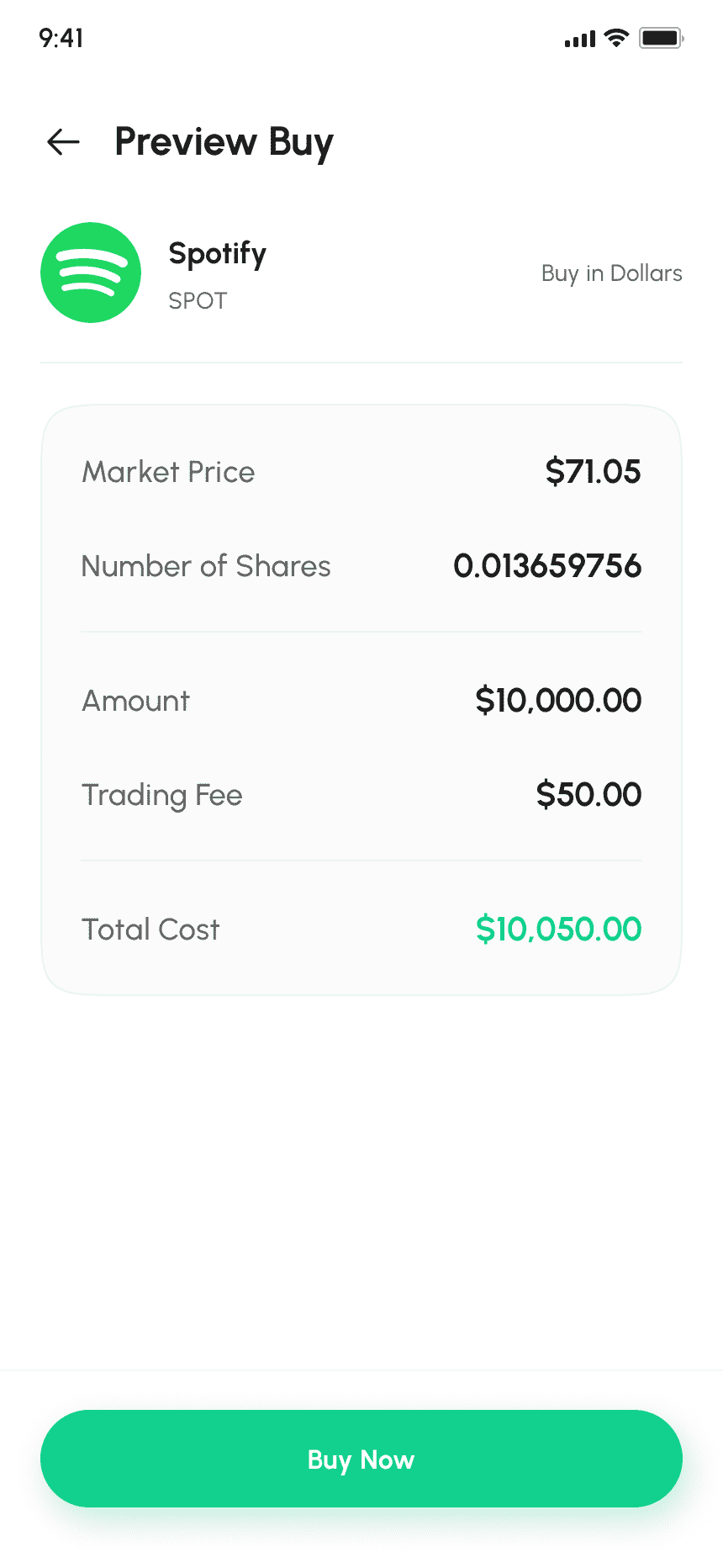
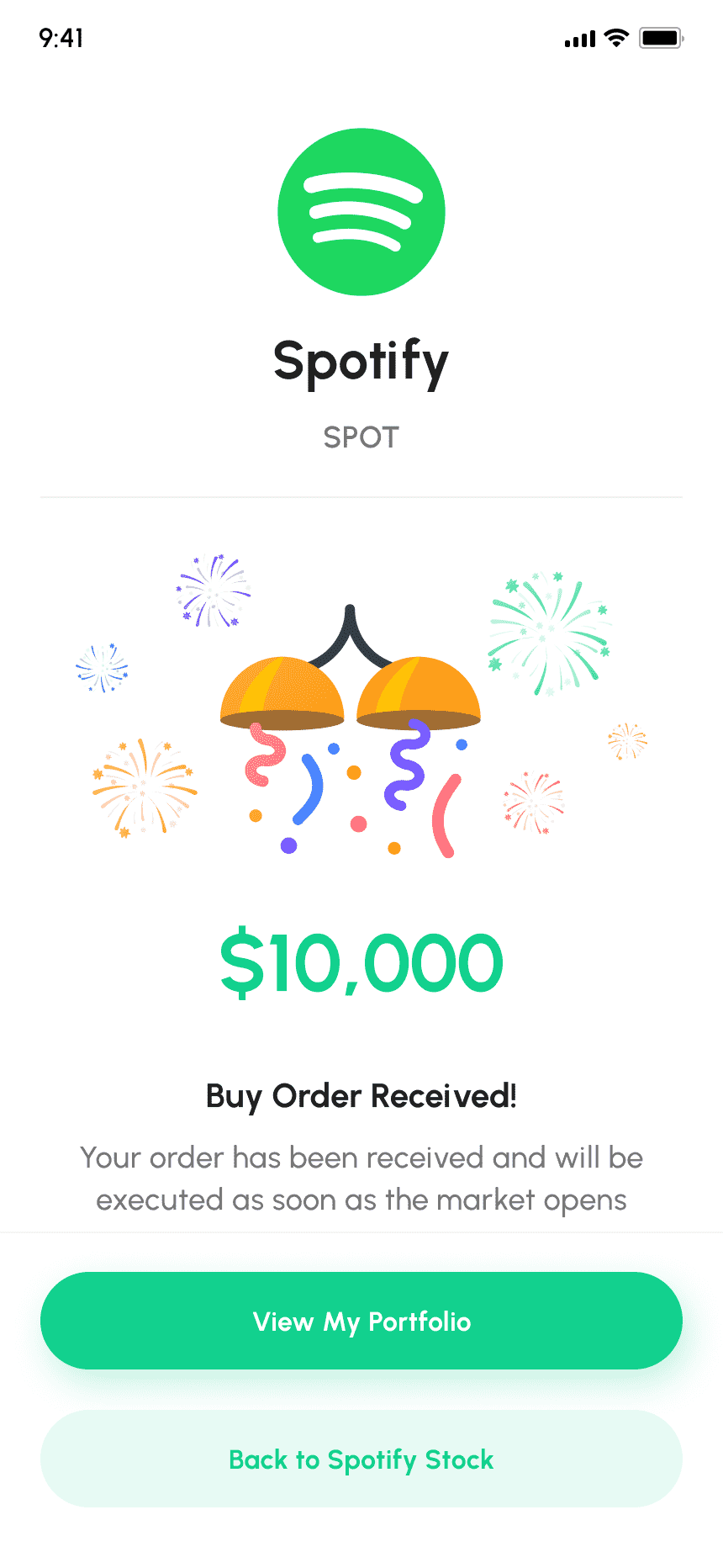
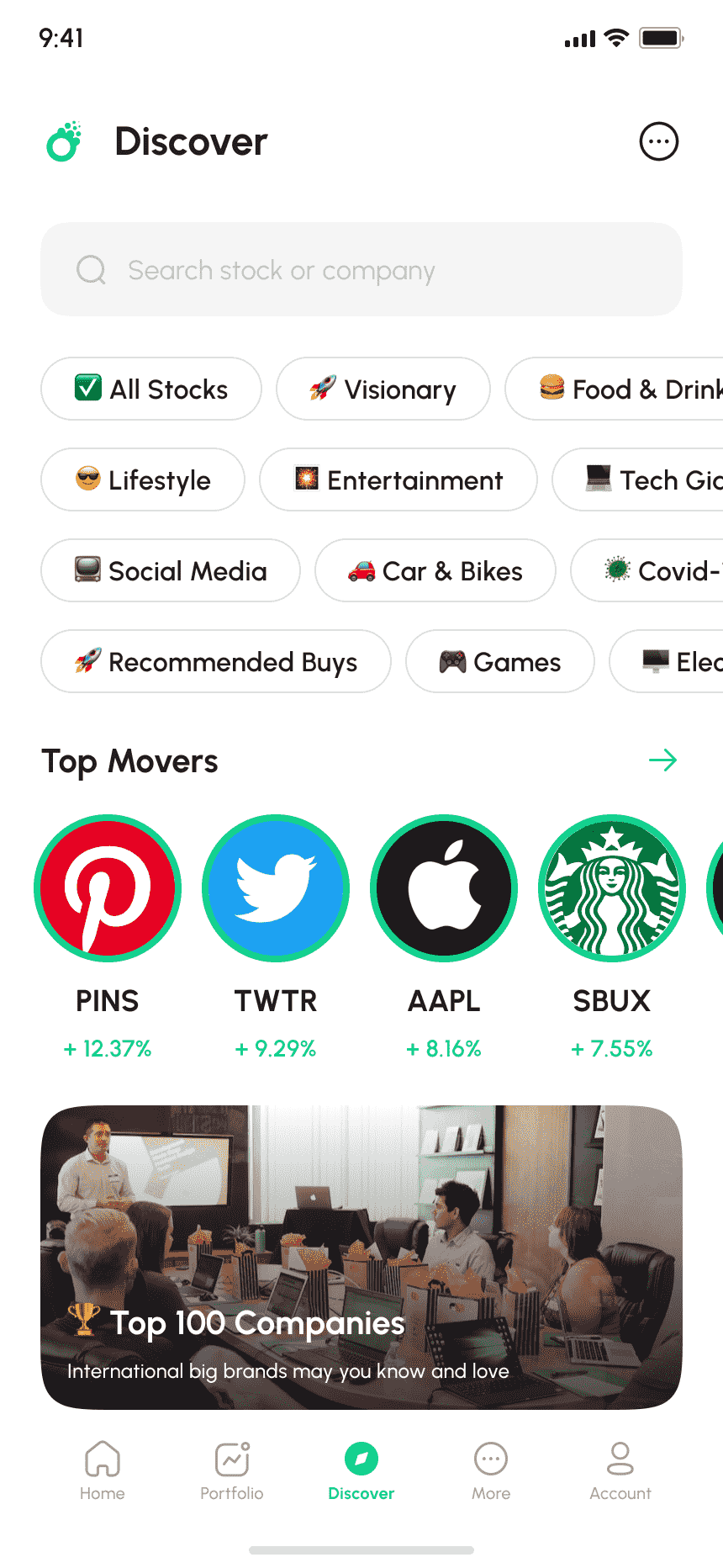
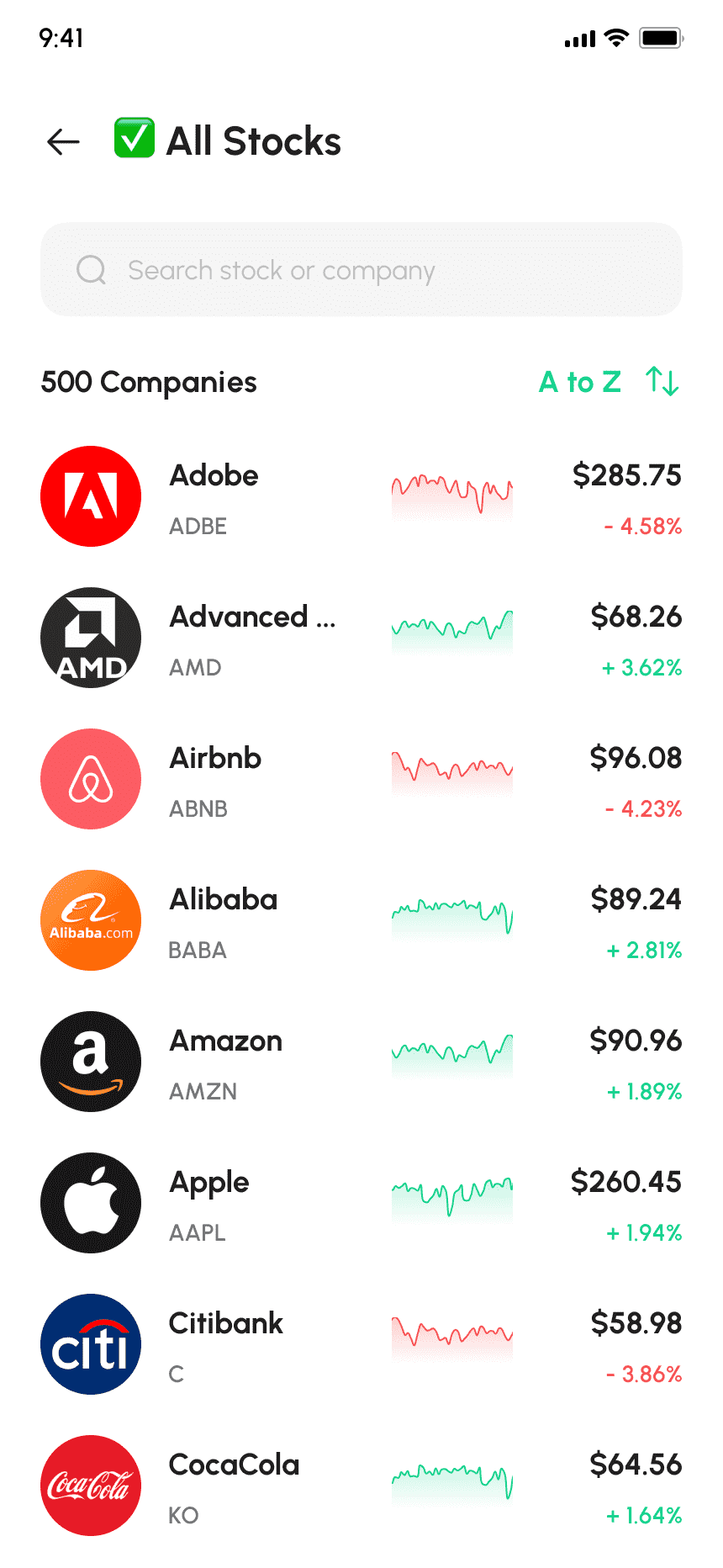
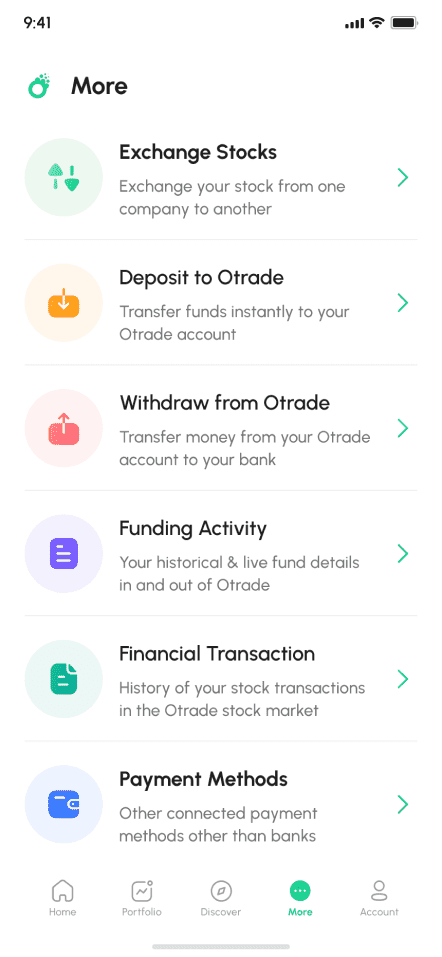
The E-TRADE clone script is a ready-made financial app solution that enables businesses to launch a full-featured online trading and investment platform similar to E-TRADE, offering stock trading, portfolio management, real-time market data, and secure transaction handling.

What It Is?

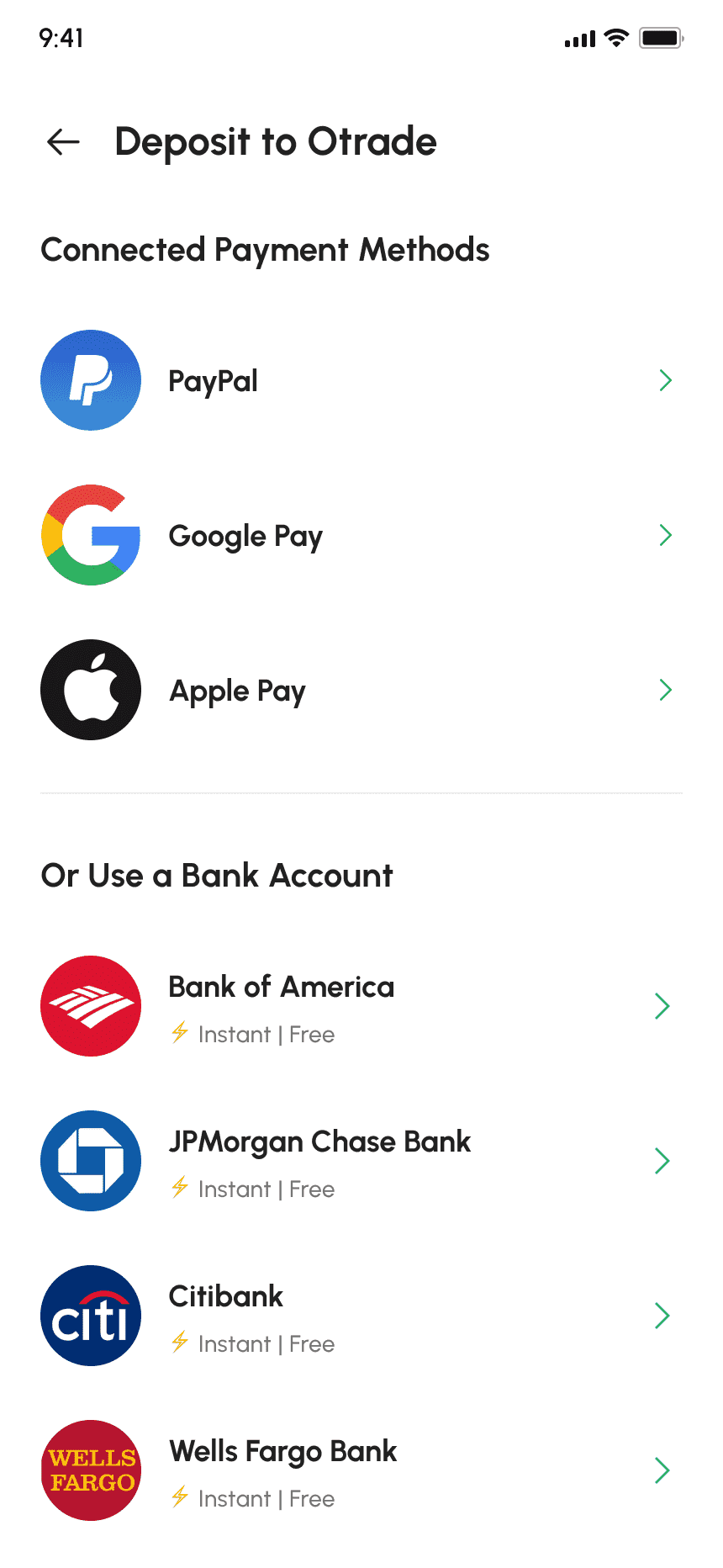
The E-TRADE clone app script is a customizable trading platform designed for businesses entering the online stock trading and investment services market. It provides a robust framework that allows users to trade stocks, ETFs, options, and other investment instruments through a secure, intuitive digital interface. This white-label investment platform script is built to reduce development complexity while delivering essential trading functionalities expected by modern investors. It supports real-time data processing, account management, and analytics-driven decision-making, making it suitable for startups and enterprises looking to launch a professional-grade trading application.

Main Features & Functional Capabilities

The platform is designed to support both traders and administrators with reliable performance and strong security controls.

Real-Time Market Quotes

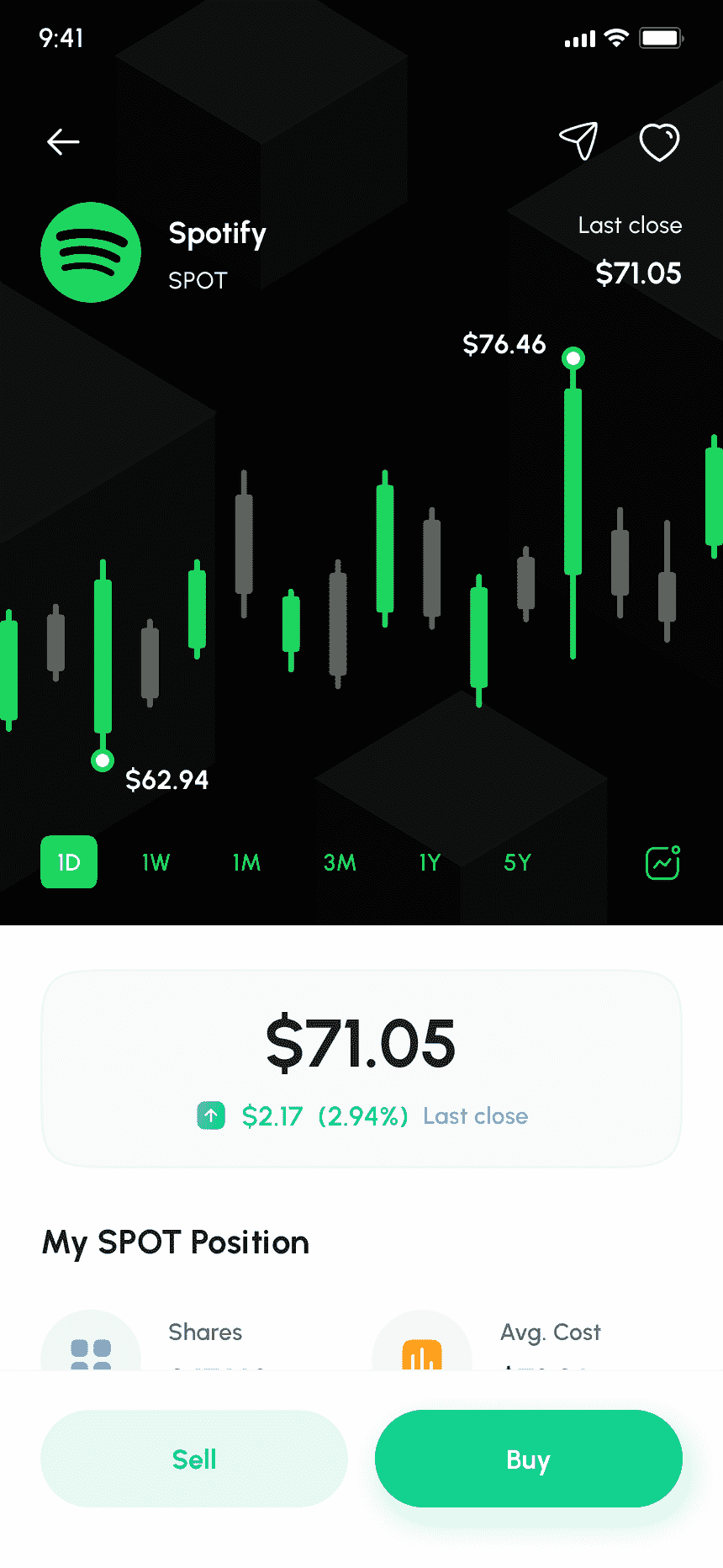
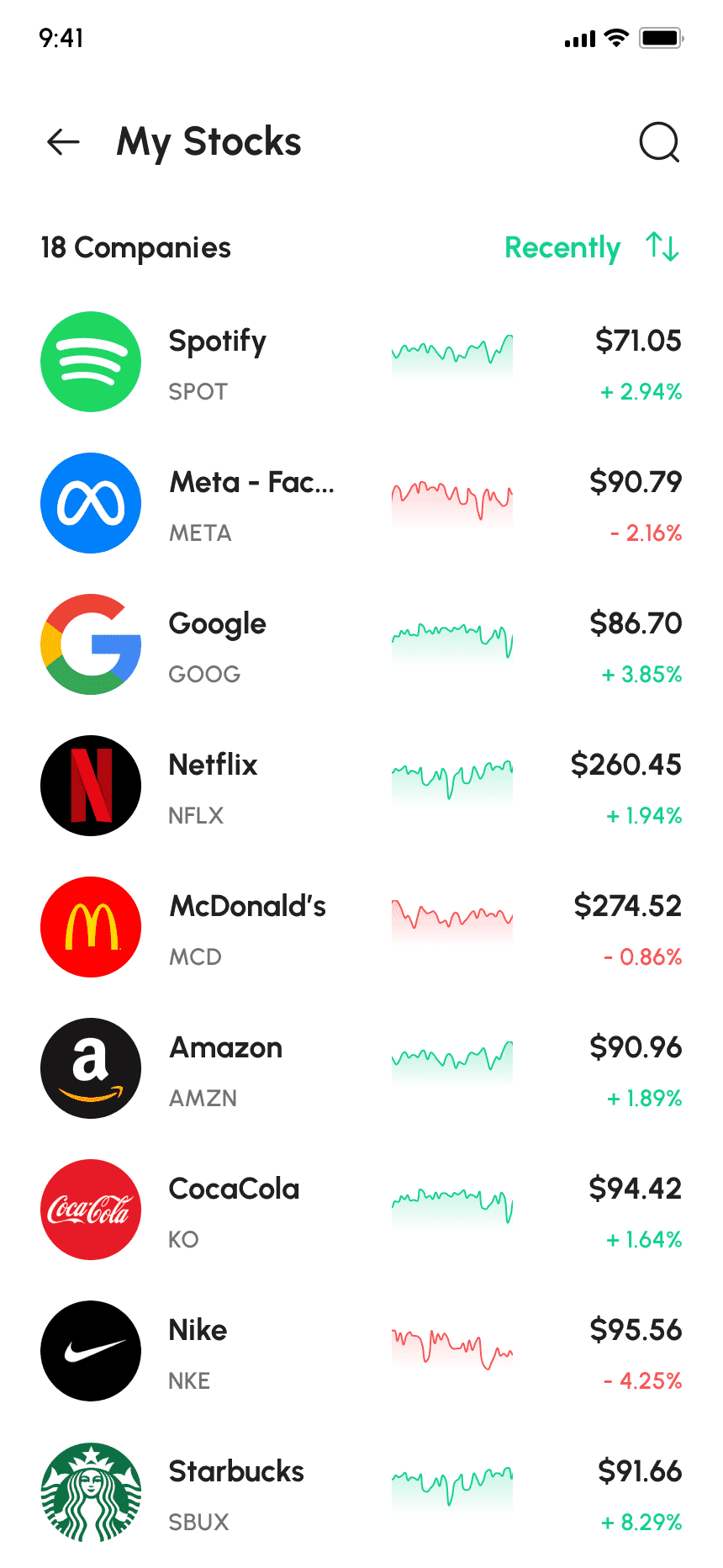
Access live price updates for stocks, indices, and tradable assets to support informed trading decisions.

Trading Dashboard

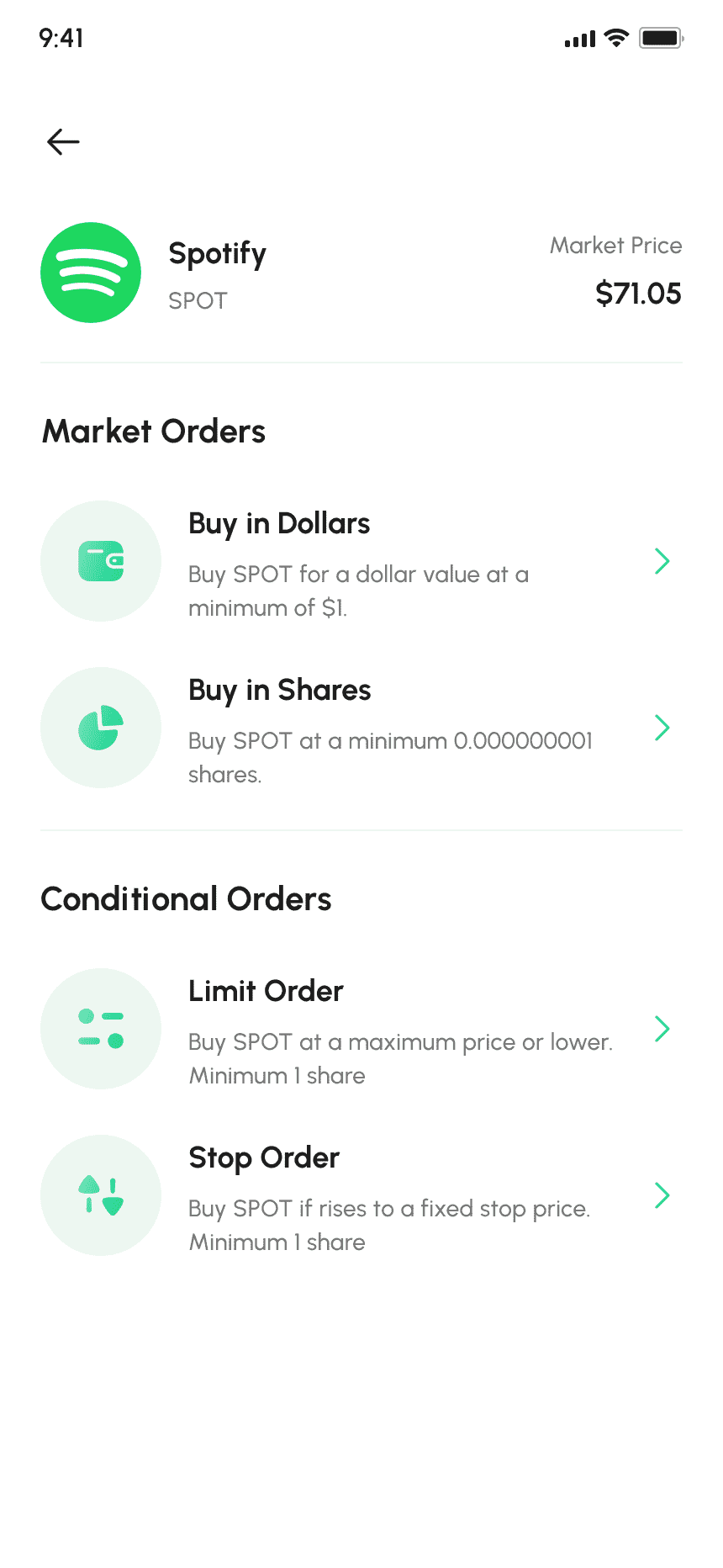
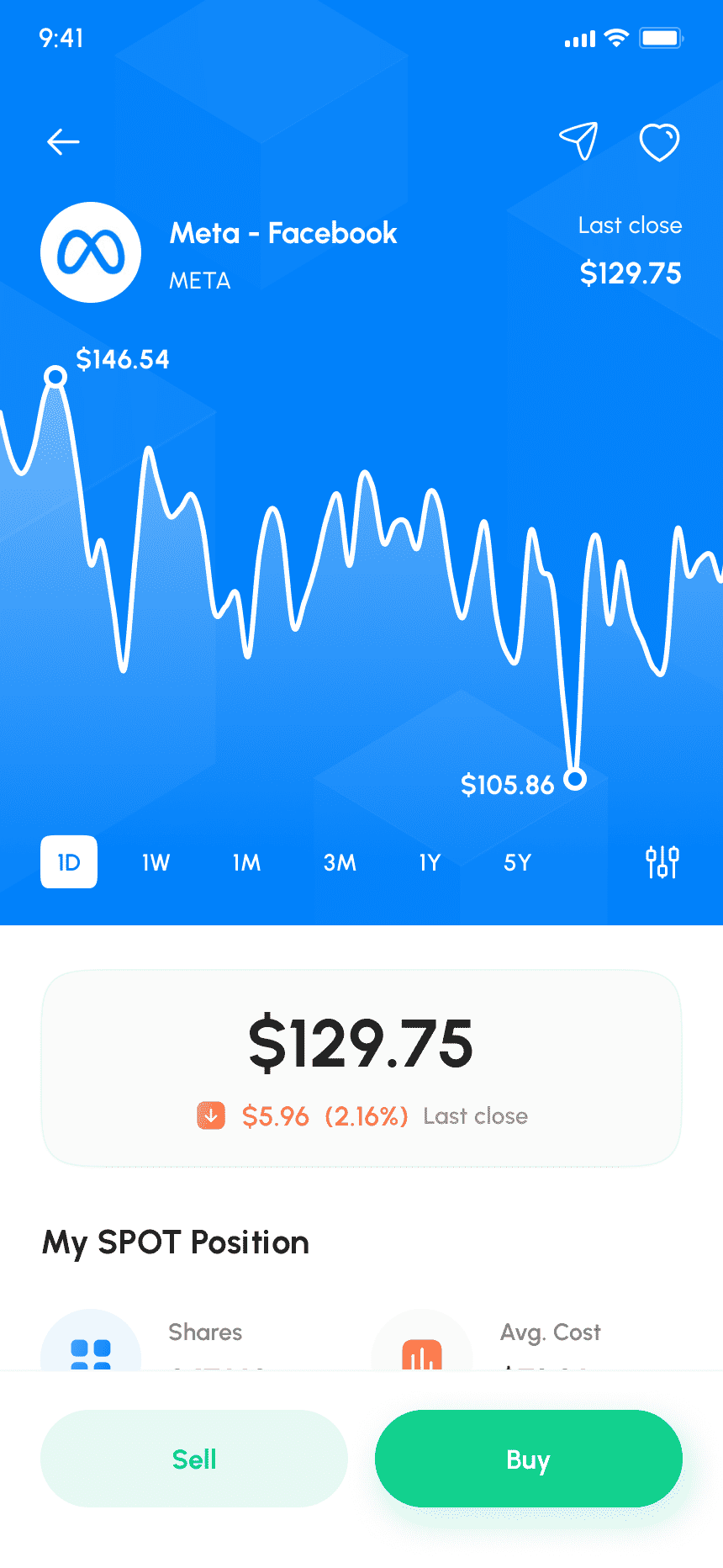
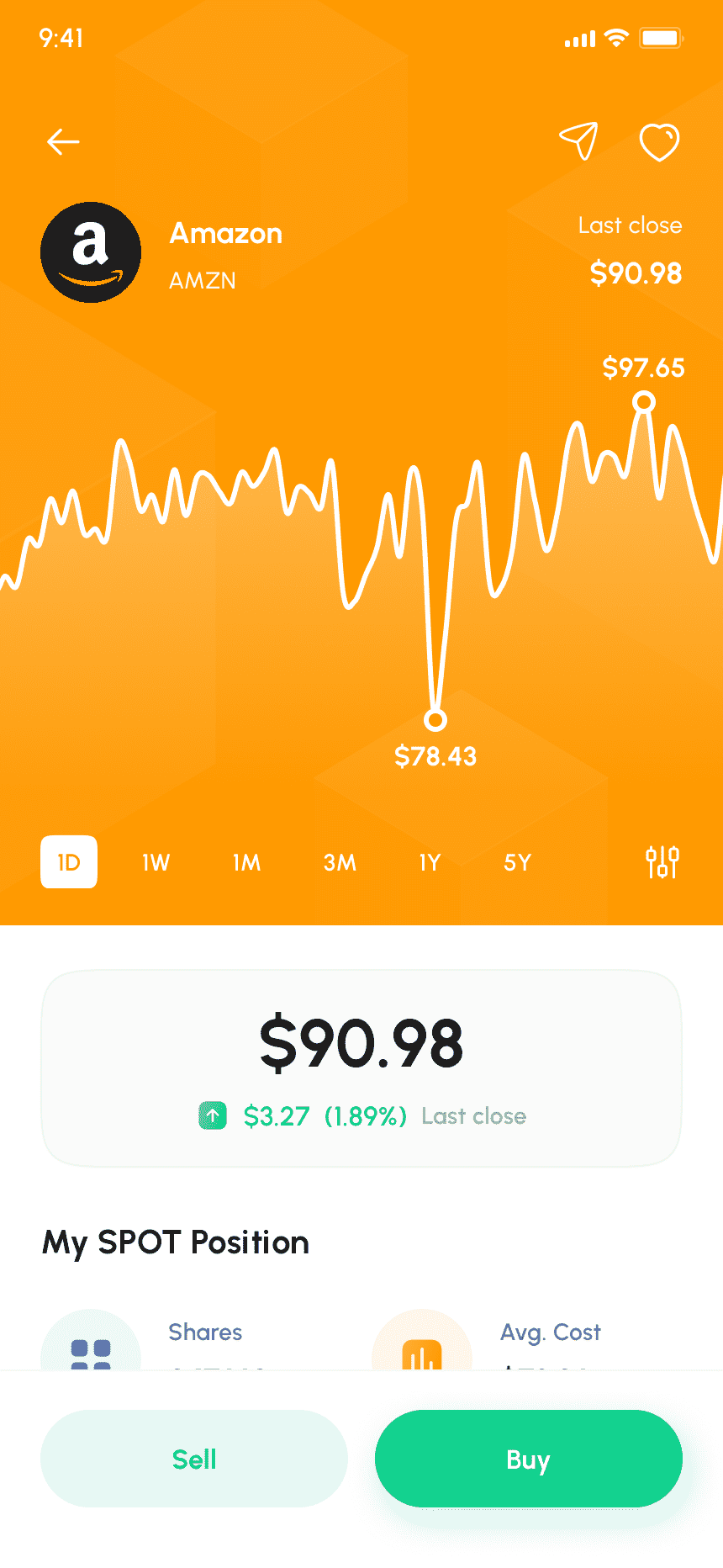
A centralized interface to place trades, monitor open positions, and review order history.

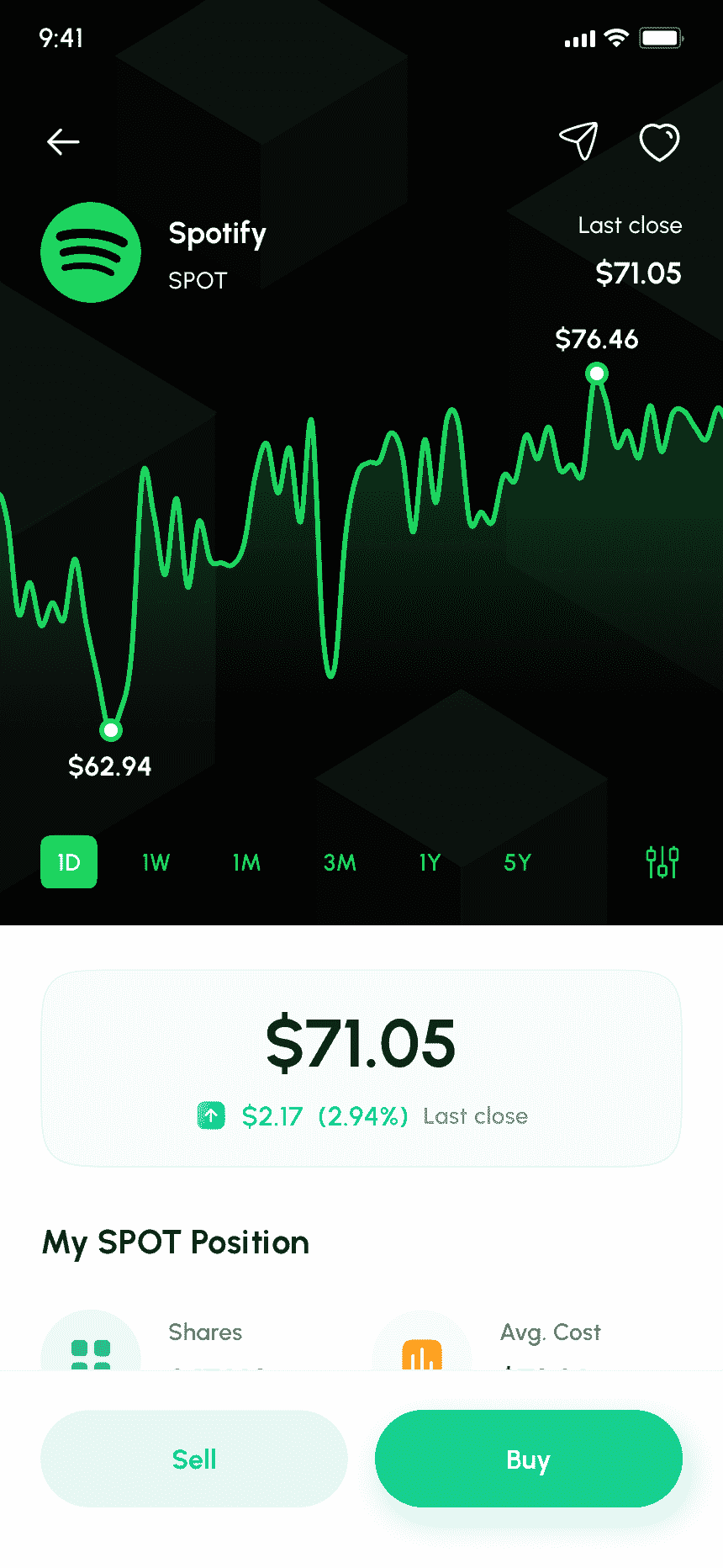
Advanced Charting Tools

Interactive charts with indicators and timeframes to analyze market trends.

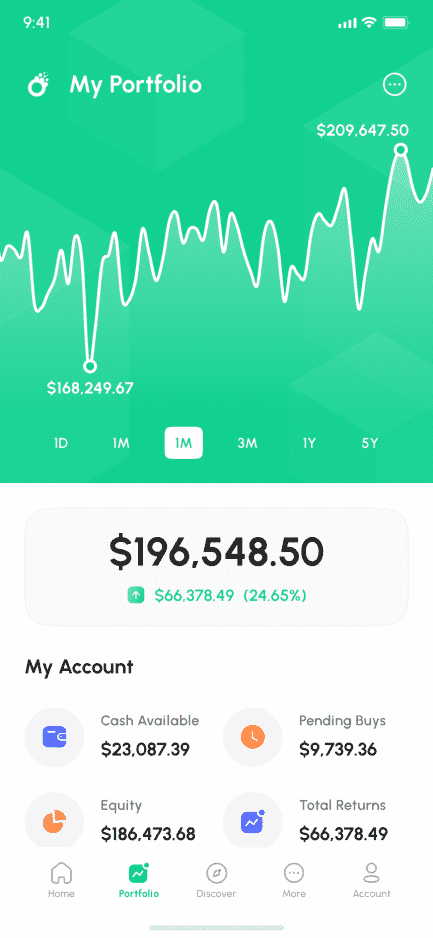
Portfolio Management

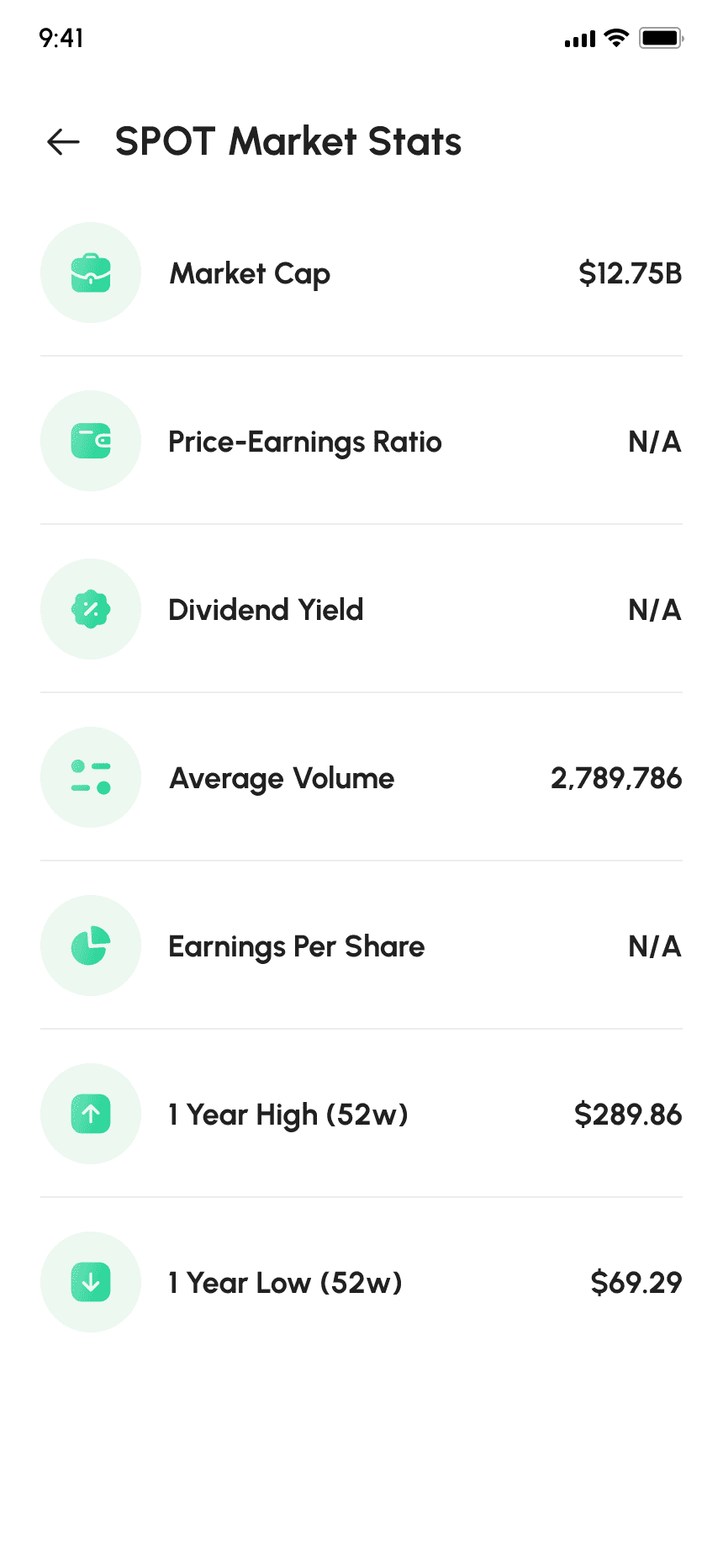
Track investments, gains, losses, and asset allocation from a single dashboard.

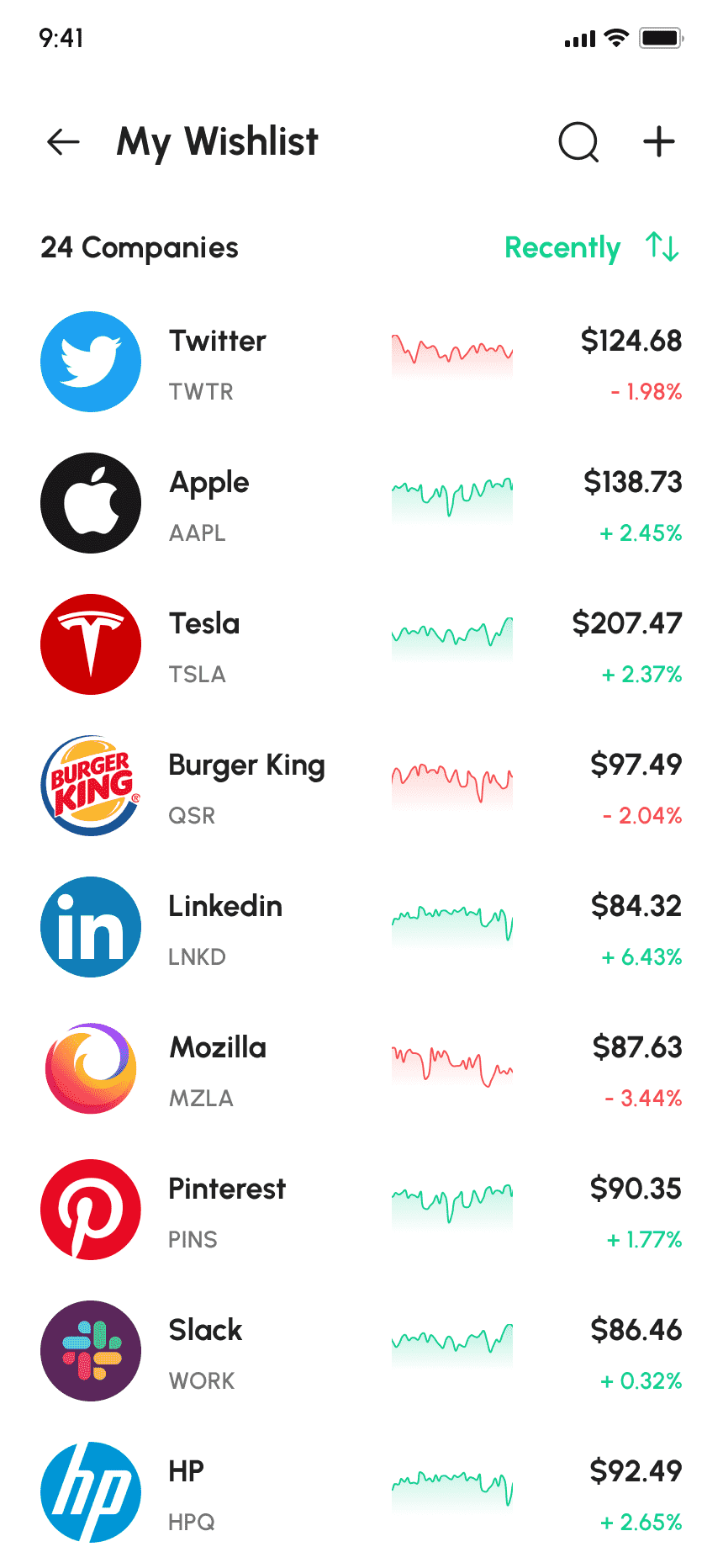
Watchlists & Alerts

Create custom watchlists and receive price or market movement notifications.

Secure Account Access

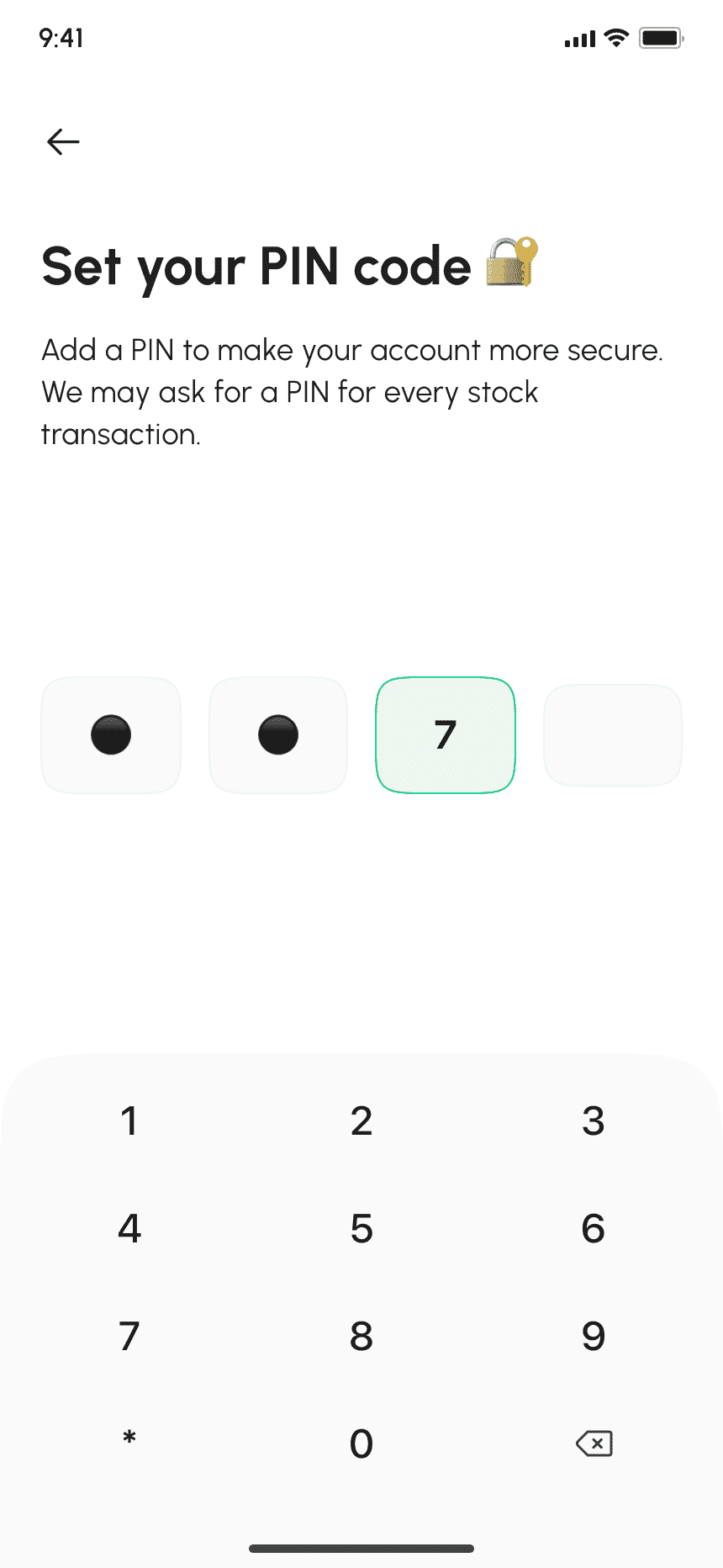
Encrypted login and user authentication ensure account safety and data protection.

User & Account Management

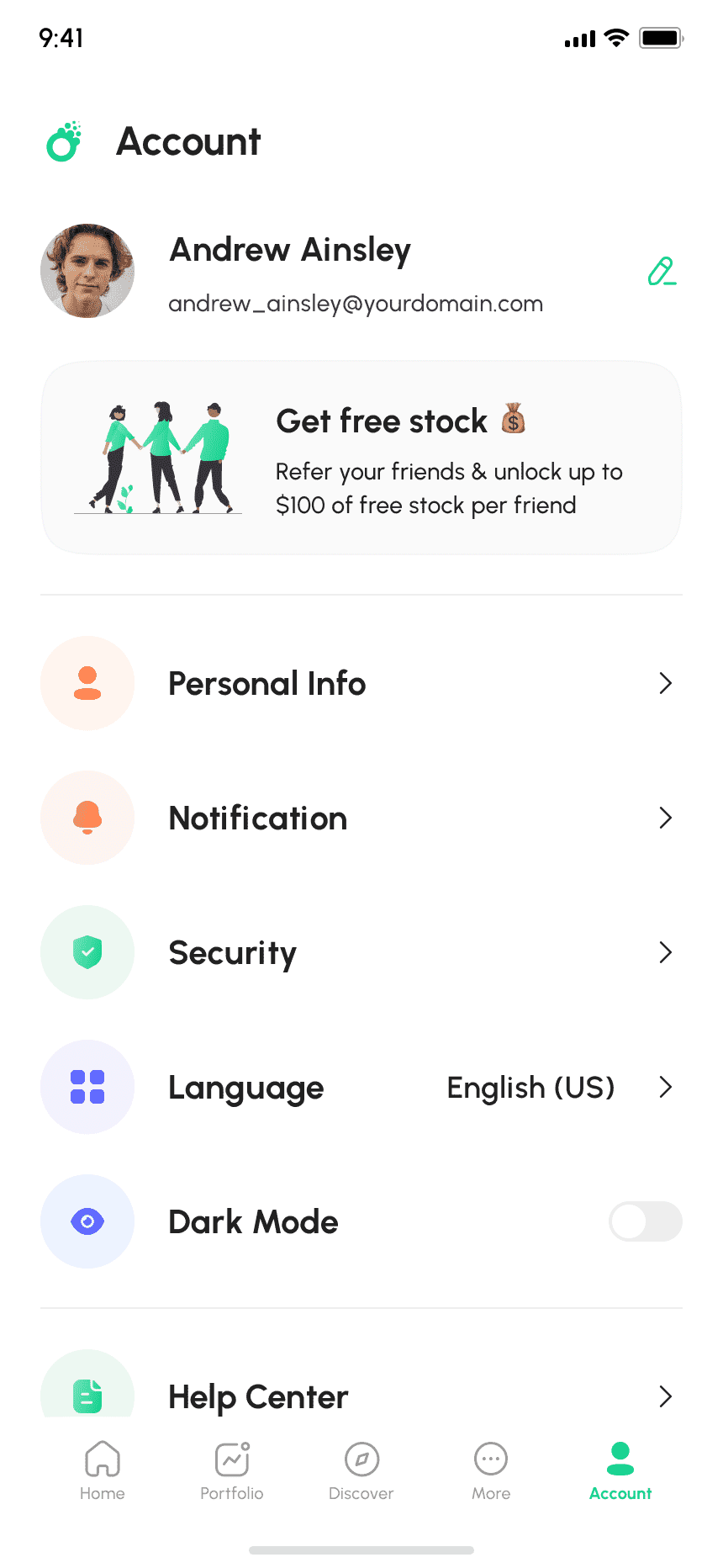
Manage trader accounts, verification status, and activity logs.

Order & Transaction Monitoring

Track trades, settlements, and transaction histories in real time.

Asset & Market Configuration

Configure supported assets, trading hours, and market rules.

Risk & Compliance Controls

Apply trading limits, margin rules, and compliance checks.

Analytics & Performance Reports

Monitor platform usage, trading volumes, and revenue metrics.

Admin Control Panel

Centralized dashboard for system configuration and operational oversight

How It Helps

The E-TRADE clone script enables financial businesses to enter the investment technology space with speed, control, and scalability.

Faster Market Entry

Using a ready-made trading platform script significantly reduces development time compared to building a trading system from scratch.

Revenue Generation Opportunities

The platform supports multiple revenue models such as brokerage fees, commissions, subscriptions, and premium analytics services

Investor-Friendly Experience

A clean interface, real-time data, and analytical tools help users trade confidently and stay engaged with the platform.

Operational Efficiency

Automated trade processing, account management, and reporting reduce manual effort and operational costs.

Scalable Trading Infrastructure

Omninos provides complete development, customization, deployment, and ongoing technical support.

Secure Data Storage

All medical data is securely stored using encrypted, HIPAA-compliant infrastructure with strict access controls.

Our Application Flow

Stereo Clone App User Interface Preview

Splash Screen

It includes attractive splash screens to make the user experience interactive.

Sign In

Users can Sign In to the tiktok clone app using their Email id/Phone number and password.

Stereo Clone App Dashboard Preview
Live Podcast Streaming Screen – Stereo Clone App

Log in

Users can login into their account by entering their username and password.

Trending hashtags

Trending hashtags to categorized your video and Photos

Audio Room Feature in Stereo Clone App
Group Audio Chat Interface – Stereo Clone App

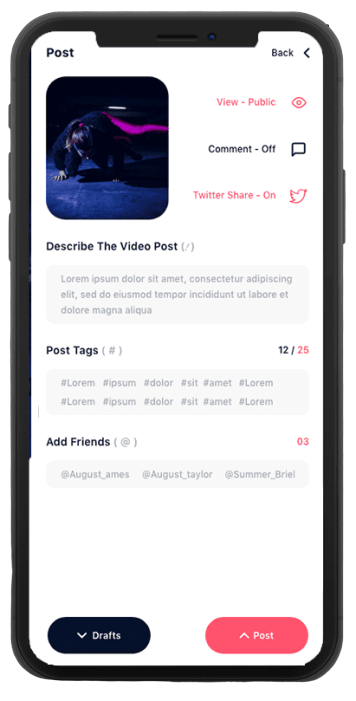
Post

Post the images and videos for your love ones

Multi live

Multi live with friends, family and love ones

Creator Tools Interface for Stereo Clone App
Stereo Clone App User Profile Preview

PK battles

Users can also follow hashtags in the mobile application and can view the videos posted with the same hashtag.
Videos

Let them dub their own voice for uploaded audio tracks & record the same with their phones

In-App Chat Feature of Stereo Clone App
Interactive Audio Streaming Screen

Profile's videos

Users can upload profile videos which have been created/shooted by the user.
Profile

Users can view feeds from various users that are registered in the mobile application, posts from people they are following on the homepage

Sample UI Layout of Stereo Clone App
Stereo Clone App User Engagement Features

Video Filters

Variety of effects & filters are available for the users to edit their recorded video contents

Like, Comment & Share

Users can like the videos posted by other users, comment on them and share them.

 Audio Streaming Tools and Features
Trending Audio Content Section

Zoom Option

User will get the feature of zooming the image or video while shooting to have a closer view.

Apply Effects

Ocean of augmented filters which are a life-like object placed as a filter on the video to be posted on the app platform.

Discover Trending Audio Shows – Stereo Clone App
Chat Message Example in Stereo Clone App

Write Text

Users can write text on images or videos while applying filters on it.

Apply Stickers

Add special stickers to allow users share their videos in interesting ways.

Live Audio Conversation Interface
User Interaction Features in Stereo Clone App

Channel

User can create his personalised channel and can upload videos on it.

Music

Let them dub their own voice for uploaded audio tracks & record the same with their phones

Audio Community Section – Stereo Clone App

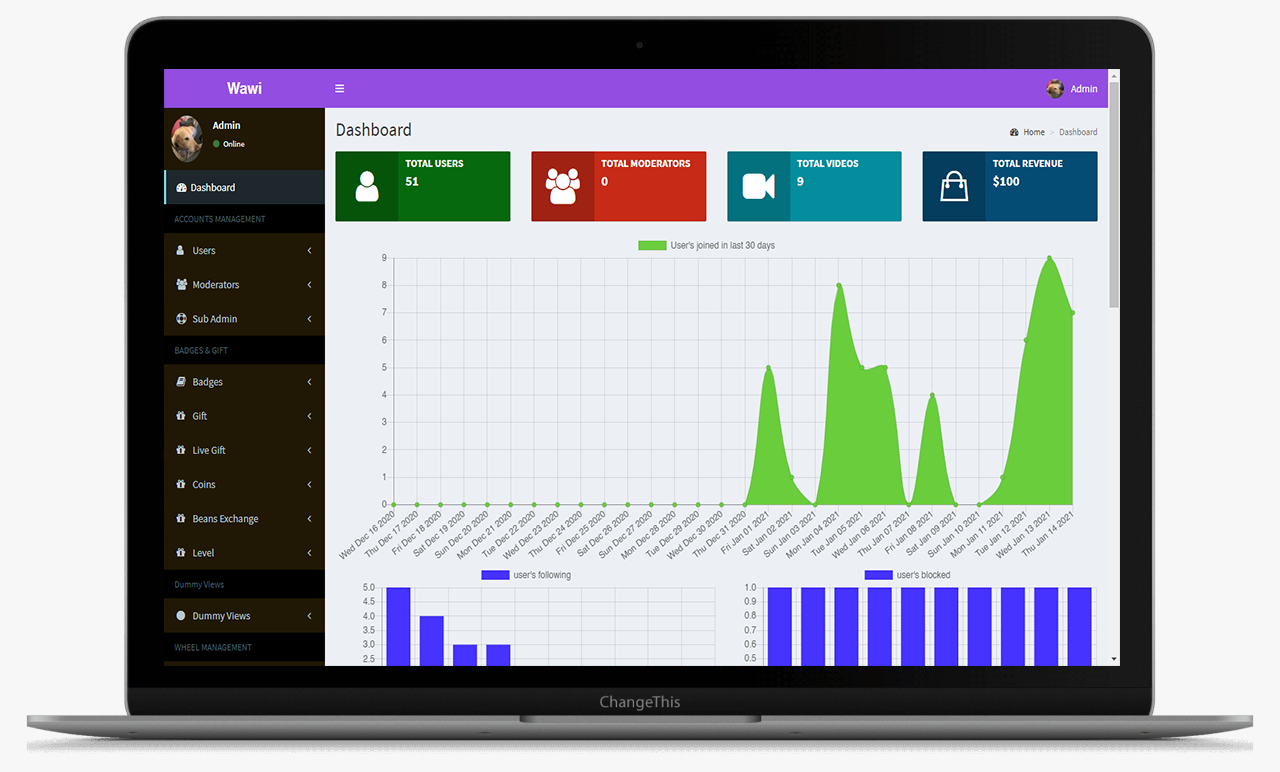
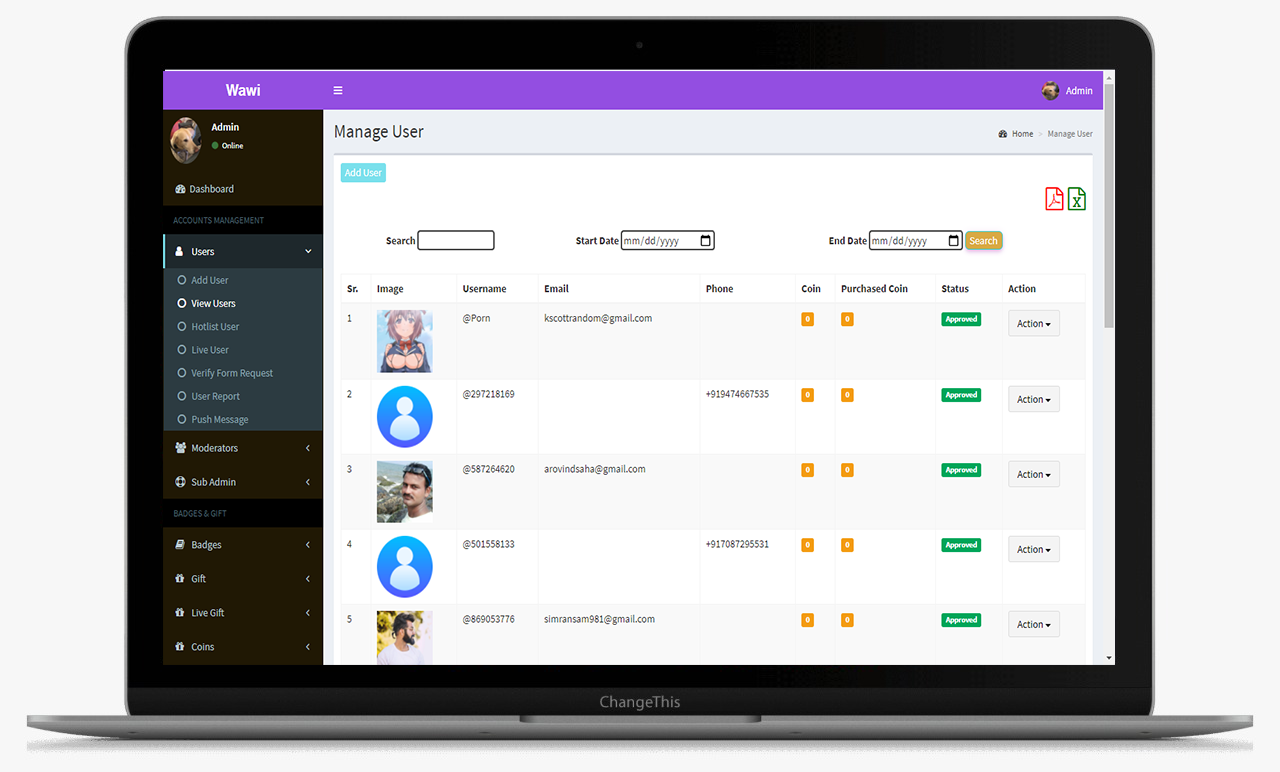
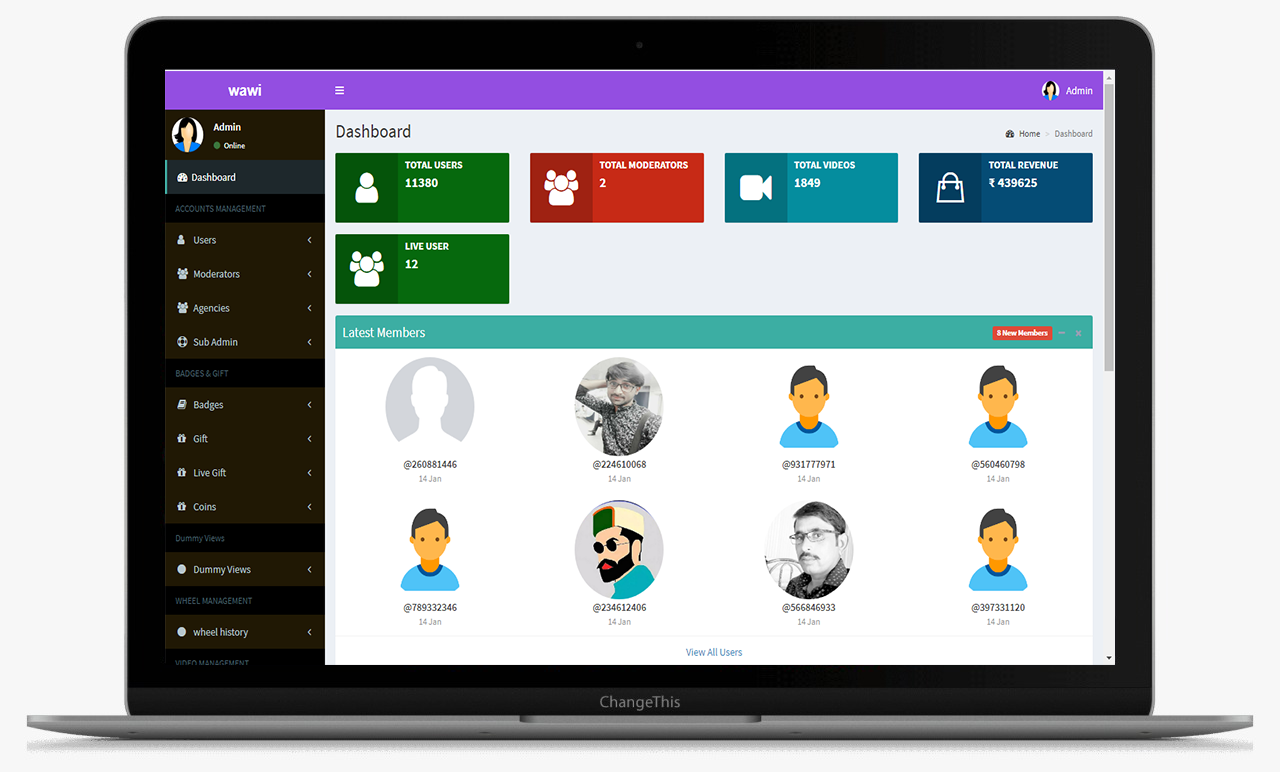
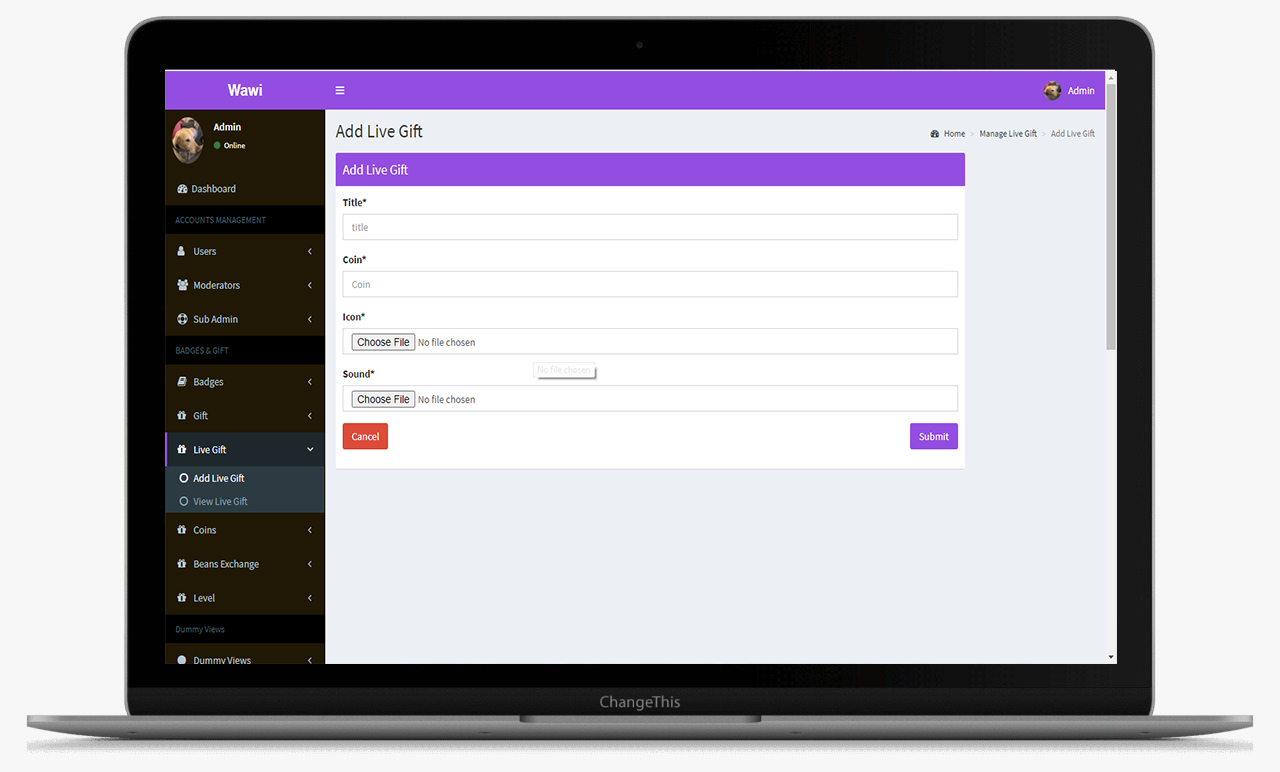
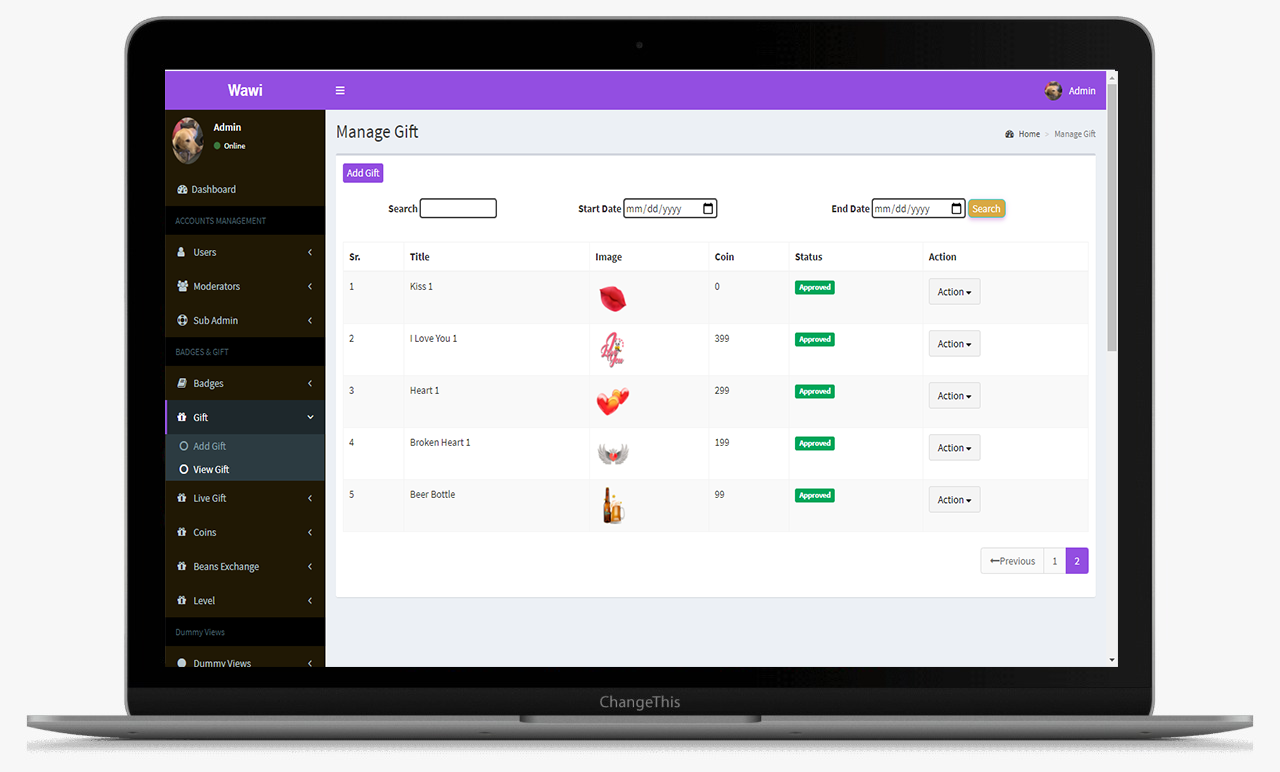
This is the main Dashboard of the admin panel, Where we can see all the modules, Chart and Side menu.

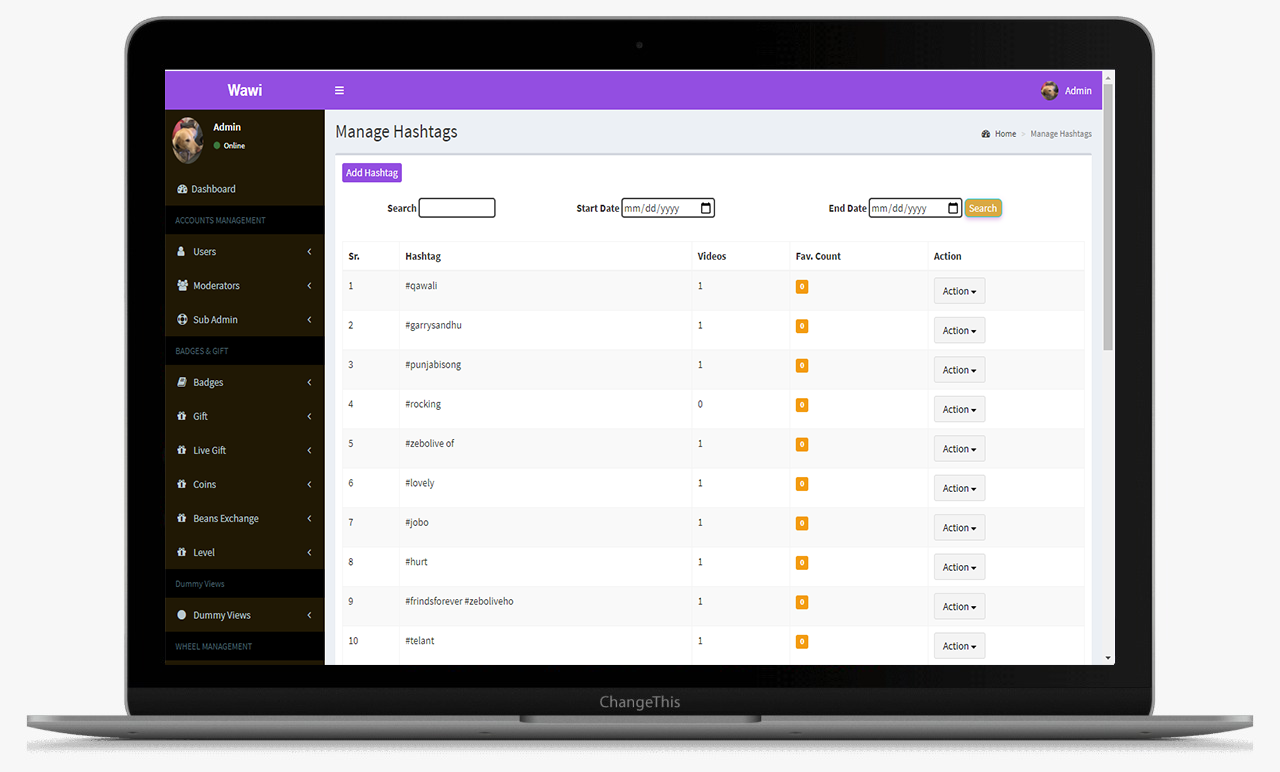
From this screens Admin can manage the hashtags

This is the main Dashboard of the admin panel, Where we can see all the modules, Chart and Side menu.

This is the main Dashboard of the admin panel, Where we can see all the modules, Chart and Side menu.

This is the main Dashboard of the admin panel, Where we can see all the modules, Chart and Side menu.

This is the main Dashboard of the admin panel, Where we can see all the modules, Chart and Side menu.

Who It’s For

Matches

The matches tab gives an insight into who's the initiator of the match. Share the contact and profile details of the opposite user. It also gives the time stamp on when the match occurred.

Friends

This data log is maintained for each user who has initiated or become friends with any other user on the platform.

User Wallet

Gives detail of all the transactions that take place. It includes the coins that the user has bought, spent as well as the coins that he/she has earned.

All Transfer Logs

This section displays the complete transfer logs of the users along with the transaction id and names of the sender and receiver.

Withdraw

Displays the withdrawal details. The users can withdraw the coins they have in their earning wallets into actual currency.

Frequently Asked Questions (FAQ)

No. This is an E-TRADE-inspired clone script and is not affiliated with or endorsed by E-TRADE. It is a standalone, white-label solution.
Yes. The platform can be configured to support stocks, ETFs, options, and other investment instruments based on business requirements.
Yes. The solution includes secure login, encrypted data handling, and transaction monitoring suitable for financial applications
Absolutely. Trading rules, asset availability, compliance requirements, and UI elements can be customized for different regions.
Since this is a ready-made investment platform script, launch timelines are significantly shorter than custom development projects.

Schedule - With Us Now