
The Exness Trader clone app script is a customizable financial trading platform designed for companies entering the forex and CFD trading market. It provides traders with access to multiple financial instruments, including currency pairs, commodities, indices, and contracts for difference, all through a unified and responsive interface. This white-label forex trading app clone is built to support high-speed execution, low-latency data processing, and advanced trading workflows. It removes the technical burden of building a trading system from scratch while allowing full control over branding, trading conditions, and platform configurations.
The platform is engineered to meet the performance and reliability expectations of active traders and financial service providers.
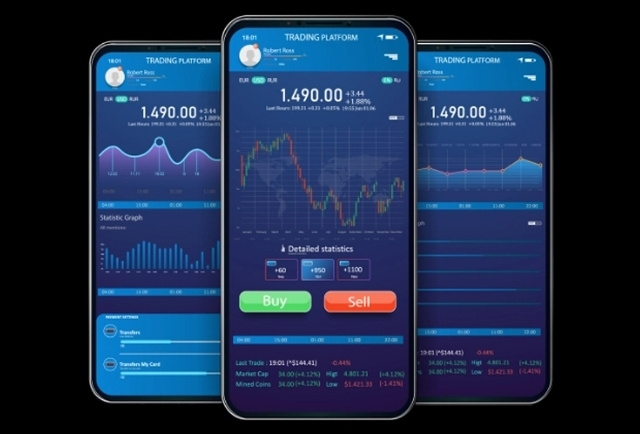
The Exness Trader clone app delivers strong business value by enabling rapid market entry, streamlined trading operations, and long-term platform scalability.
A ready-made forex trading app clone drastically reduces development time, technical effort, and initial investment, allowing businesses to enter the market faster with a proven framework.
High-speed trade execution, real-time market data, advanced charts, and analytical tools collectively enhance user experience, leading to higher trader satisfaction and long-term engagement.
Built-in risk management and compliance features enable brokers to control leverage, monitor exposure, and meet regulatory requirements while maintaining operational transparency.
The platform supports multiple monetization options, including spreads, commissions, subscription-based plans, and premium trading tools, offering flexibility to optimize revenue streams.
Designed to support increasing numbers of traders and higher trading volumes, the platform ensures consistent performance and reliability as the business grows and expands into new markets.
By leveraging a ready-to-deploy solution with automated processes and centralized management, businesses can significantly reduce operational costs and resource dependency.
Displays the application's logo and reinforces its brand identity for a familiar and consistent user experience.
Provide a welcome message and brief introduction to the app.
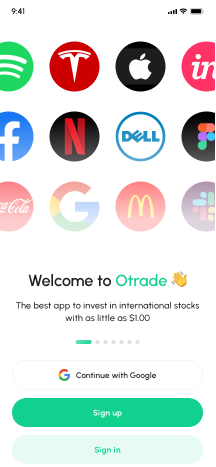
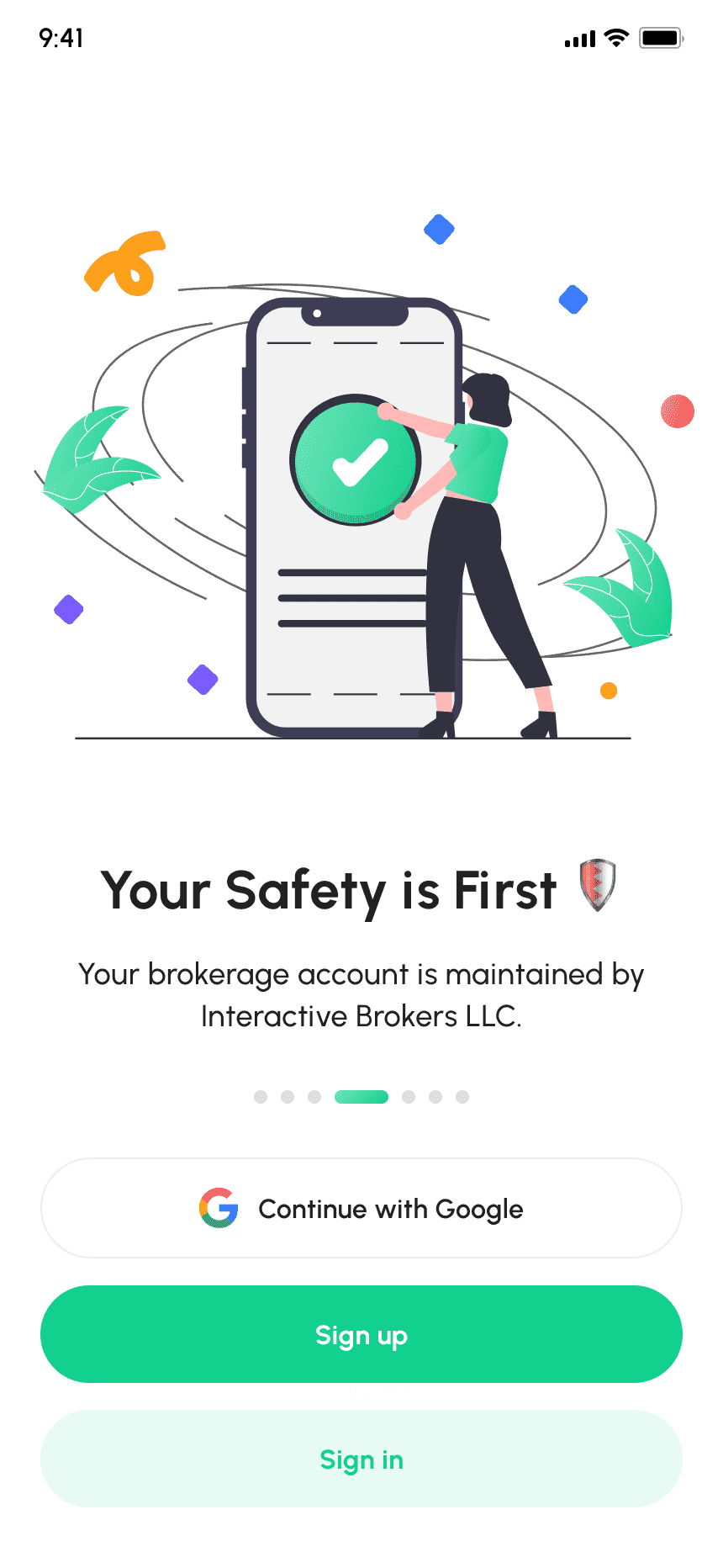
Application's core benefits with the message "Get Better Returns," highlighting the potential for improved investment returns.
Easy to Display Call to action Messagesfor new user like “Backend Real Shares
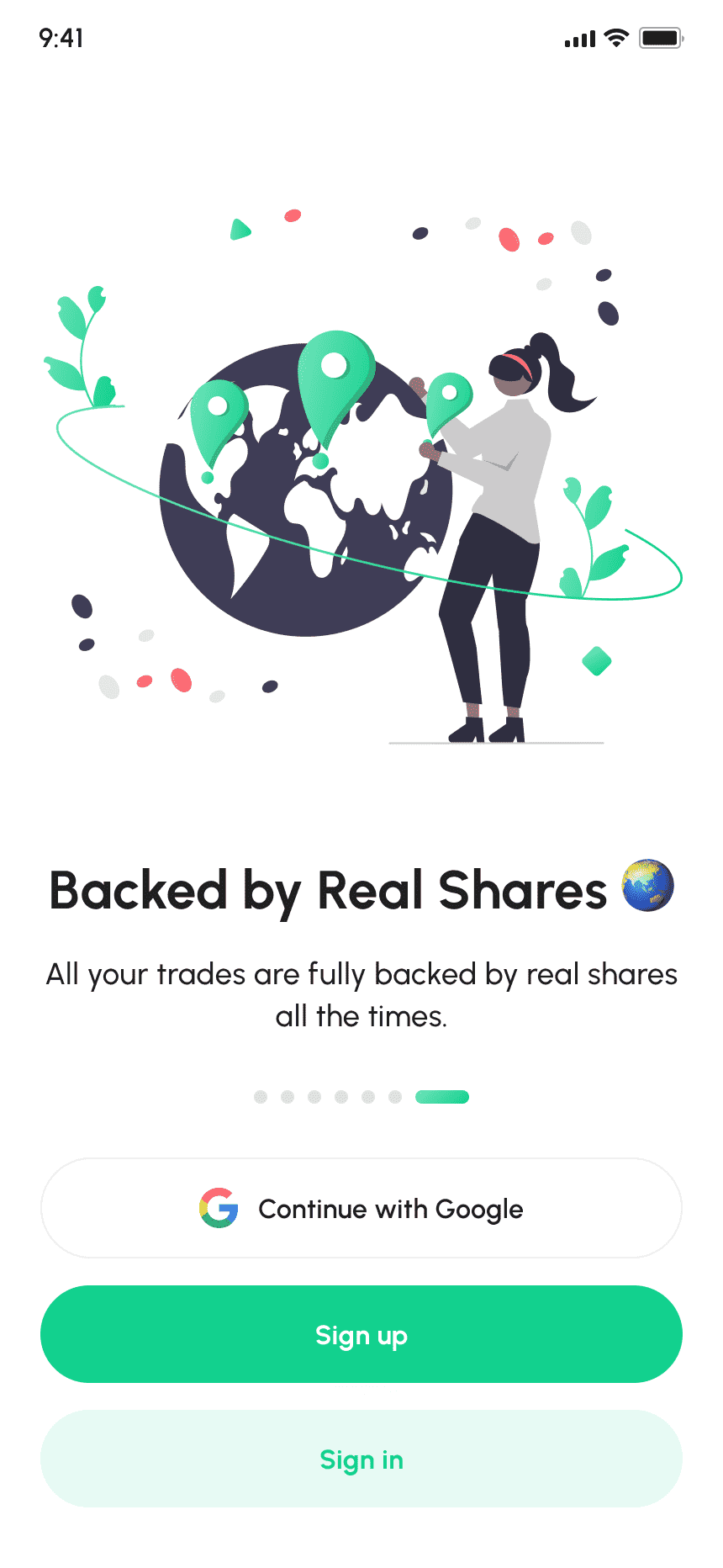
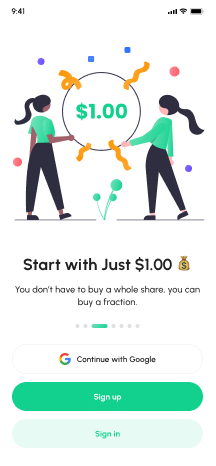
Attractive Call to Action Message to start Investing
Explains executing trades at interbank's best bid & offer prices for improved execution.img
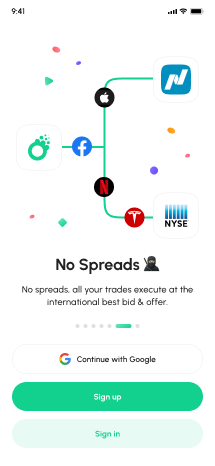
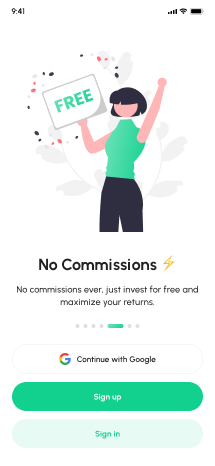
Fully customizable walkthrough screen to dispaly the features and Functionalities.
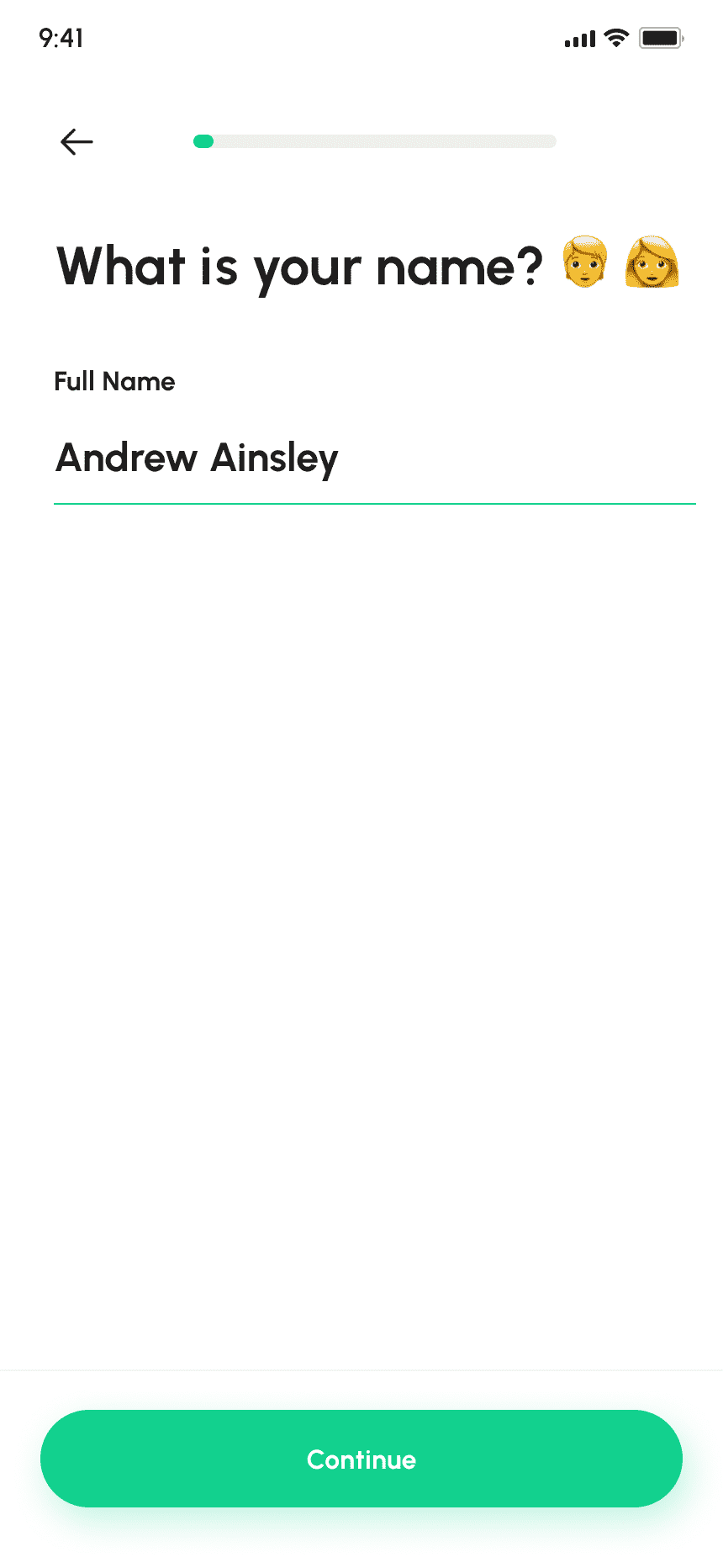
Input fields for the user to enter their Name for New User Creation.
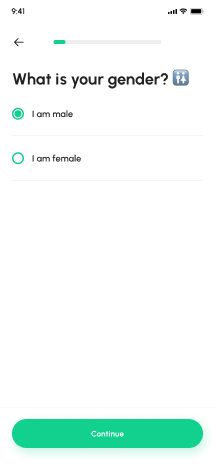
Allow users to choose their gender for account personalization.
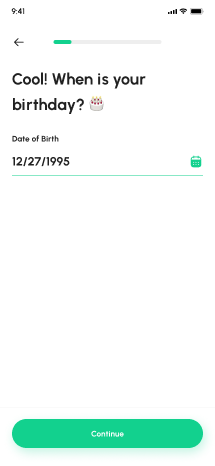
To Input the user's date of birth for account verification and personalized content.
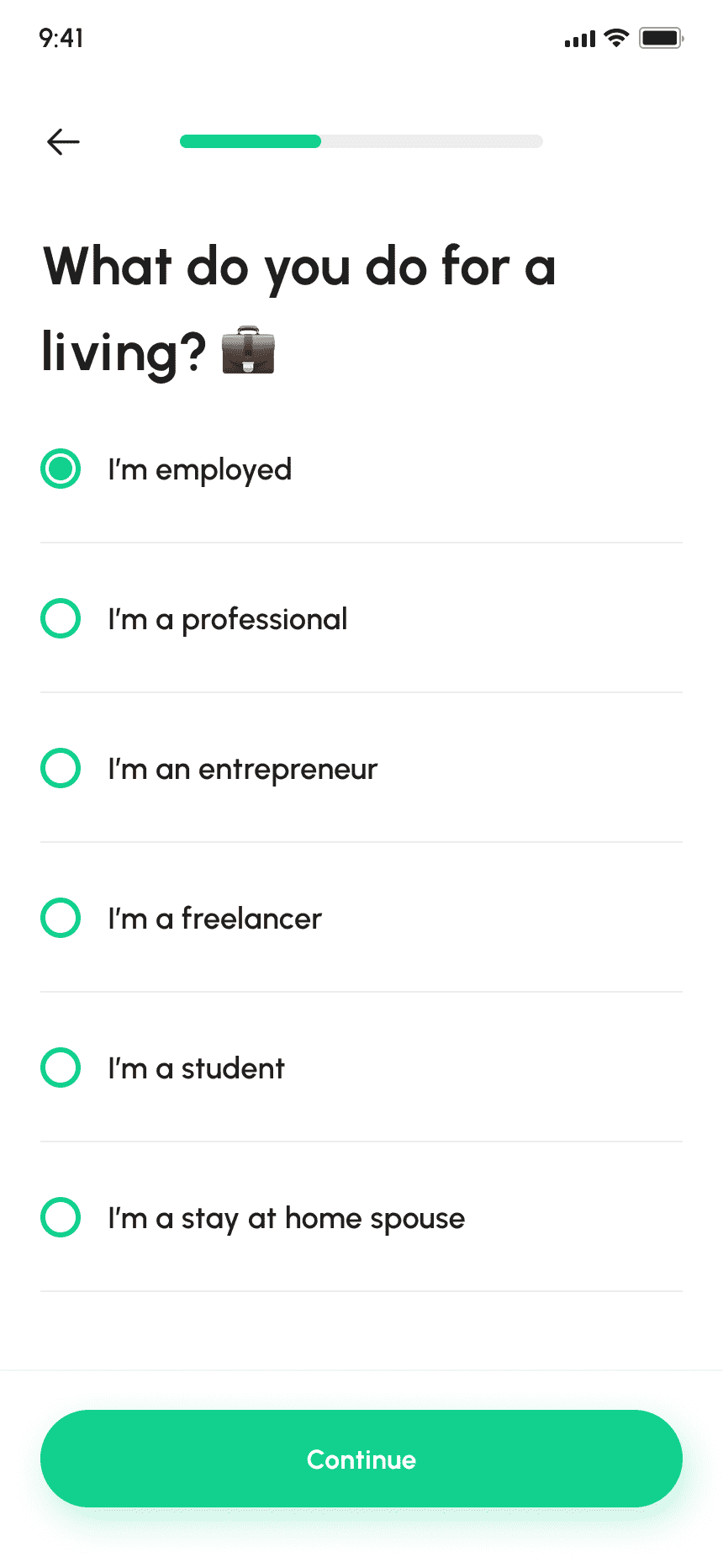
Gathers user's current profession to provide personalized investment advice.
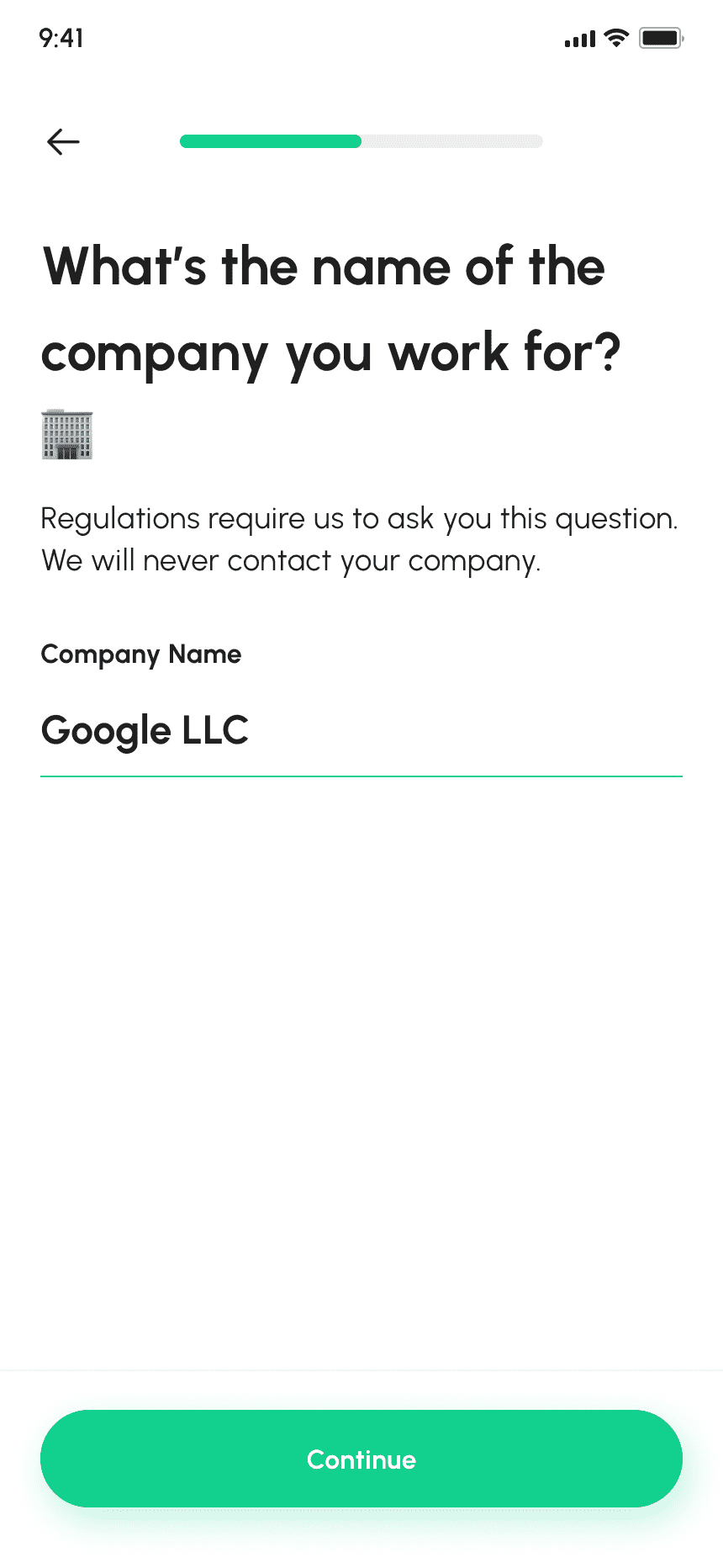
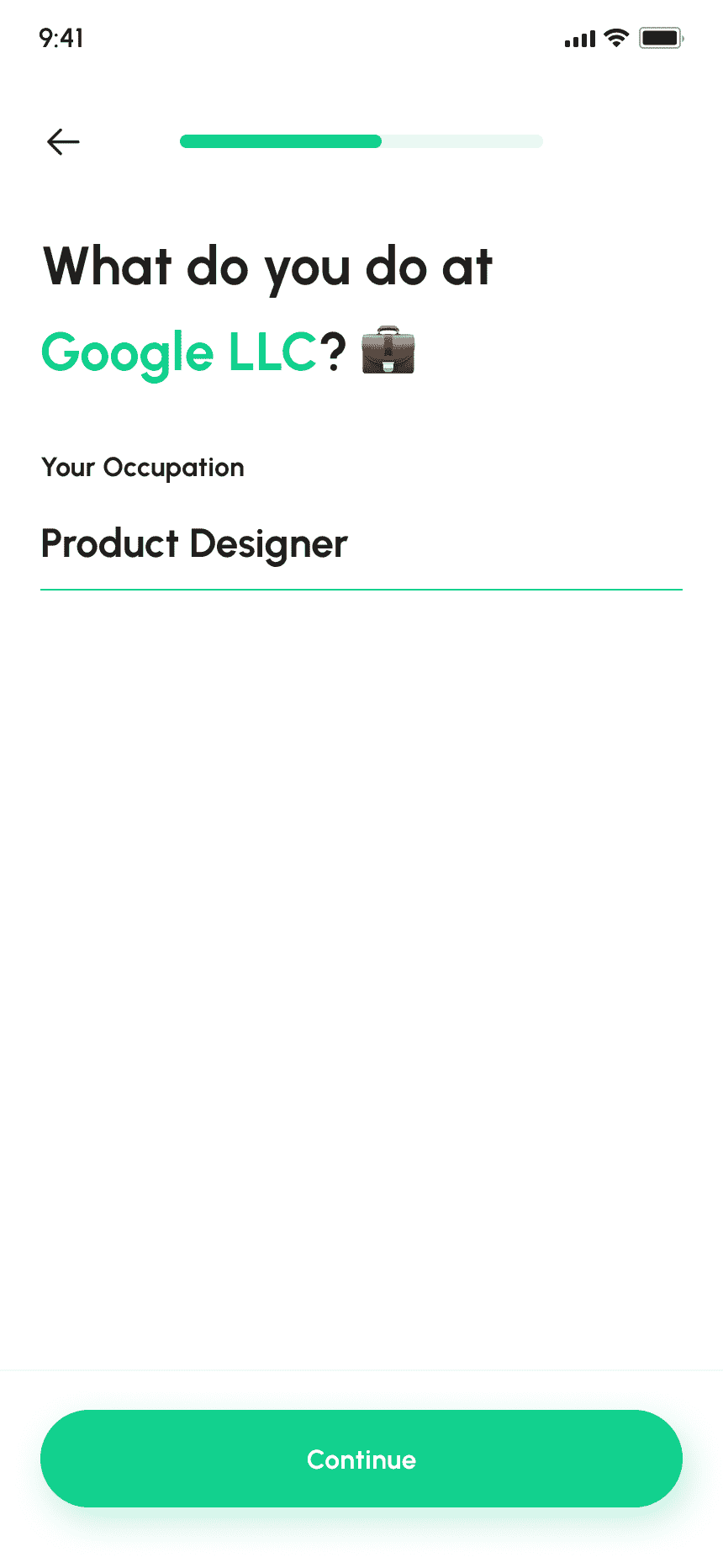
Gathers the user's employer name for personalized investment advice.
New Taxi App users can Register themselves with email and phone number registration methods.
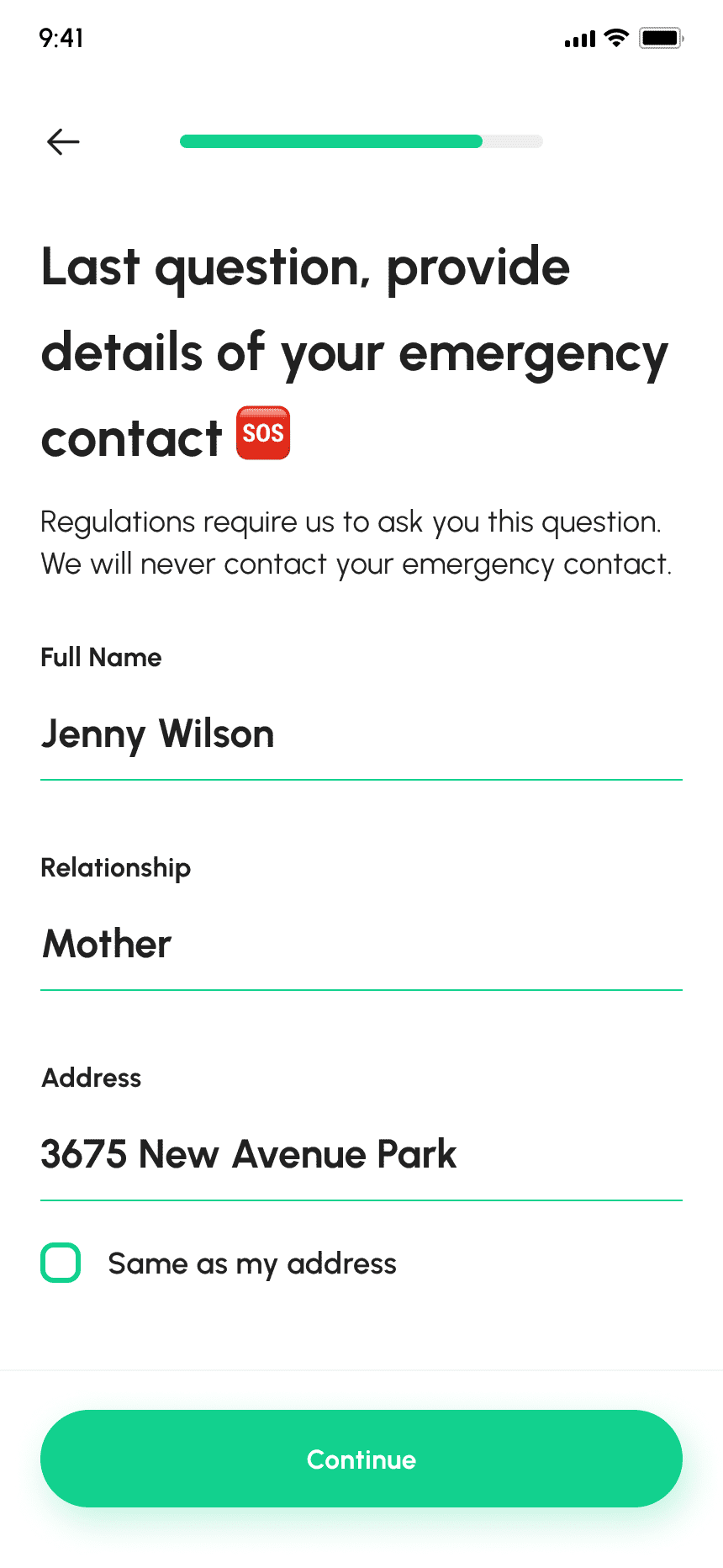
Users input details of their emergency contact person for safety and communication.
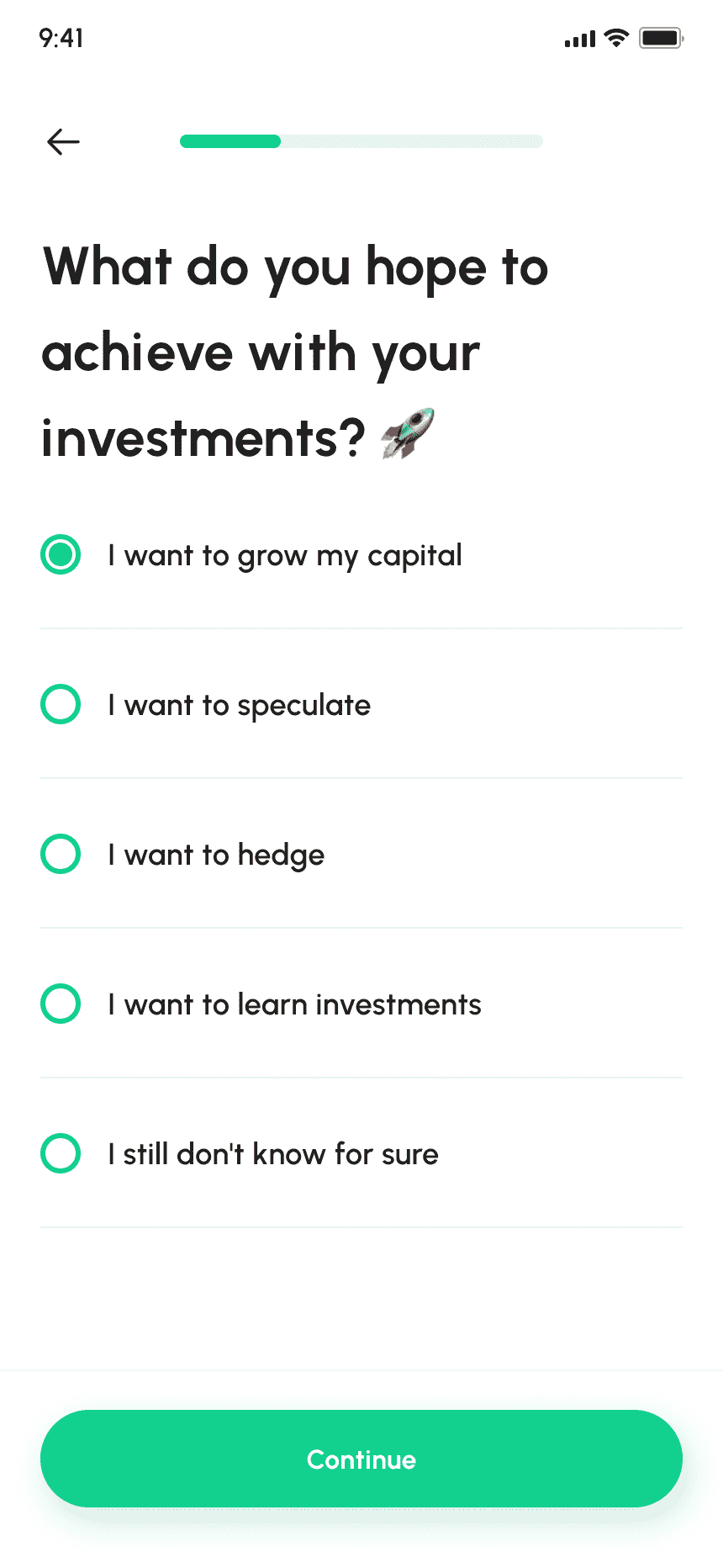
Collects user's financial aspirations and objectives to provide personalized investment recommendations.
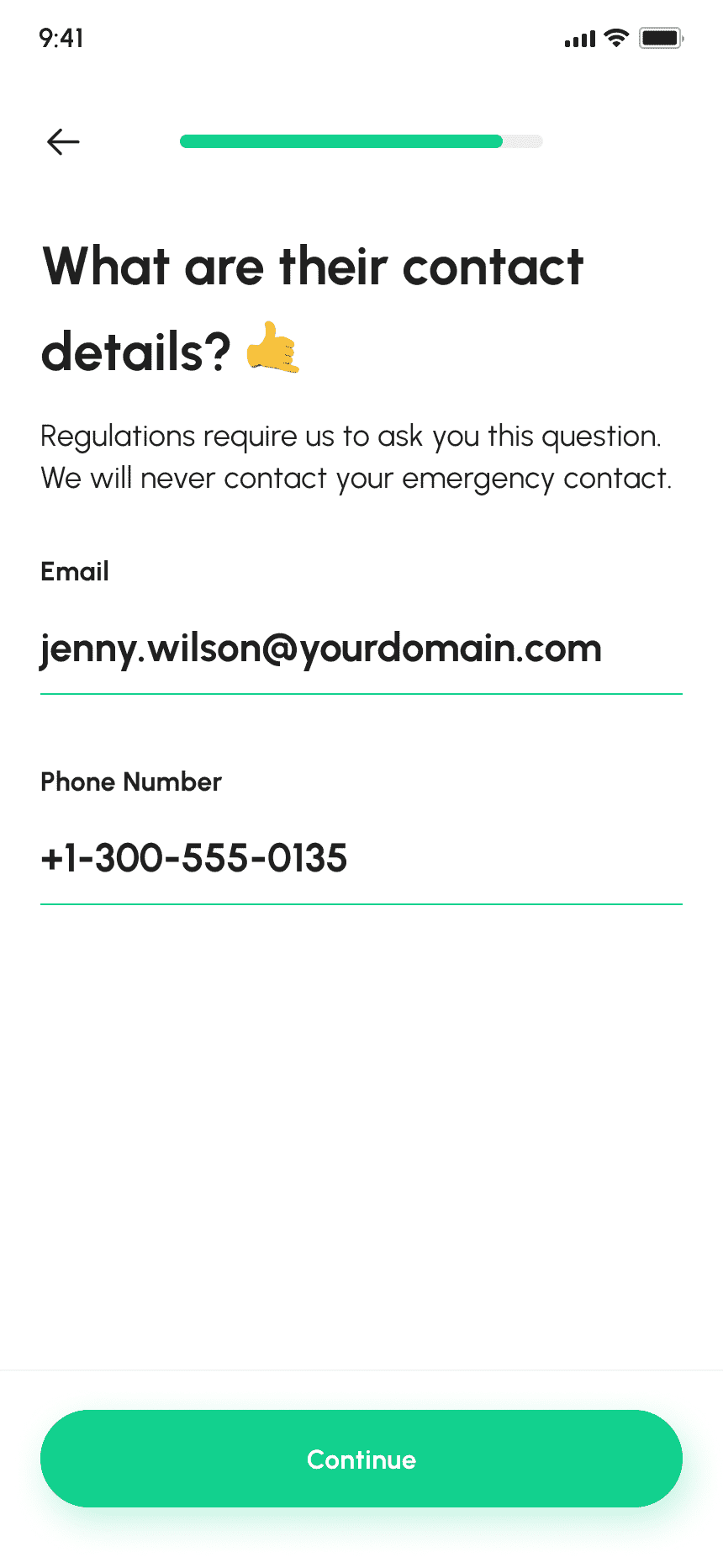
Displays entered contact details for users to review before submission.
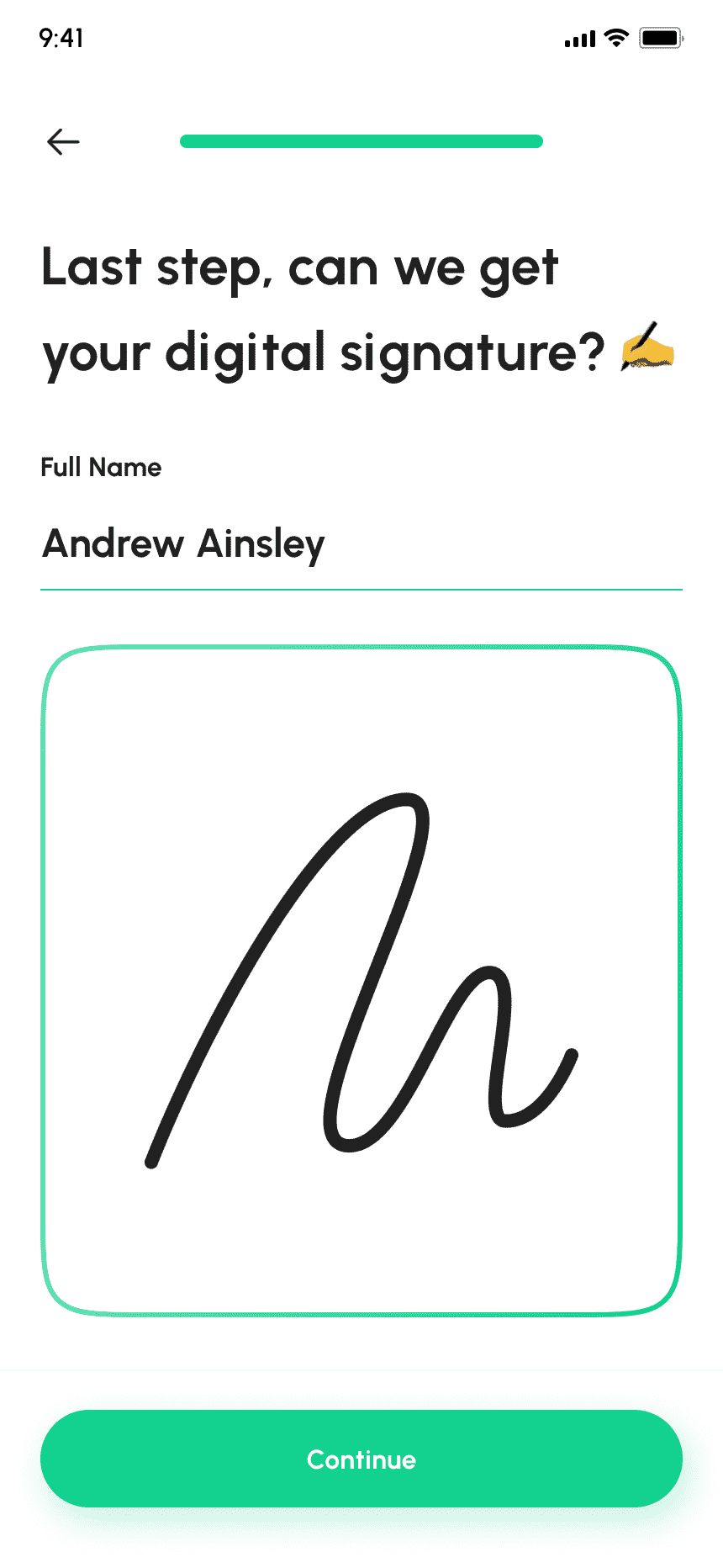
Allows users to retrieve their digital signature for electronic signing.
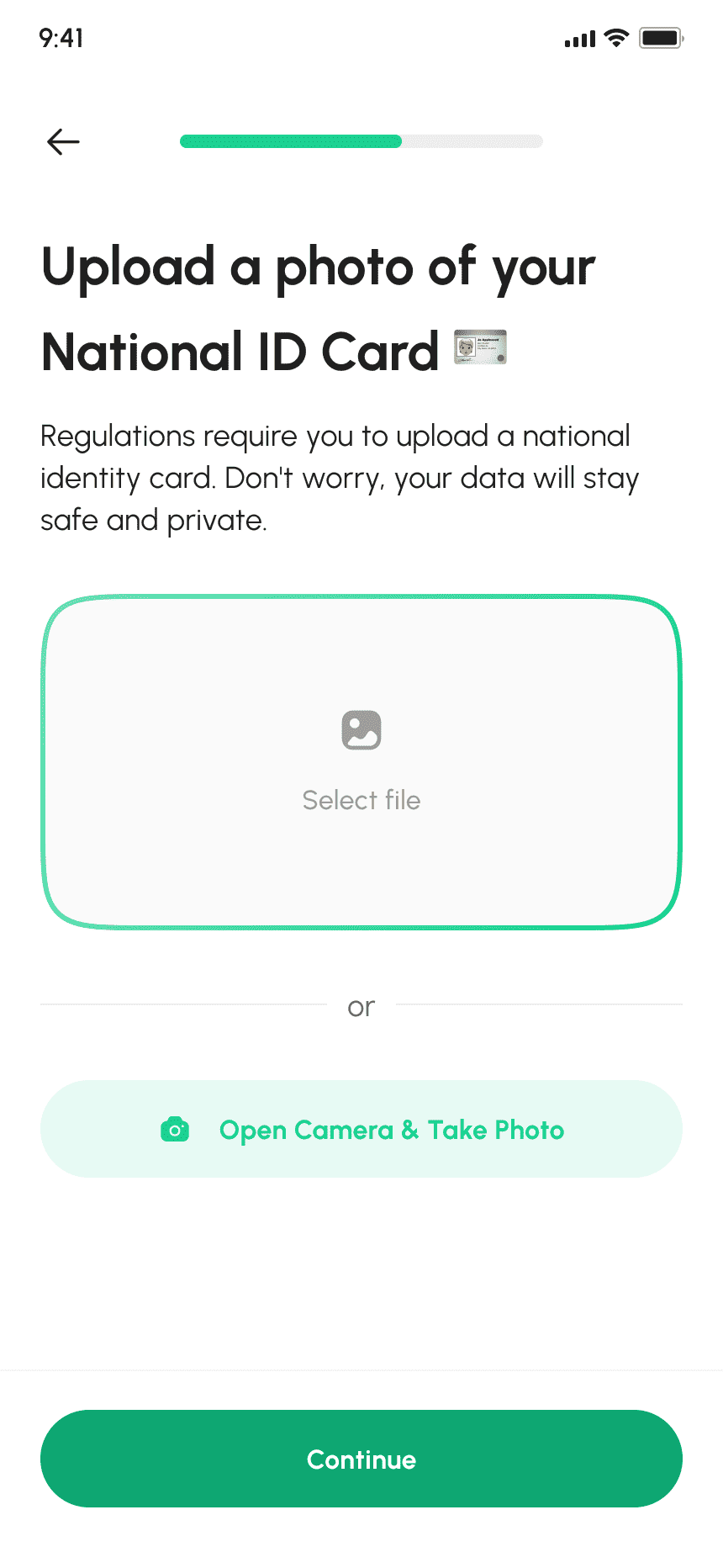
Allows users to verify their identity and comply with regulatory requirements by uploading a photo of their National ID card.
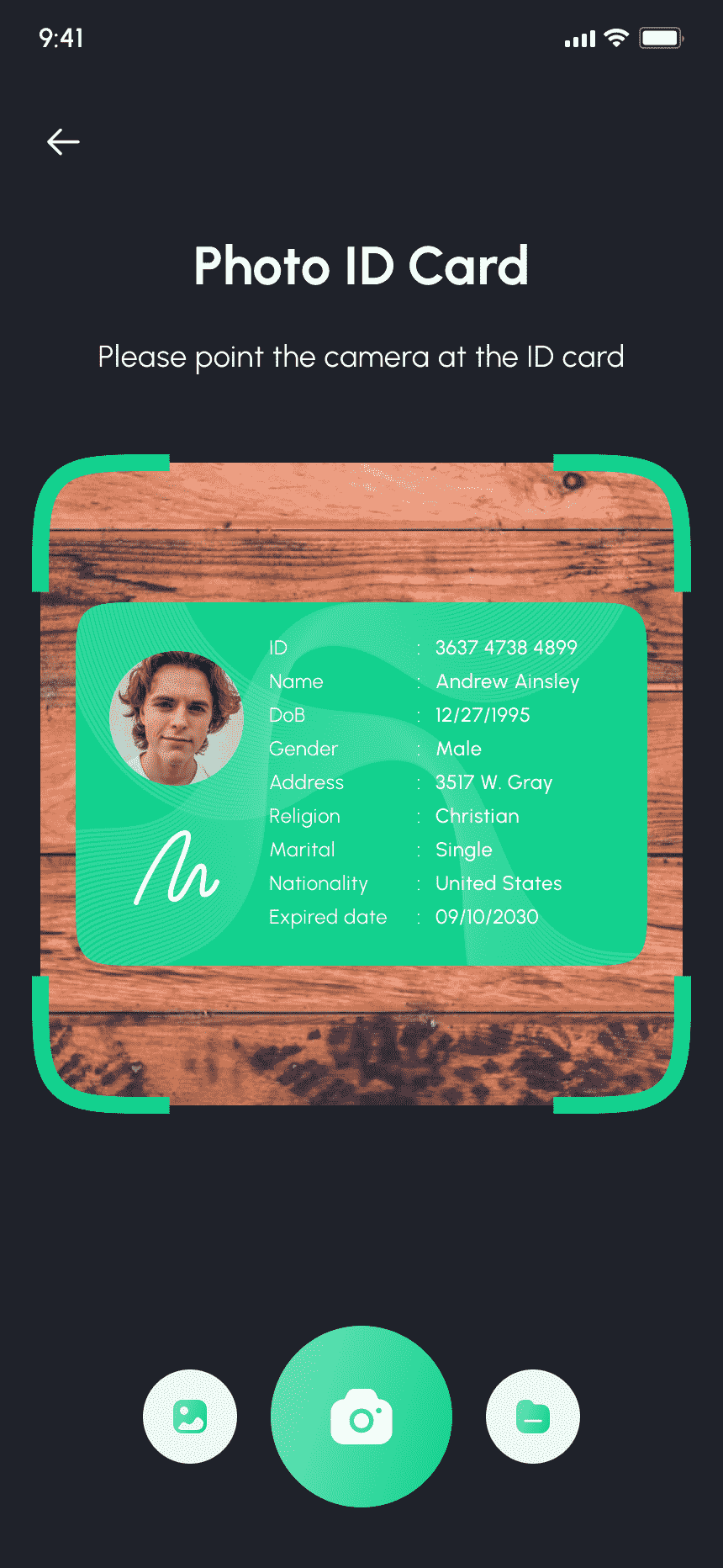
Allows users to securely scan physical documents for KYC verification using the camera feature.
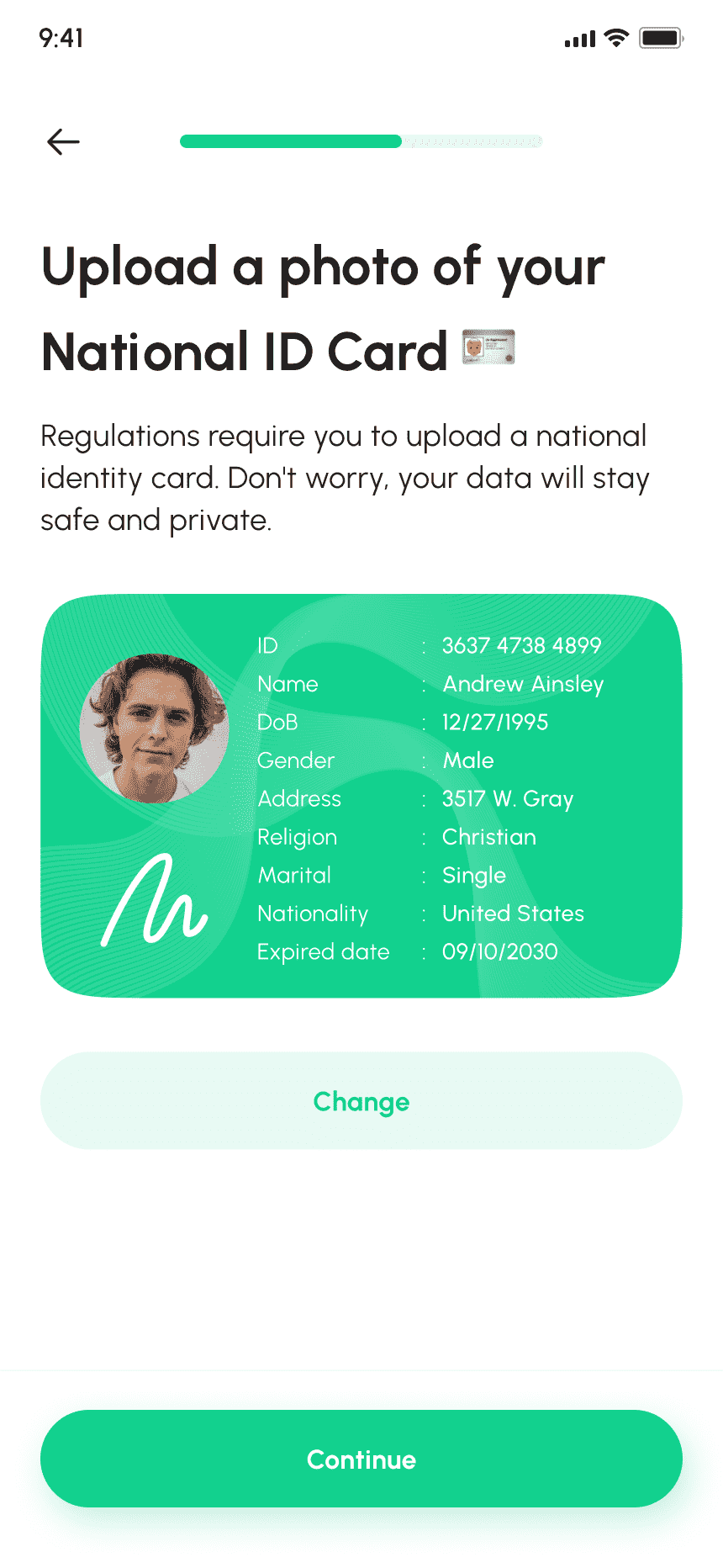
Shows scanned document preview with an "Upload" button for submission.
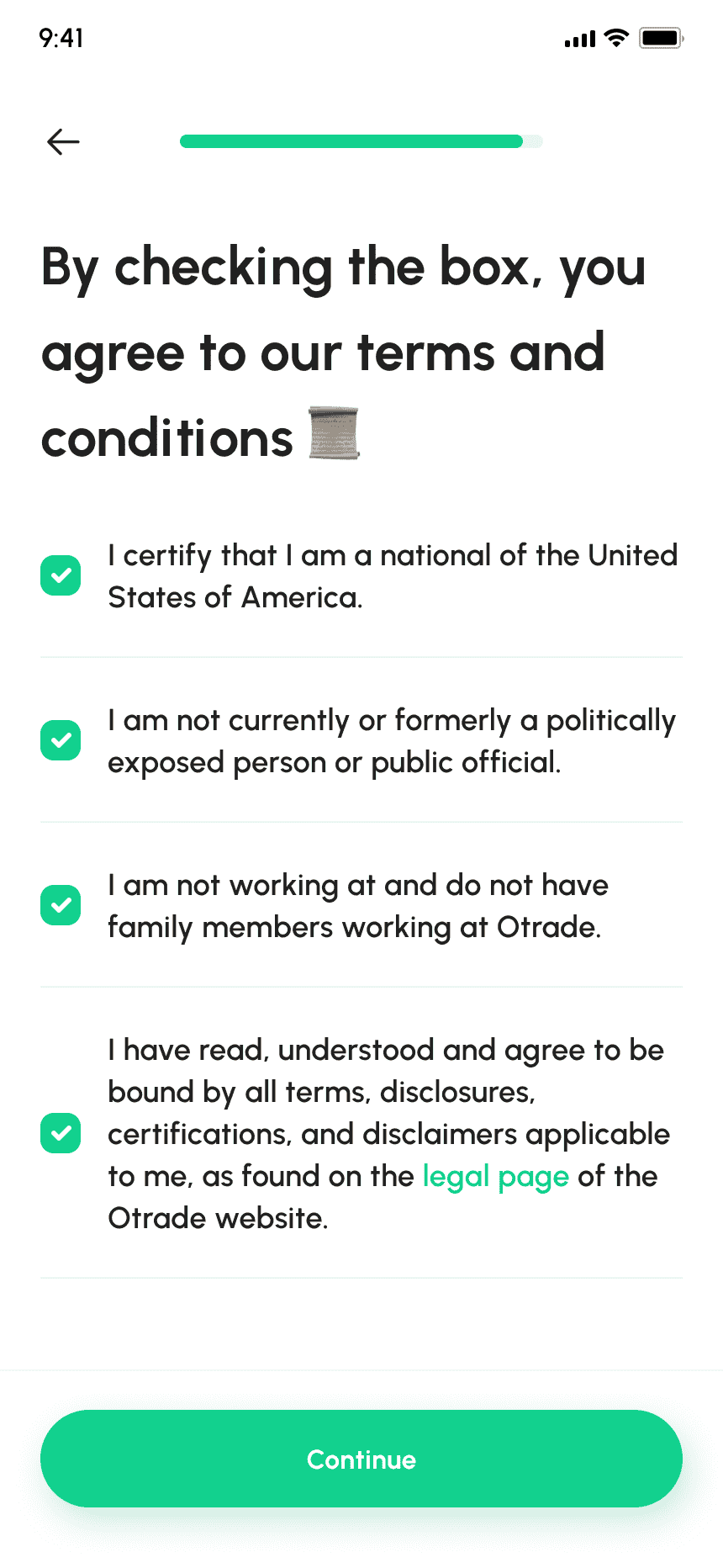
Users must check all boxes to indicate acceptance before continuing.
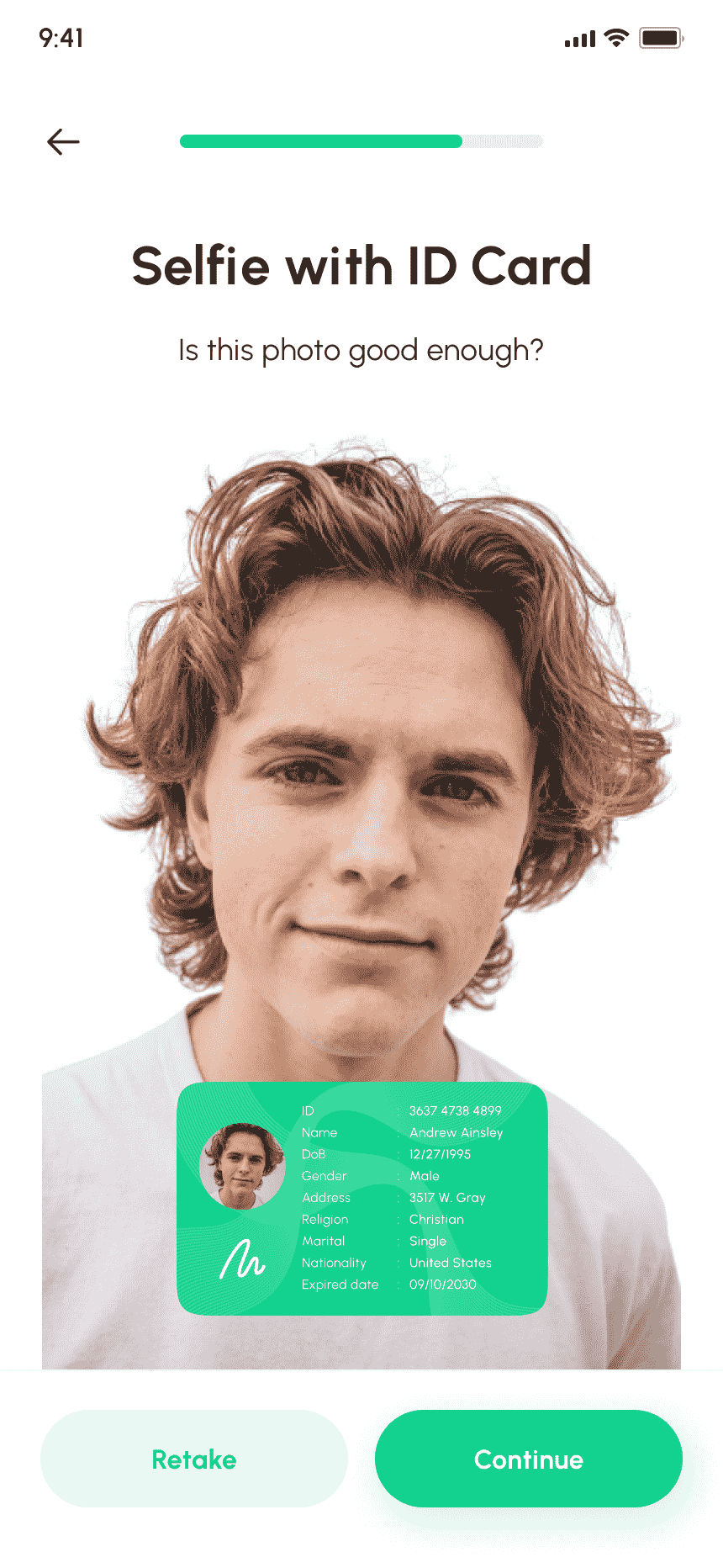
Displays a preview of the taken selfie and uploaded ID card for user review.
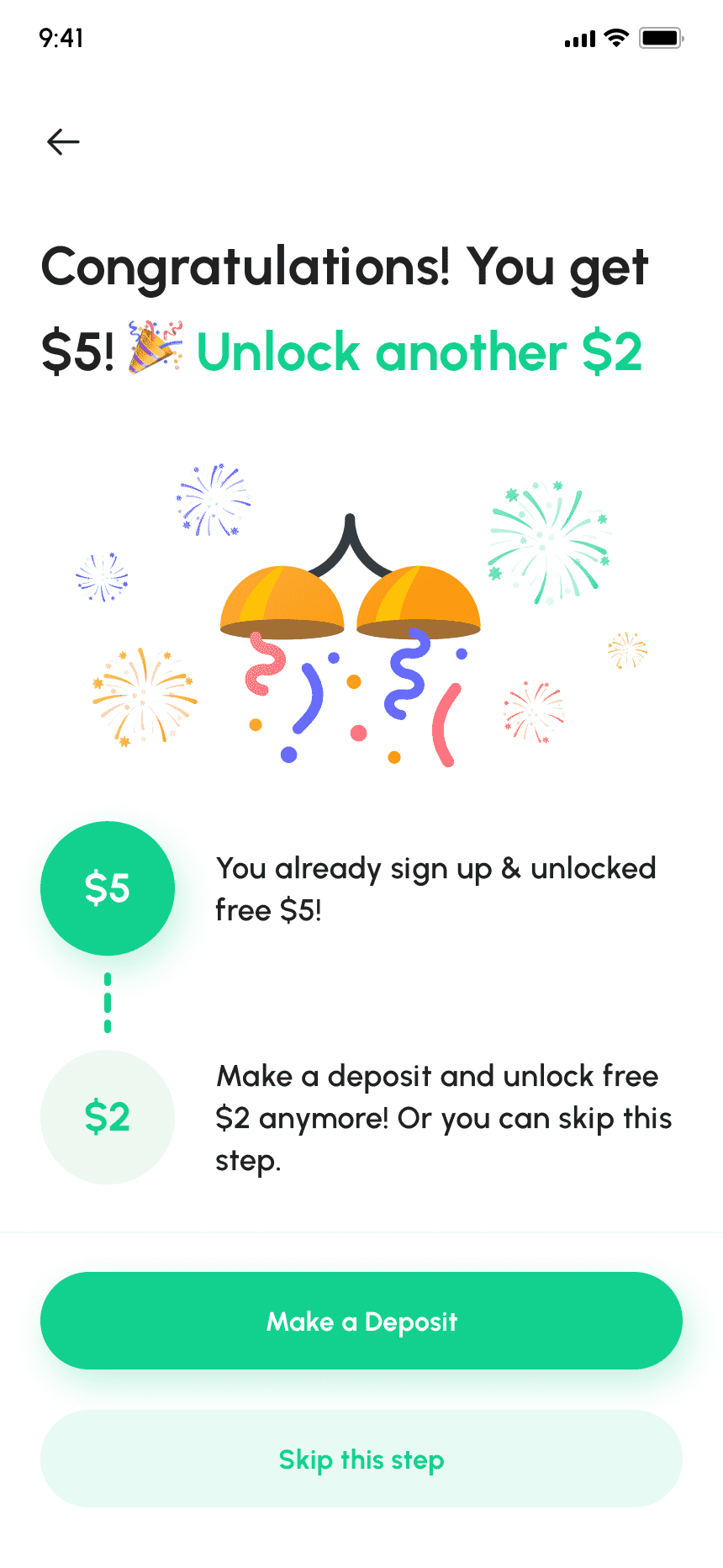
Celebrates successful signup with app and displays joining bonuses or rewards.
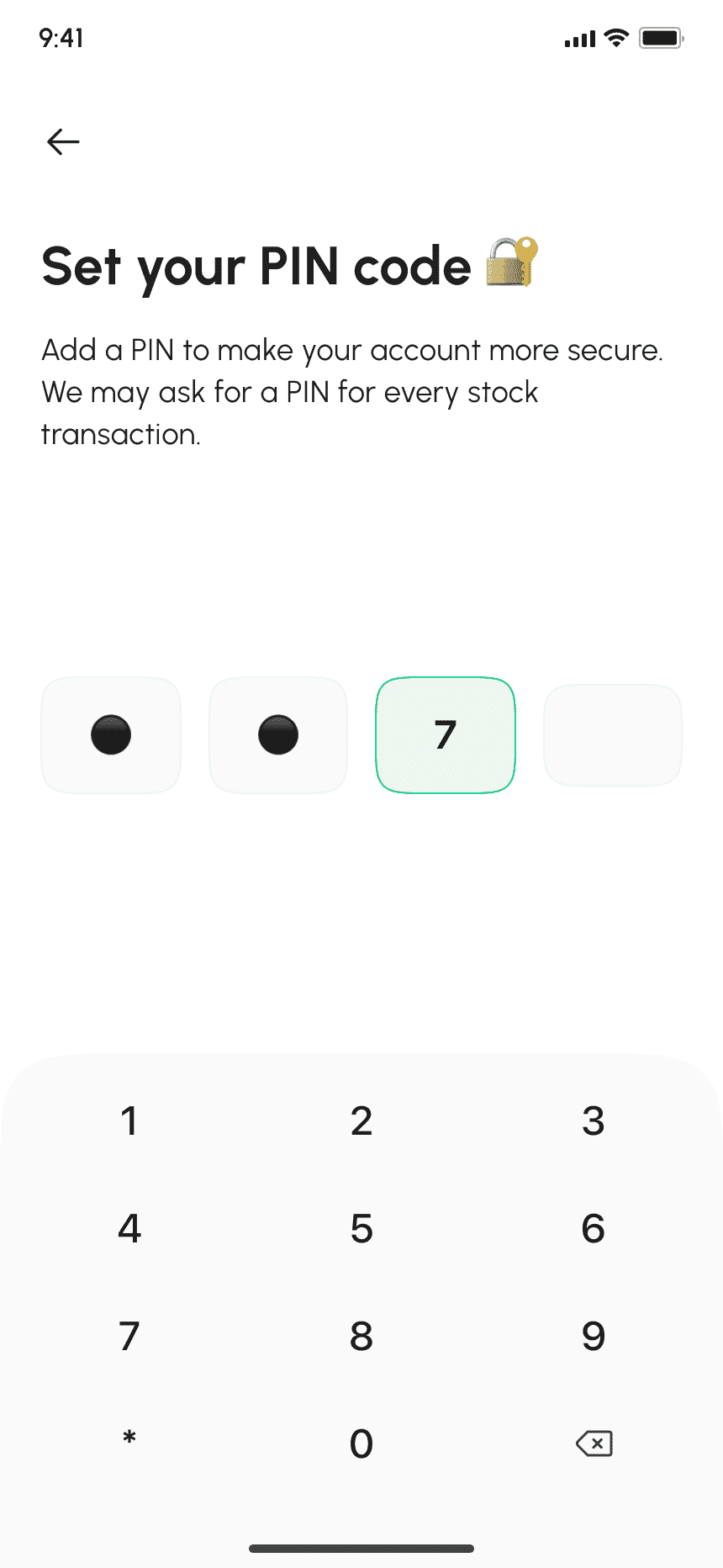
Users authenticate and set up a personal PIN code for app privacy and security.
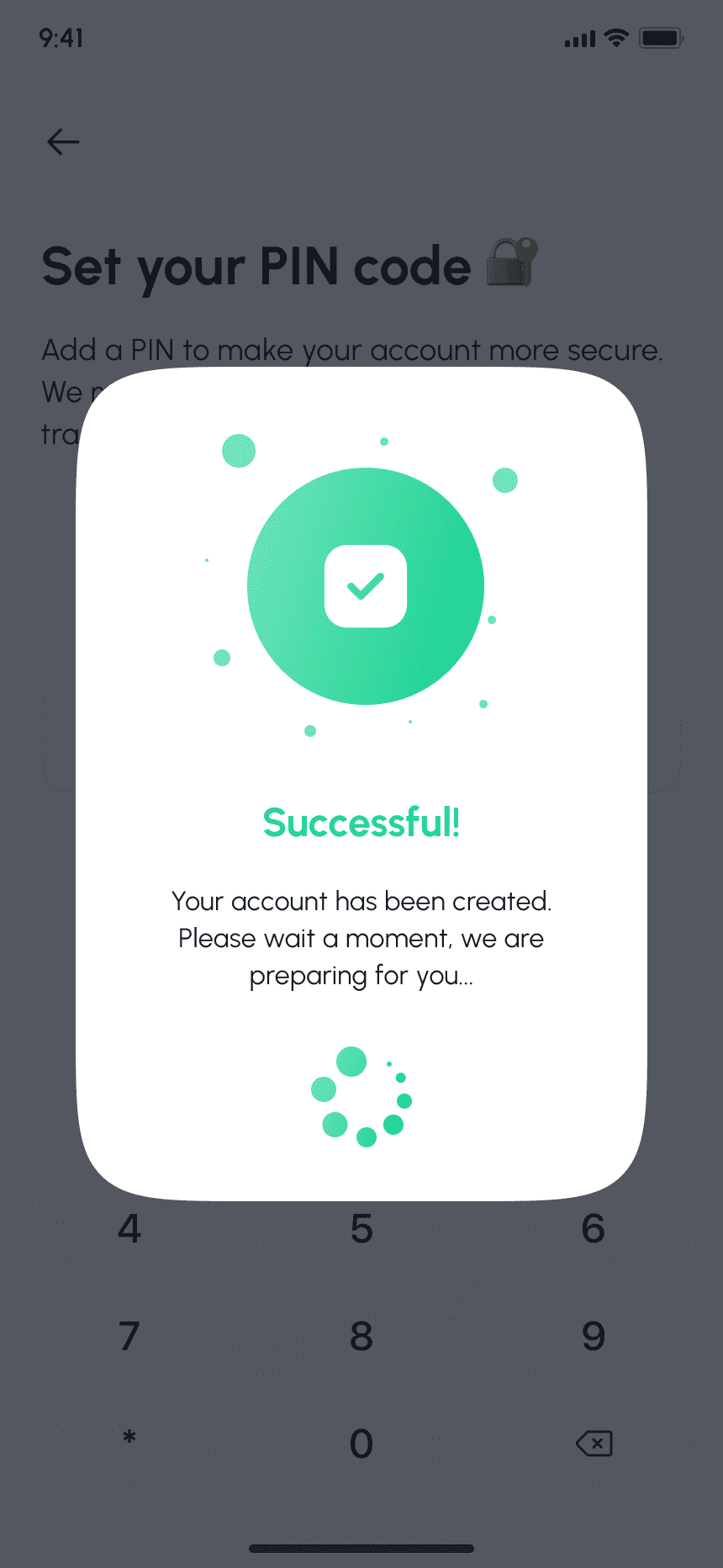
Confirms successful account setup and welcomes the user to the app.
Users log in using their registered Gmail credentials.
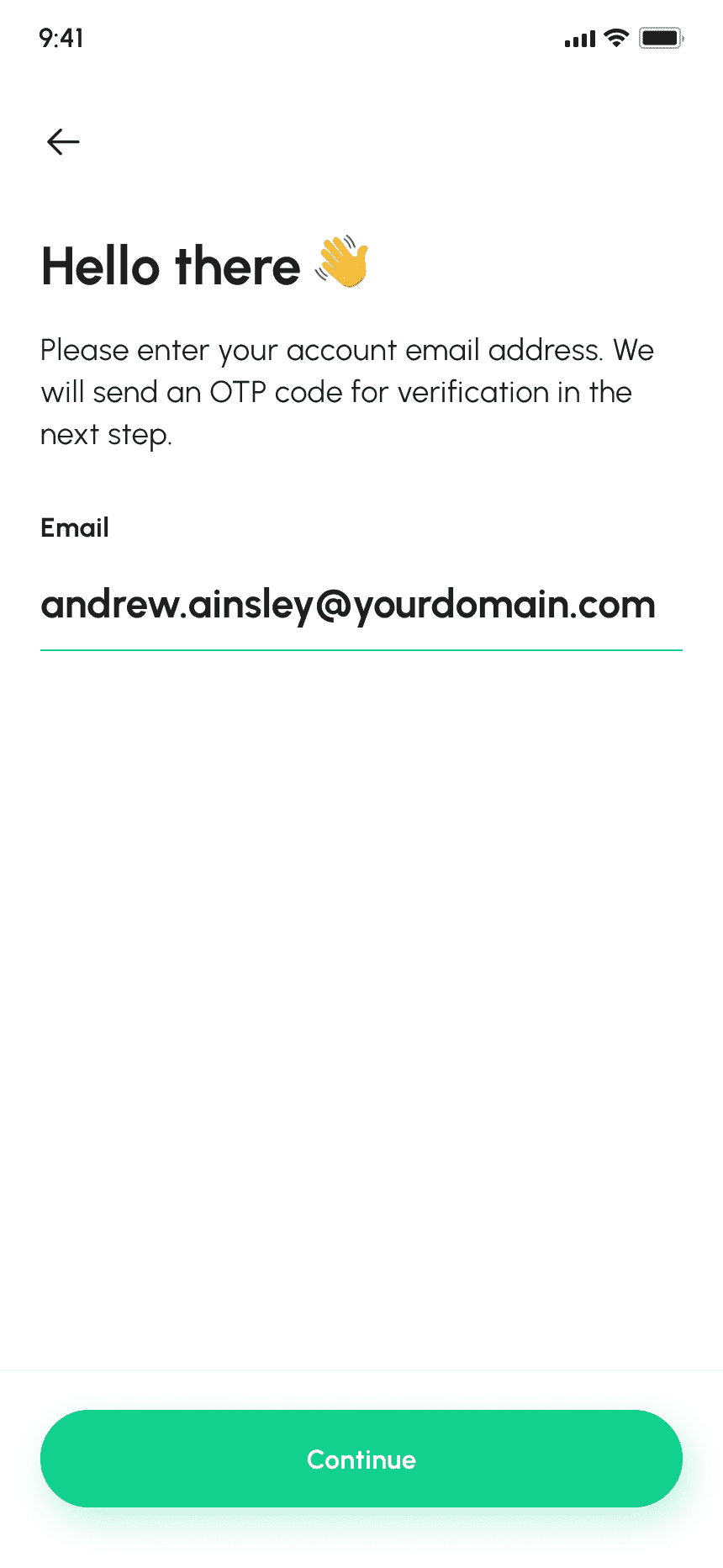
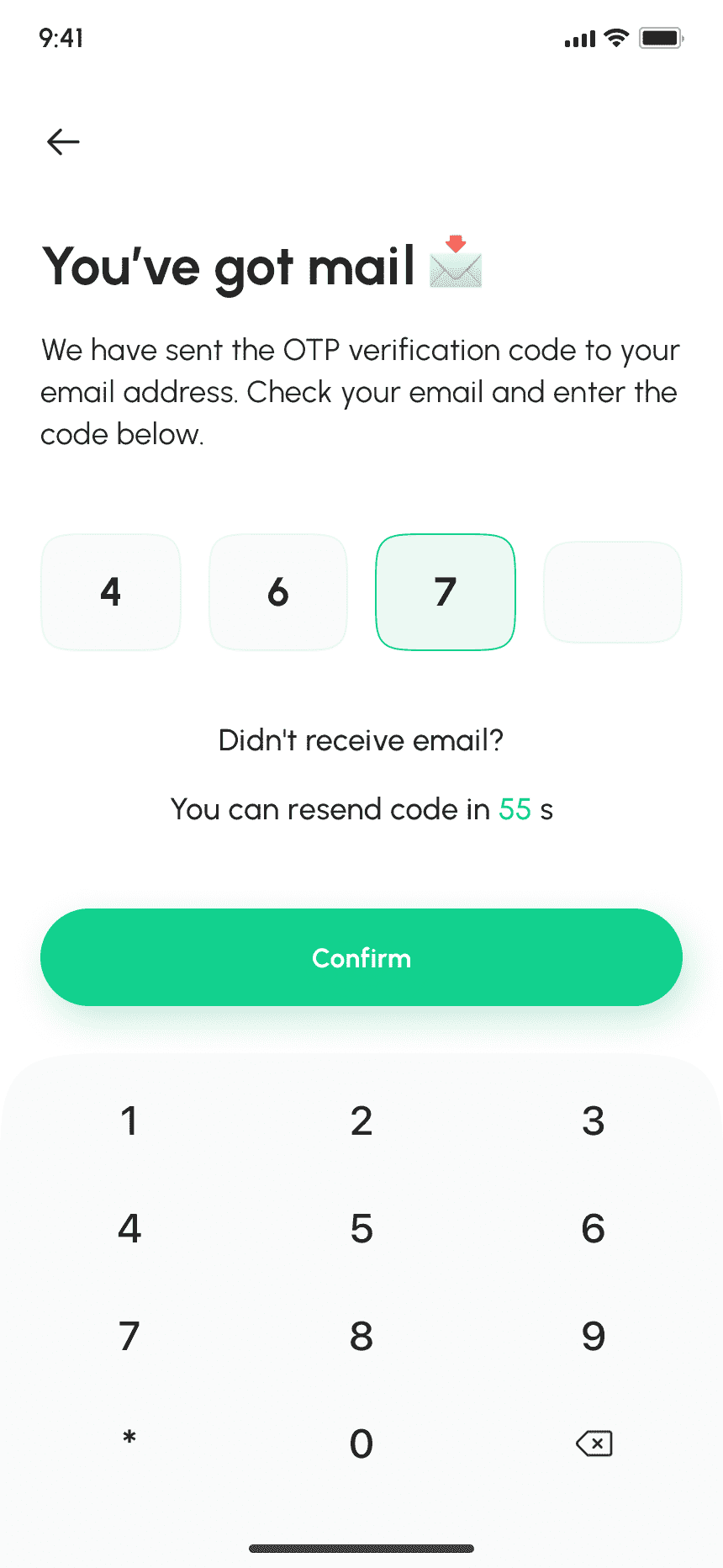
Users fill in received OTP to verify their registered Gmail account.
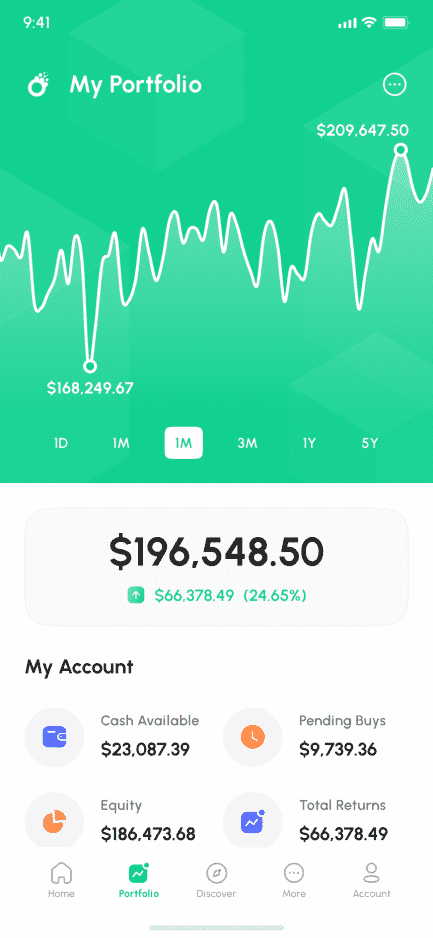
Provides an overview of stock investments and graphical representation of stock prices over time.
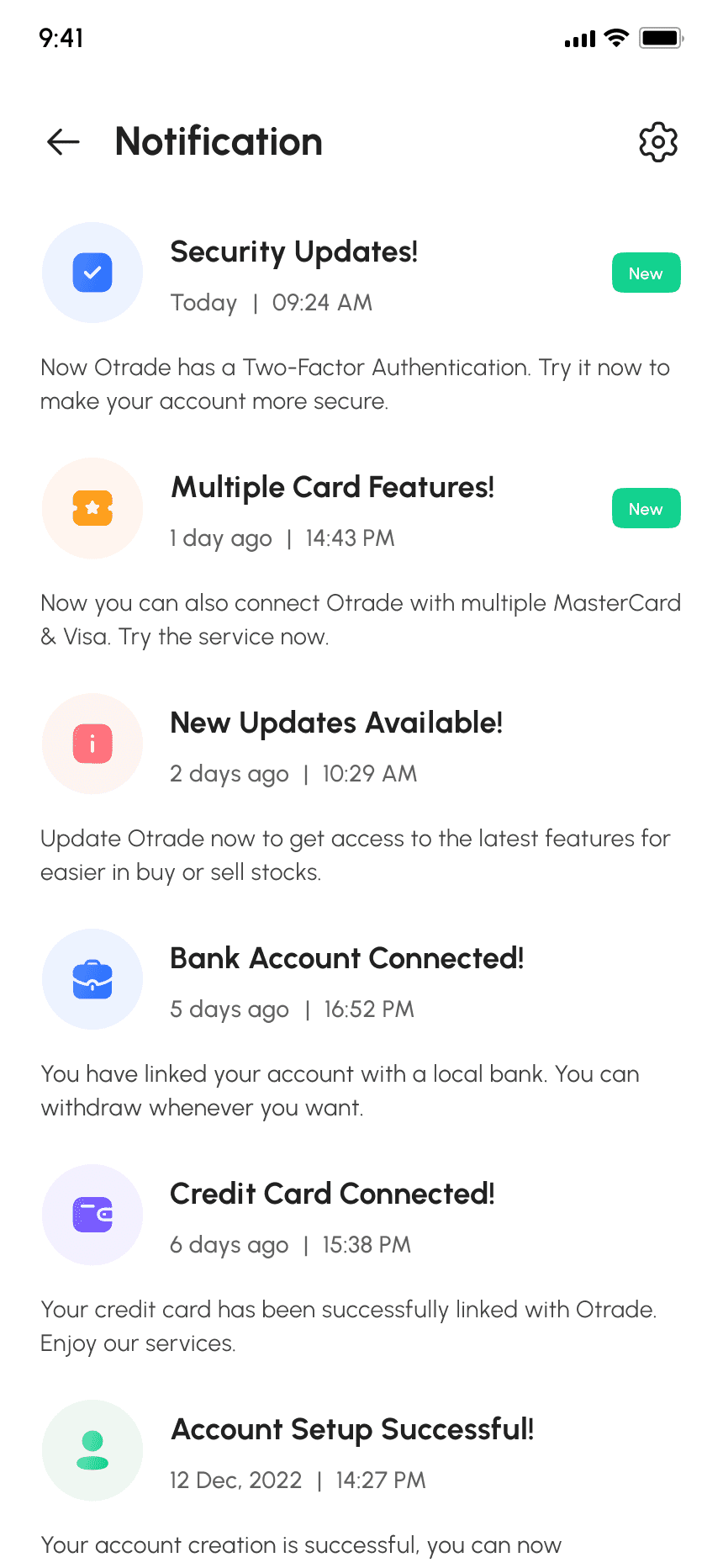
Displays all user notifications, including updates and alerts, in an organized list with read indicators.
Displays user notifications with read and unread indicators.
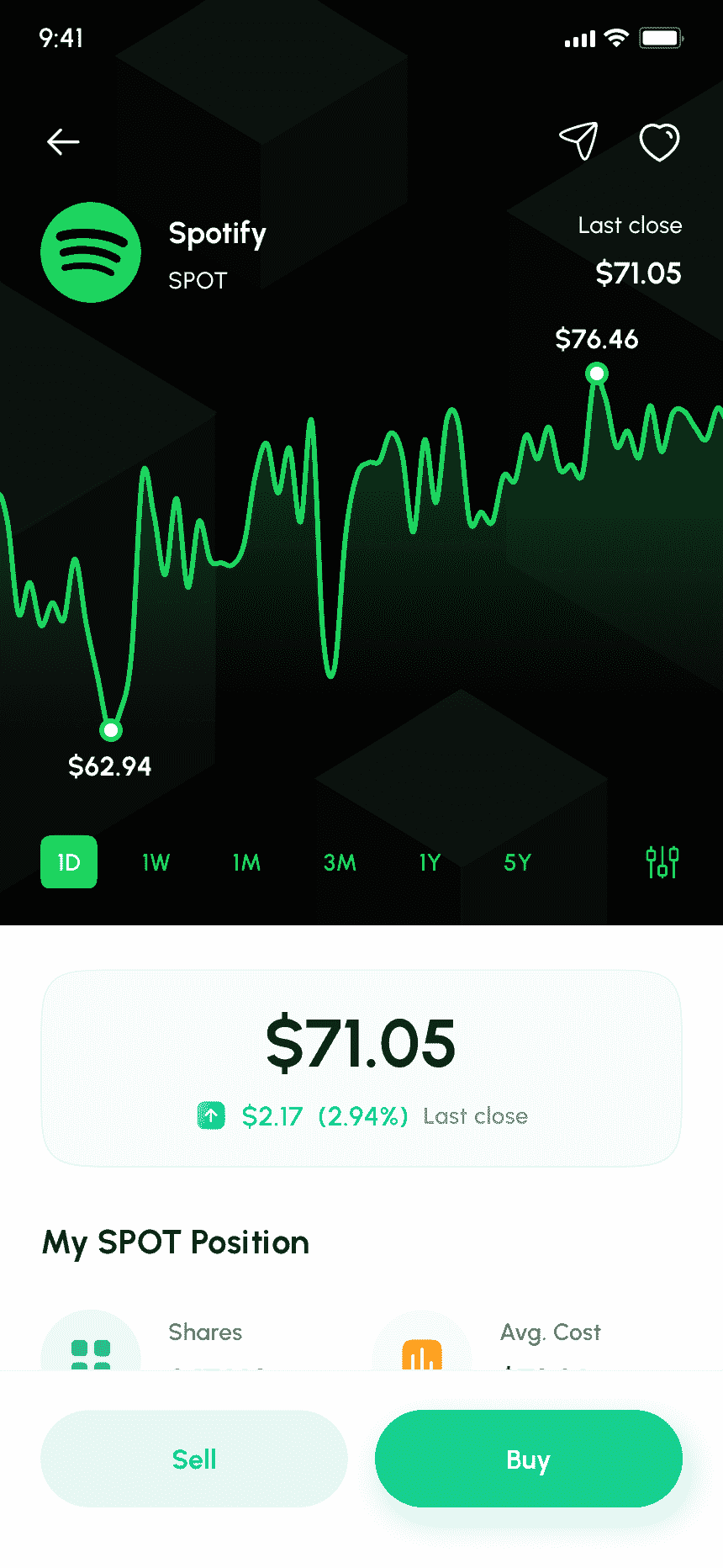
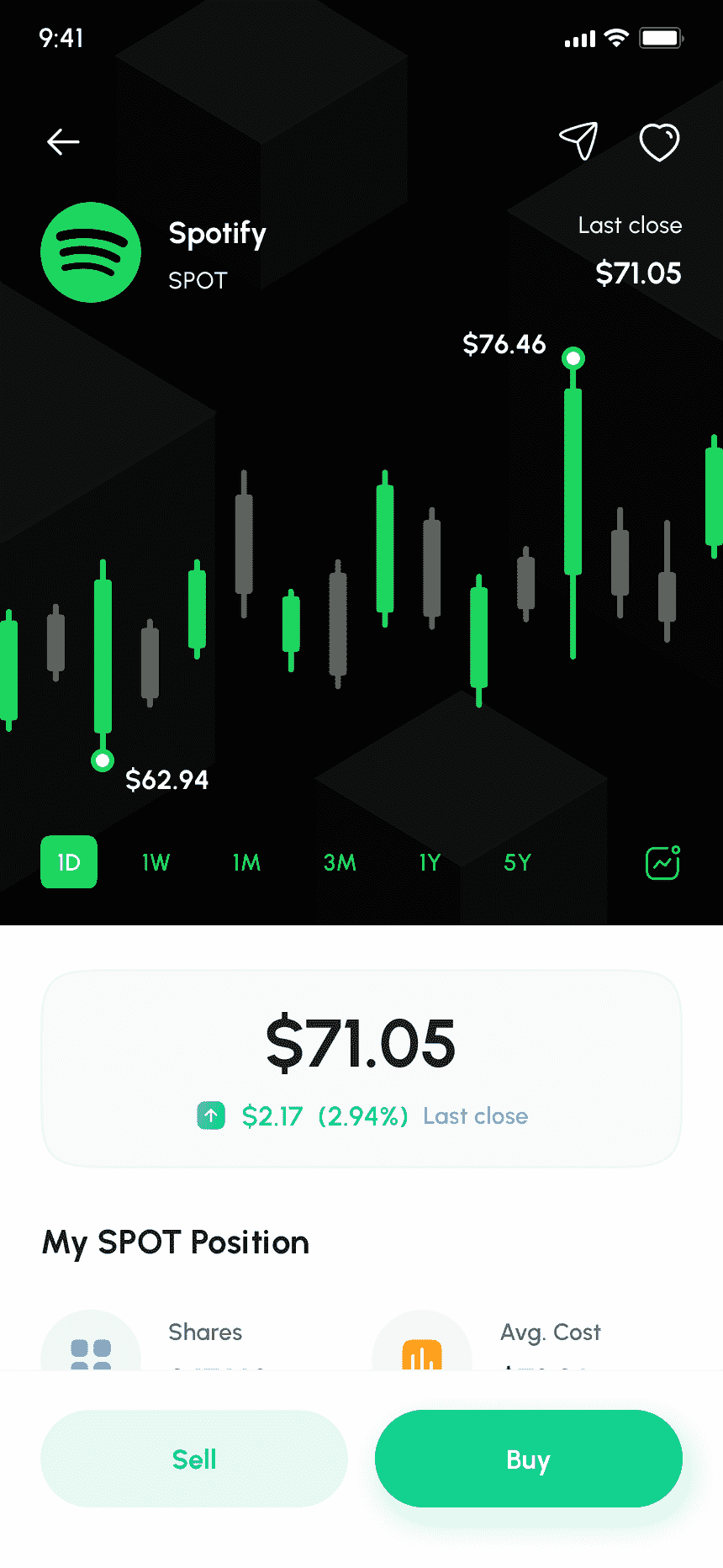
Displays a selected stock's overview with a prominent "Buy" button for quick purchasing.
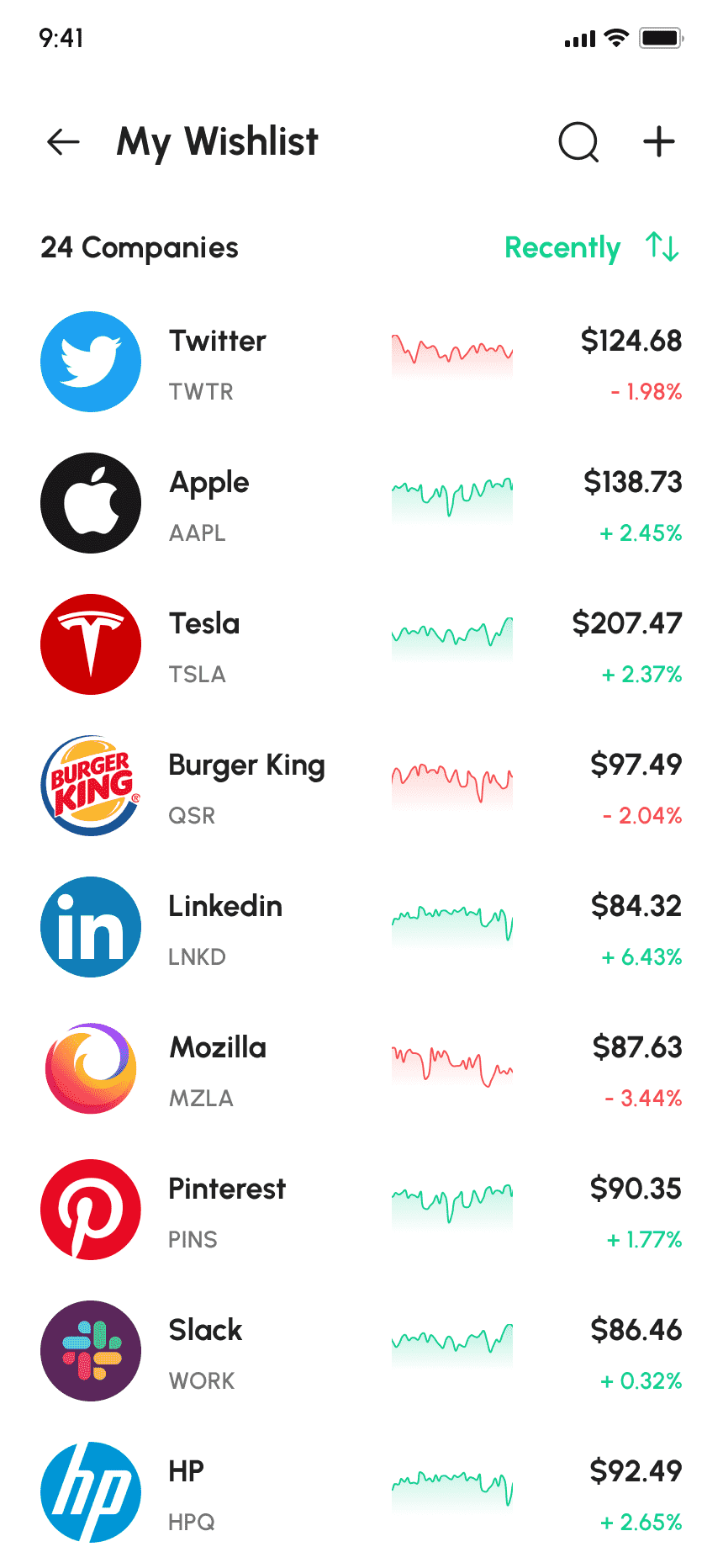
Displays the user's wishlist of stocks for tracking and future consideration.
User can select mode and enjoy the game.
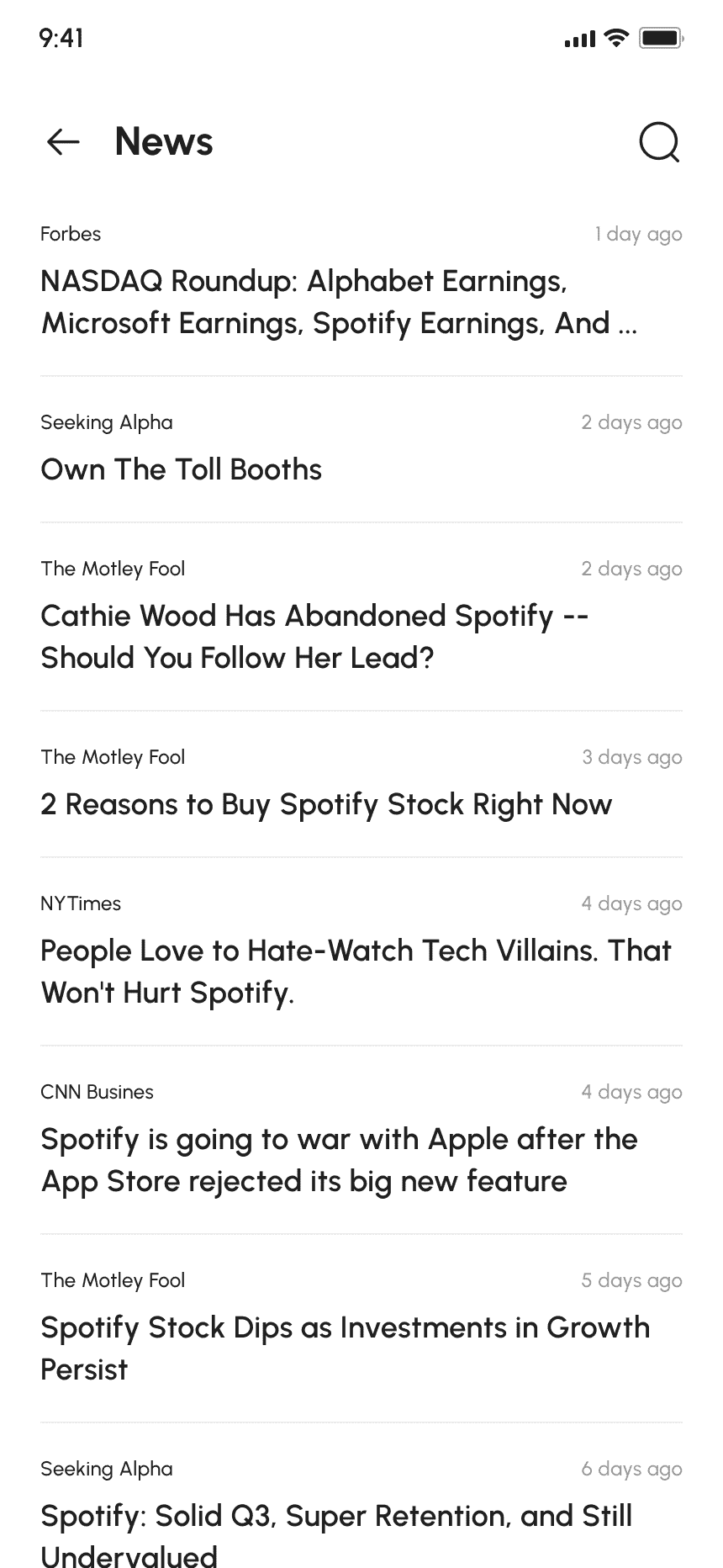
Displays stock-related news alerts, market updates, company announcements, and more with search and refresh options.
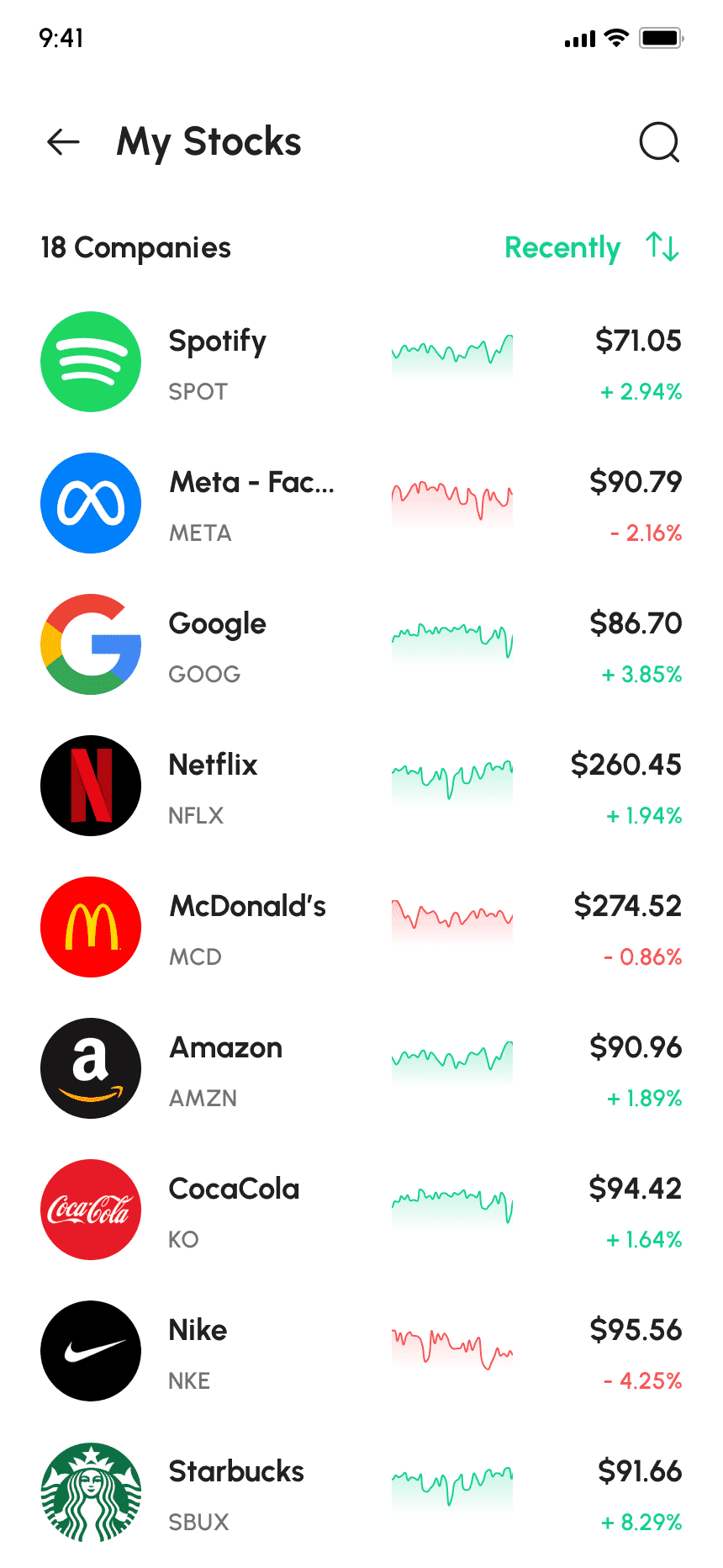
Provides a detailed view of the user's selected stocks, including performance, historical data, and analytics.
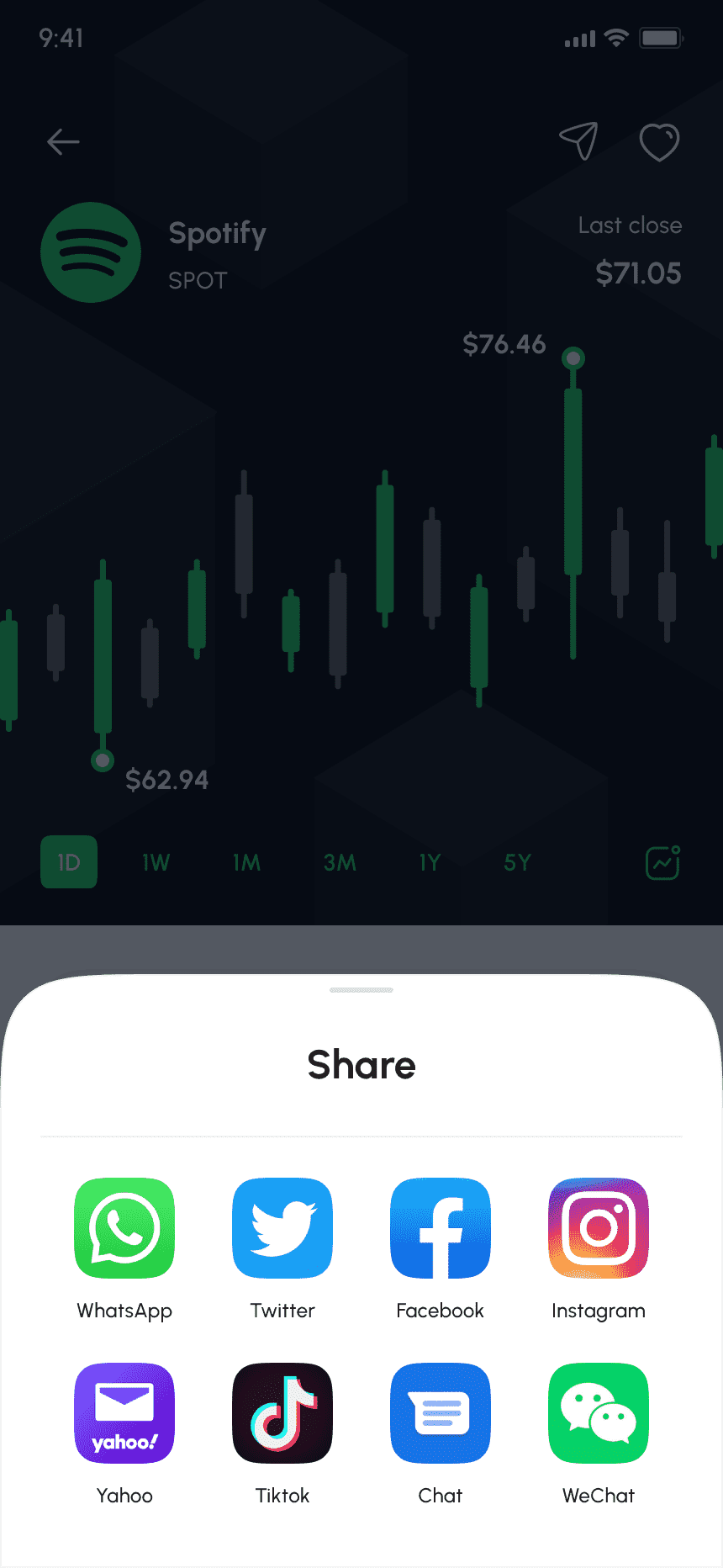
Enables easy sharing of selected stock information with others through various apps and communication channels.
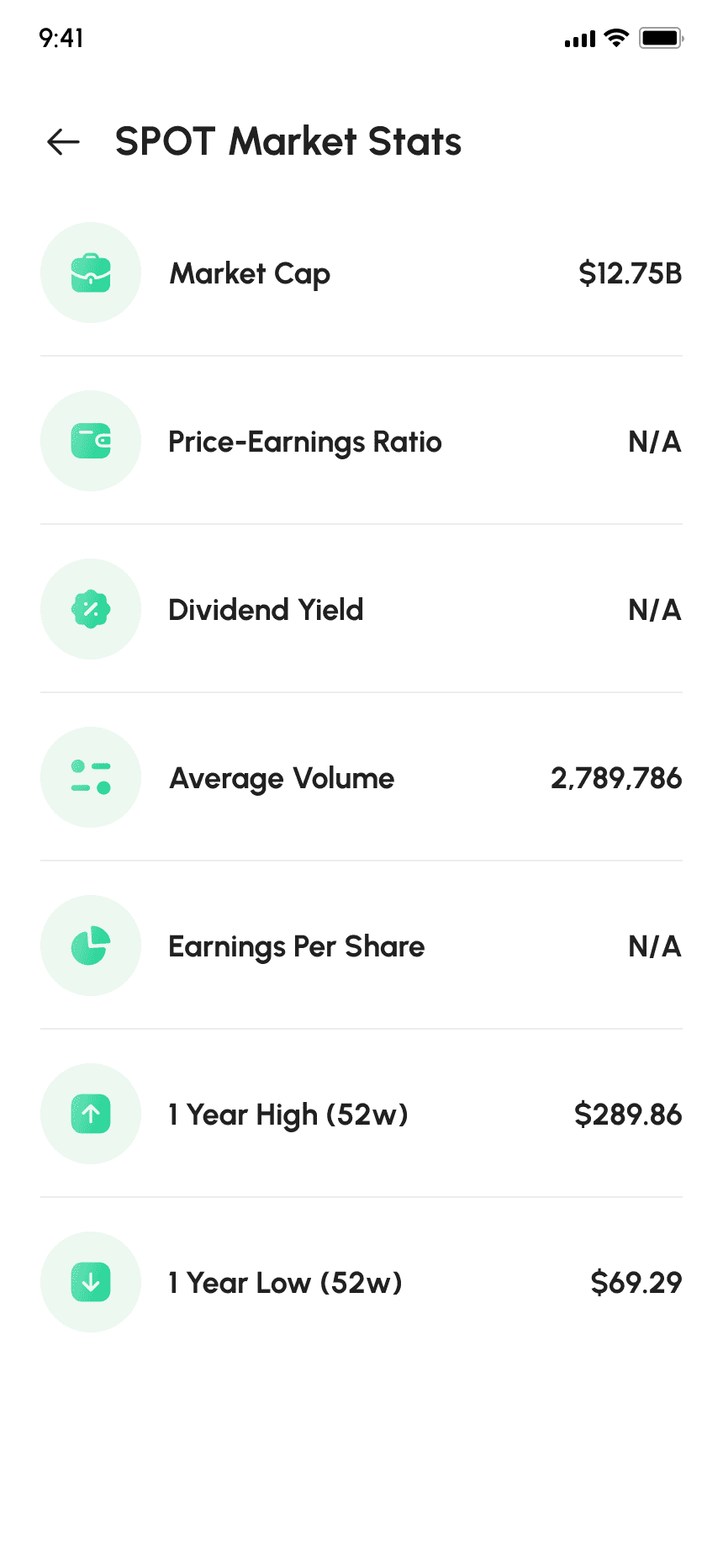
Displays essential financial metrics for a selected stock, with an interactive chart.
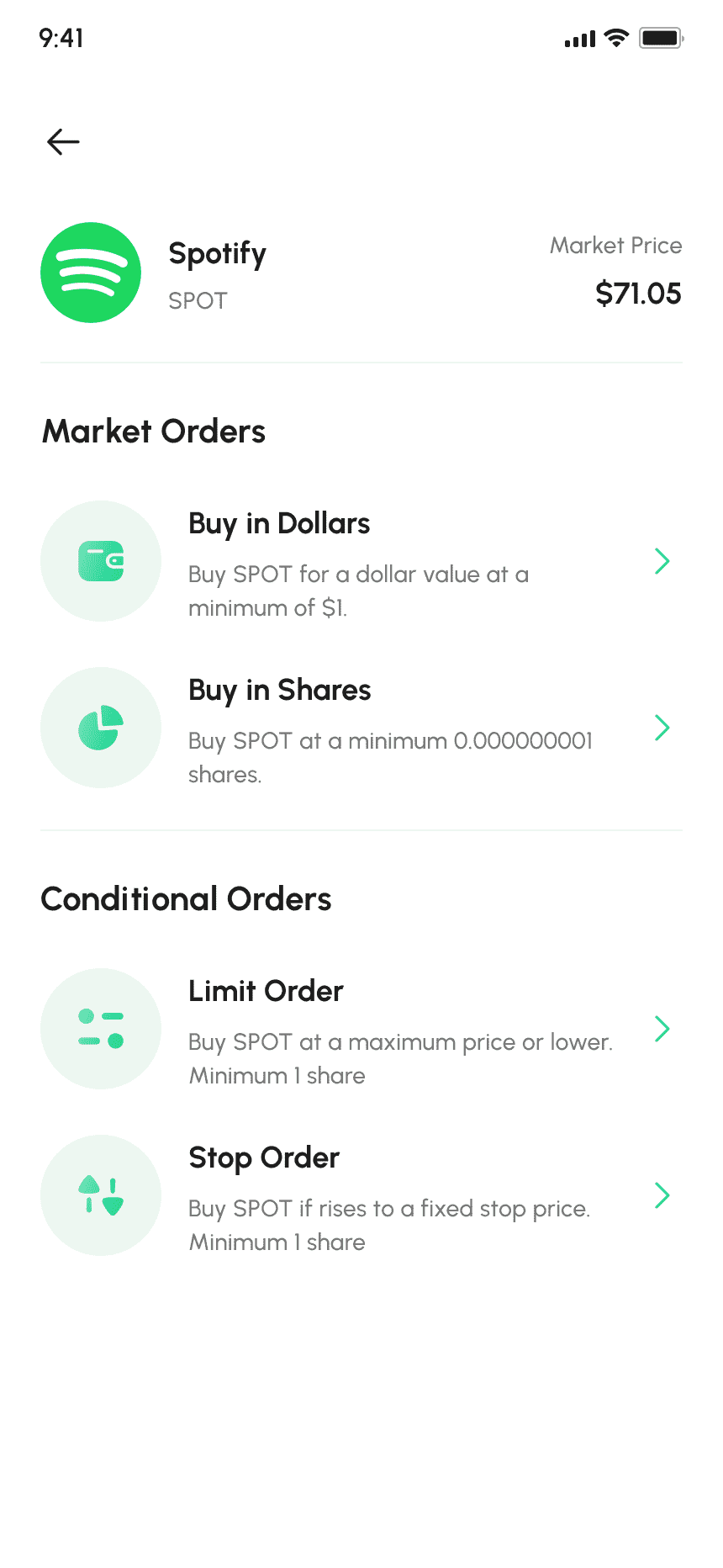
Enables various order types like Limit, Stop, Stop-Limit, and Market, with price and quantity inputs and order duration options.
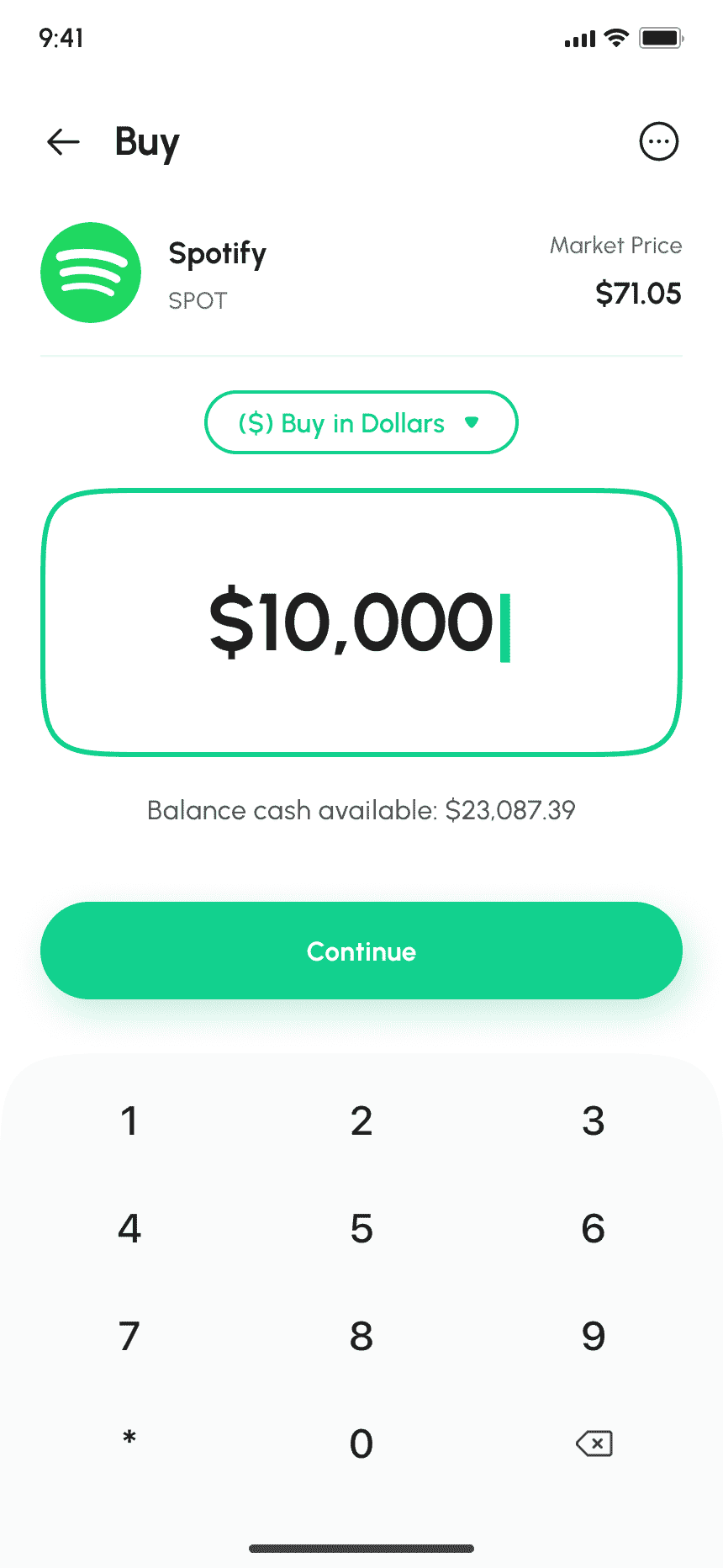
Users can enter desired price and quantity to purchase a selected stock, with order type selection.
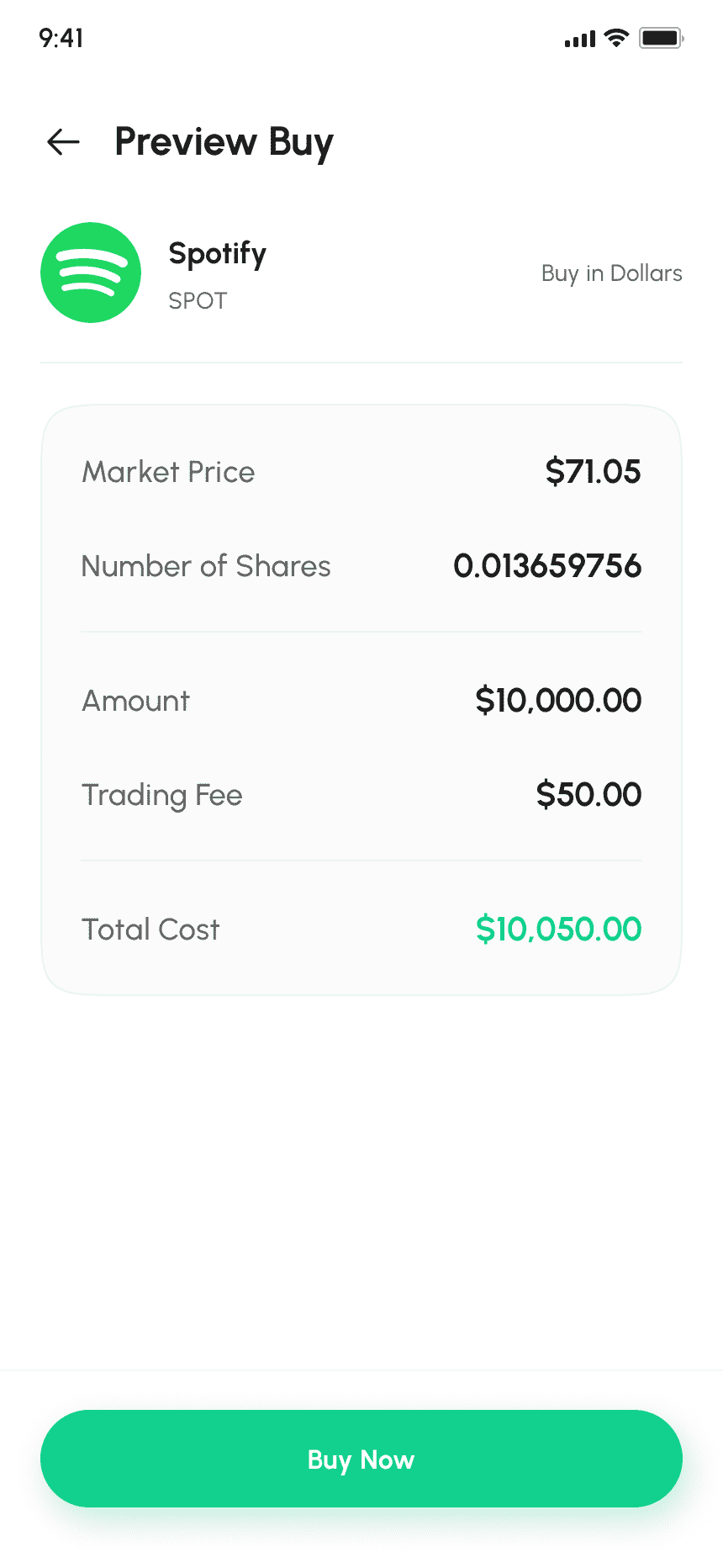
Summary of order details before finalizing purchase.
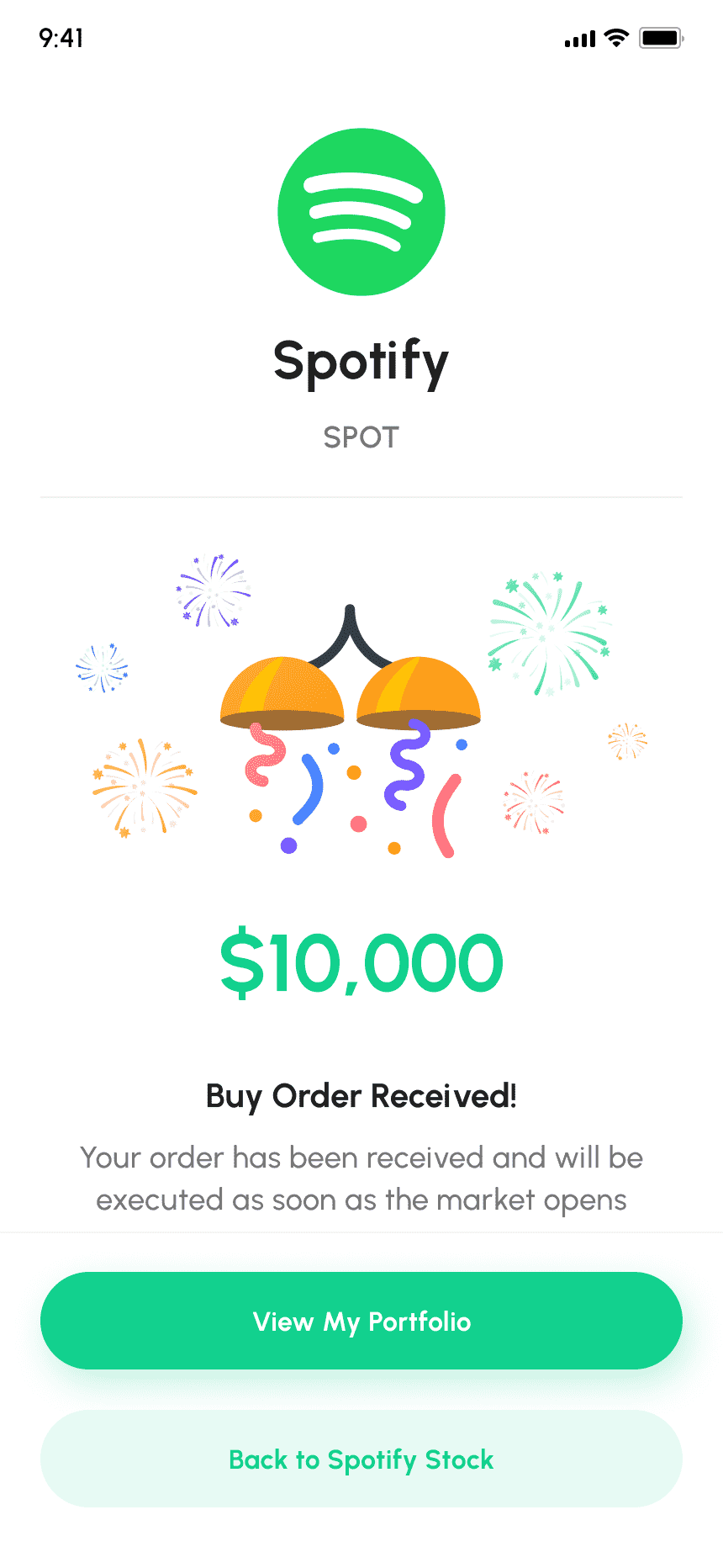
A congratulatory message with stock purchase details, confirmation number, and a "Done" button.
Explore featured, trending, and top-performing stocks, market news, with search and filter
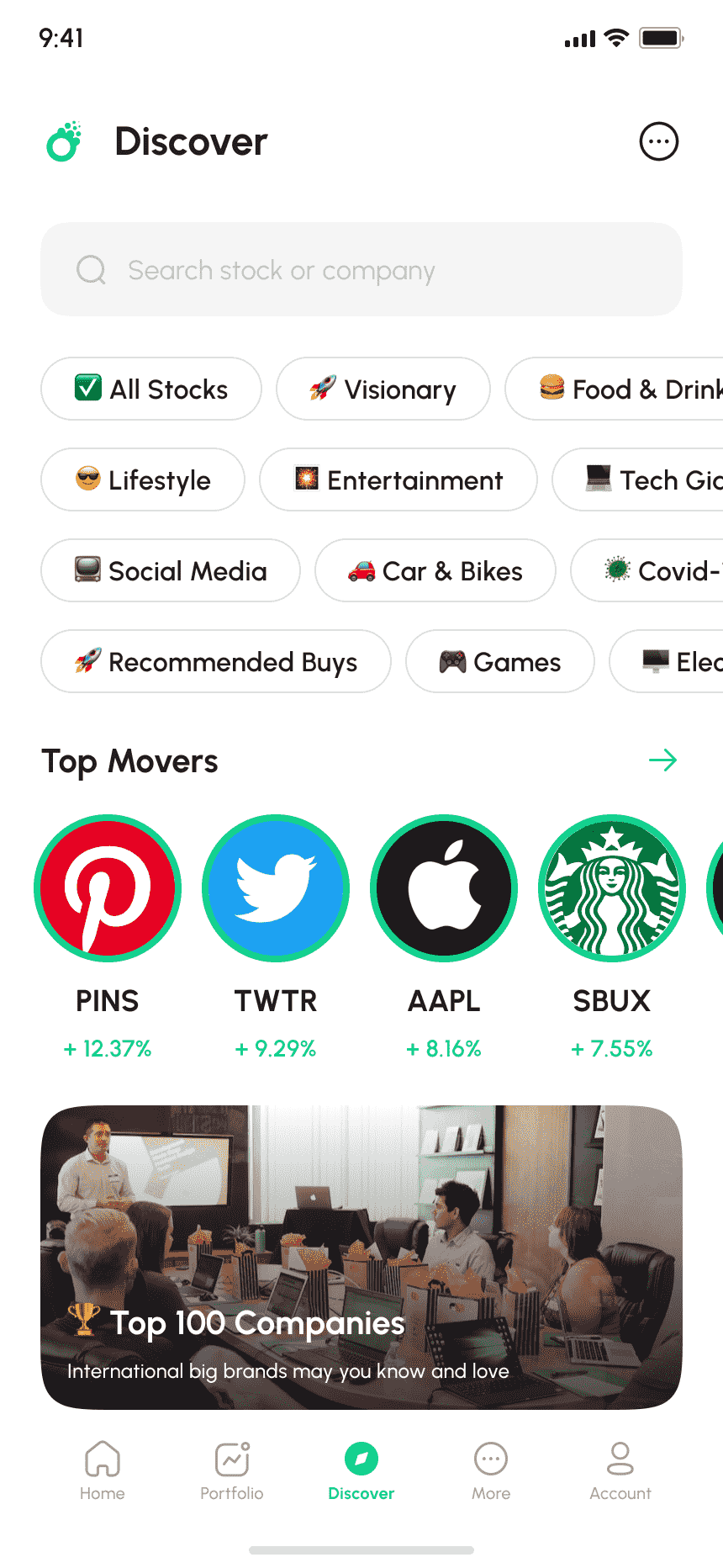
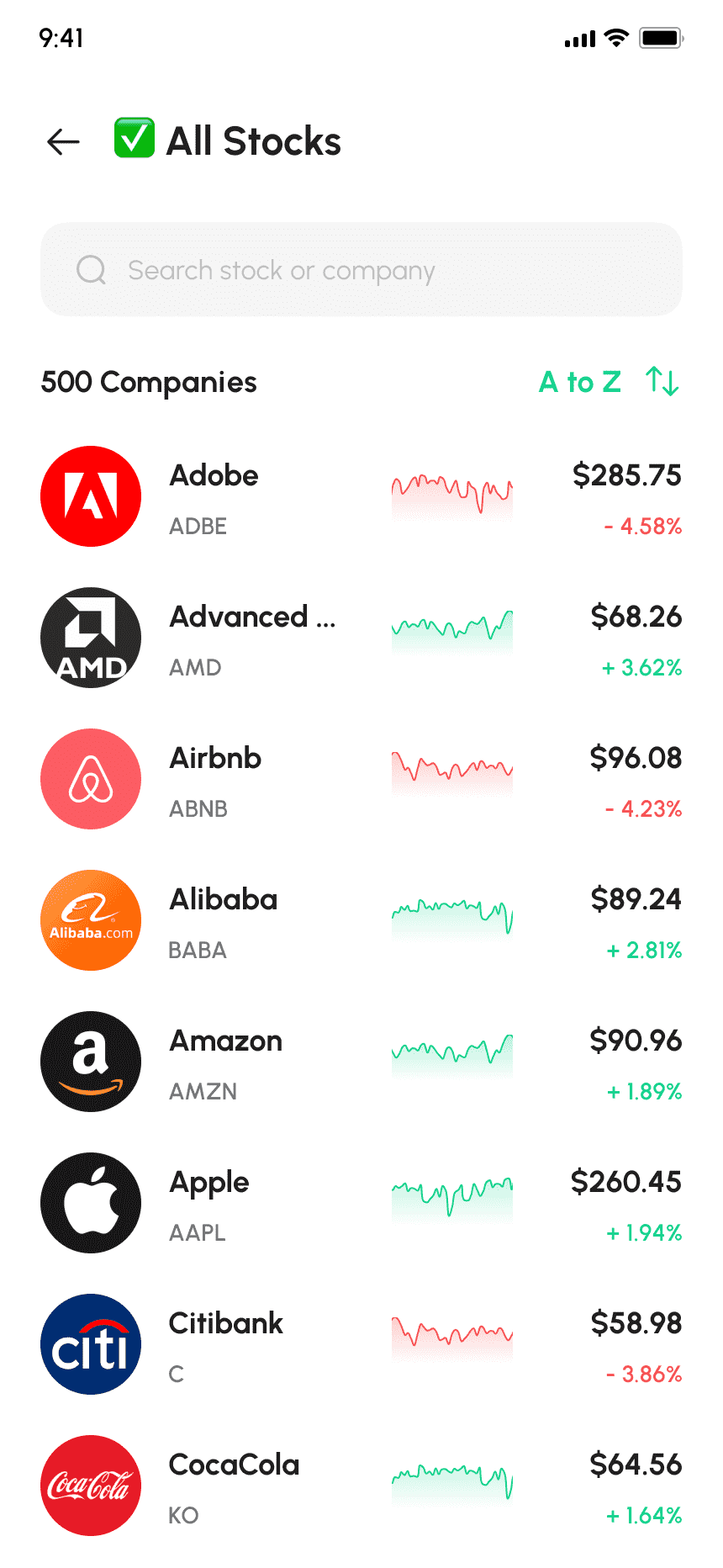
Enables users to choose the best stocks based on preferences for leveraging potential earnings.
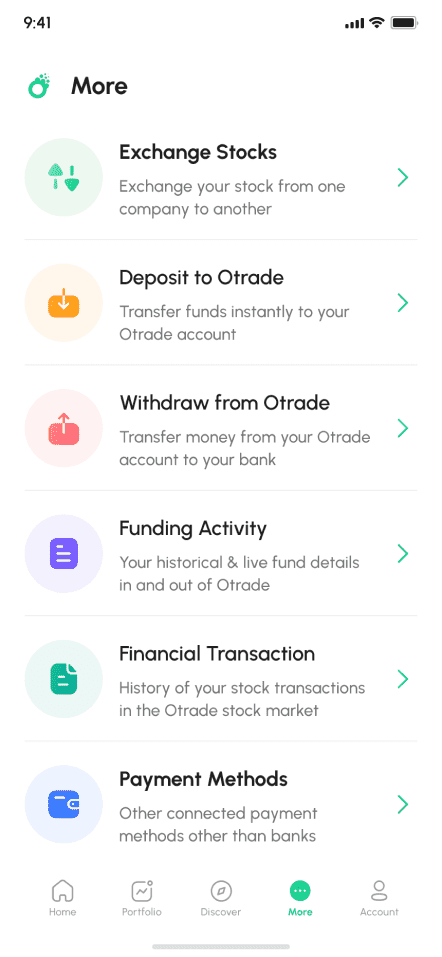
User can Access deposits, funding activity, transactions, withdrawals, and payment methods.
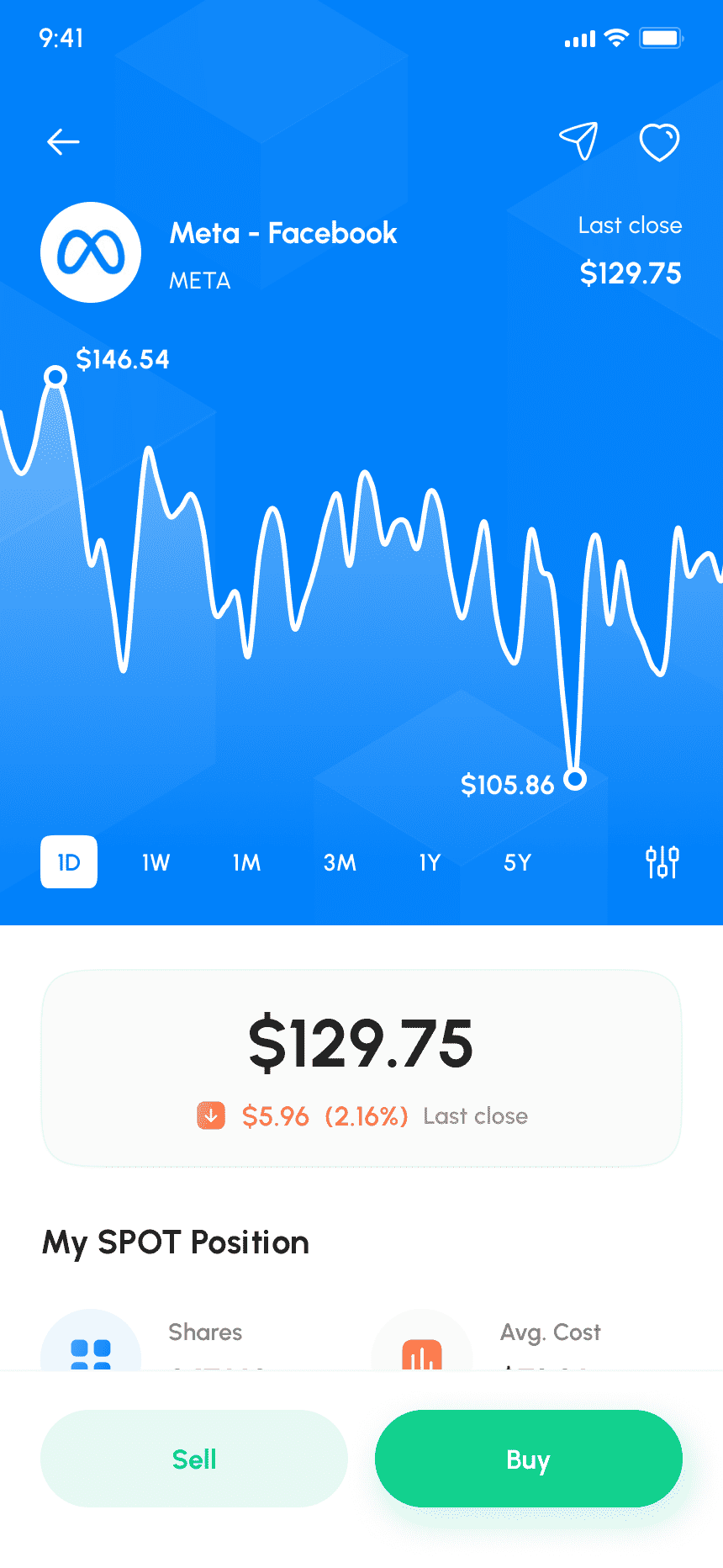
Offers deep financial analysis, company stats, stock chart, and optional technical indicators.
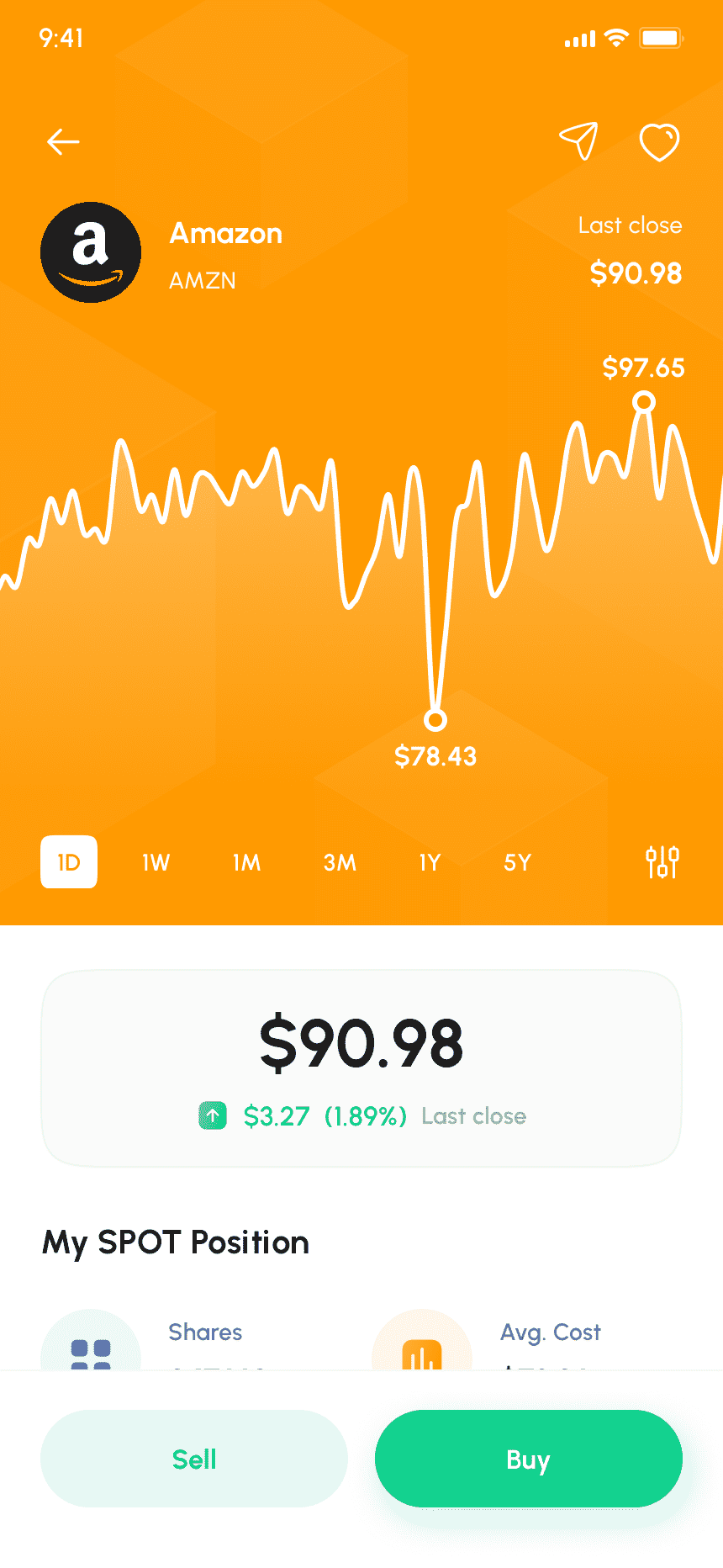
View real-time stock price action and execute buy/sell orders with quantity input, order type selection, and confirmation.
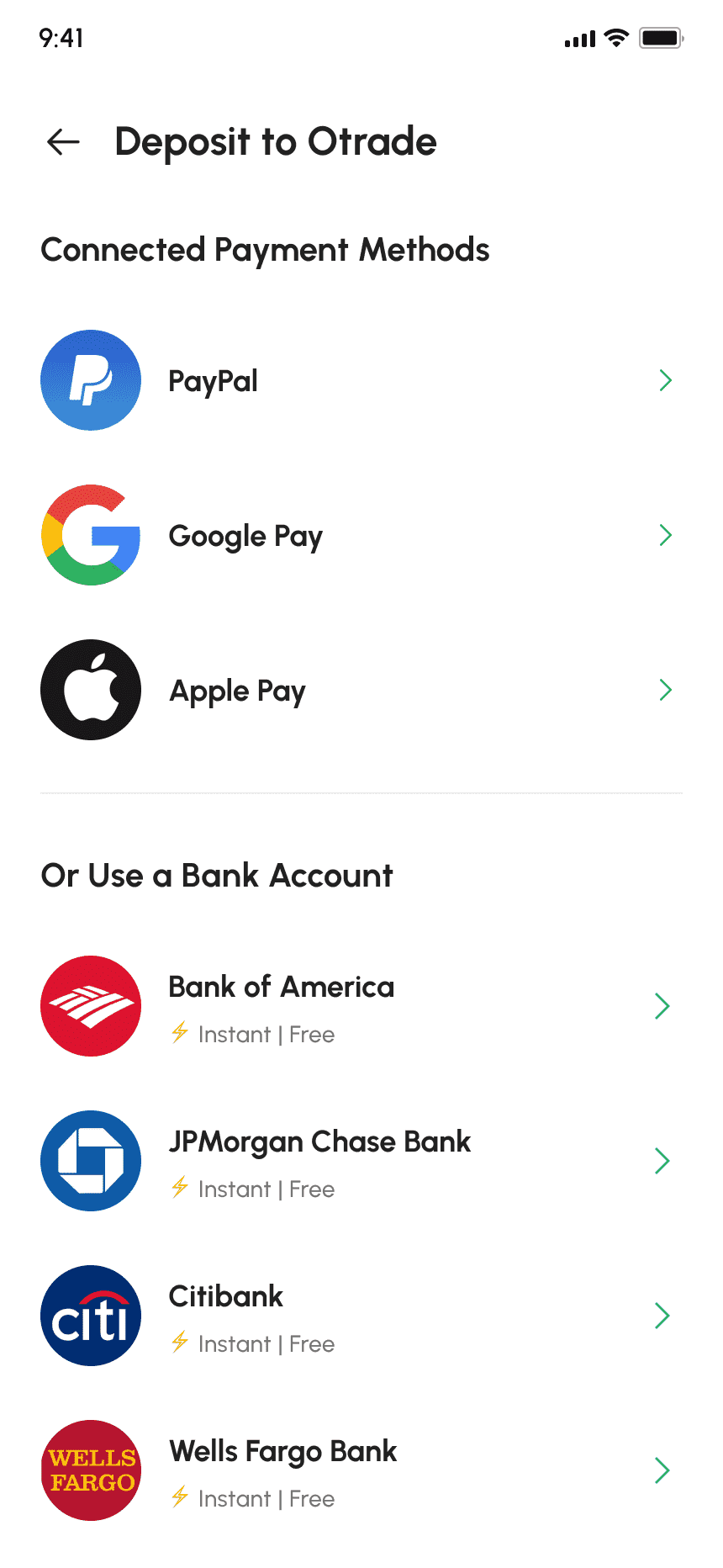
10+ payment methods available for easy funding of stock market activities through the app.
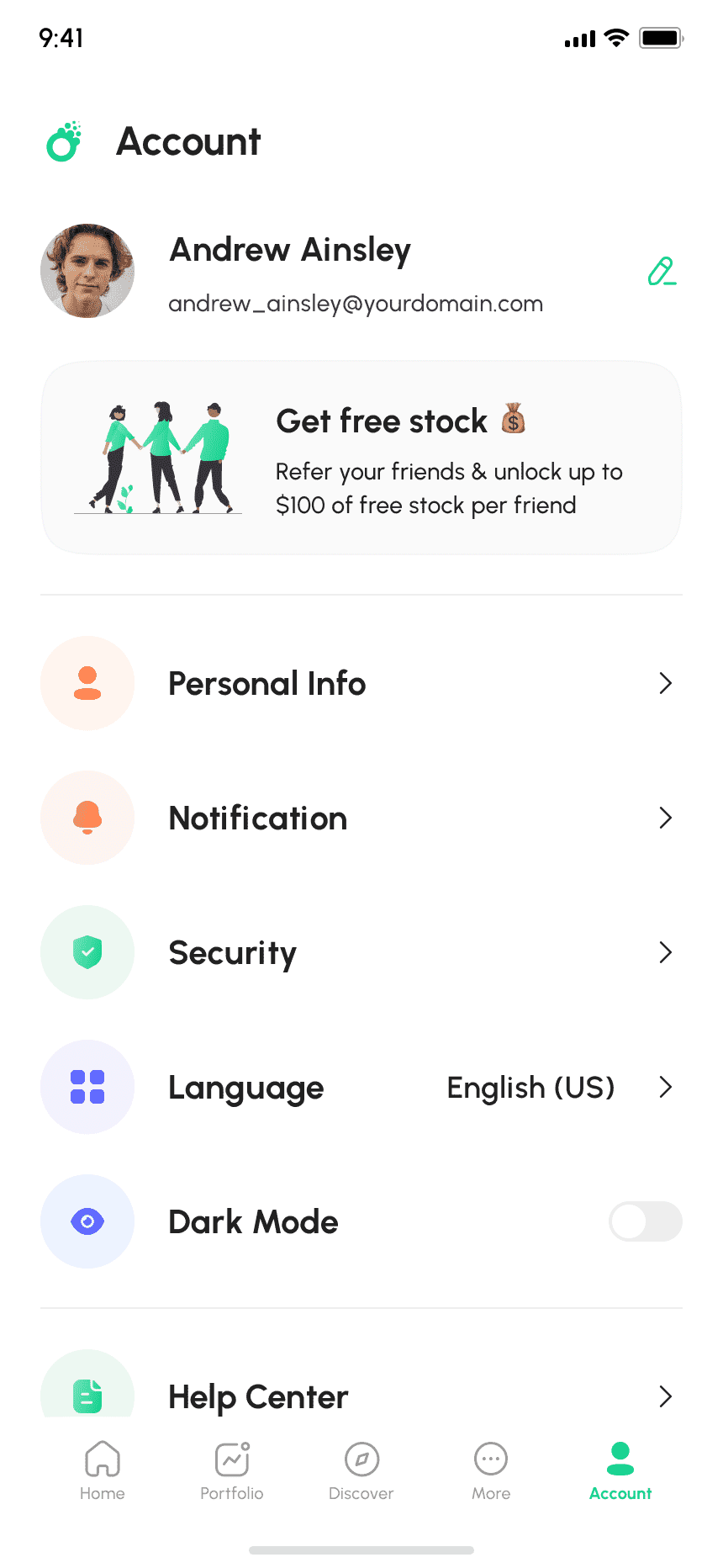
Users can manage personal info, notification preferences, language settings, app mode and other functionalities in finger tips.
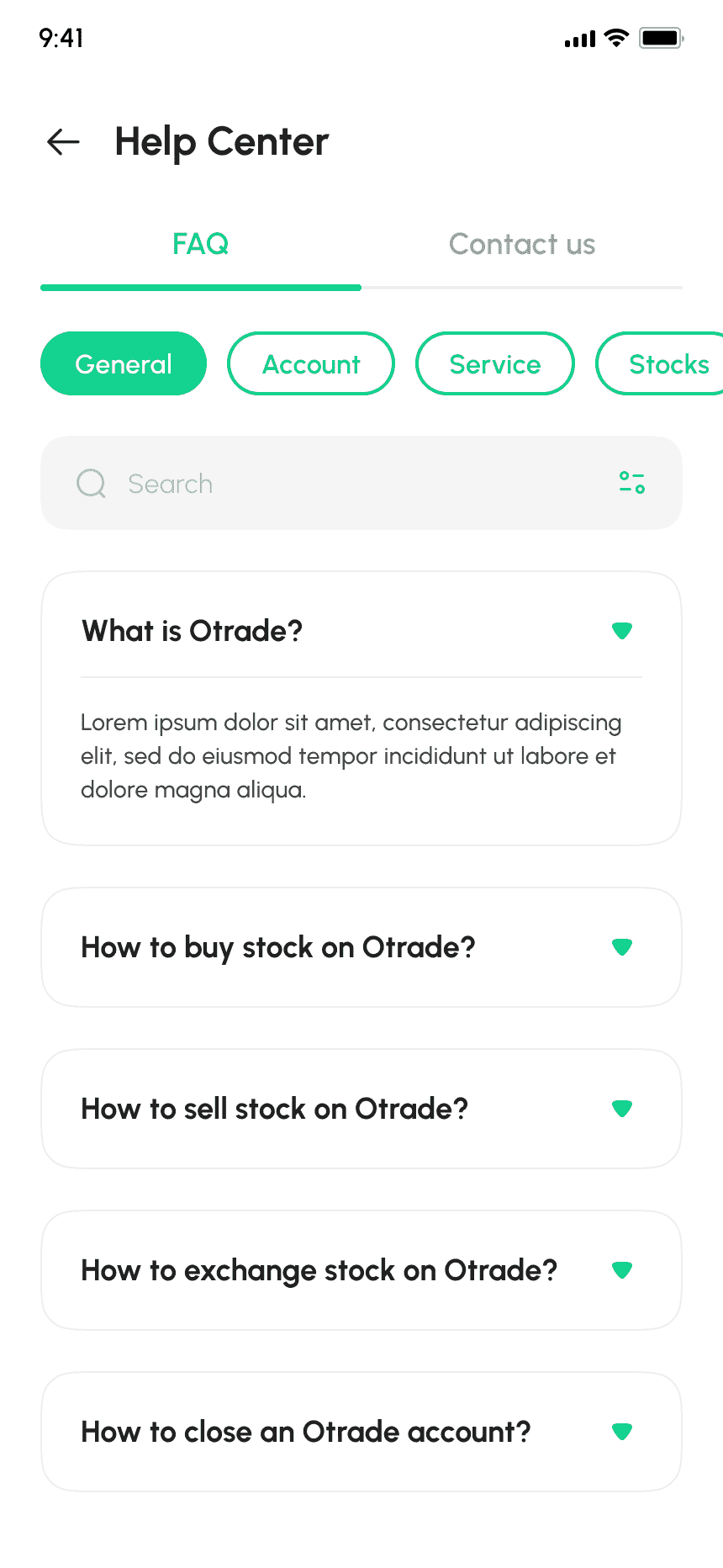
Users can access FAQs, contact support, report bugs, and provide feedback directly to the app service provider.
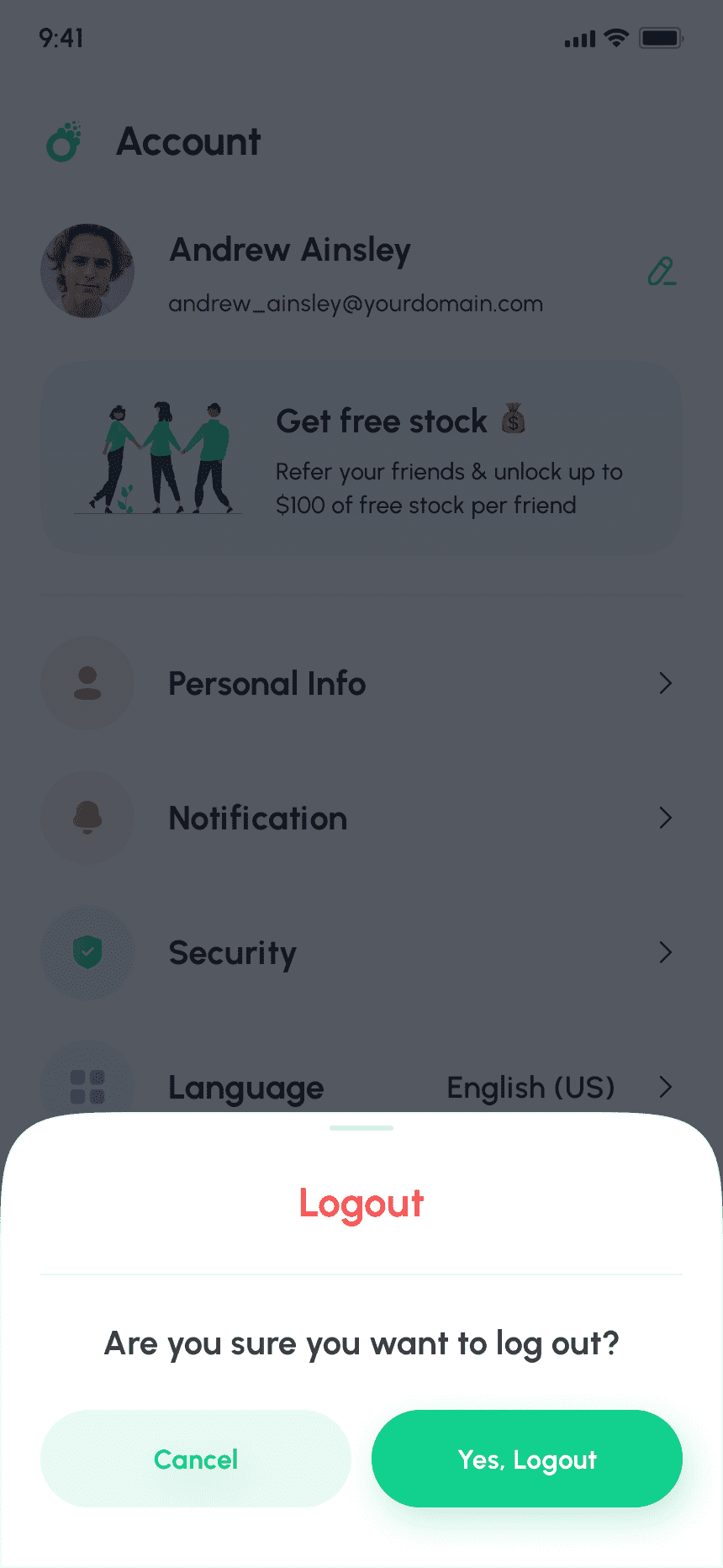
Allows users to safely terminate their current session by confirming their decision to log out from the app.
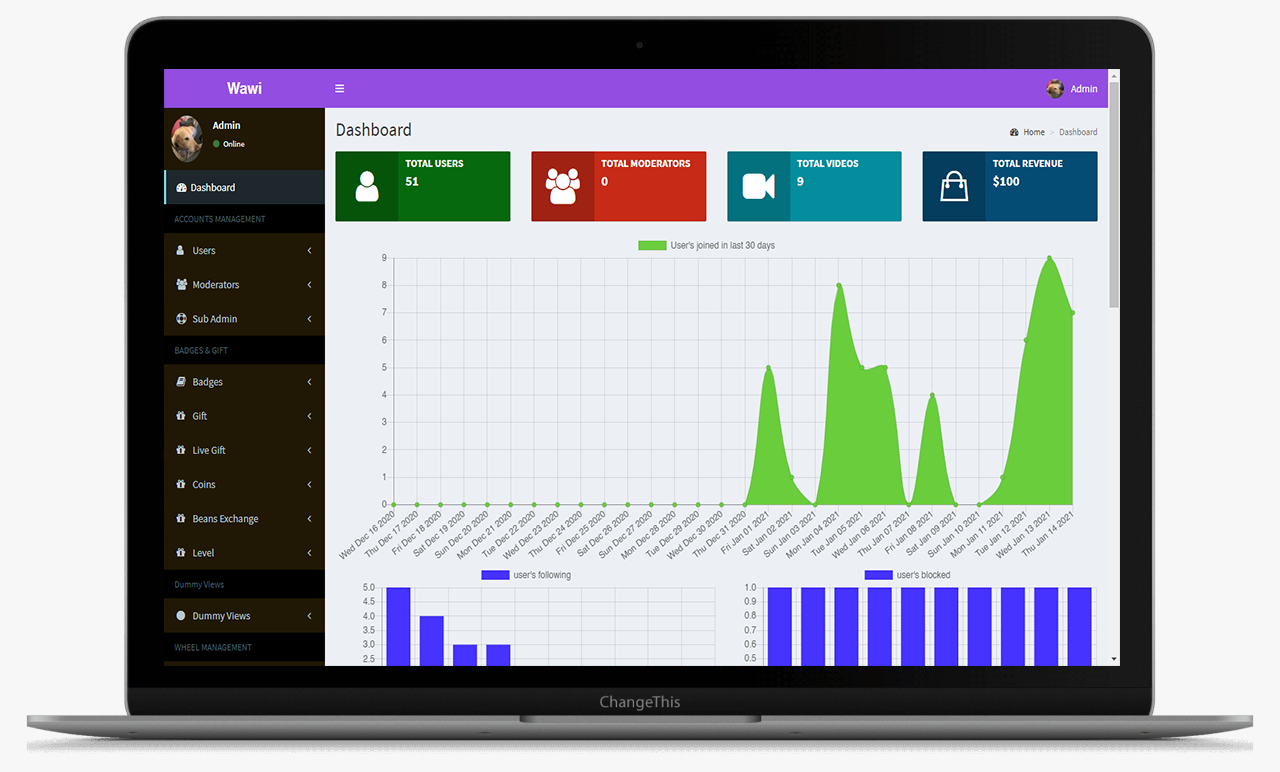
This is the main Dashboard of the admin panel, Where we can see all the modules, Chart and Side menu.
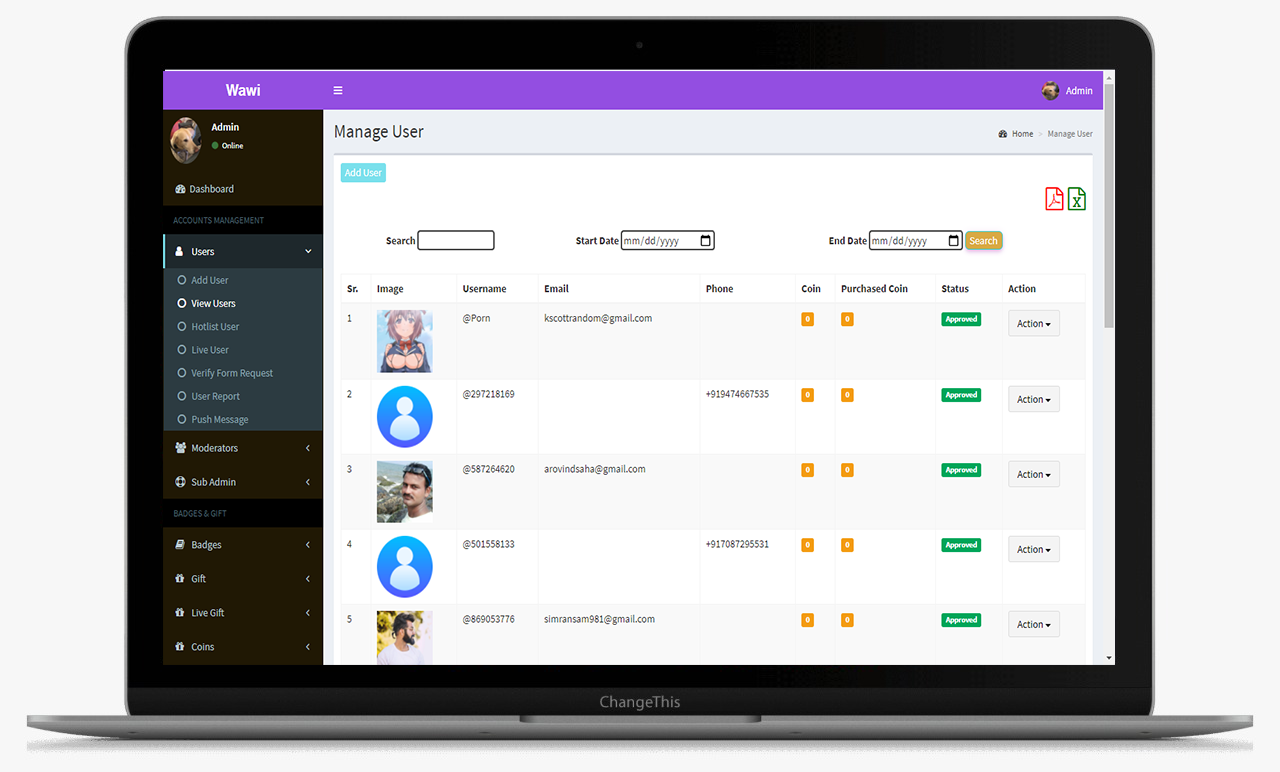
From this screens Admin can manage the hashtags
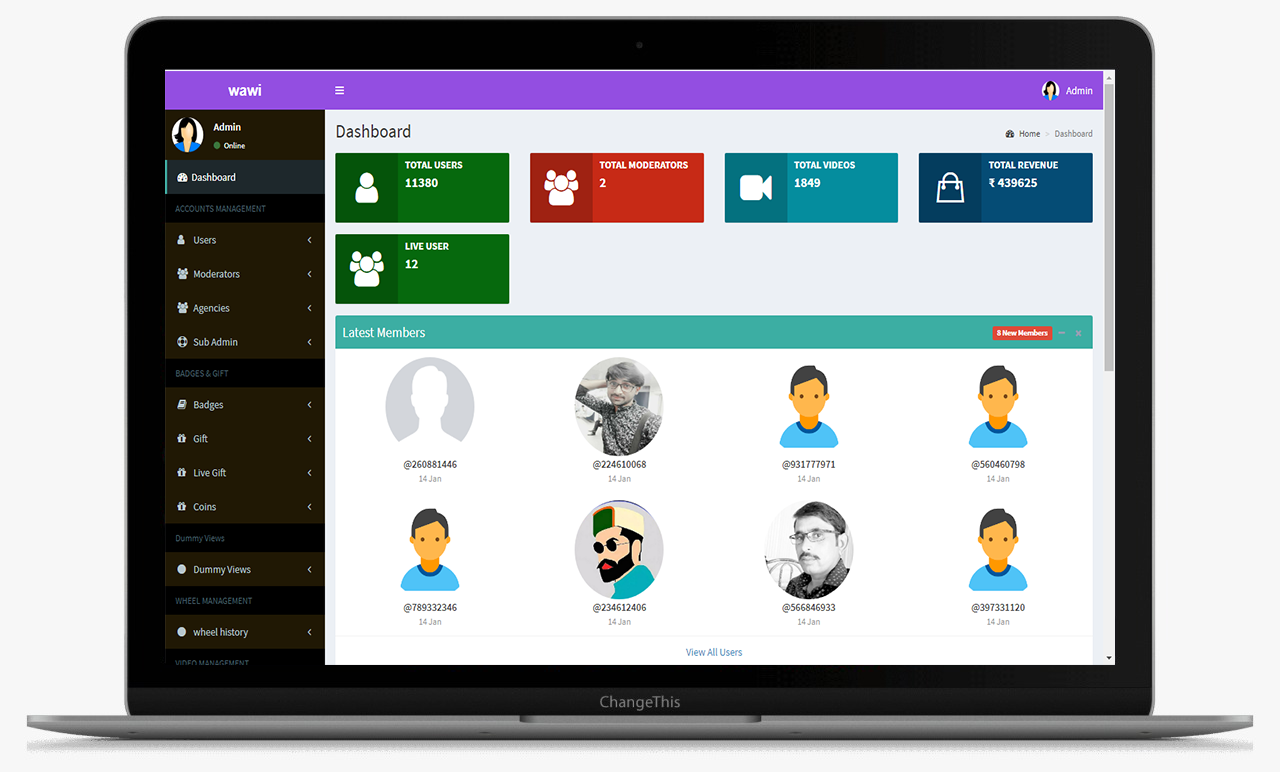
This is the main Dashboard of the admin panel, Where we can see all the modules, Chart and Side menu.
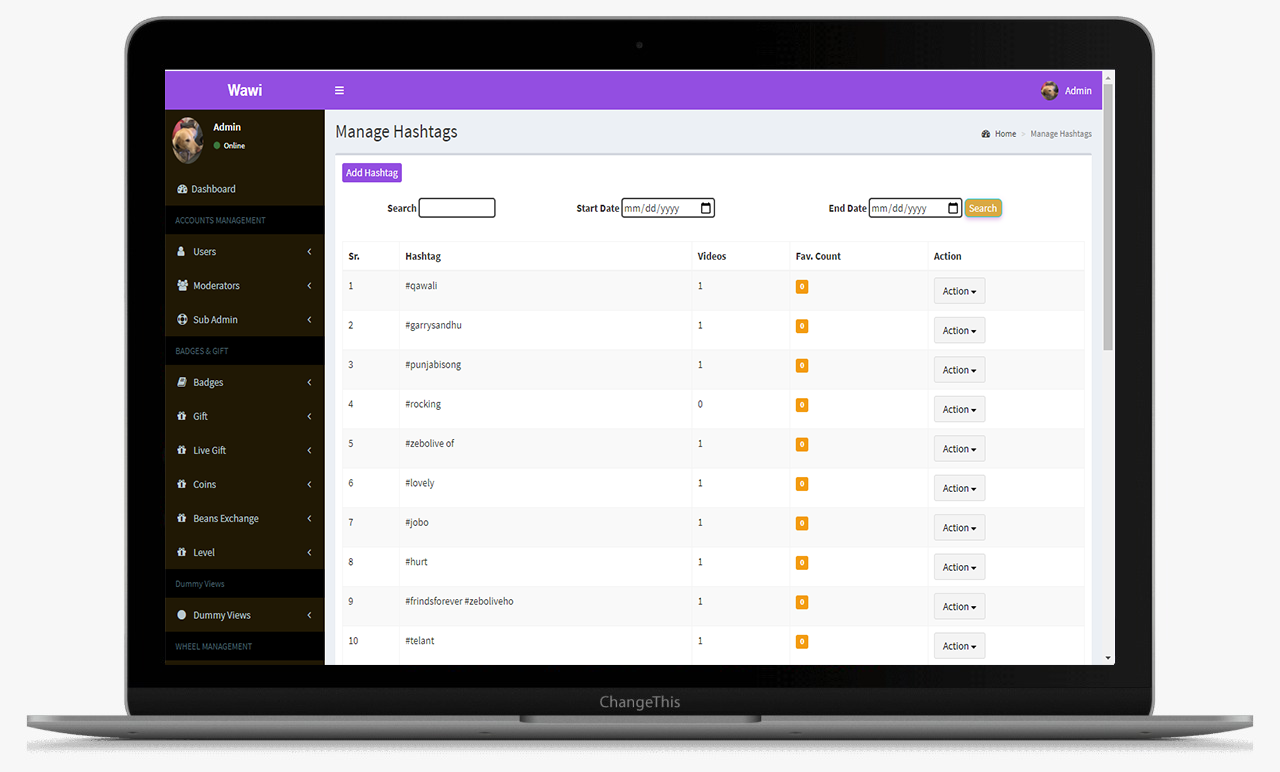
This is the main Dashboard of the admin panel, Where we can see all the modules, Chart and Side menu.
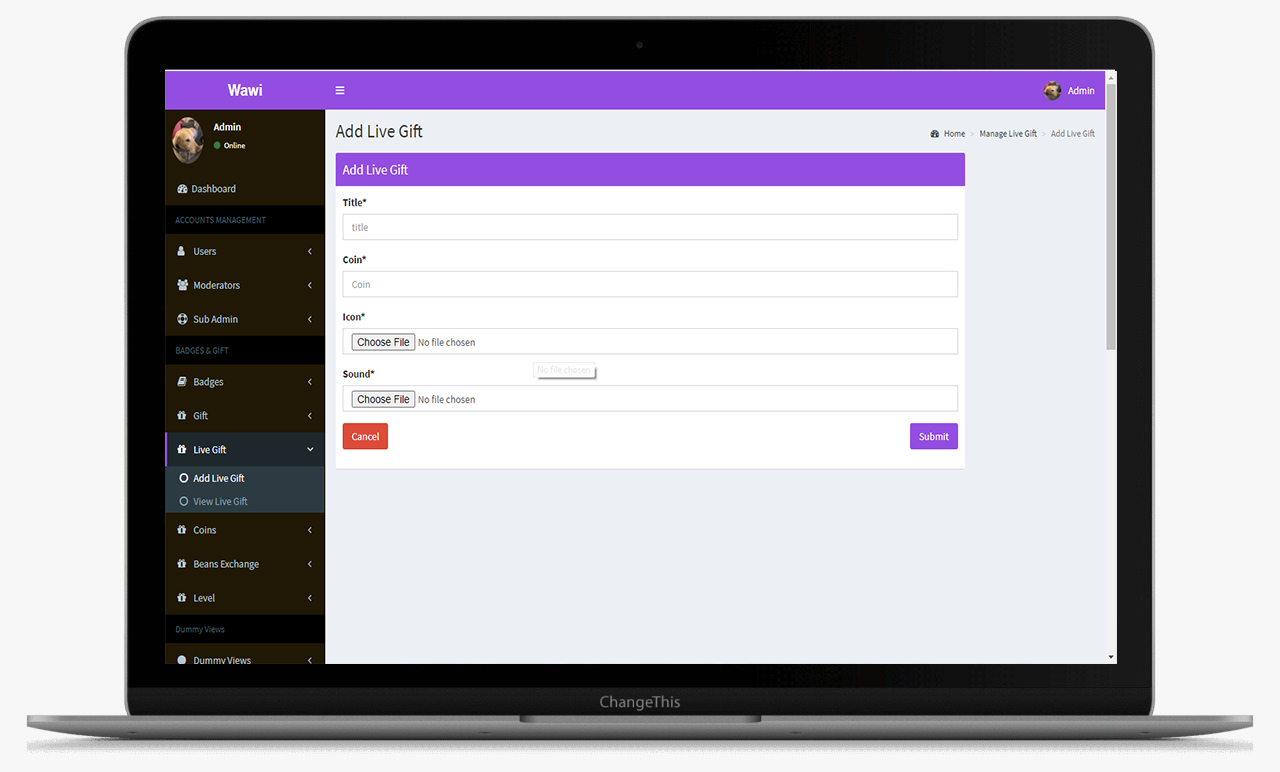
This is the main Dashboard of the admin panel, Where we can see all the modules, Chart and Side menu.
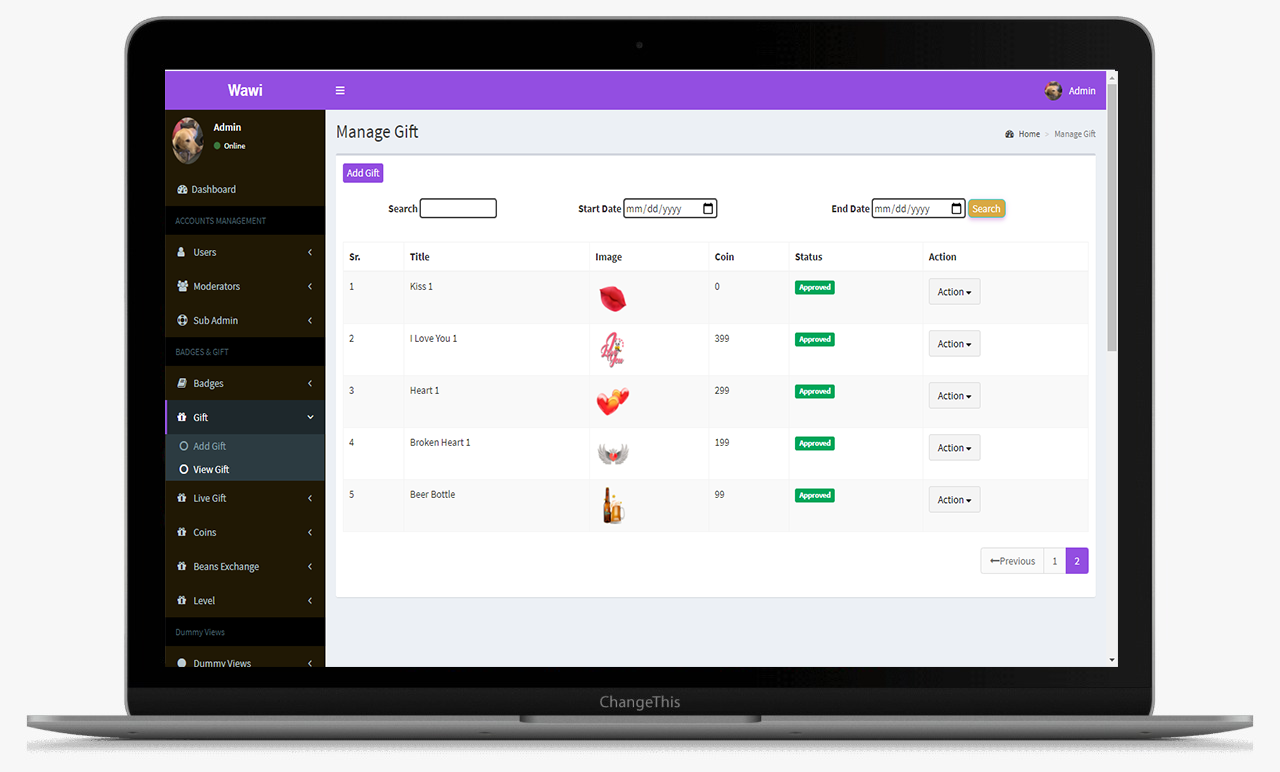
This is the main Dashboard of the admin panel, Where we can see all the modules, Chart and Side menu.

The matches tab gives an insight into who's the initiator of the match. Share the contact and profile details of the opposite user. It also gives the time stamp on when the match occurred.
This data log is maintained for each user who has initiated or become friends with any other user on the platform.
Gives detail of all the transactions that take place. It includes the coins that the user has bought, spent as well as the coins that he/she has earned.
This section displays the complete transfer logs of the users along with the transaction id and names of the sender and receiver.
Displays the withdrawal details. The users can withdraw the coins they have in their earning wallets into actual currency.