Outlook Clone Script | Email, Calendar & Productivity App Development

Build a secure, intelligent, and productivity-driven communication platform like Outlook that combines email, calendar, tasks, and file management in one powerful application.

 Overview of OFX clone app features for global transfers

Overview – Outlook Clone App Development

The Outlook Clone Script is a feature-rich email and productivity platform inspired by enterprise email solutions. It allows users to manage emails, calendars, files, tasks, and meetings from a single interface while maintaining strong security and seamless performance.
This solution is ideal for enterprises, SaaS providers, educational institutions, and organizations looking to deploy a professional communication and scheduling system.
Why Choose Our Outlook Clone Script?

Unified Email & Calendar Experience

Email, calendar, tasks, and files are combined into one streamlined productivity platform.

Enterprise-Grade Security

Advanced protection against spam, phishing, and unauthorized access ensures data safety.

Smart Inbox Management

Focused inbox, filters, and intelligent sorting help users prioritize important messages.

Multi-Account Support

Users can manage multiple email accounts within a single application seamlessly.

Productivity-First Design

Built to enhance efficiency with smart tools, automation, and task organization.

Fully Customizable & White-Label

The platform can be branded, customized, and scaled according to business needs.

Key Features of Key Features of Outlook Clone App

Intelligent Email Management

Send, receive, organize, and prioritize emails with focused inbox, filters, folders, and conversation grouping for better clarity and productivity.

Advanced Calendar & Scheduling

Manage daily schedules with shared calendars, meeting invites, reminders, and side-by-side calendar views for easy planning.

Task & Productivity Tools Create tasks, flag emails for follow-up, pin important messages, and manage daily priorities efficiently.

 Overview of OFX clone app features for global transfers
 Overview of OFX clone app features for global transfers

File & Attachment Access

Access documents, images, and files directly from emails with seamless viewing and sharing capabilities.

Smart Search & Voice Assistance

Find emails, contacts, events, and attachments quickly using intelligent search and voice-enabled commands.

Secure Communication Layer

Enterprise-level security protects emails and files with encryption, spam filtering, and phishing prevention.

What we offer in Outlook Clone Script

User Email & Productivity App
A robust application combining email, calendar, tasks, file access, and meeting management.
Admin Control Panel
Centralized admin dashboard to manage users, permissions, security rules, and platform settings.
Multi-Account Integration
Support for multiple email account types and protocols within a single unified interface.
Security & Privacy Framework
Strong authentication, encrypted data transmission, and privacy controls for users and organizations.
Security & Privacy Framework
Seamless integration with document tools, meeting platforms, and productivity services.
 Overview of OFX clone app features for global transfers

Application UI flow

Patient Engagement App Splash Screen

Splash Page:

When you launch the app, it displays a branded splash screen, which provides a visually appealing introduction.

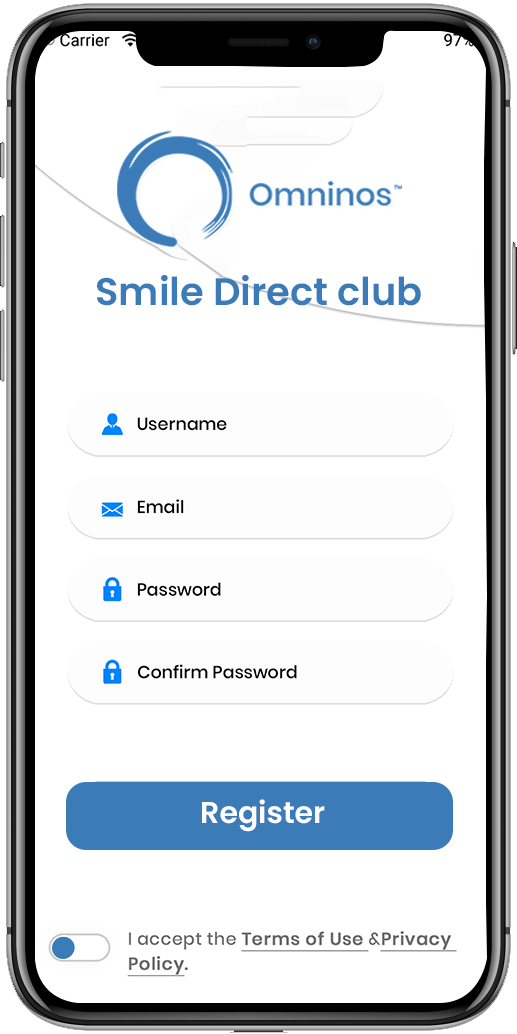
Sign-up / Login:

Users are given the option of creating a new account or logging into an existing one. New users can register by entering their personal information, contact information, and pertinent dental history. Existing users can log in with their credentials.

Secure Patient Login Screen
Patient Dashboard Overview

Onboarding Tutorial:

New users are led through a quick onboarding tutorial to become acquainted with the app's features and functionalities.

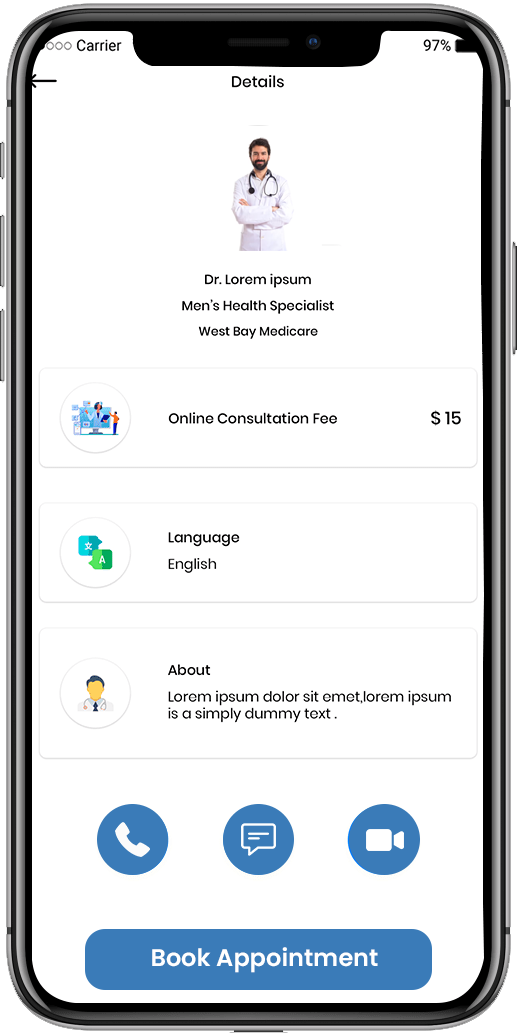
Doctor Details:

Physicians should fill in the correct details about his or her specialty, experience, education and more.

Doctor Profile Details Screen
Video Consultation Feature for Patients

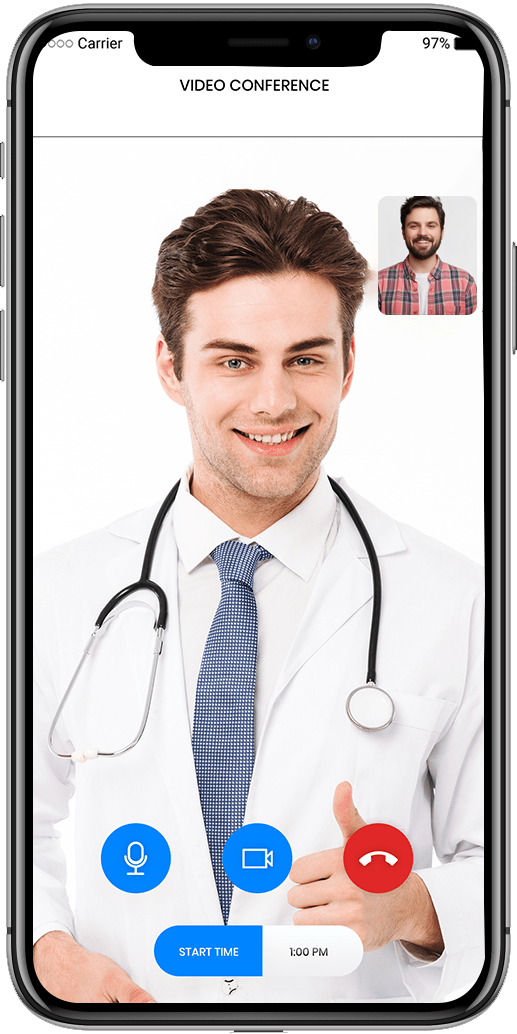
Video meeting:

The option to save or download consultations can aid in the tracking of treatment progress.

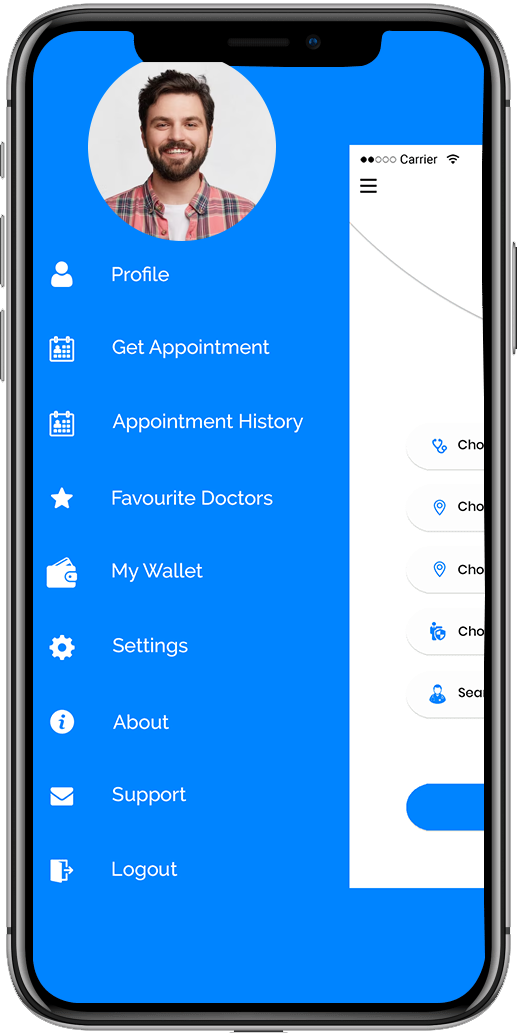
Sidebar option:

Contains many sidebar options for easy-to-use experience with a simple and attractive UI / UX.

App Navigation Menu for Patients
Patient Profile Edit Screen

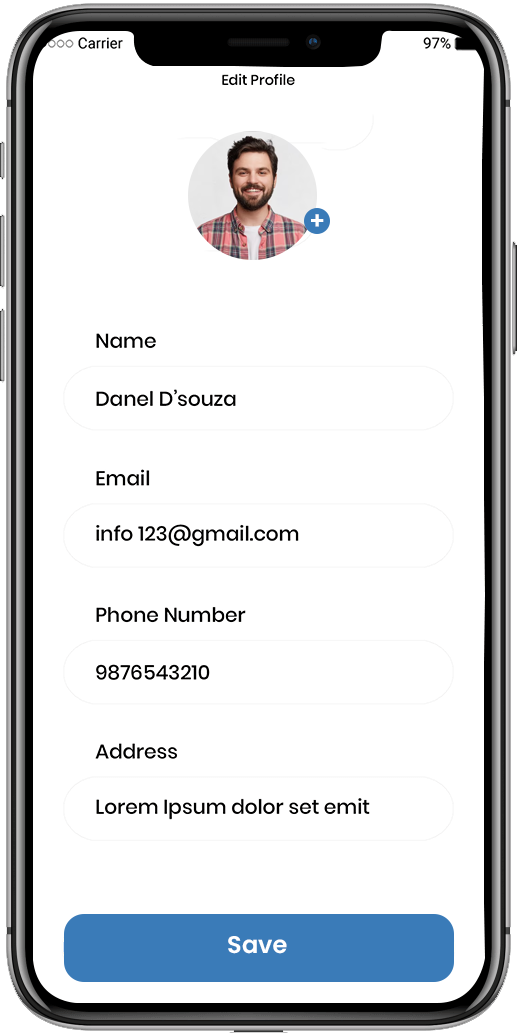
Edit profile:

Users can change information such as their name, age, city, gender, and so on.

Appointment history:

Users have access to his appointment history.

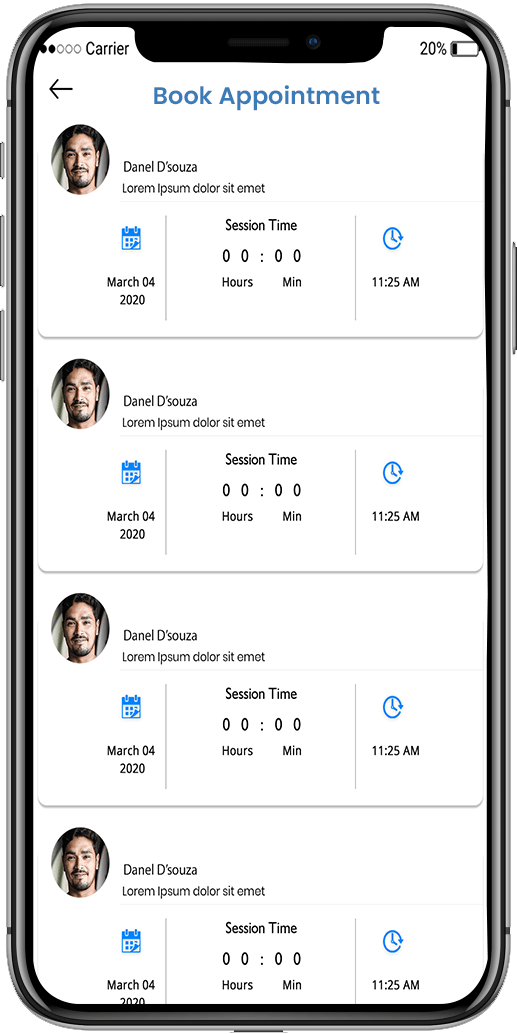
Online Appointment Booking Screen
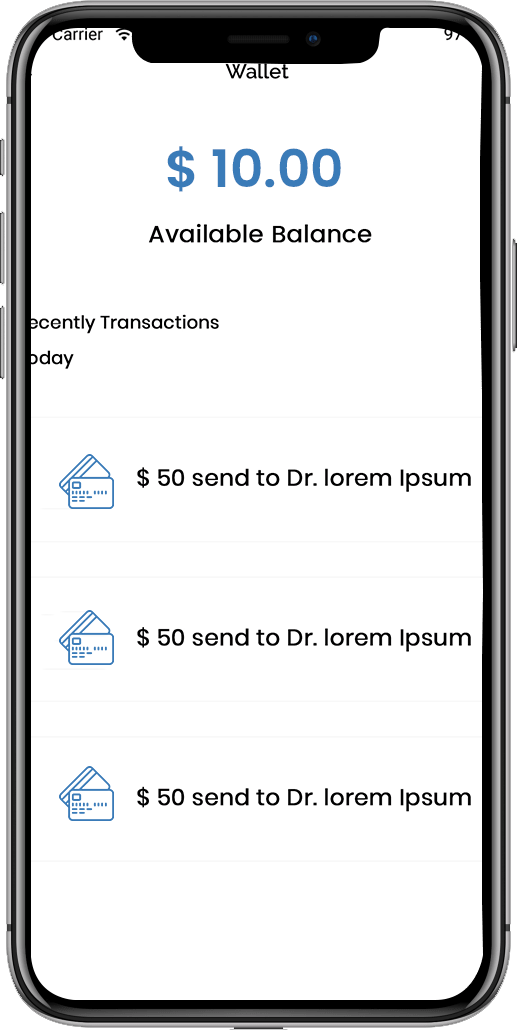
Billing and Payment Summary Screen

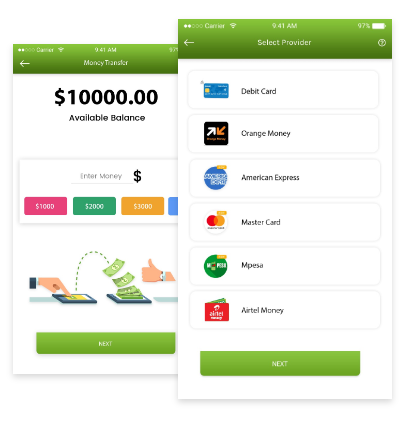
Available Balance:

The user can view his or her wallet's available balance.

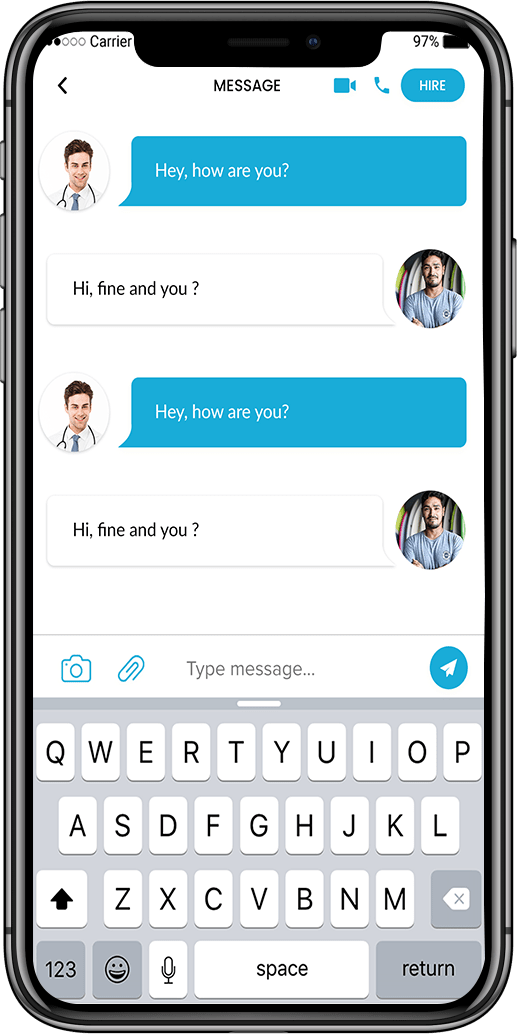
Message:

From one messenger to another, a good channel of communication exists between the doctor and the patient.

Treatment Plan Overview Screen
Secure Patient Messaging Feature

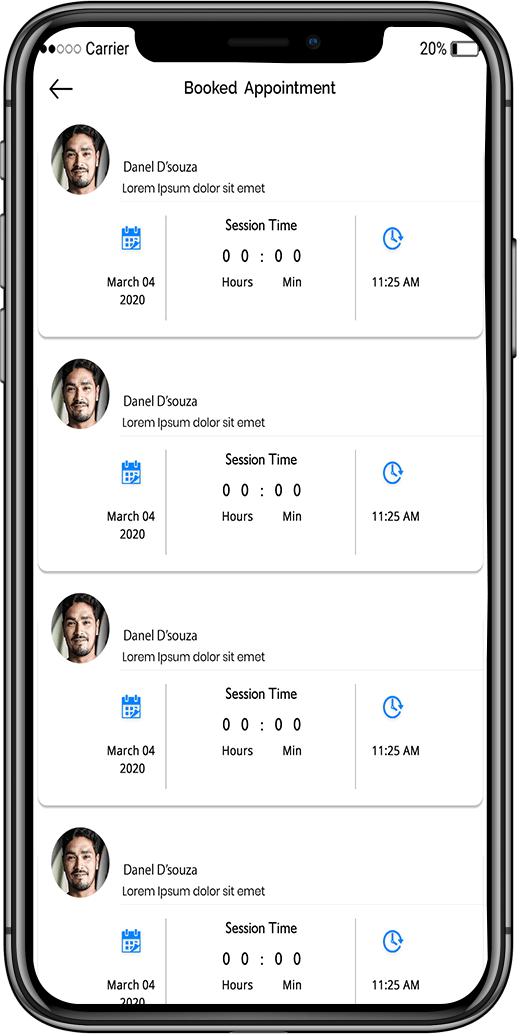
Booked appointment:

Users need to have a list of appointments based on physician availability, as well as the opportunity to edit or submit them.

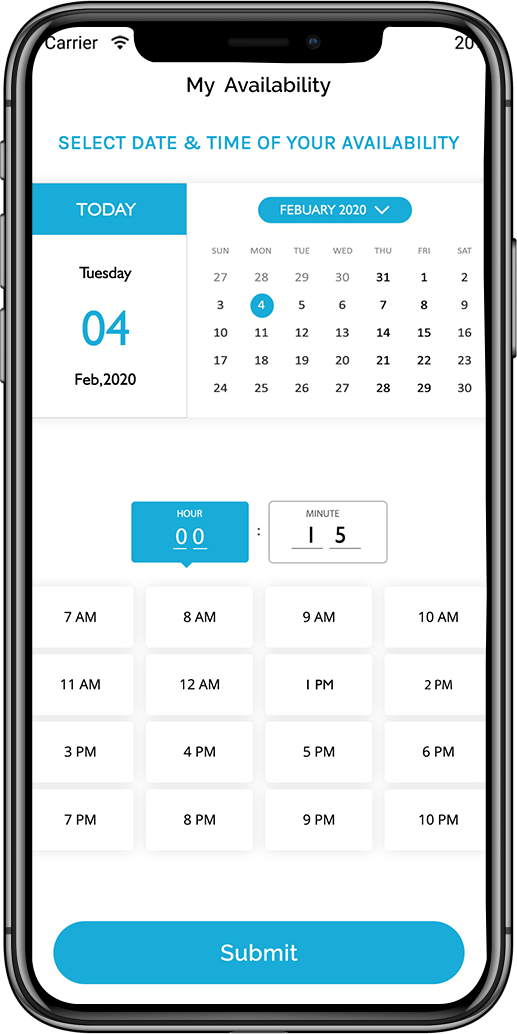
My availability:

Users can check their doctor's availability and alter their appointments accordingly.

Appointment History Screen
Notifications and Alerts Screen

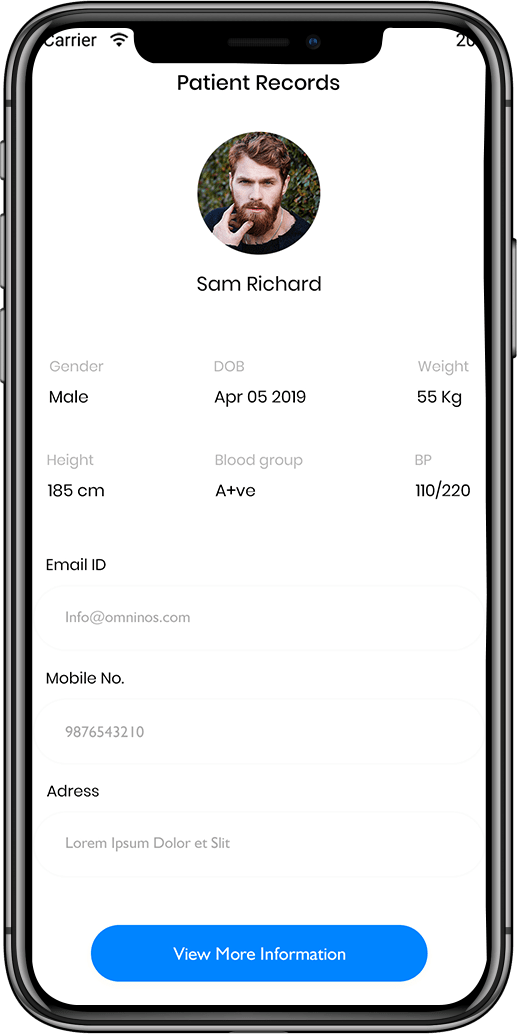
Patient records:

Ap Patient clone applications make it easier for staff to access and maintain patient or medical data.

Clinical notice:

The Ap Patient clone app can provide health services in remote areas where clinics are not available.

Mobile Patient Engagement App Interface
Account Settings Screen

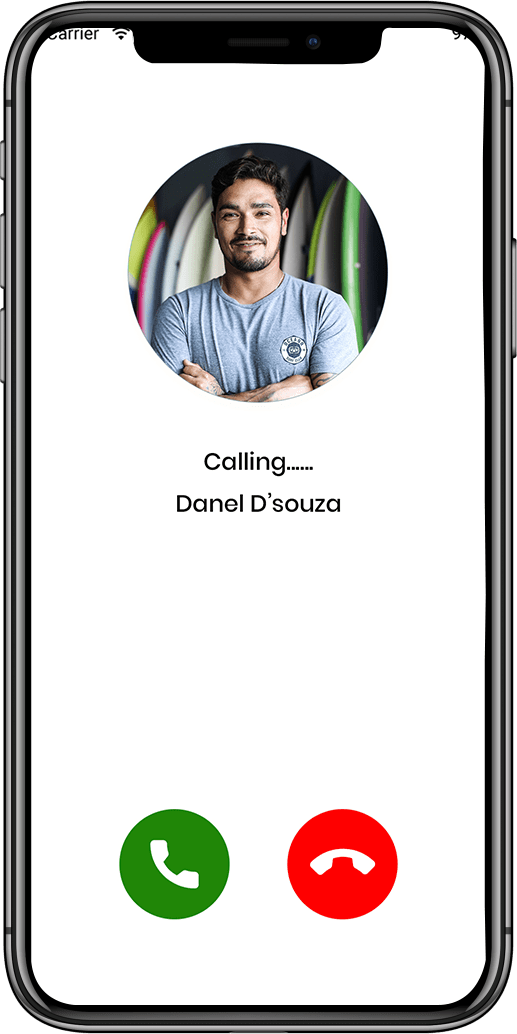
Calling:

The programme has the ability to make emergency calls. .

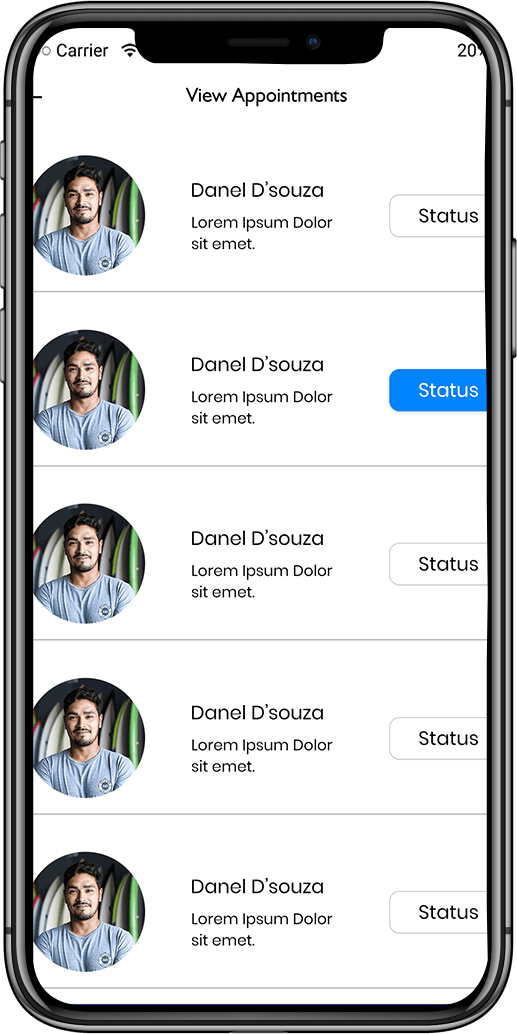
View appointment:

A Ap Patient clone app development solution can assist with follow-up consultations, reviewing doctor tp, and viewing appointments.

Logout and Security Options

FAQ - Frequently Ask Question

It is a ready-made email and productivity platform inspired by Outlook-like functionality.
Yes, it includes advanced calendar management, scheduling, and task organization features.
Yes, it includes encryption, spam protection, and phishing prevention mechanisms.
Yes, users can manage multiple email accounts within a single application.
Yes, we provide full customization, deployment, and ongoing technical support.

Schedule - With Us Now