PocketGuard Clone Script | Expense & Budget Tracker App Development

Launch a smart personal finance and expense tracking application like PocketGuard that helps users control spending, manage income, and plan budgets effectively. Our PocketGuard Clone Script is ideal for fintech startups, finance app founders, and enterprises looking to build a simple yet powerful money management platform.

 Overview of OFX clone app features for global transfers

Overview – PocketGuard Clone App Development

The PocketGuard Clone Script is a ready-to-launch expense tracking and budget planning solution designed to help users monitor daily expenses, track income, and gain clear insights into their financial habits. The app focuses on simplicity, privacy, and usability, making it suitable for users of all age groups. With features like categorized spending, calendar-based transaction views, and visual expense analytics, this solution enables users to make smarter financial decisions and plan for future expenses with confidence.

Why Choose Our PocketGuard Clone Script?

Simple & User-Friendly Design

Clean interface designed for effortless expense tracking without complex financial knowledge.

Secure & Private Data Storage

User financial data remains fully protected and accessible only to the account owner.

Smart Expense Categorization

Automatically organizes expenses into categories for better spending insights.

Multi-Currency Support

Allows users to track income and expenses in their preferred currency.

Visual Spending Analytics

Graph-based weekly and monthly reports help users understand spending patterns.

Scalable Personal Finance Solution

Built to support individual users, families, or large-scale consumer finance apps.
Key Features of ICICI Direct Clone App

Daily Expense & Income Tracking

Users can record daily income and expenses easily to maintain complete financial visibility.

Category-Based Spending Management

Track where money is spent by assigning expenses to predefined or custom categories.

Calendar-Based Transaction View

Users can view transactions for any specific date through an interactive calendar.
 Overview of OFX clone app features for global transfers
 Overview of OFX clone app features for global transfers

Weekly & Monthly Spending Insights

Graphical reports display spending trends to help users plan future budgets.

Multi-Currency Expense Management

Supports tracking financial activity in different currencies based on user preference.

Secure & Private Financial Records

Ensures all personal finance data remains encrypted and accessible only to the user.

What We Offer in PocketGuard Clone Script

User Expense Tracking Mobile App
A lightweight and intuitive mobile application for managing income, expenses, and budgets.
Customizable Categories & Reports
Admins can configure expense categories, analytics formats, and financial summaries.
Analytics & Visual Reporting Module
Built-in charts and graphs for weekly and monthly expense tracking.
Privacy-First App Architecture
Designed to ensure data safety with minimal data collection and secure storage.
Admin Panel for App Configuration
Admin dashboard to manage app settings, user access, and feature configurations.
 Overview of OFX clone app features for global transfers

User Application Flow

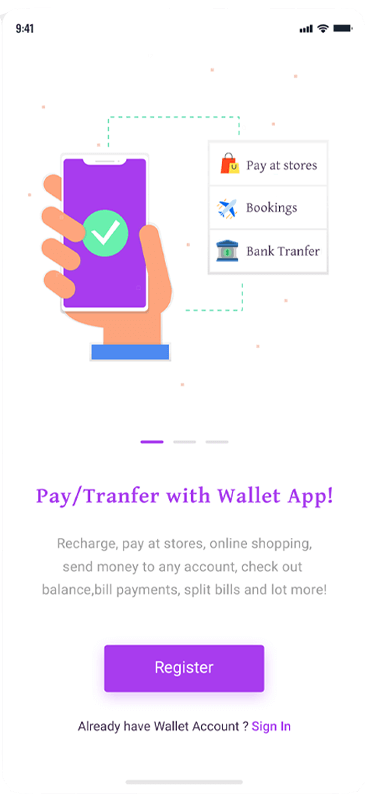
Peer to Peer Payment App Splash Screen

Splash Screen

App includes attractive splash screens.

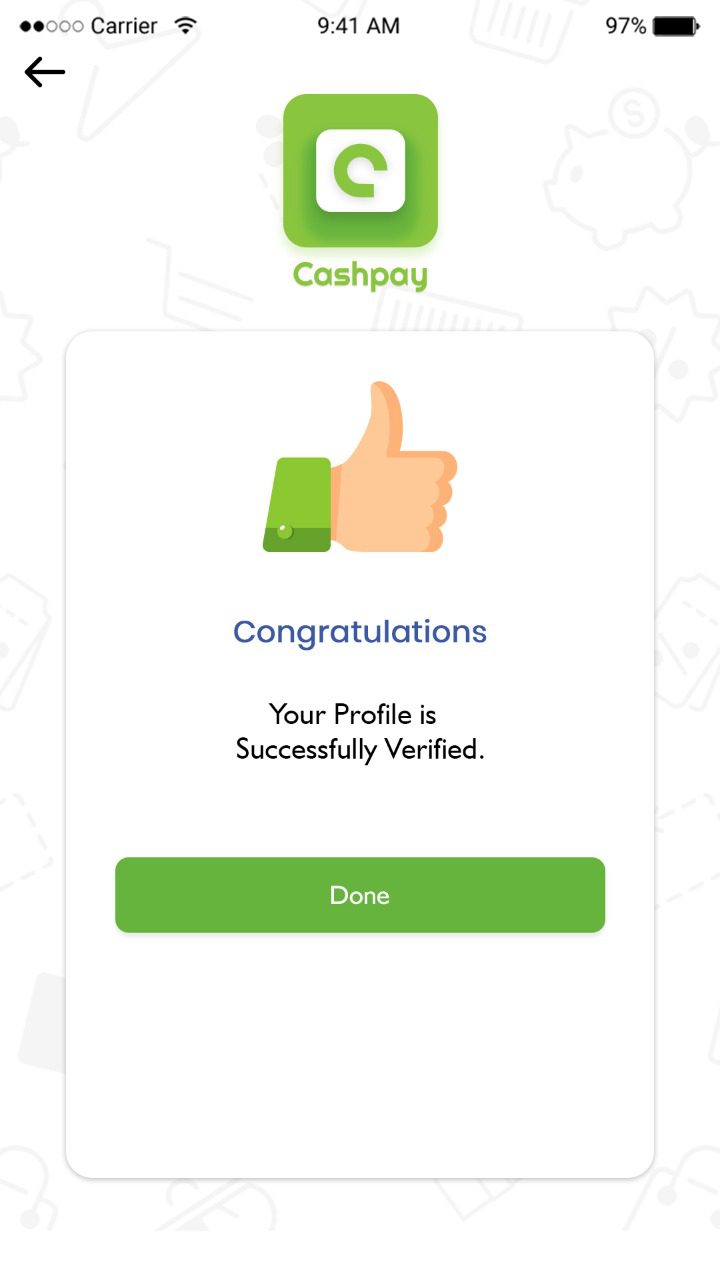
Congratulations

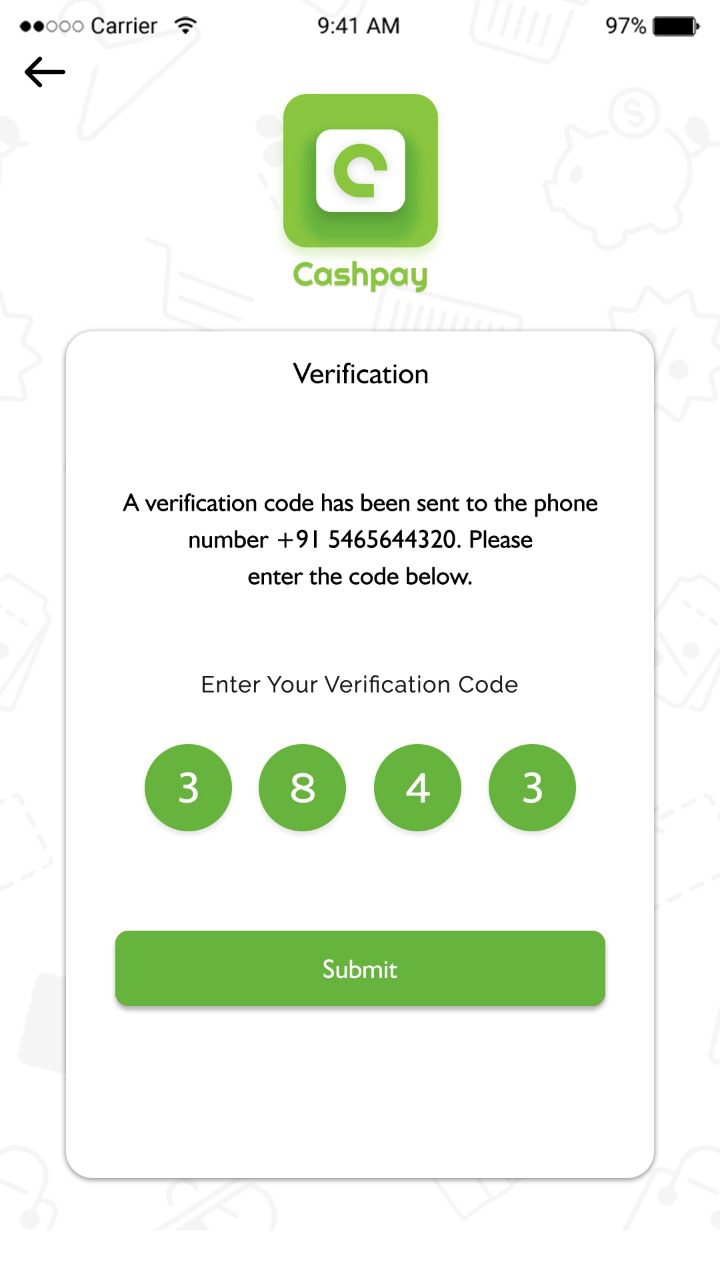
After verification the user will get a congratulations message.
Peer to Peer App Login Interface
User Verification Screen for Payment App

Verification

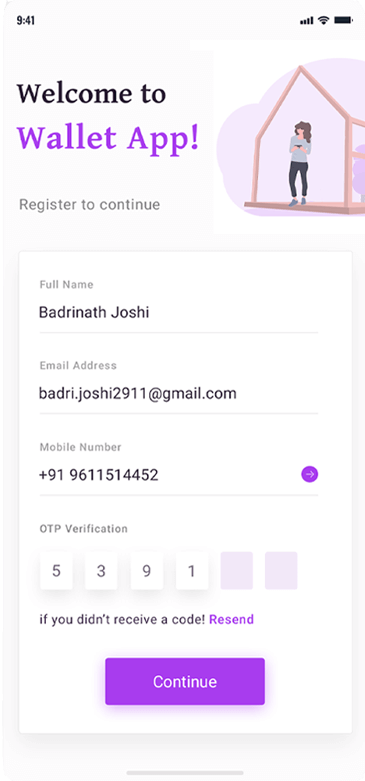
This is the major section of an app; the user can sign-in with the social network or email account credentials.

Home

Home page includes recharge, pay bill, send money, etc
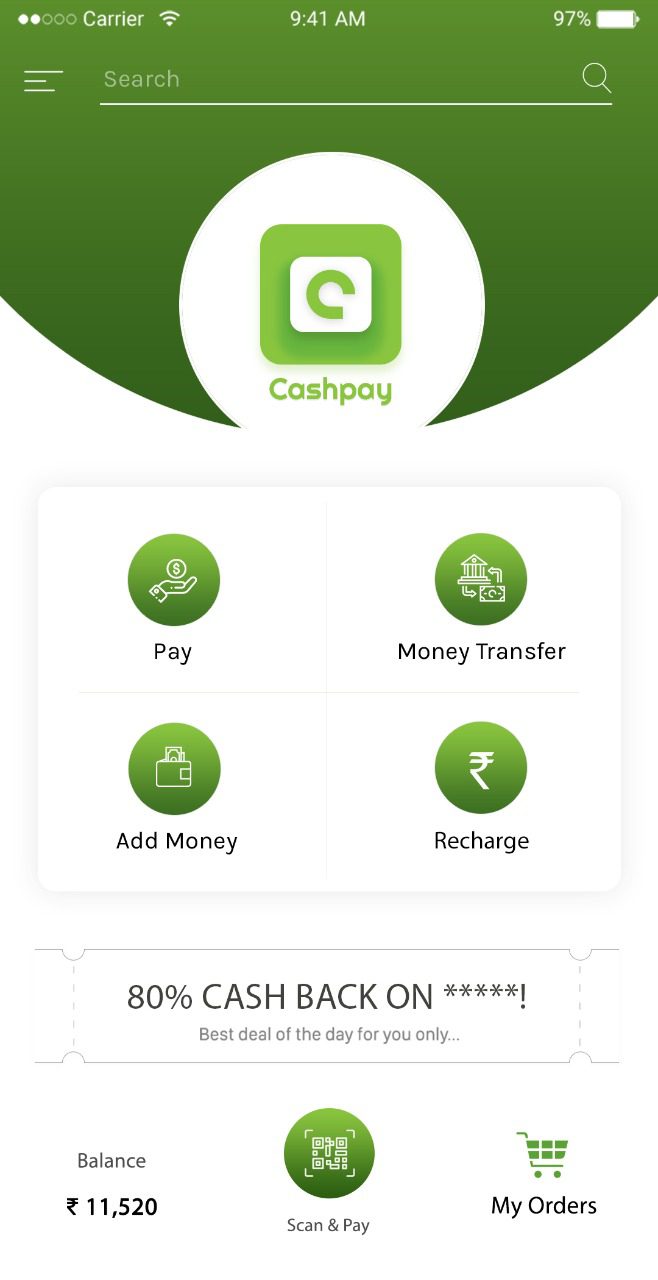
Payment App Home Dashboard
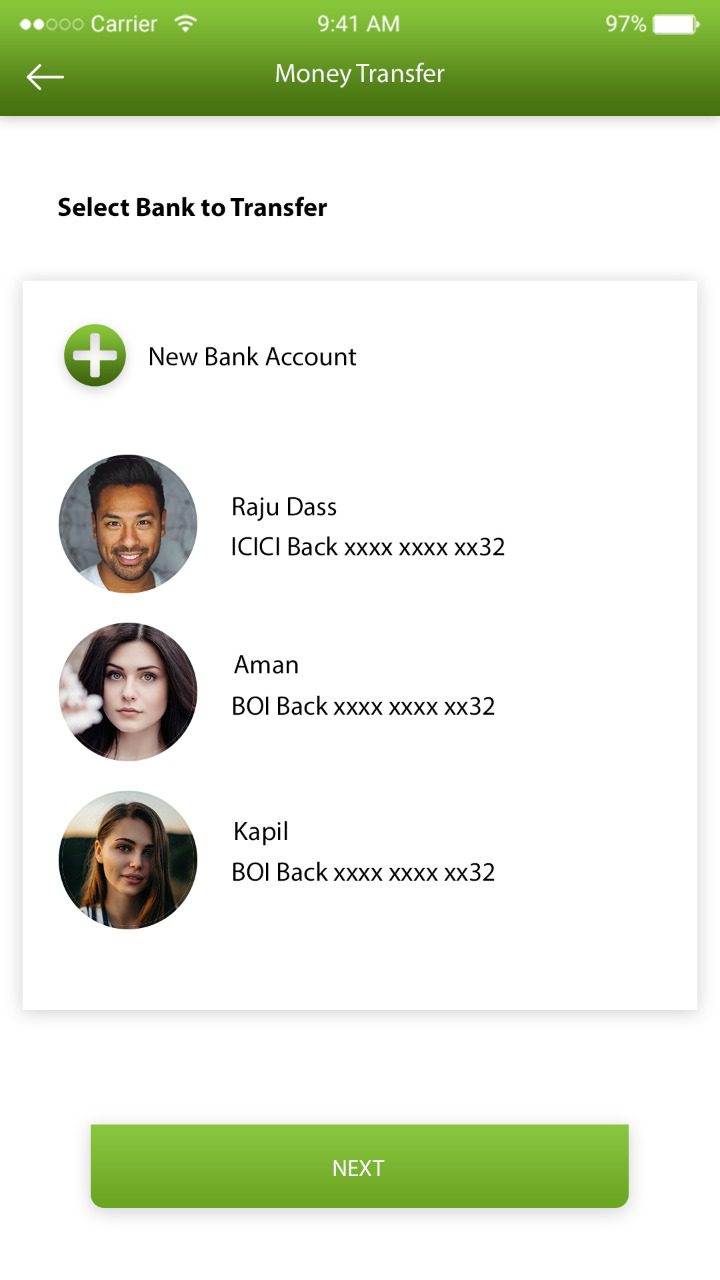
Money Transfer Interface in Wallet App

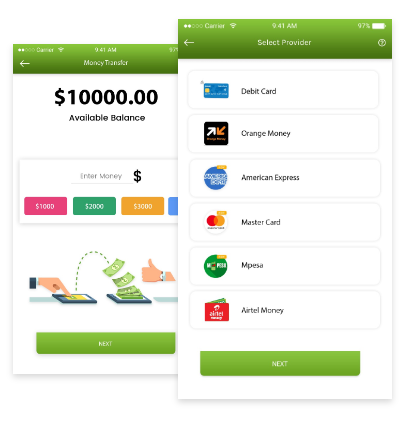
Money Transfer

Users can seamlessly transfer money to and from bank accounts.

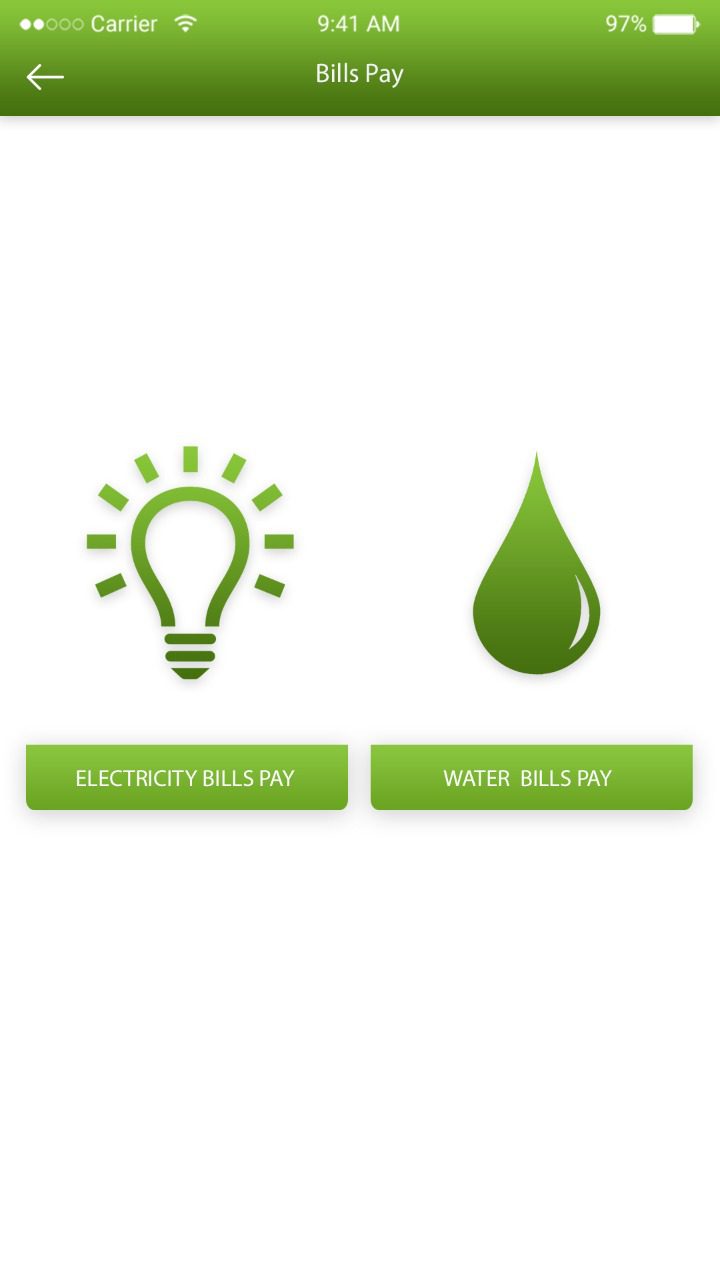
Bills Pay

​Users can pay the bills via their registered bank accounts so as to maintain track of all the cash flows in a convenient way.
Money Transfer Interface in Wallet App
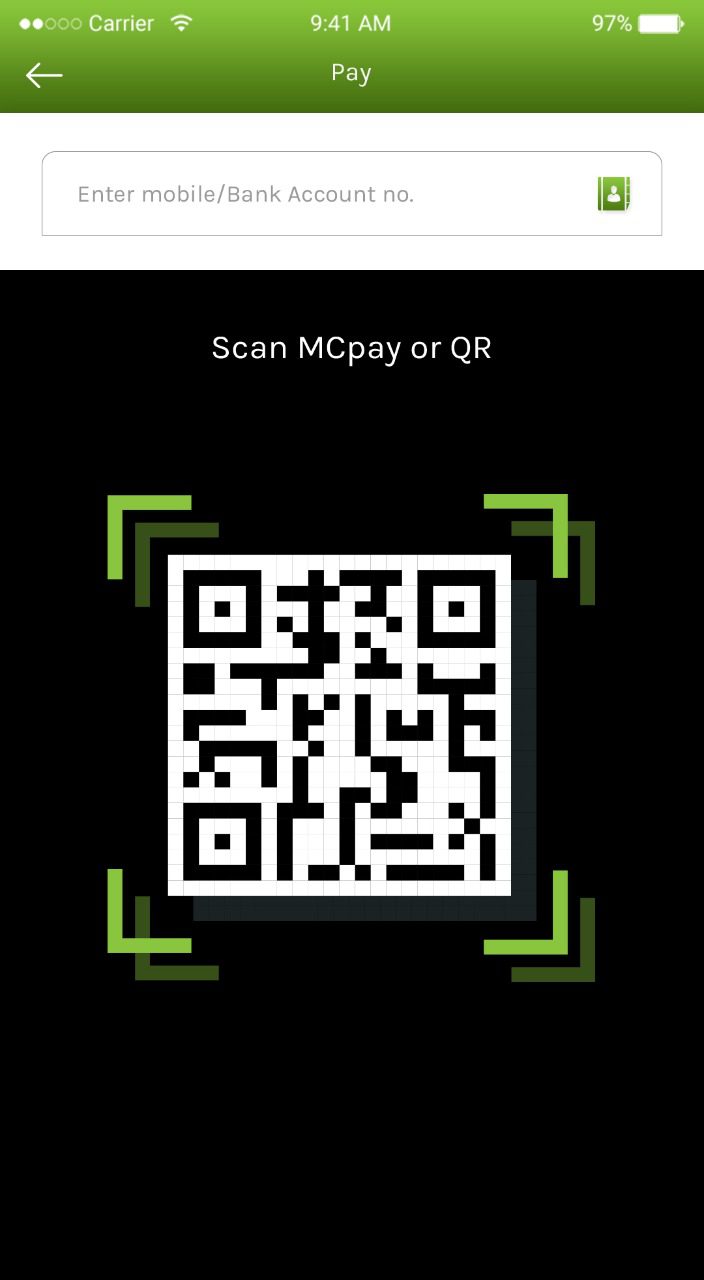
QR Scan Payment Screen

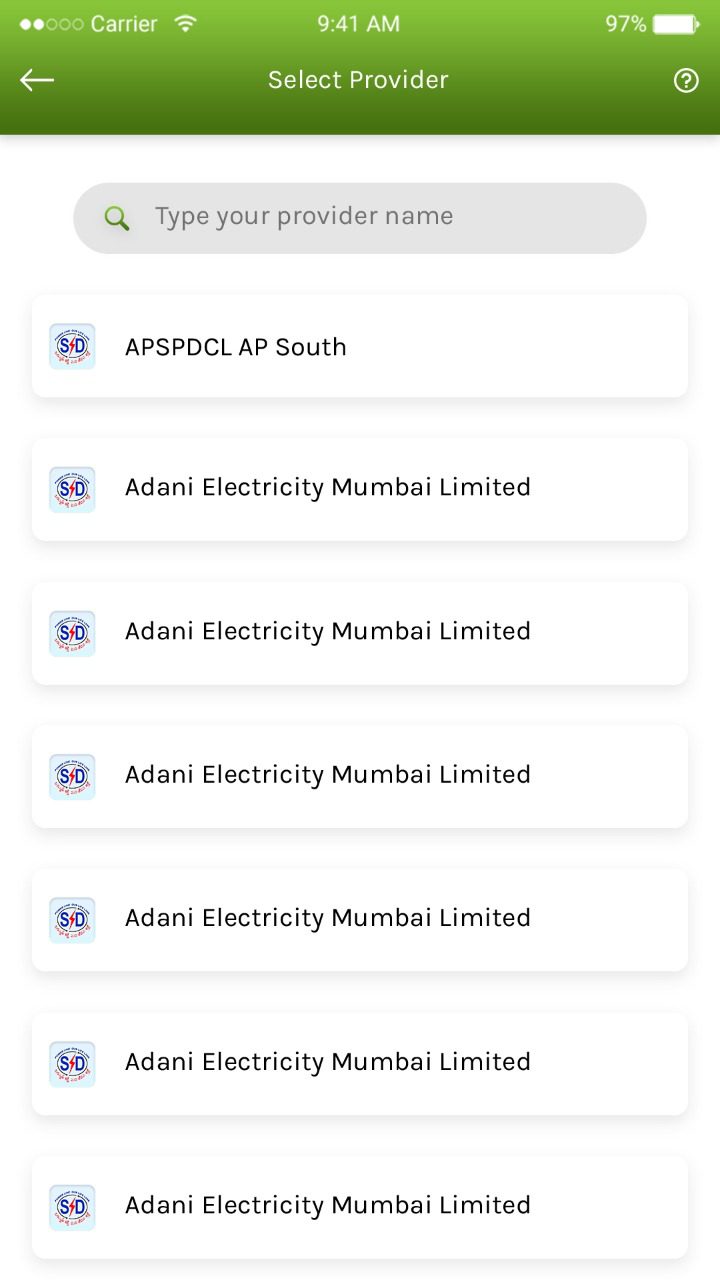
Provider List

​Provider list includes accounts added as beneficiary.

Scan

We empower the wallets with a powerful QR code scanner within the mobile payment apps.
Provider List Interface in Wallet App
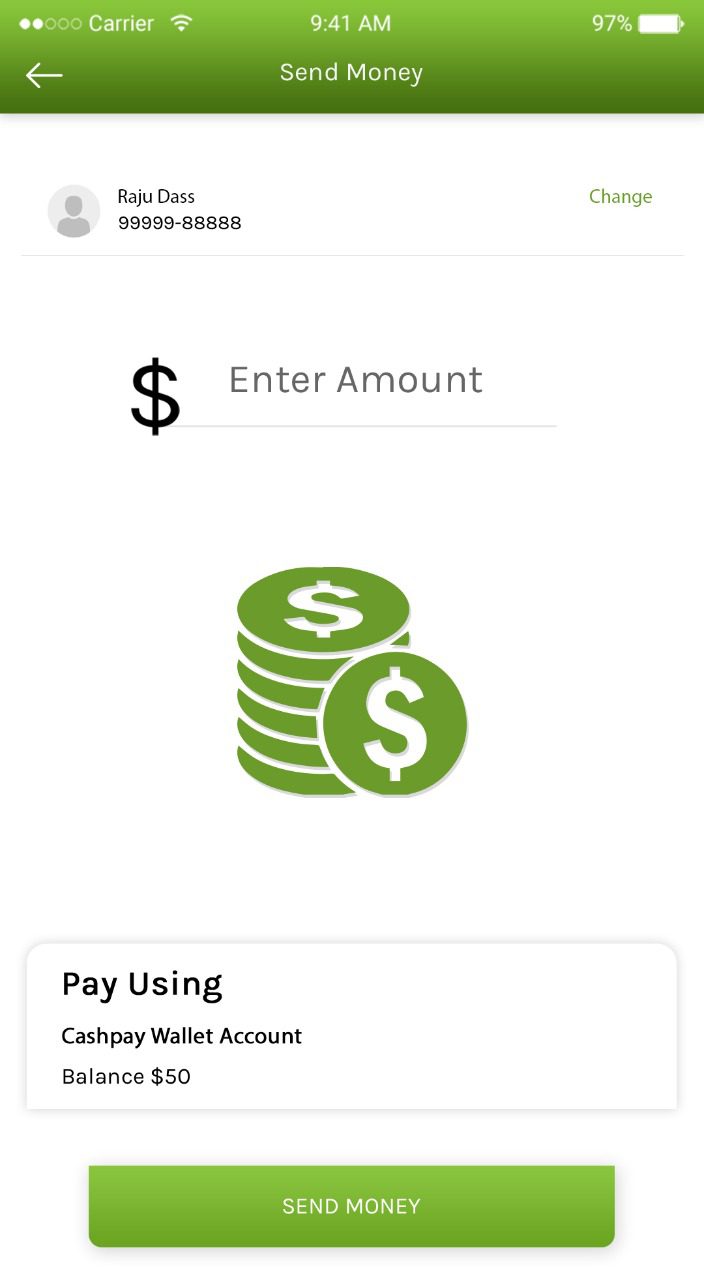
Payment Success Confirmation Screen

Send Money

The users can make use of the advanced eWallet app for paying bills at the dedicated shopping centers.

FAQ - Frequently Asked Questions

It is a ready-made expense tracking and budget planning app inspired by PocketGuard’s core functionality
Yes, the app is designed with strong security measures and privacy-first architecture.
Yes, users can track expenses and income in their preferred currency.
Yes, the app includes a calendar-based transaction viewing feature.
Yes, we provide full deployment assistance and ongoing technical support.

Schedule - With Us Now