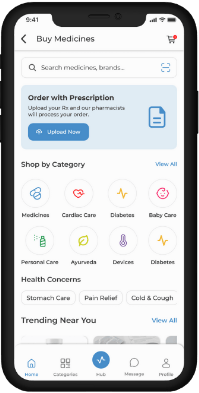

myAir™ by ResMed Clone App Development | Telehealth & Sleep Therapy Platform

Manage Sleep Therapy Devices, Patient Progress, and Remote Consultations Seamlessly

Digital health platforms are quickly changing the way patients and providers track, analyze and enhance health outcomes. A ResMed clone script of the myAir™ allows companies to develop a secure healthcare monitoring application based on sleep tracking, health data visualization, and engagement with patients based on intelligent analytics and dashboards. The solution is aimed at healthcare startups, enterprises, medical technology providers, and investors to get a medical-grade health monitoring platform that focuses on quality, privacy, and regulatory compliance of data. x

myAir mobile app interface showing sleep therapy dashboard
Patient progress tracking interface in myAir clone

What is myAir™ by ResMed?

myAir™ by ResMed is a health monitoring companion application that allows tracking sleep data, therapy adherence, and engagement data of patients. It presents complex medical data in an easy-to-understand dashboard format, helping users and healthcare providers monitor patterns and make informed decisions. A myAir™ by ResMed alternative app follows a similar conceptual approach without copying proprietary systems or medical algorithms. It allows businesses to develop an independent healthcare monitoring platform that supports sleep tracking, health metrics analysis, and patient reporting within a compliant digital infrastructure. Such platforms are widely used in sleep health programs, remote patient monitoring, wellness management, and preventive healthcare ecosystems

Key Features of myAir™ by ResMed Clone Script

An effective healthcare monitoring clone script that is professionally developed has strong functionalities that aim at assisting the patients, clinicians, and administrators.


Device usage analytics screen for sleep therapy

Sleep & Health Tracking

Captures and displays sleep duration, usage patterns, and key health indicators through connected devices or manual inputs.

Patient Data Dashboards

Provides visual dashboards with charts, trends, and summaries that simplify complex medical data.

Reports & Analytics

Creates comprehensive reports to monitor the progress, the trends of adherence and long term health outcomes.

Personalized Insights

Provides objective information and suggestions on the basis of digitalized sleep and health data.

Secure Patient Profiles

Maintains individual health records with controlled access and role-based permissions.

Device & Data Integration

Supports integration with compatible medical devices, wearables, or external health systems.

Admin & Clinician Panel

Allows healthcare administrators to monitor usage, manage users, and review anonymized analytics.

Medication & Therapy Reminders

Automated alerts help patients stay consistent with prescribed therapies, device usage, and follow-up routines.

Patient Engagement Tools

In-app notifications, tips, and progress milestones encourage users to stay motivated and engaged with their health goals.

Data Export & Sharing

Allows patients and clinicians to securely export or share reports for consultations, second opinions, or medical records.

Compliance & Regulatory Support

Designed to align with healthcare data standards and privacy regulations, ensuring safe and compliant data handling.

Scalable Cloud-Based Architecture

Supports increasing numbers of users, devices, and data volumes without compromising performance or reliability.
Graphical representation of sleep therapy data

How Does myAir™ by ResMed Clone App Work?

MyHealth Tracking App such as myAir 2 is a structured compliance-driven workflow.

User Onboarding

Patients sign up securely, create personalized health profiles, and provide self-consent for data access in compliance with medical privacy standards.

Data Collection

Sleep and health data is collected automatically through connected medical devices or wearables, as well as through manual user inputs when required.

Data Processing

The system processes raw health data into structured metrics, converting complex readings into meaningful insights for better understanding.

Dashboard Visualization

Patients and clinicians access interactive dashboards with charts, summaries, and reports to track health progress and therapy adherence

Analytics & Monitoring

Historical and real-time data is analyzed to identify patterns, trends, and adherence levels, supporting proactive healthcare decisions.

Secure Data Storage

All medical data is securely stored using encrypted, HIPAA-compliant infrastructure with strict access controls.
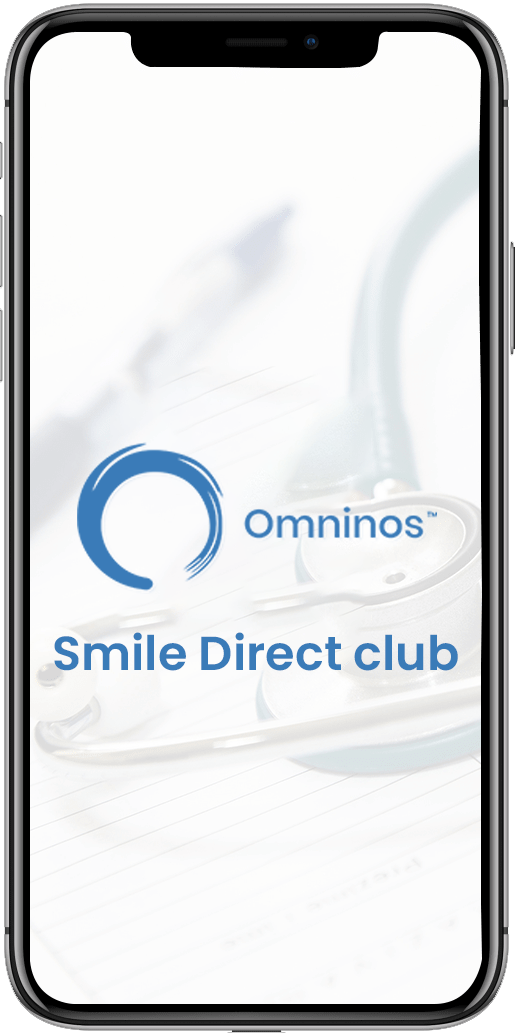
Application UI flow

Healthcare Savings App Splash Screen

Splash Page:

When you launch the app, it displays a branded splash screen, which provides a visually appealing introduction.

Sign-up / Login:

Users are given the option of creating a new account or logging into an existing one. New users can register by entering their personal information, contact information, and pertinent dental history. Existing users can log in with their credentials.
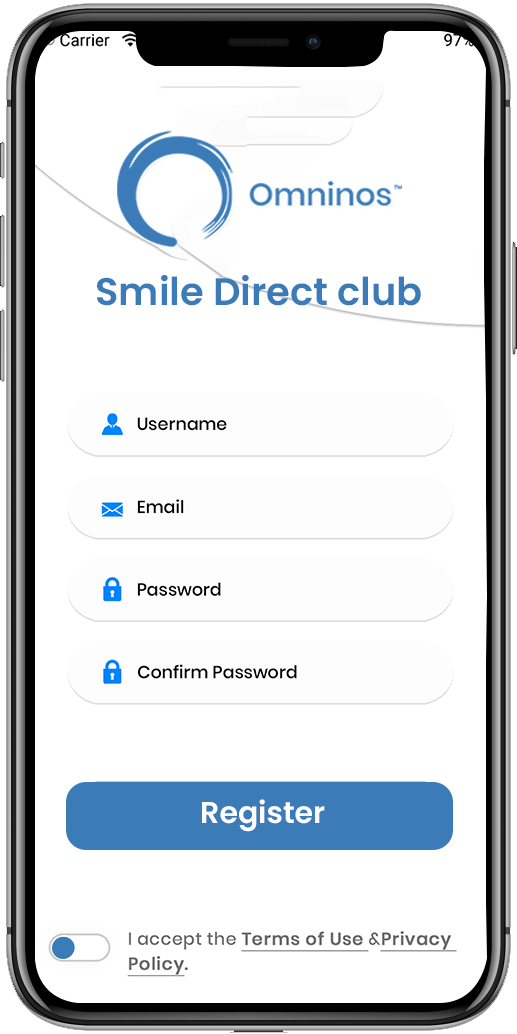
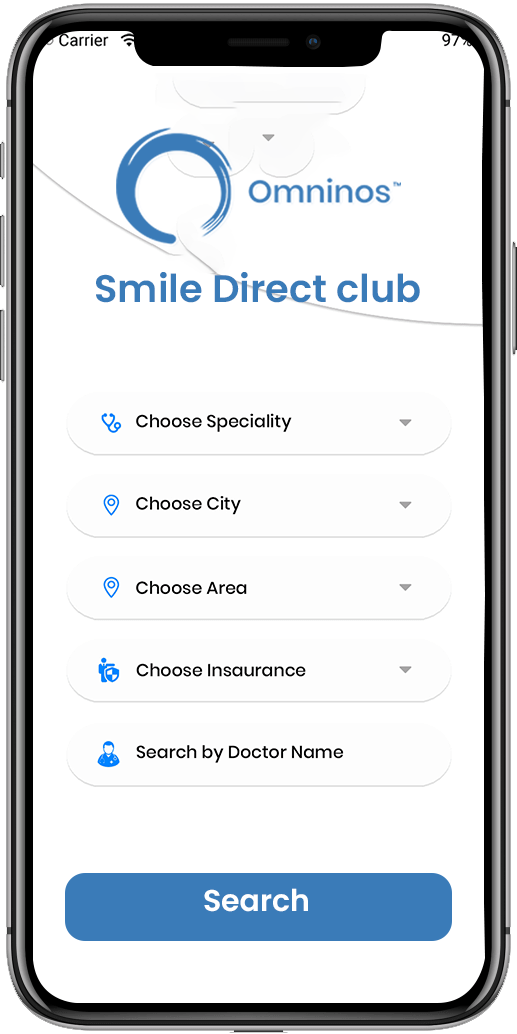
Secure User Login for Pharmacy App
Multiple screens of Labcorp patient clone app

Onboarding Tutorial:

New users are led through a quick onboarding tutorial to become acquainted with the app's features and functionalities.

Doctor Details:

Physicians should fill in the correct details about his or her specialty, experience, education and more.
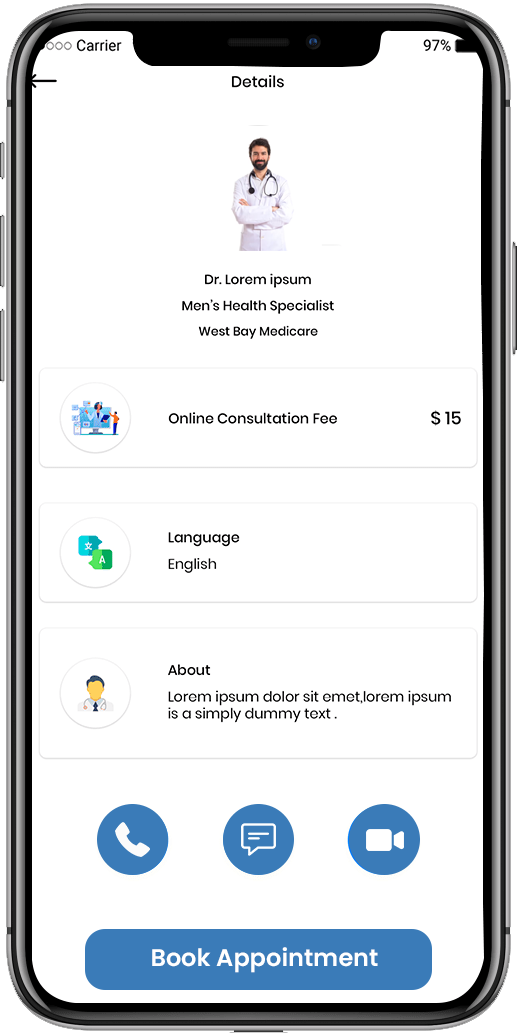
Doctor details screen in patient healthcare app
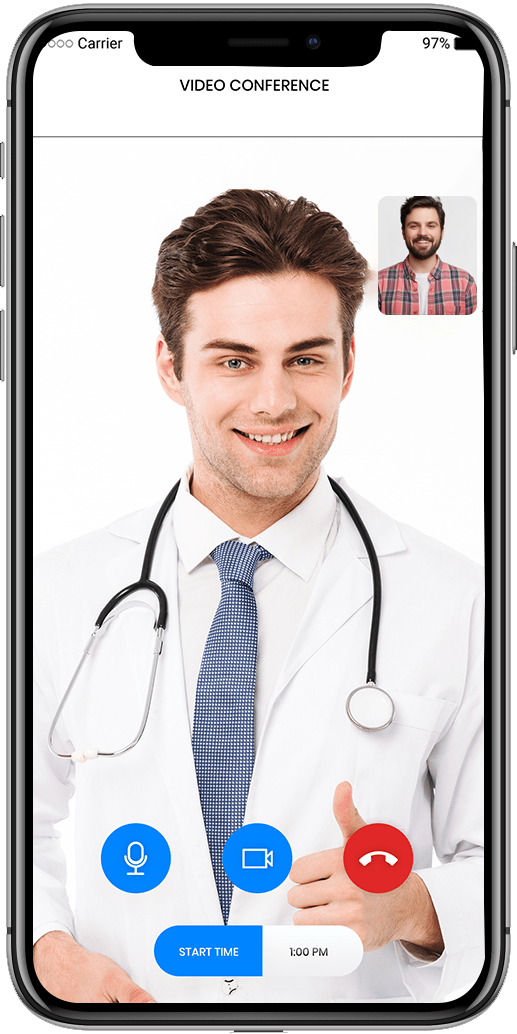
Telehealth video conferencing feature

Video meeting:

The option to save or download consultations can aid in the tracking of treatment progress.

Sidebar option:

Contains many sidebar options for easy-to-use experience with a simple and attractive UI / UX.
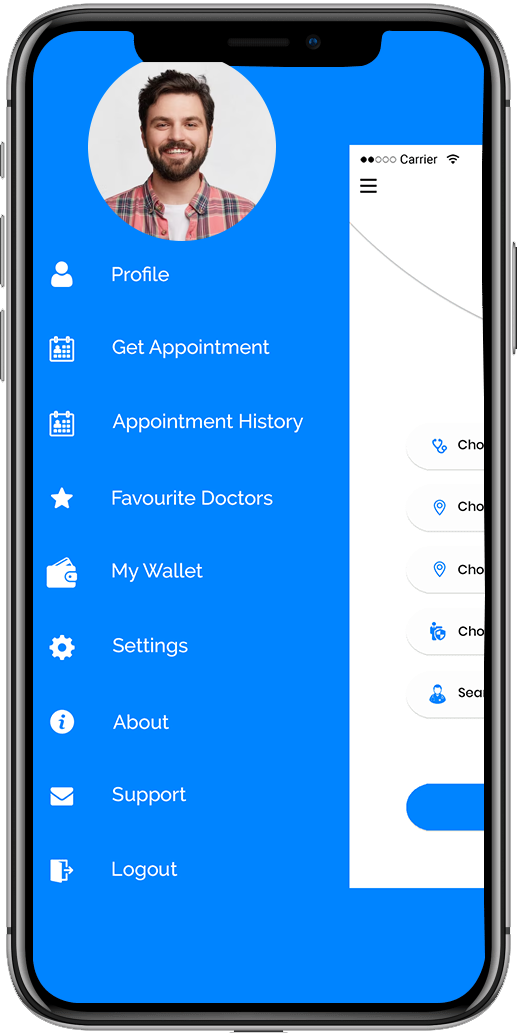
Sidebar navigation options in patient mobile application
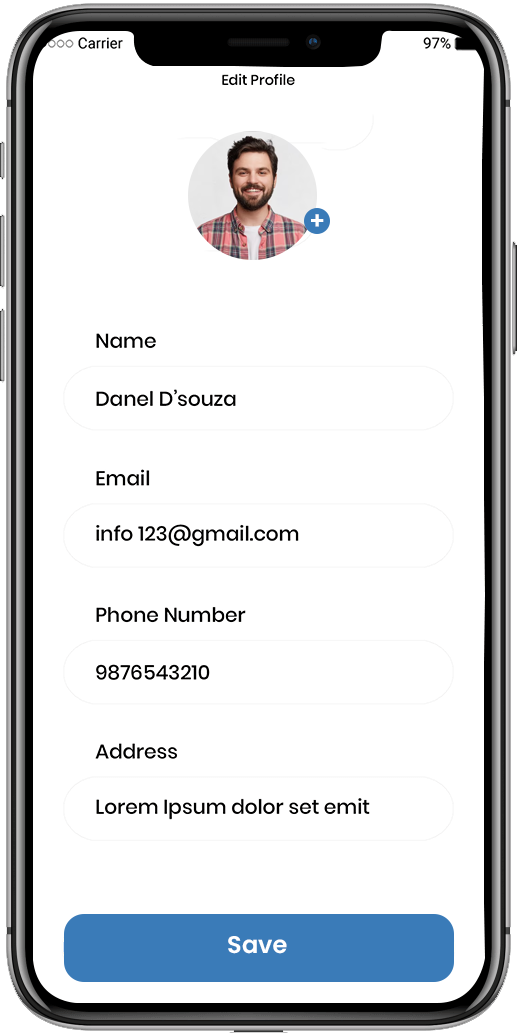
Edit patient profile screen in healthcare app

Edit profile:

Users can change information such as their name, age, city, gender, and so on.

Appointment history:

Users have access to his appointment history.
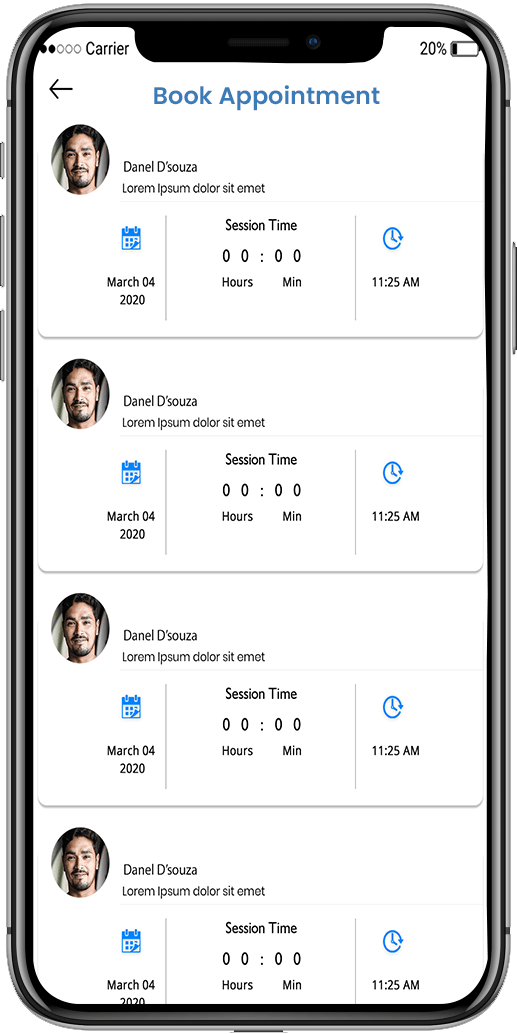
Appointment booking feature in patient healthcare app
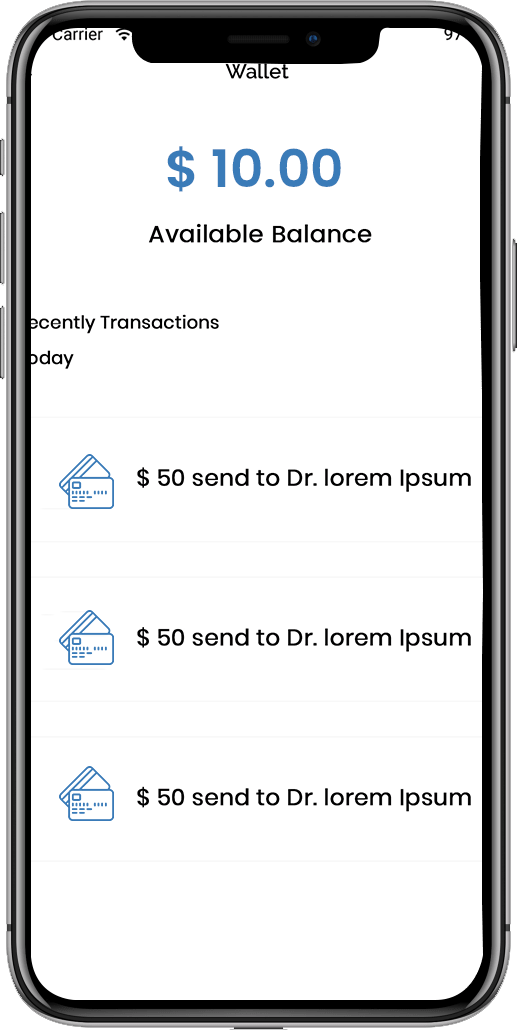
Available wallet balance display in healthcare app

Available Balance:

The user can view his or her wallet's available balance.

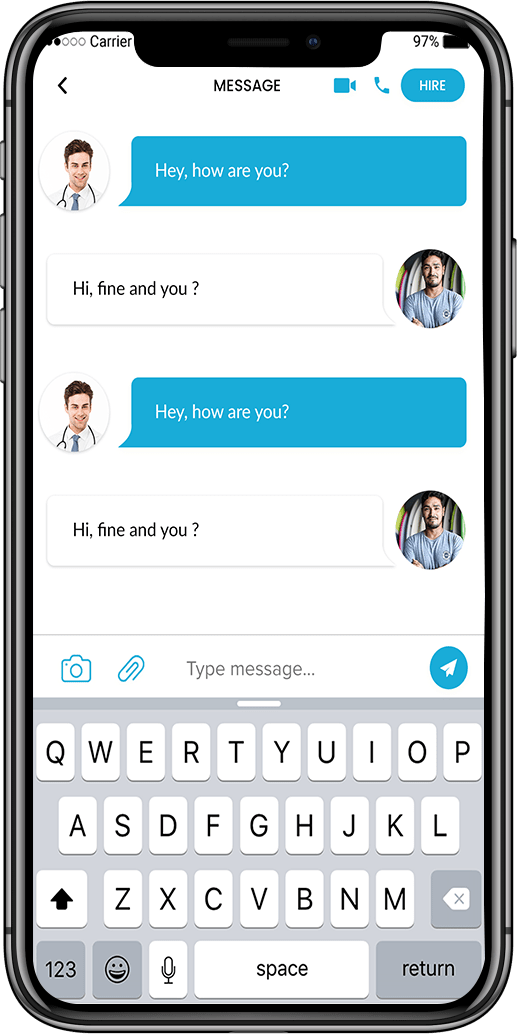
Message:

From one messenger to another, a good channel of communication exists between the doctor and the patient.
Patient app interface showing medical service options
 Lab test report overview screen in patient app

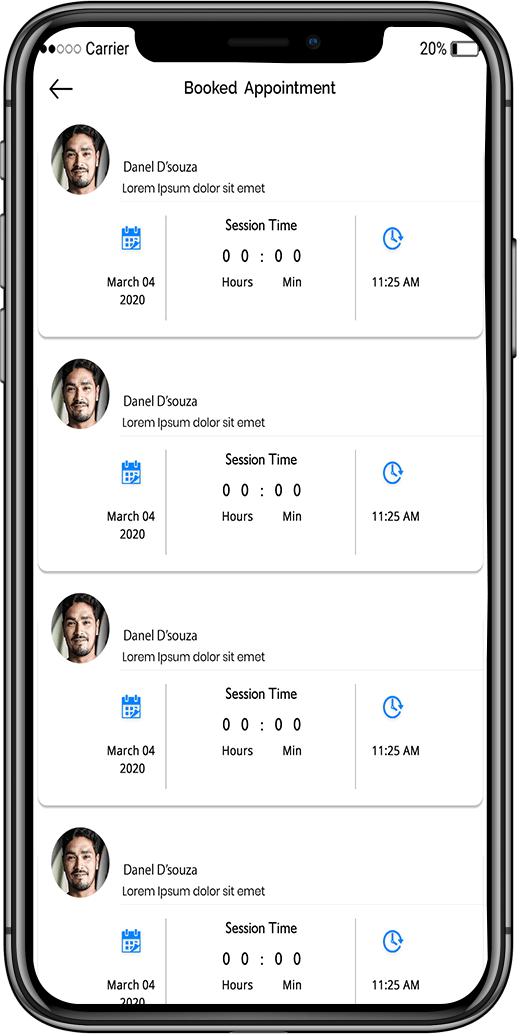
Booked appointment:

Users need to have a list of appointments based on physician availability, as well as the opportunity to edit or submit them.

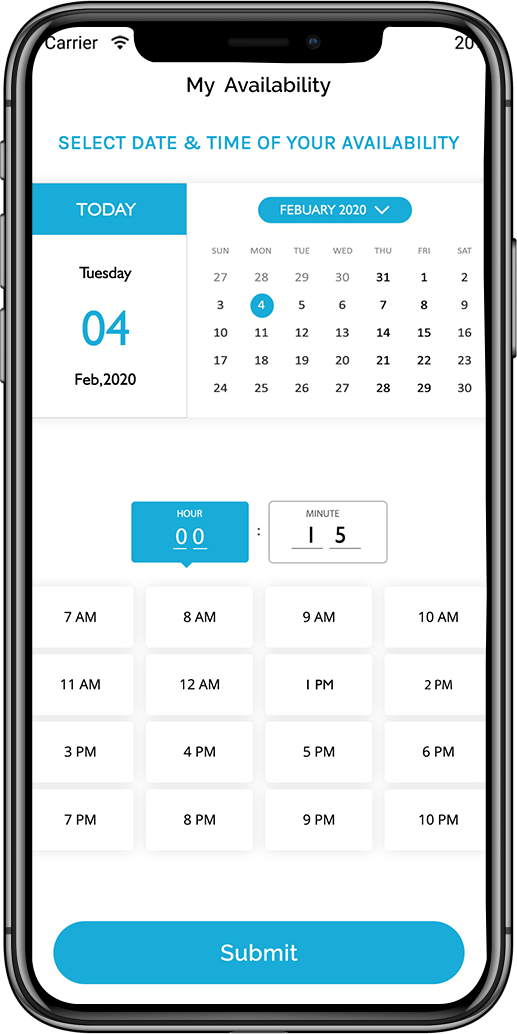
My availability:

Users can check their doctor's availability and alter their appointments accordingly.
Appointment history screen in patient healthcare app
Notification screen in Labcorp patient clone app

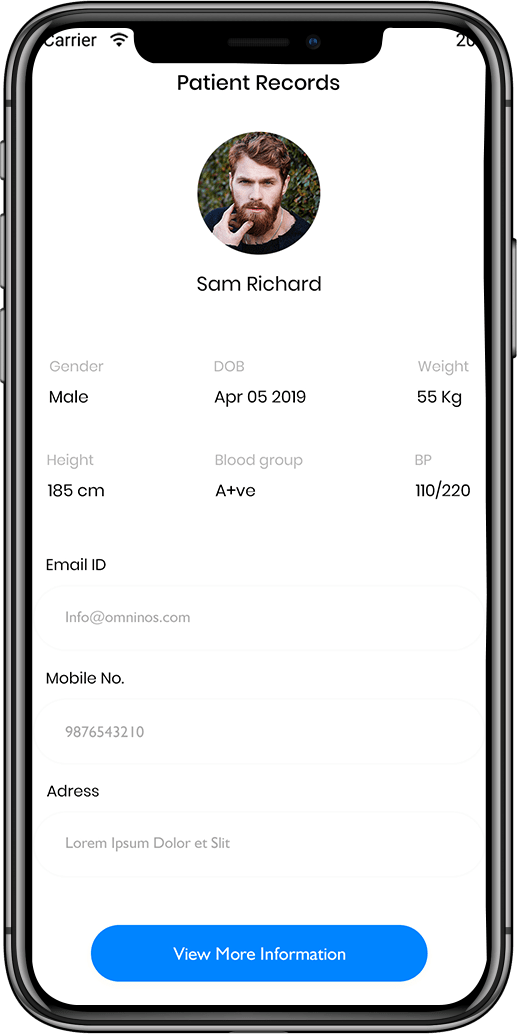
Patient records:

SingleCare clone applications make it easier for staff to access and maintain patient or medical data.

Clinical notice:

The SingleCare clone app can provide health services in remote areas where clinics are not available.

Healthcare mobile app interface with patient interaction features
Digital prescription and report access screen

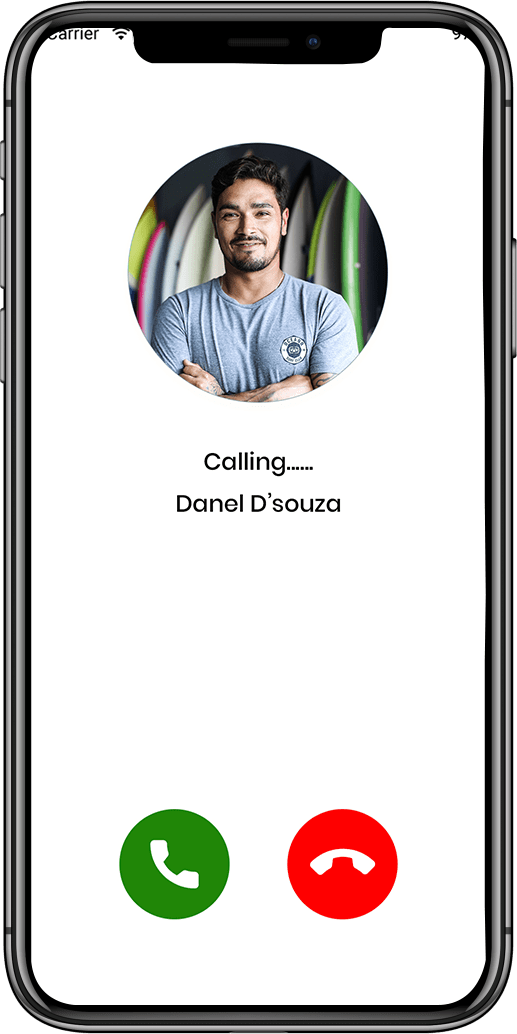
Calling:

The programme has the ability to make emergency calls. .

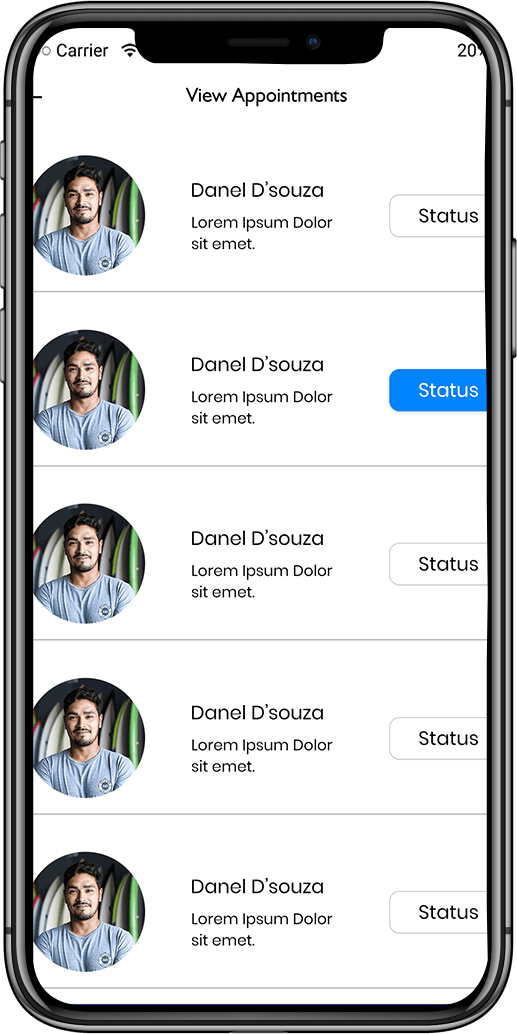
View appointment:

A SingleCare clone app development solution can assist with follow-up consultations, reviewing doctor tp, and viewing appointments.
Patient dashboard overview in healthcare app
1

setrwrgsdfgadfgds

Login and authentication screen for myAir clone

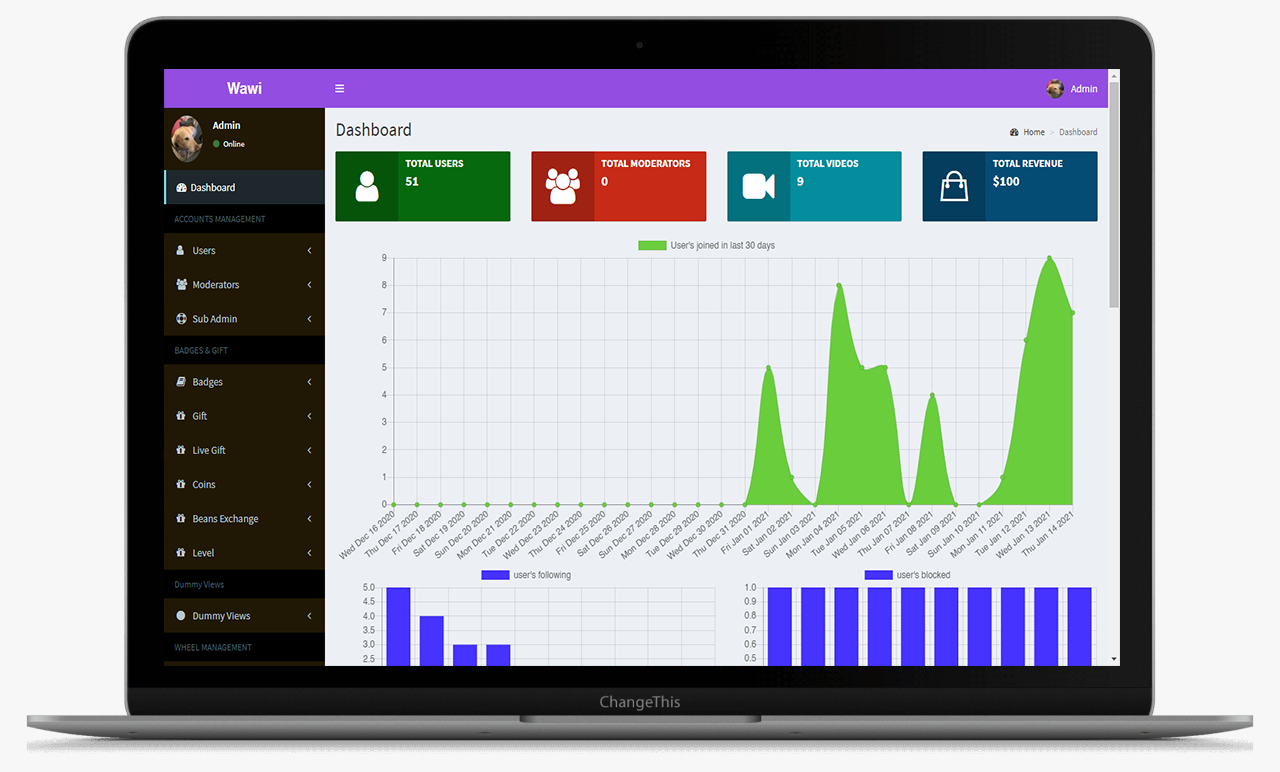
This is the main Dashboard of the admin panel, Where we can see all the modules, Chart and Side menu.
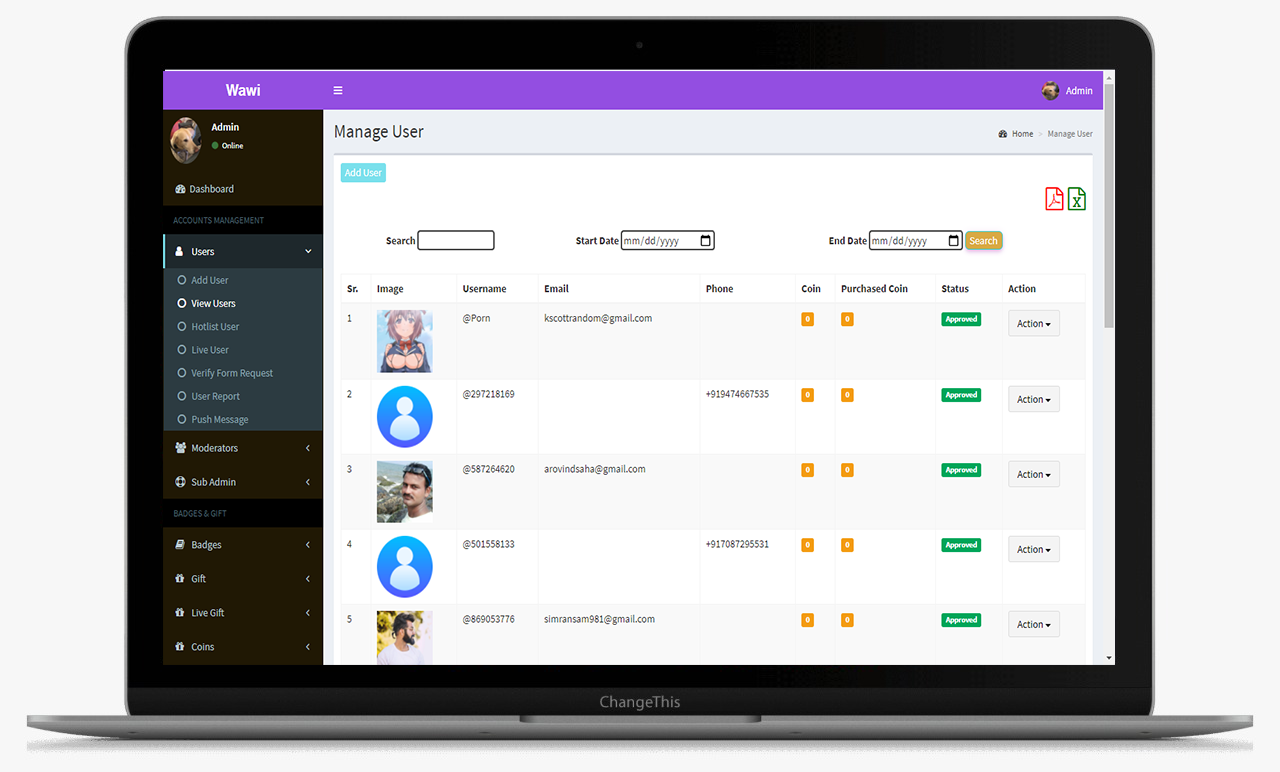
Registration and onboarding screen

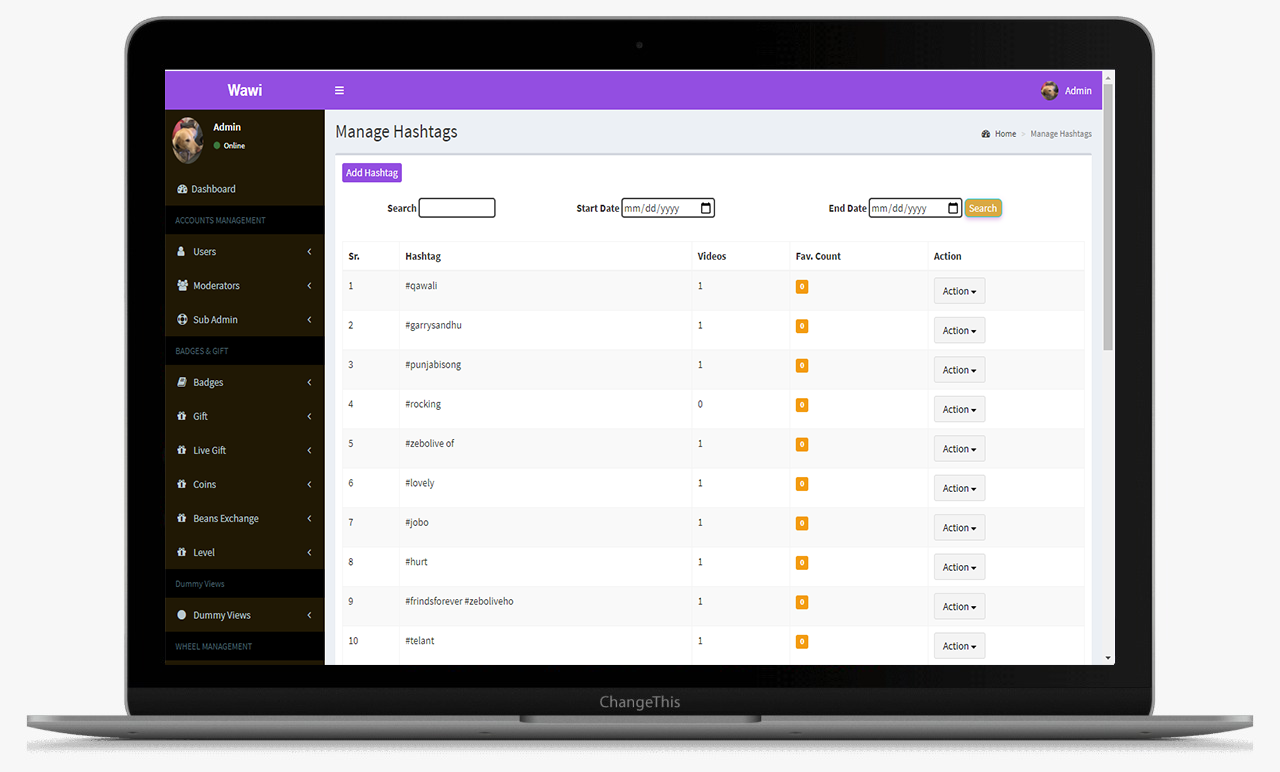
From this screens Admin can manage the hashtags
Home dashboard with therapy progress summary

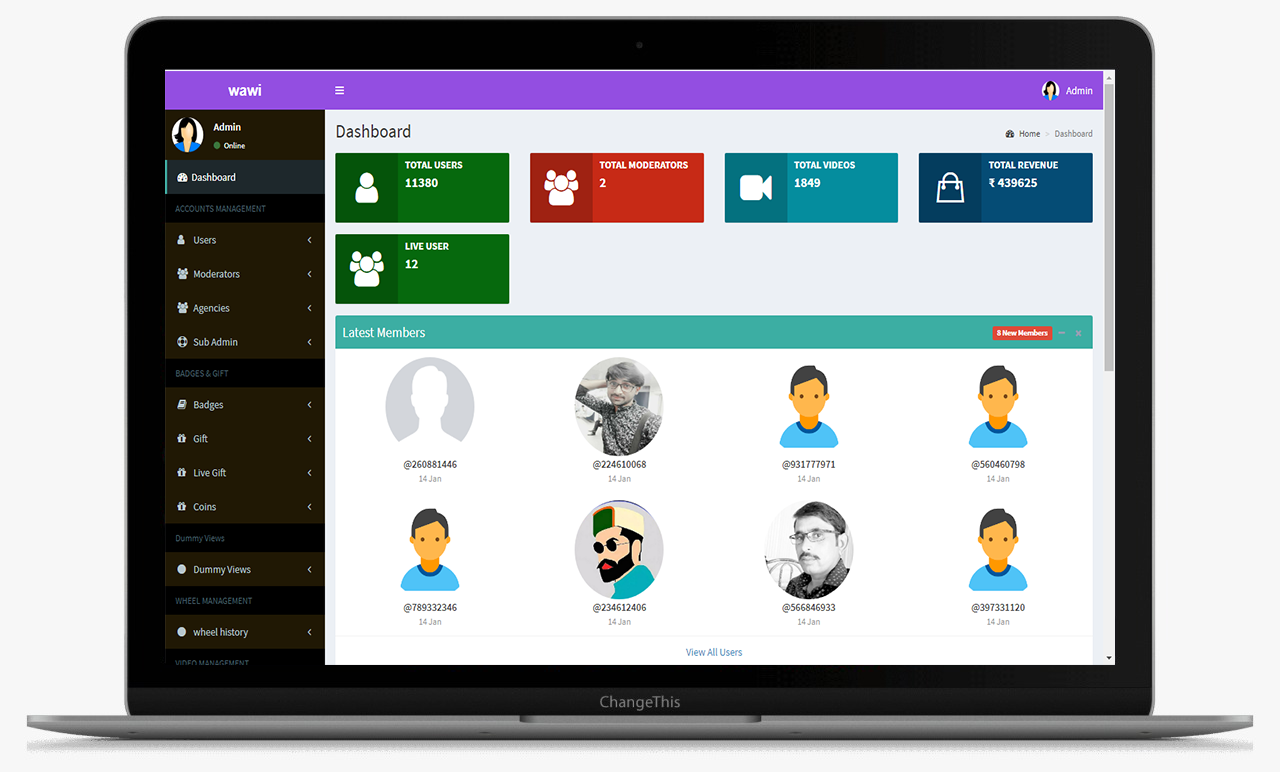
This is the main Dashboard of the admin panel, Where we can see all the modules, Chart and Side menu.
Settings and preferences management in app

This is the main Dashboard of the admin panel, Where we can see all the modules, Chart and Side menu.
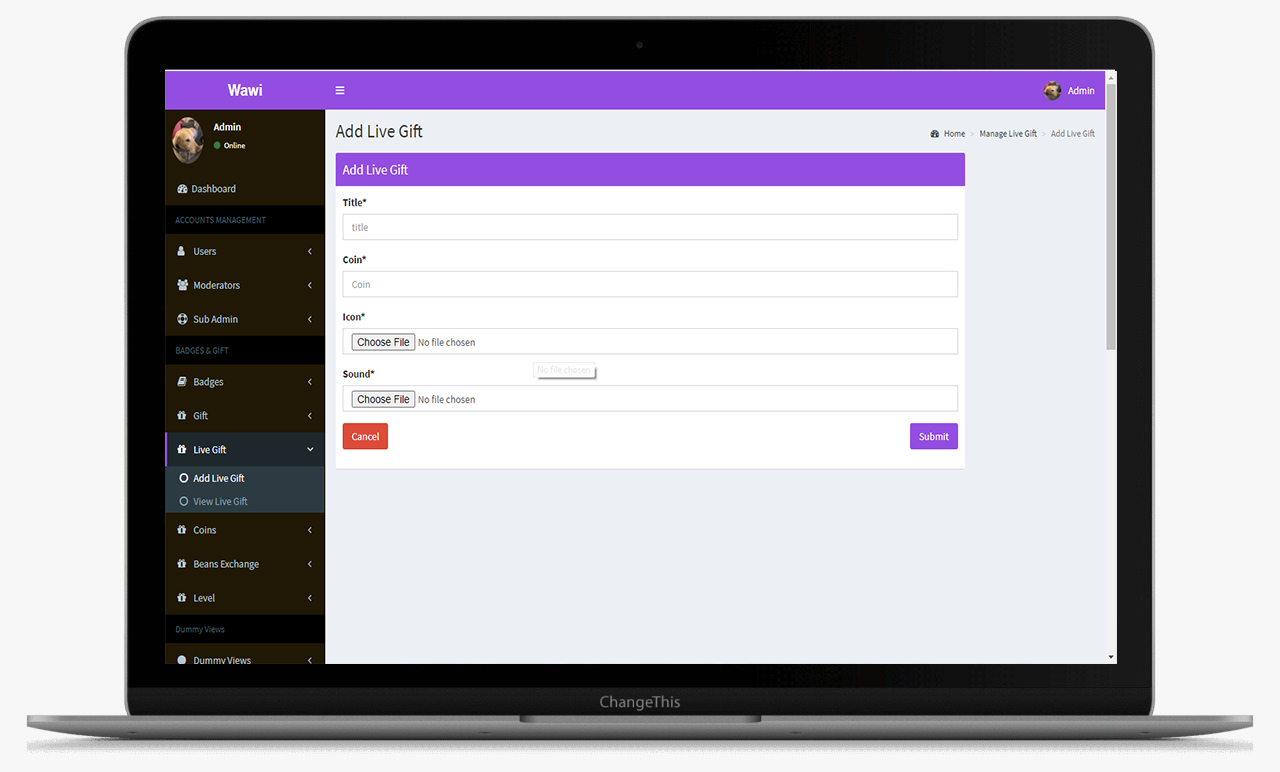
Analytics dashboard showing overall patient performance

This is the main Dashboard of the admin panel, Where we can see all the modules, Chart and Side menu.
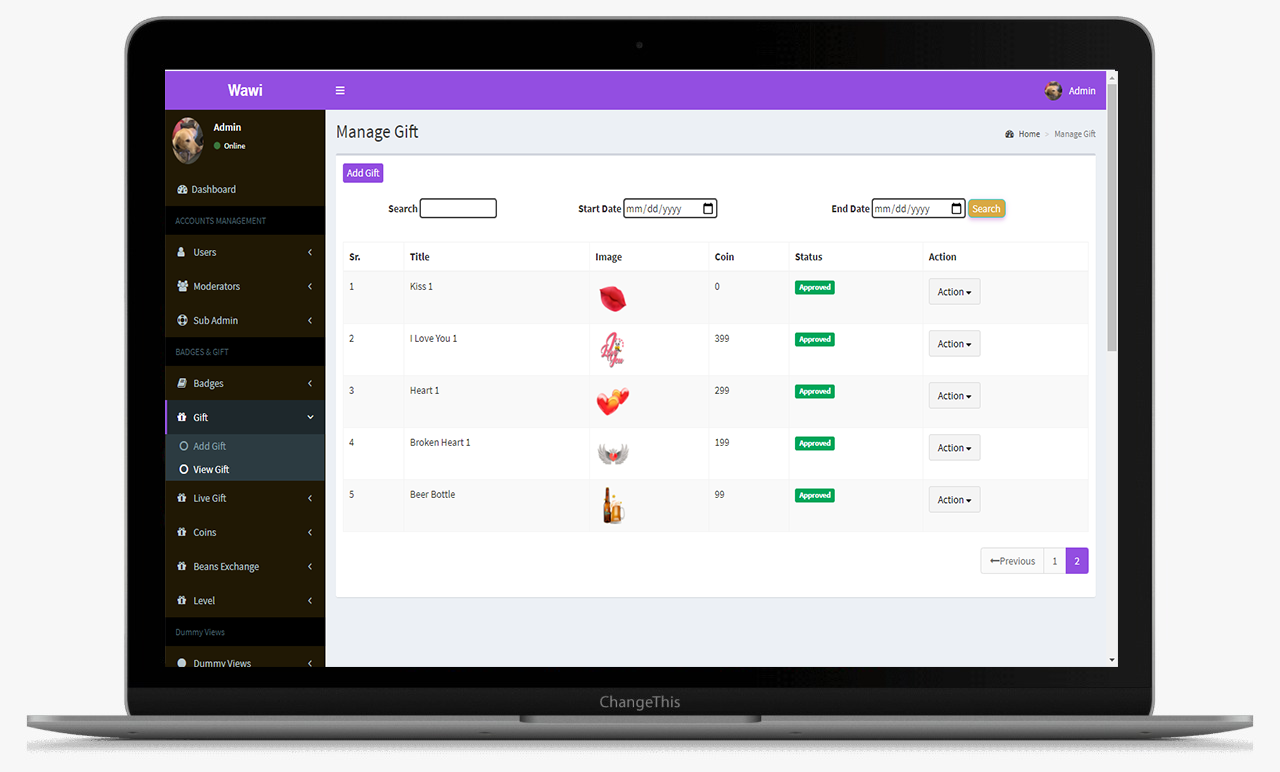
Appointment history and upcoming schedule

This is the main Dashboard of the admin panel, Where we can see all the modules, Chart and Side menu.

myAir™ App Clone Solution – Admin Panel Features

Matches

The matches tab gives an insight into who's the initiator of the match. Share the contact and profile details of the opposite user. It also gives the time stamp on when the match occurred.

Friends

This data log is maintained for each user who has initiated or become friends with any other user on the platform.

User Wallet

Gives detail of all the transactions that take place. It includes the coins that the user has bought, spent as well as the coins that he/she has earned.

All Transfer Logs

This section displays the complete transfer logs of the users along with the transaction id and names of the sender and receiver.

Withdraw

Displays the withdrawal details. The users can withdraw the coins they have in their earning wallets into actual currency.

Frequently Asked Questions (FAQ)

The app includes CPAP device monitoring, sleep progress tracking, telehealth video consultations, appointment scheduling, and analytics dashboards.
Yes, the app is fully customizable to match branding, workflow, and device integration requirements.
Absolutely, video consultations and chat options are included for patient-doctor interactions.
It centralizes patient management, automates device tracking, provides real-time insights, and reduces manual intervention.
Omninos offers end-to-end healthcare app development with expert support, secure data management, and custom features tailored to telehealth needs.

Schedule - With Us Now