
100% customizable

Stereo Live clone

Grow your business with hyper-customized app.

Stereo Clone App Feature Banner
Live Audio Streaming App Backgroun

What is Stereo Live clone & Dubsmash clone?

Stereo clone app is live audio and social interaction platform allows users to host podcasts, join real-time conversations, and connect with dynamic communities. As a complete streaming solution, it offers smooth broadcasting, high-quality audio, and an intuitive interface across devices. Whether launching the app on Android or iOS, it supports live sessions, interactive discussions, and on-demand playback. With our fully customizable Stereo clone app script, you can easily build your own social audio network tailored to your brand and business needs.

of

The Features of Stereo Live Clone App

Social Audio Streaming Background Design

Song/Audio Selection

Browse extensive audio libraries with tracks, effects, and background music. Users can select trending audio or upload custom sound files.

Dubbing and Video Selfie

Create engaging content using built-in dubbing tools. Record synchronized audio-video clips with real-time filters.

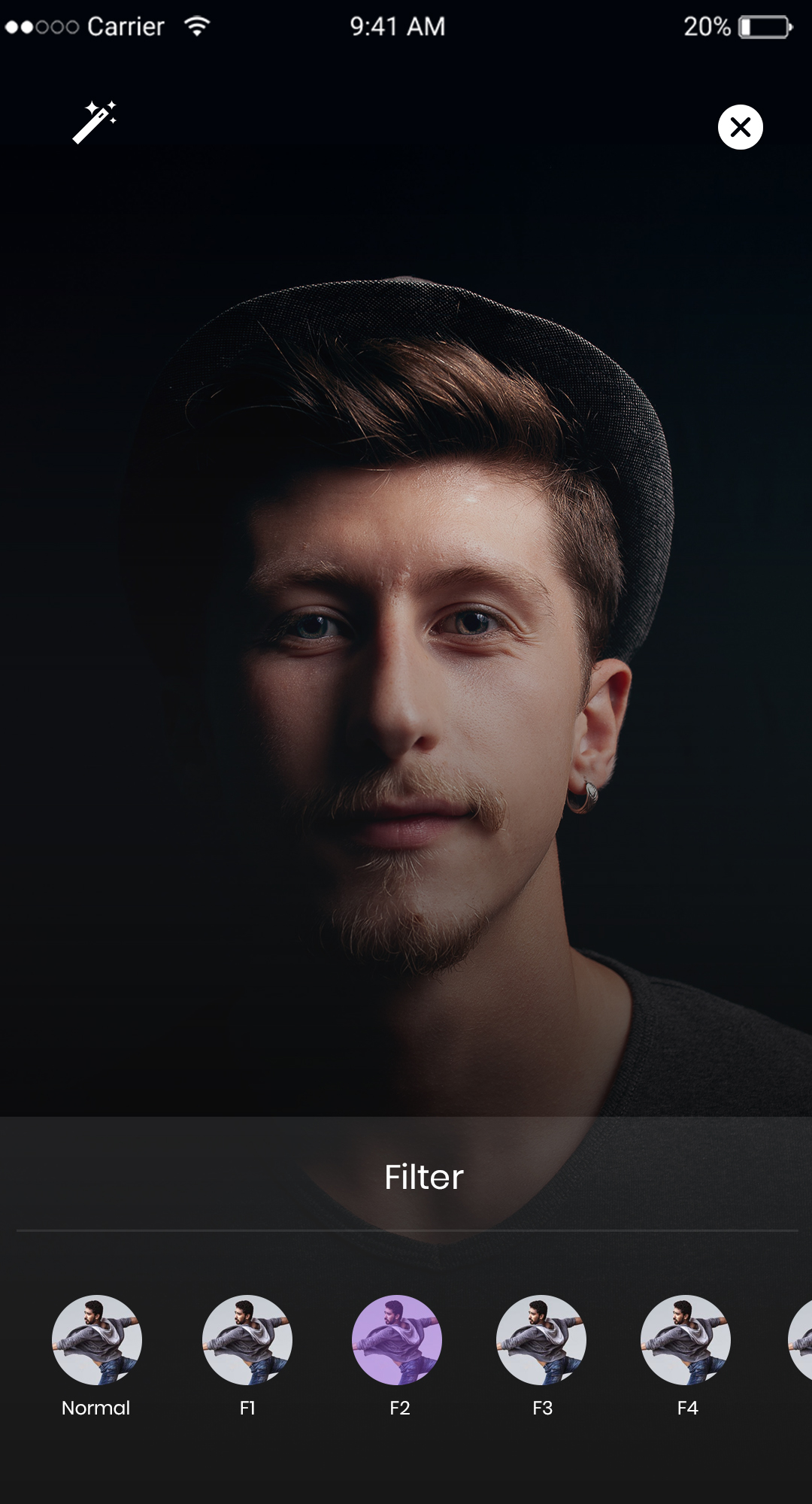
Picture filters and stickers

Enhance your content with AR filters, beauty effects, and animated stickers.

Multi-Video/Picture sharing

Upload multiple photos, videos, or audio files instantly to create visually rich posts.

Create your Channel

Build branded channels with personalized aesthetics, playlists, and community features.

News Feed

Stay updated with personalized feeds featuring trending audio shows, creator updates, and recommended content.

View & Like Your Favorite Posts

Like, save, and bookmark favorite episodes or shows for quick access.

Multiple Media Attachment Chat Options

Share voice notes, videos, images, and files within conversations.

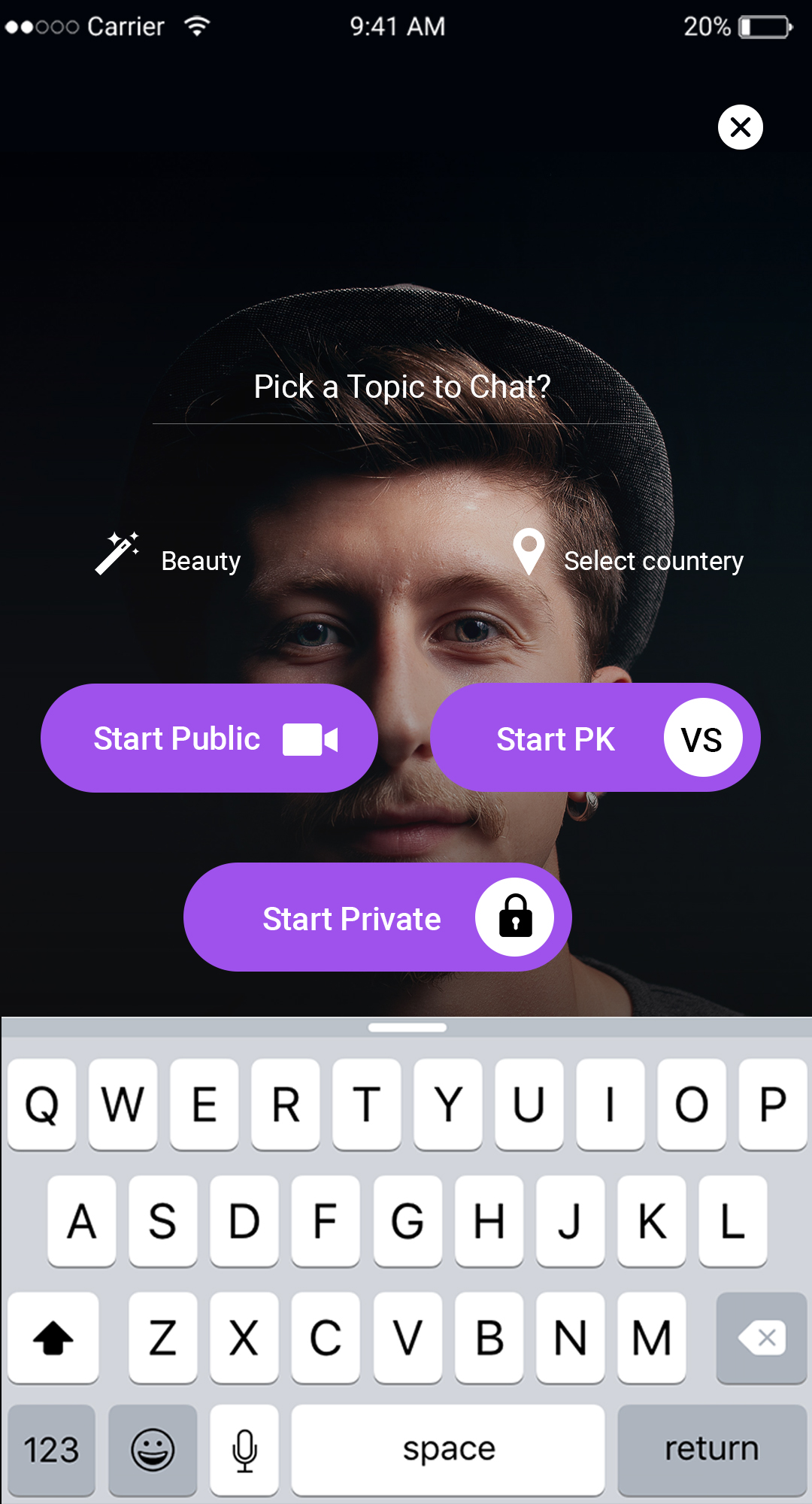
GoLive

Start live streaming sessions instantly and host real-time conversations or interactive shows.

In-Built Video editor and music library

Trim clips, add transitions, and enhance content using integrated editing tools and royalty-free music libraries.

Secret Chats Between Users

Enable private, encrypted conversations with disappearing message options.

User Reporting

Maintain platform standards through user-based content reporting tools.
Stereo Clone App UI Background

Why Choose Omninos Stereo Live Clone

100% Customizable Solutions

Our Stereo clone app script is fully customizable, allowing you to modify UI/UX, features, workflows, and branding to match your exact business niche.

In-App Purchase Integration

Offer premium content, subscriptions, virtual gifts, and secure payment options for both Android and iOS apps.

Advanced Prebuilt Scripts

With prebuilt modules and efficient architecture, your platform can move from development to deployment much faster than building from scratch..

Scalable Design

The platform is built with scalable infrastructure that supports both small communities and large global audiences while maintaining ASO & SEO best practices

Multi-Currency and Multi-Language

Support 100+ languages, multiple currencies, RTL layouts, and region-specific payment methods

Security

Enjoy robust security with encrypted APIs, token-based authentication, DRM protection, fraud prevention, and compliance with GDPR and CCPA.

Our Application Flow

Stereo Clone App User Interface Preview

Splash Screen

It includes attractive splash screens to make the user experience interactive.

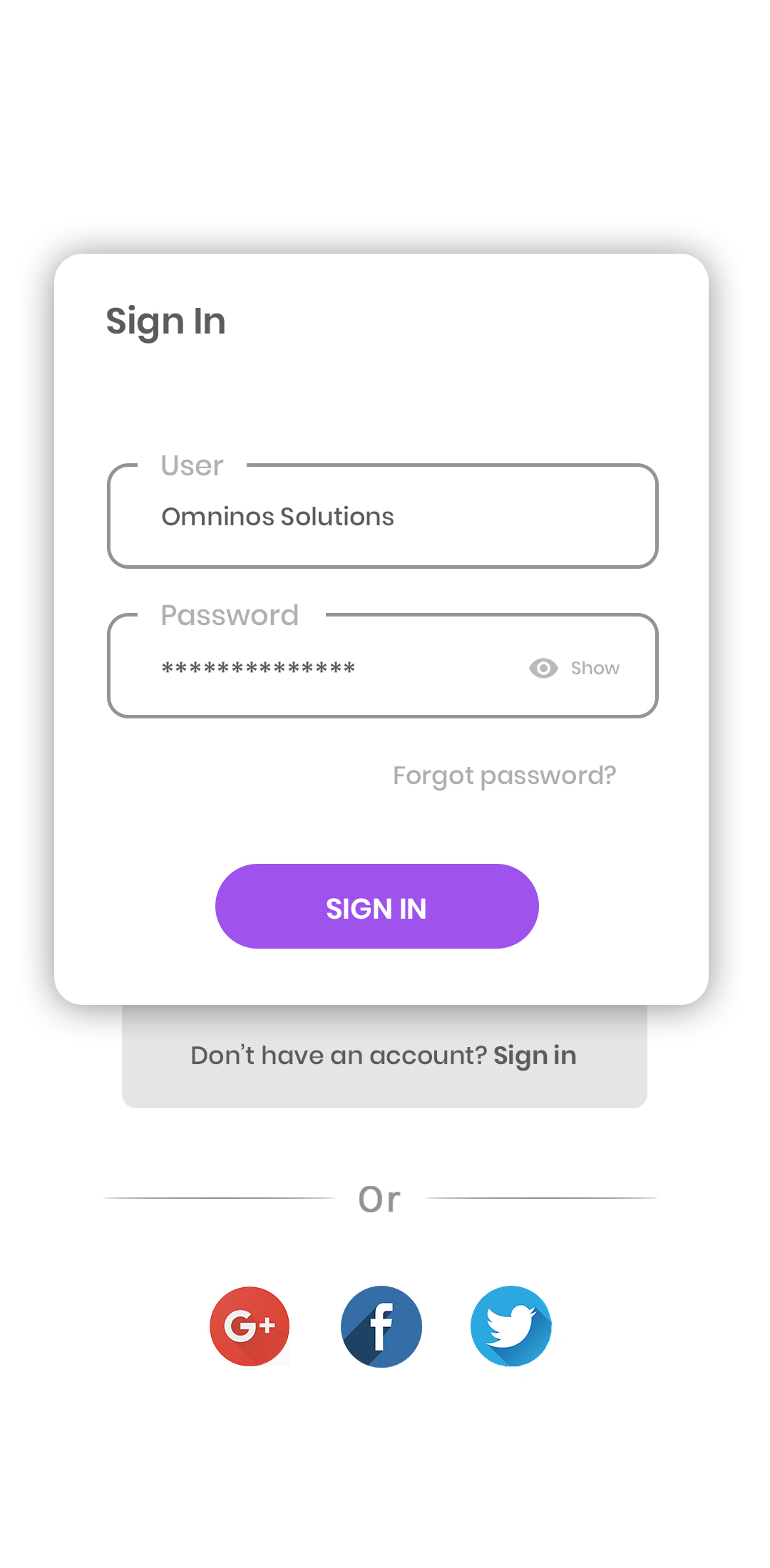
Sign In

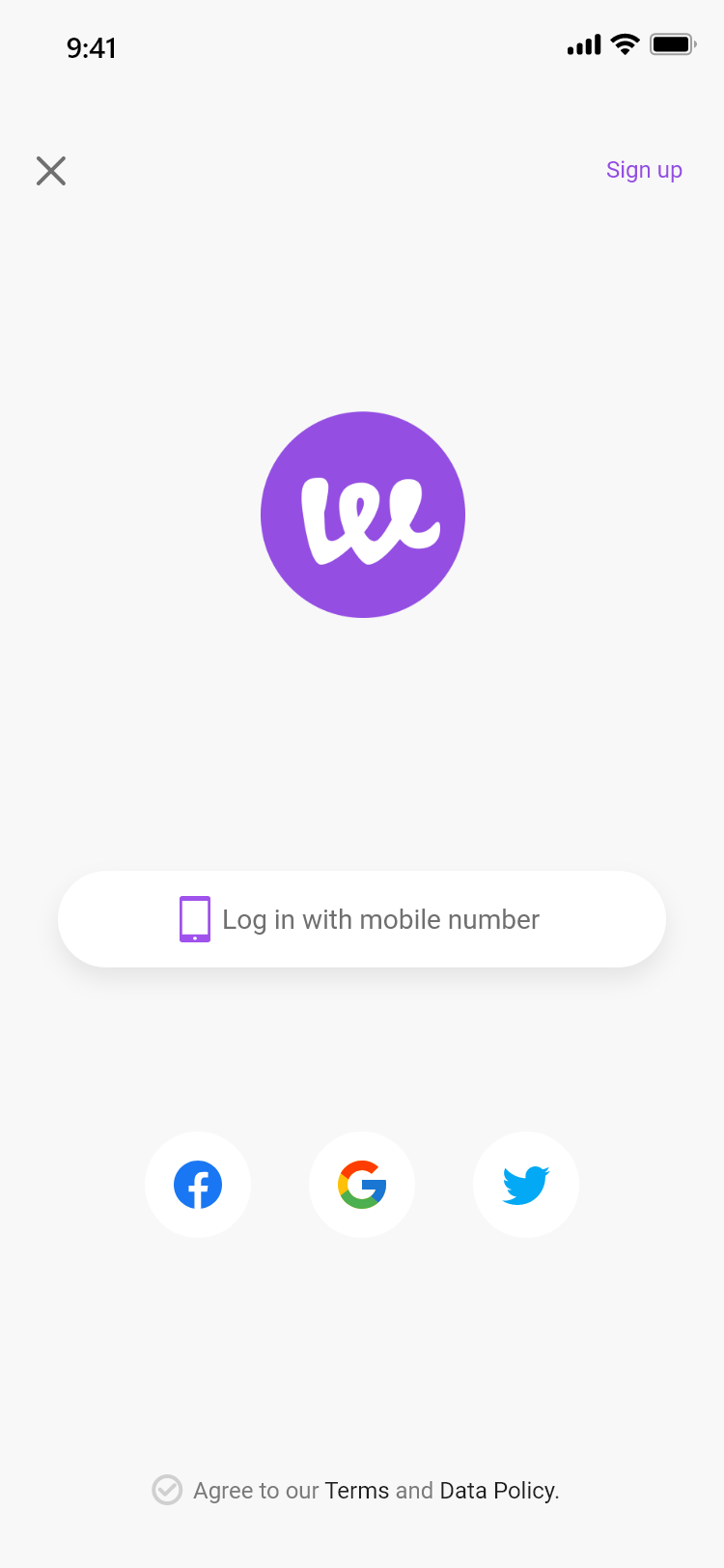
Users can Sign In to the tiktok clone app using their Email id/Phone number and password.
Stereo Clone App Dashboard Preview
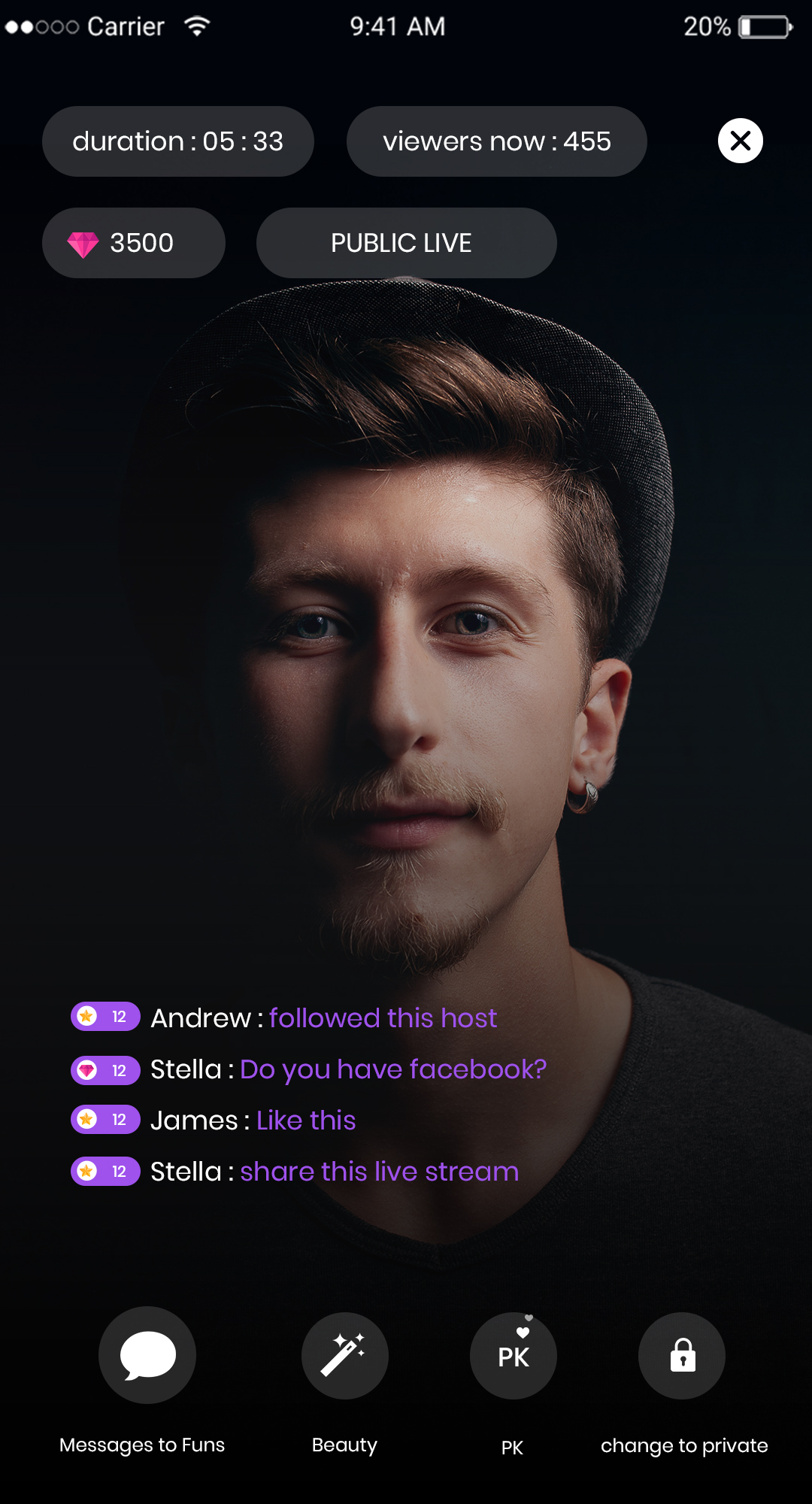
Live Podcast Streaming Screen – Stereo Clone App

Log in

Users can login into their account by entering their username and password.

Trending hashtags

Trending hashtags to categorized your video and Photos
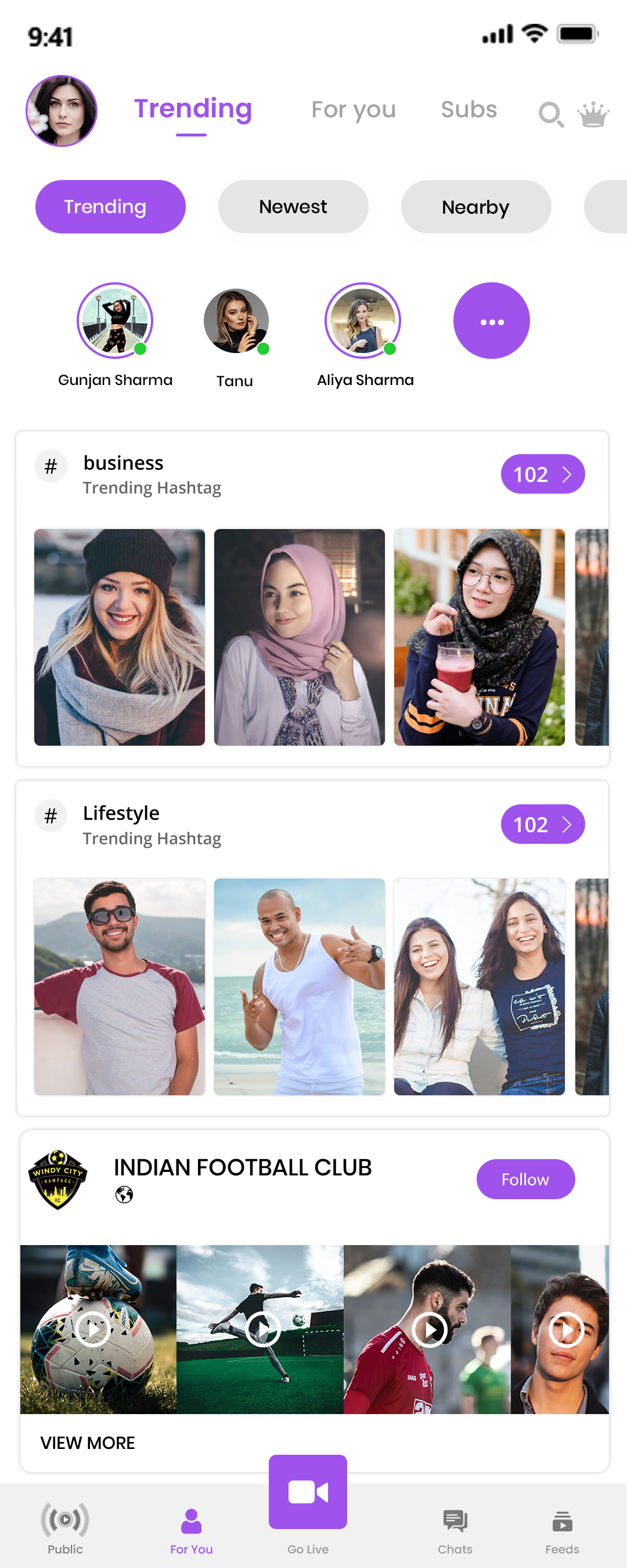
Audio Room Feature in Stereo Clone App
Group Audio Chat Interface – Stereo Clone App

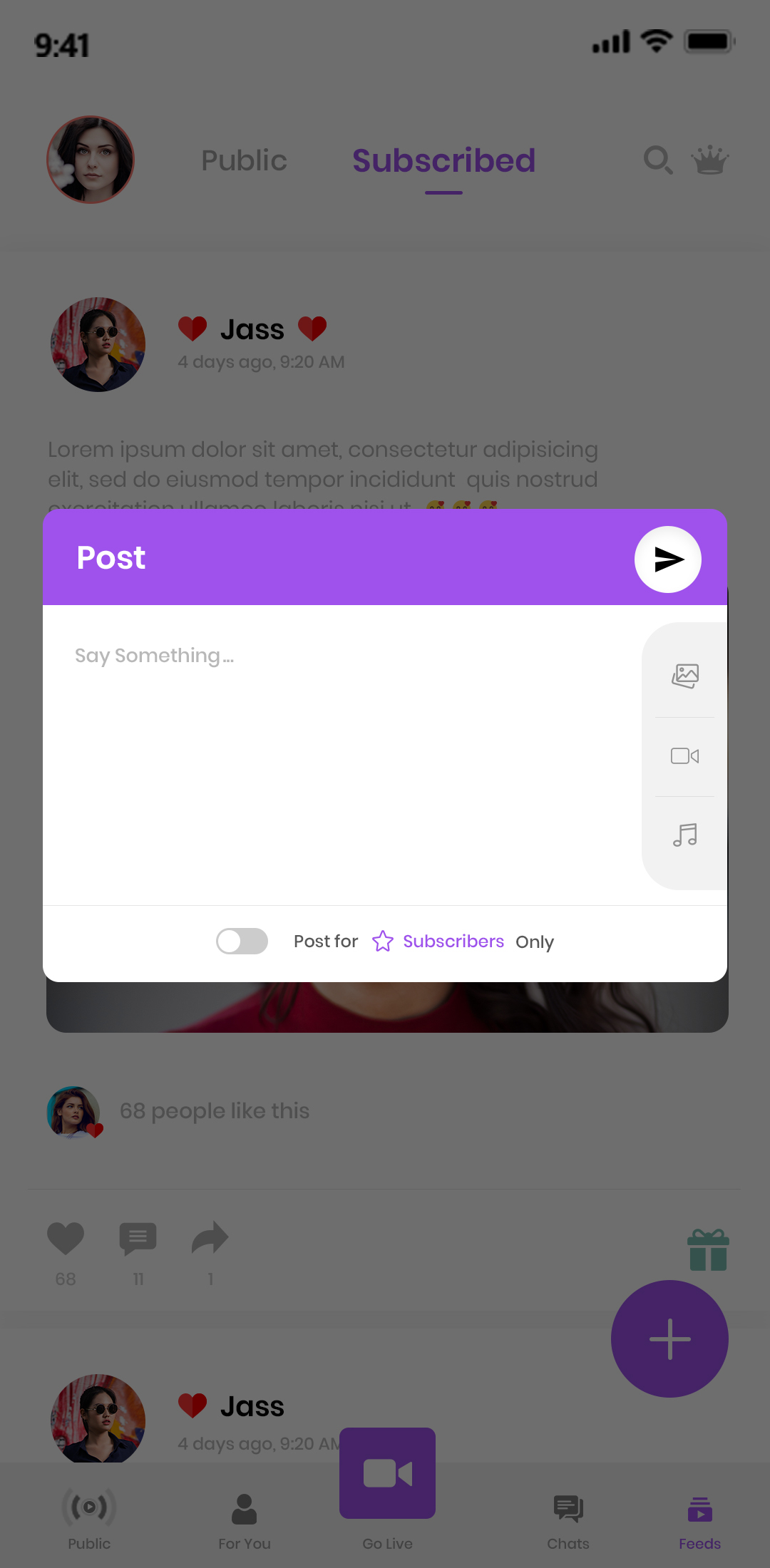
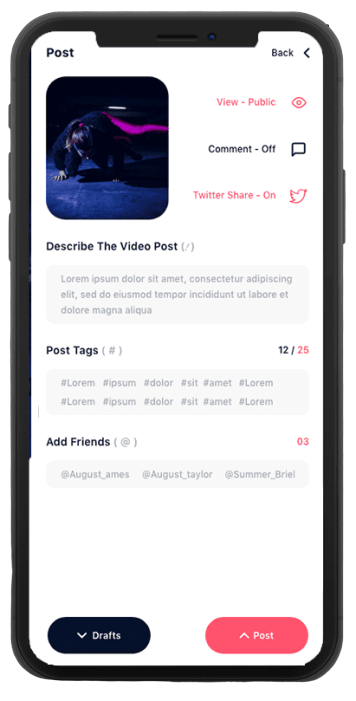
Post

Post the images and videos for your love ones

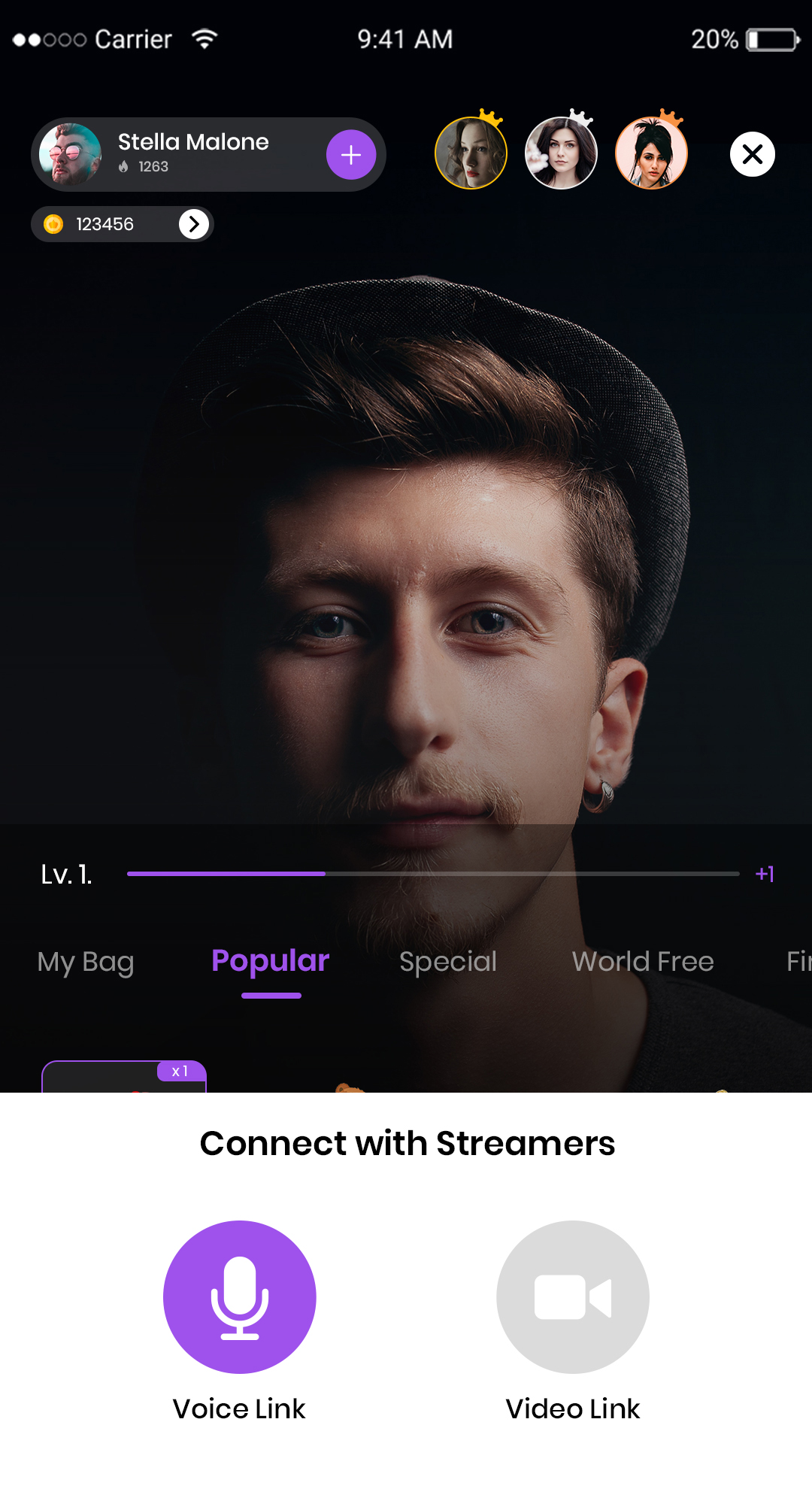
Multi live

Multi live with friends, family and love ones
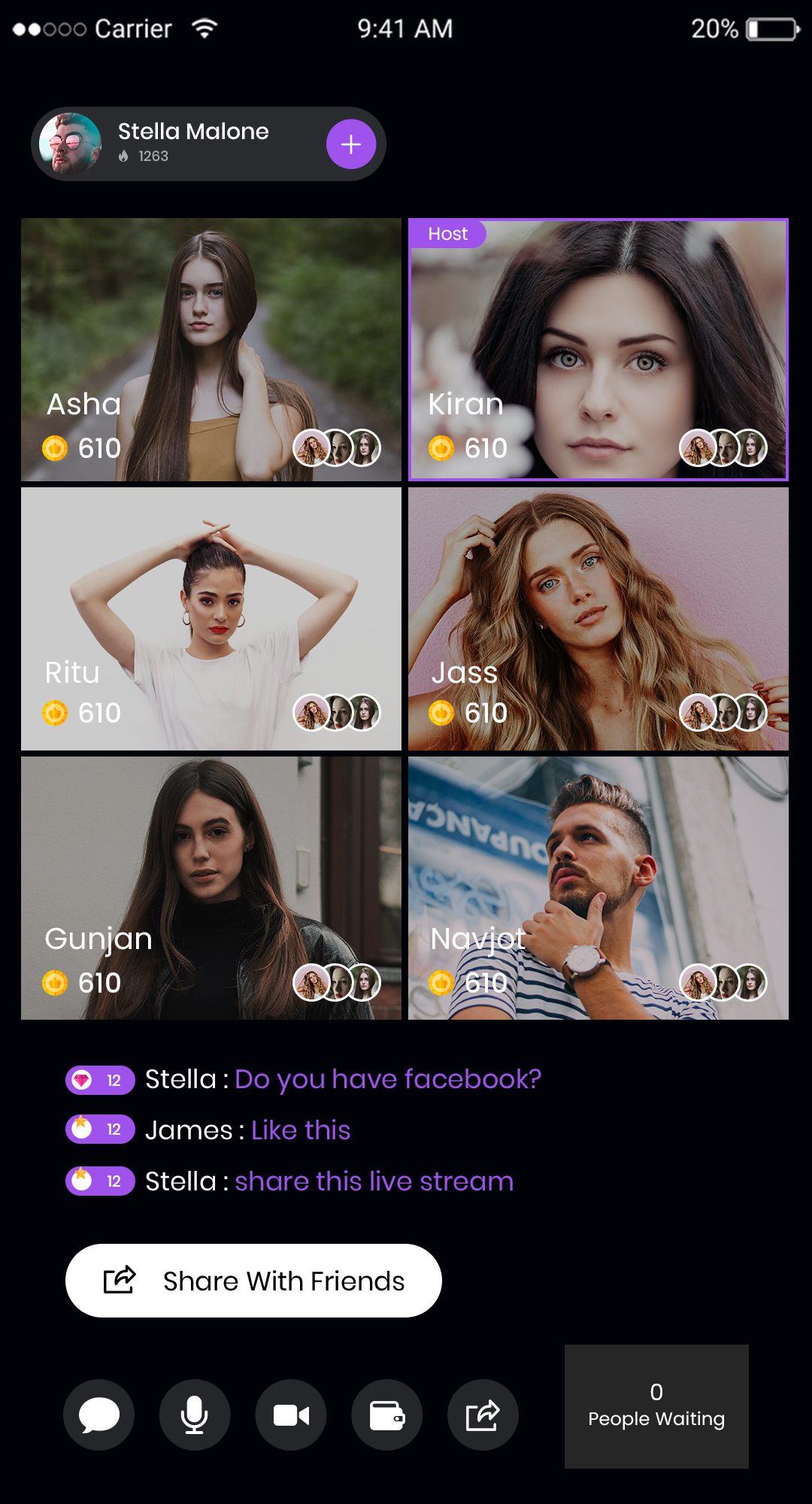
Creator Tools Interface for Stereo Clone App
Stereo Clone App User Profile Preview

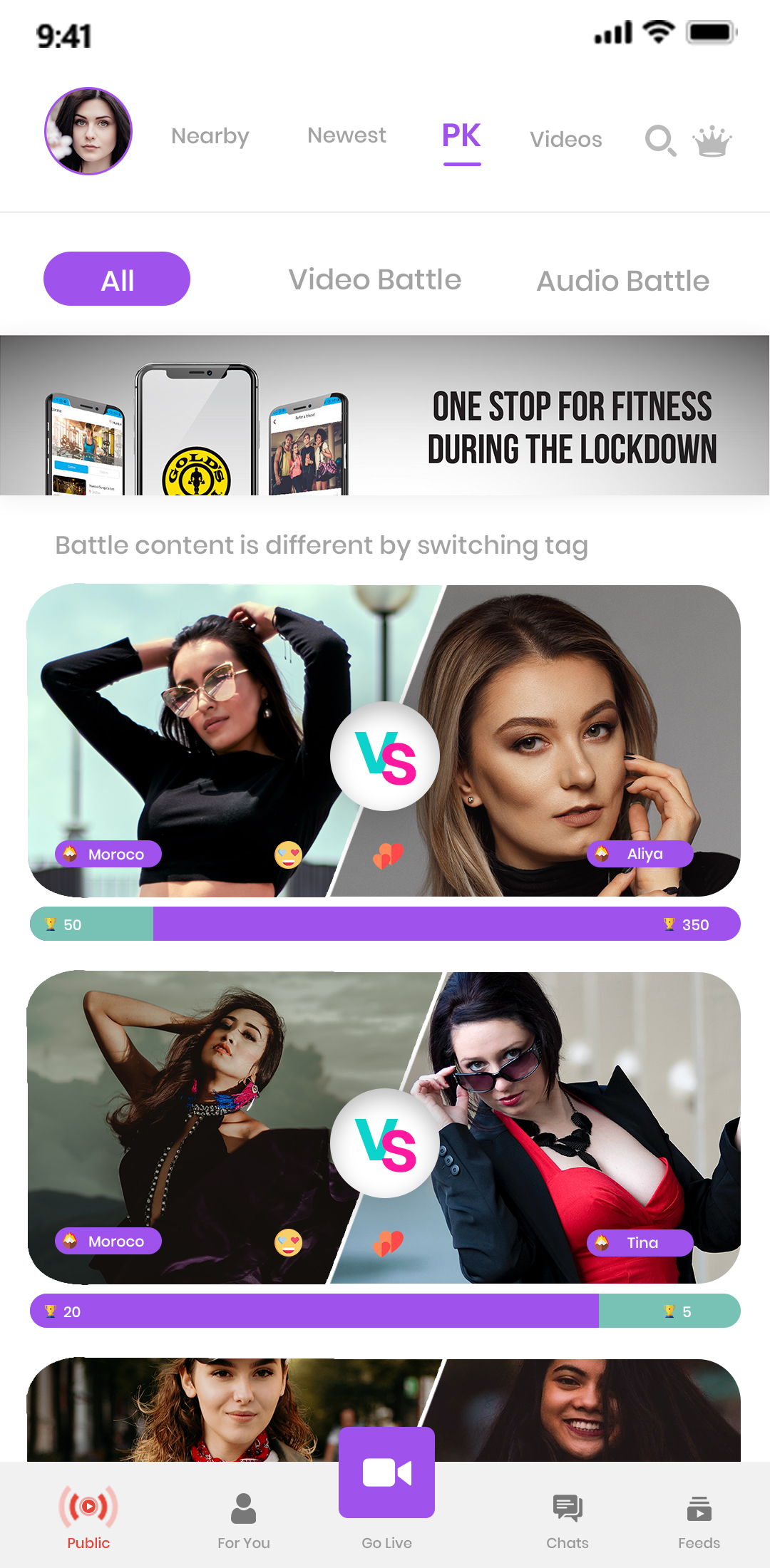
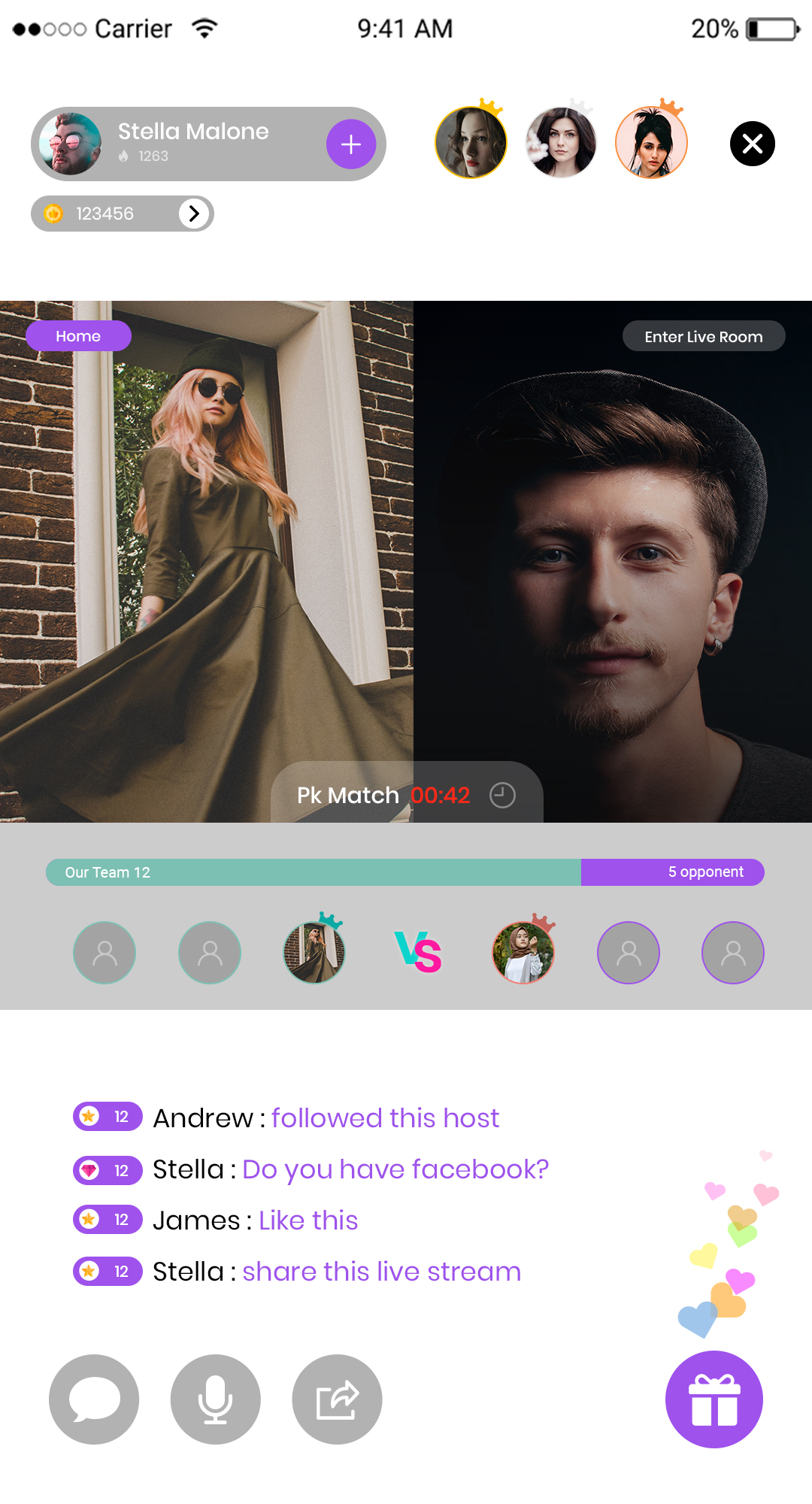
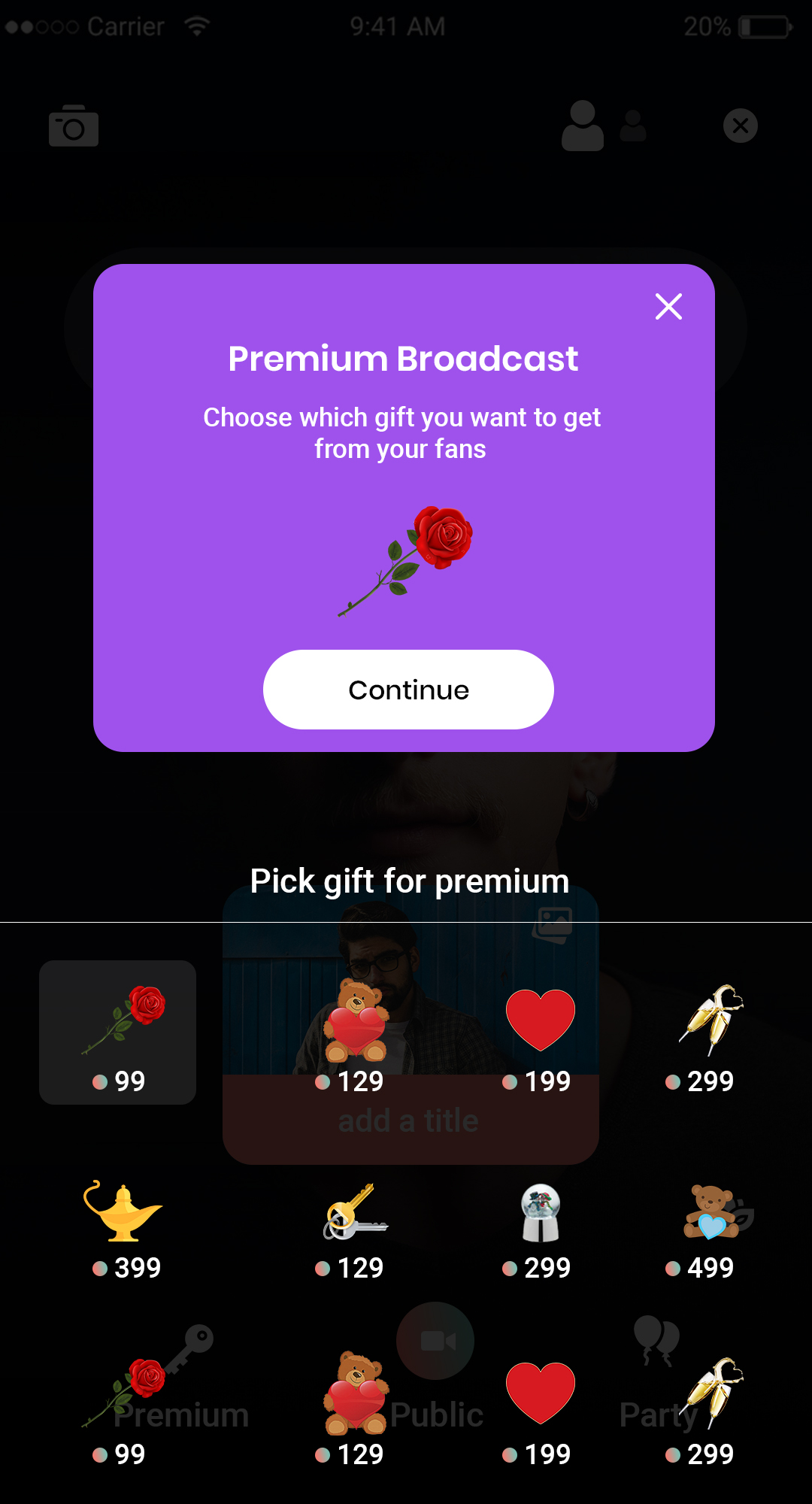
PK battles

Users can also follow hashtags in the mobile application and can view the videos posted with the same hashtag.

Videos

Let them dub their own voice for uploaded audio tracks & record the same with their phones
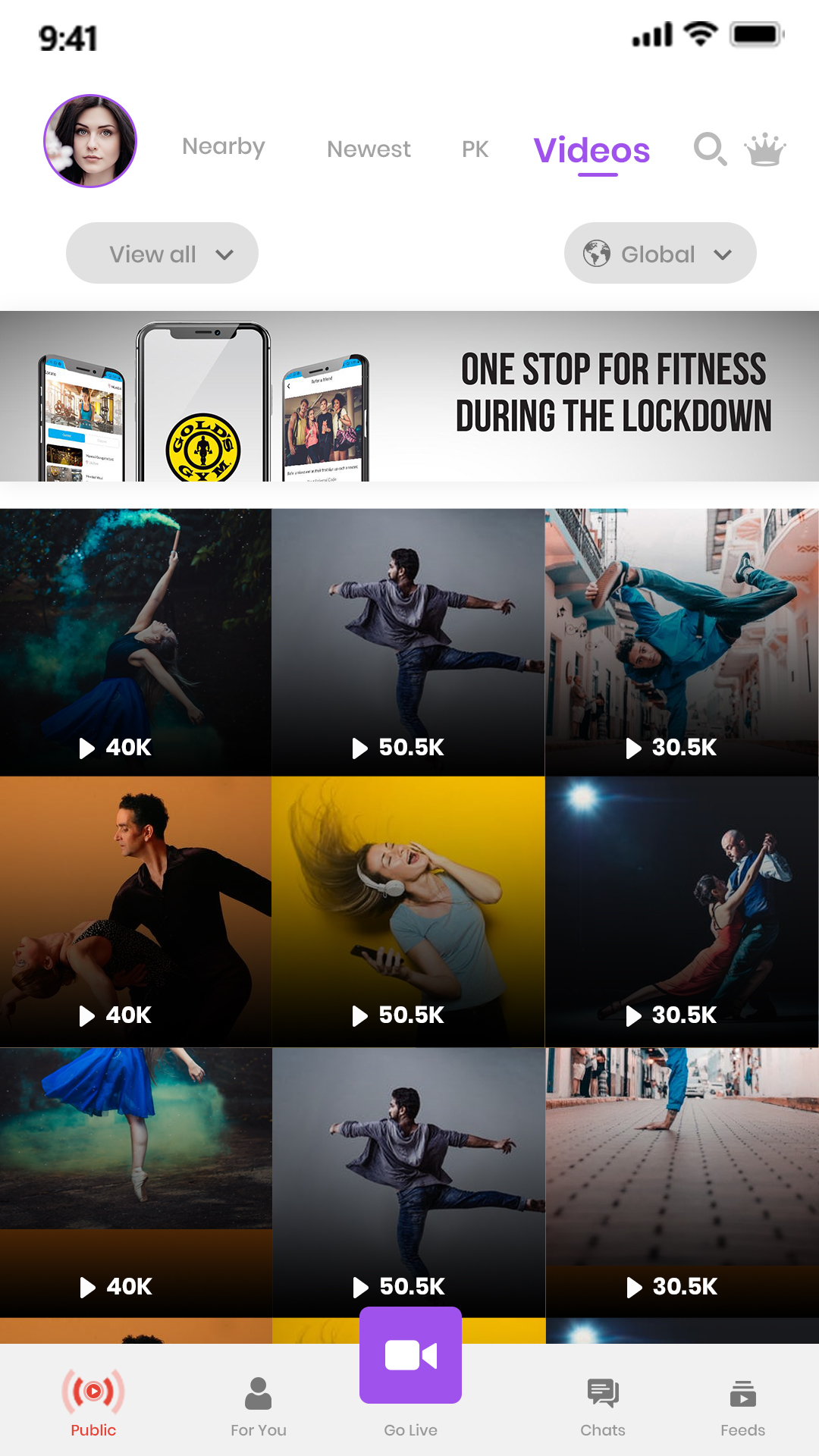
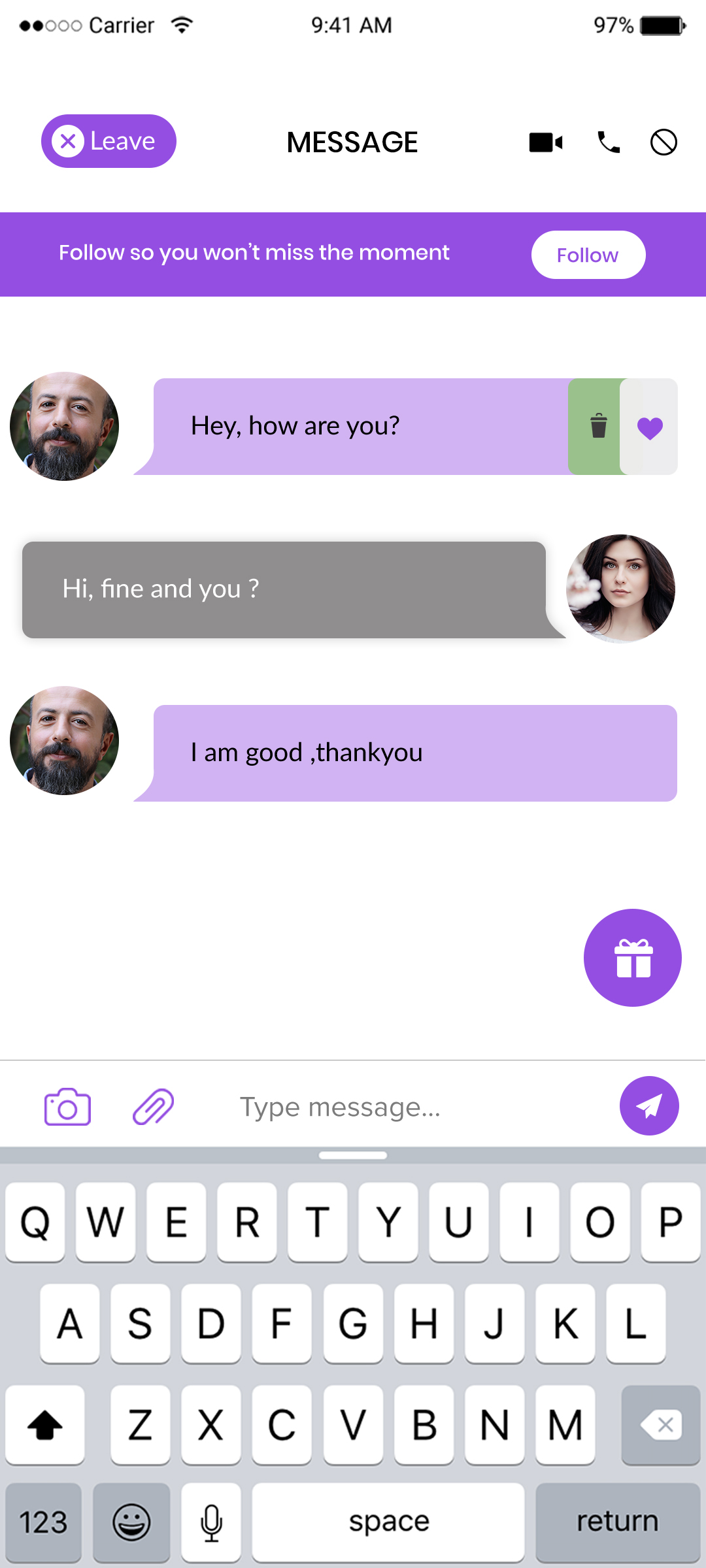
In-App Chat Feature of Stereo Clone App
Interactive Audio Streaming Screen

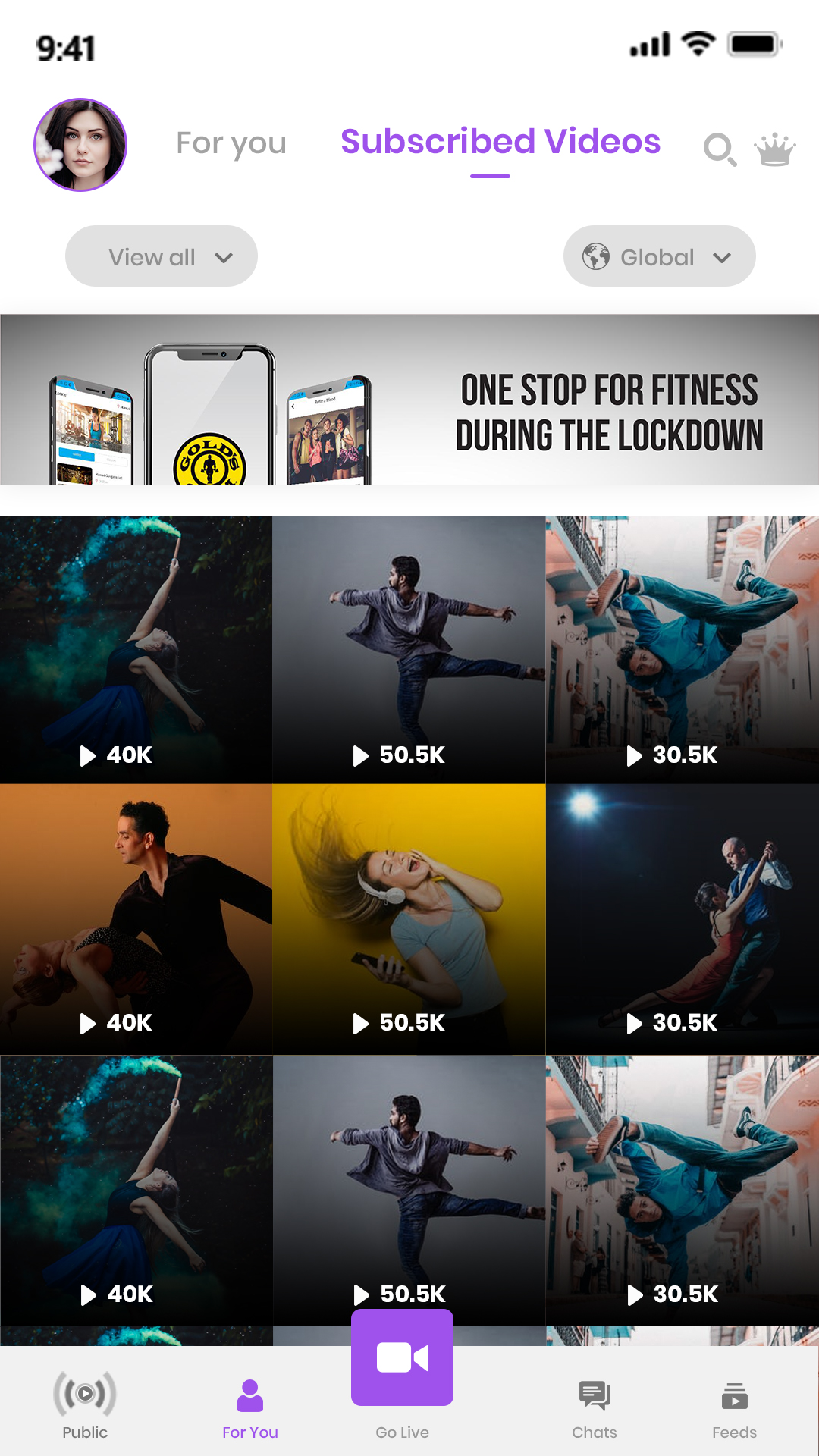
Profile's videos

Users can upload profile videos which have been created/shooted by the user.

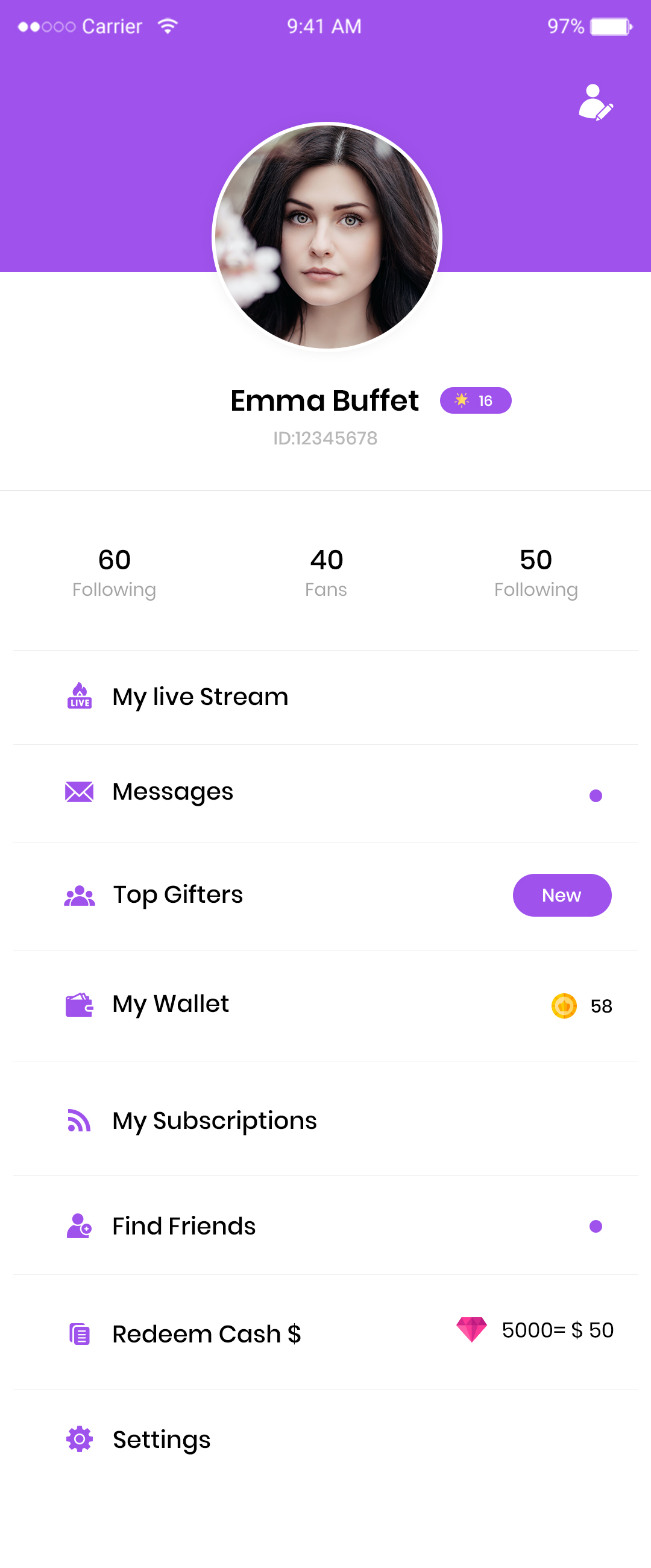
Profile

Users can view feeds from various users that are registered in the mobile application, posts from people they are following on the homepage

Sample UI Layout of Stereo Clone App
Stereo Clone App User Engagement Features

Video Filters

Variety of effects & filters are available for the users to edit their recorded video contents

Like, Comment & Share

Users can like the videos posted by other users, comment on them and share them.

 Audio Streaming Tools and Features
Trending Audio Content Section

Zoom Option

User will get the feature of zooming the image or video while shooting to have a closer view.

Apply Effects

Ocean of augmented filters which are a life-like object placed as a filter on the video to be posted on the app platform.

Discover Trending Audio Shows – Stereo Clone App
Chat Message Example in Stereo Clone App

Write Text

Users can write text on images or videos while applying filters on it.

Apply Stickers

Add special stickers to allow users share their videos in interesting ways.

Live Audio Conversation Interface
User Interaction Features in Stereo Clone App

Channel

User can create his personalised channel and can upload videos on it.

Music

Let them dub their own voice for uploaded audio tracks & record the same with their phones
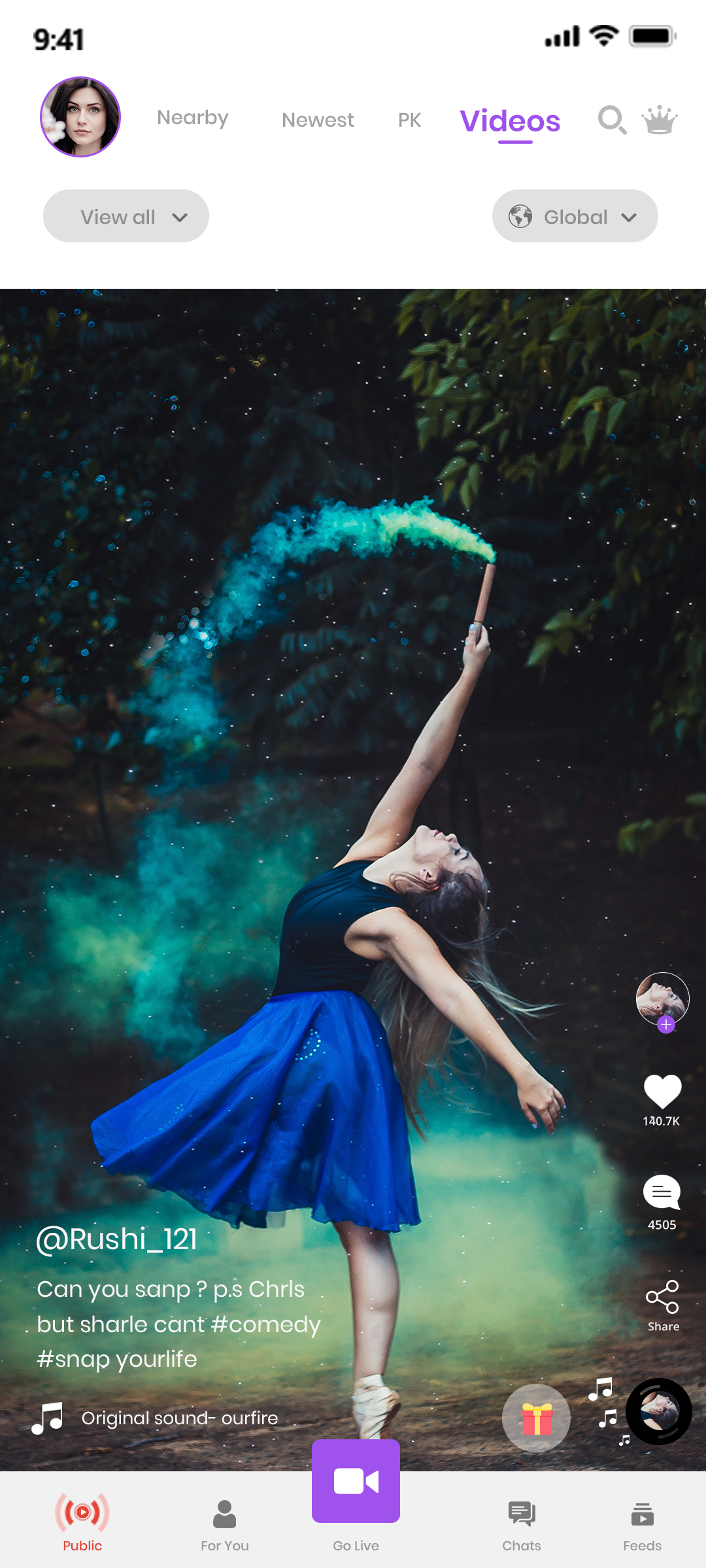
Audio Community Section – Stereo Clone App

Stereo CLONE APP SOLUTION ADMIN PANEL

Stereo Clone App Home Page UI

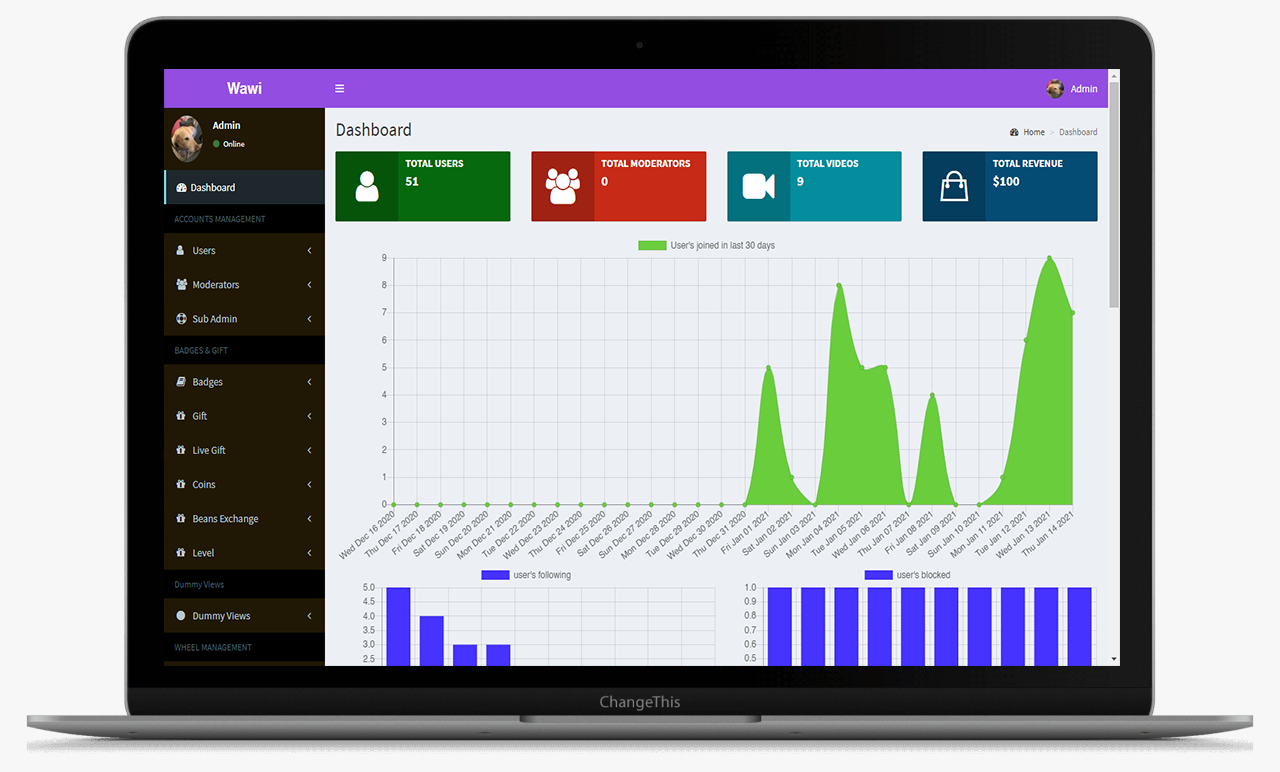
This is the main Dashboard of the admin panel, Where we can see all the modules, Chart and Side menu.
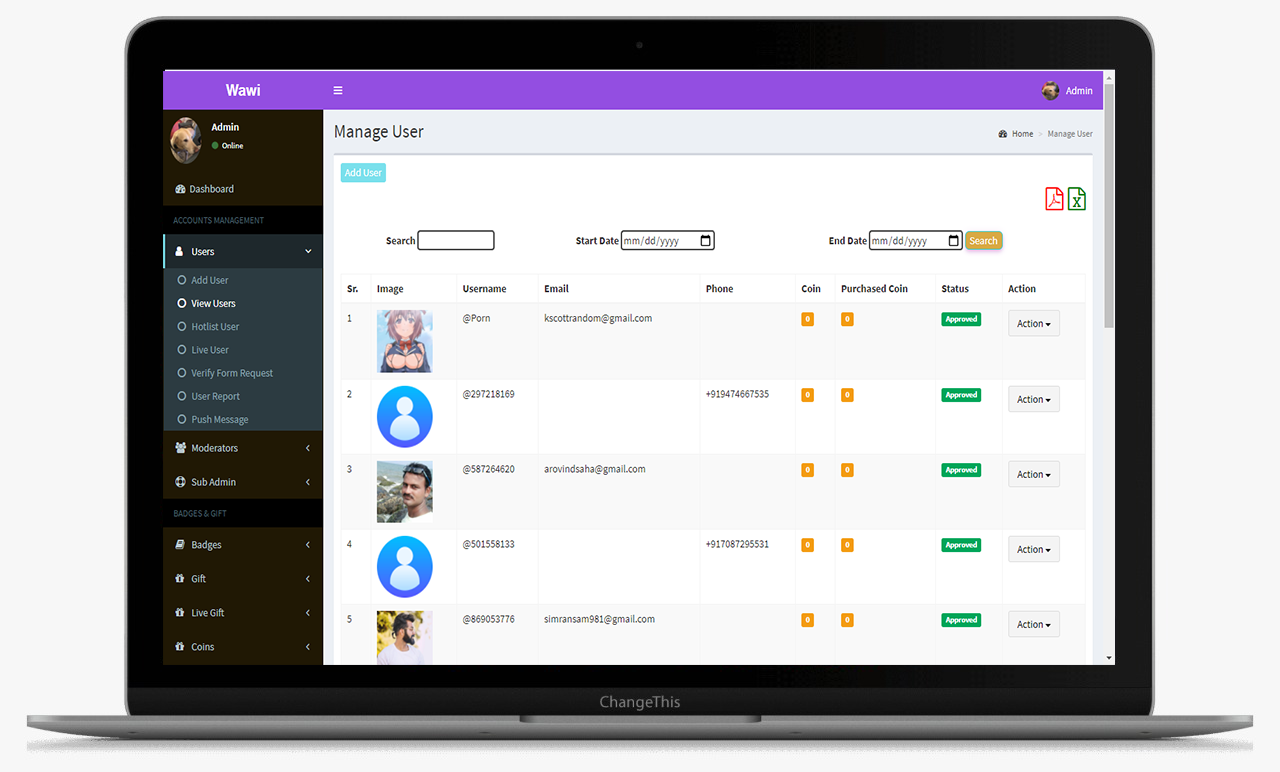
Live Audio Room Screen – Stereo Clone App

From this screens Admin can manage the hashtags
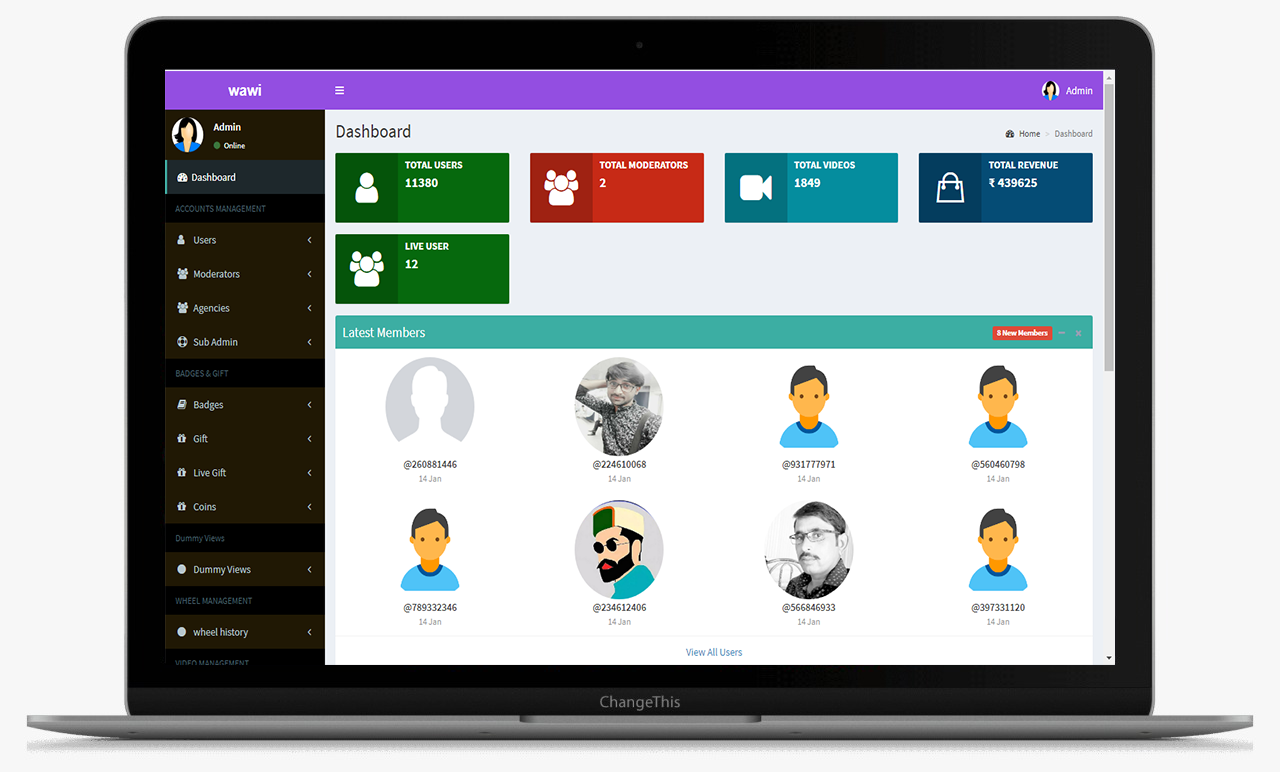
Explore Audio Channels Page – Stereo Clone App

This is the main Dashboard of the admin panel, Where we can see all the modules, Chart and Side menu.
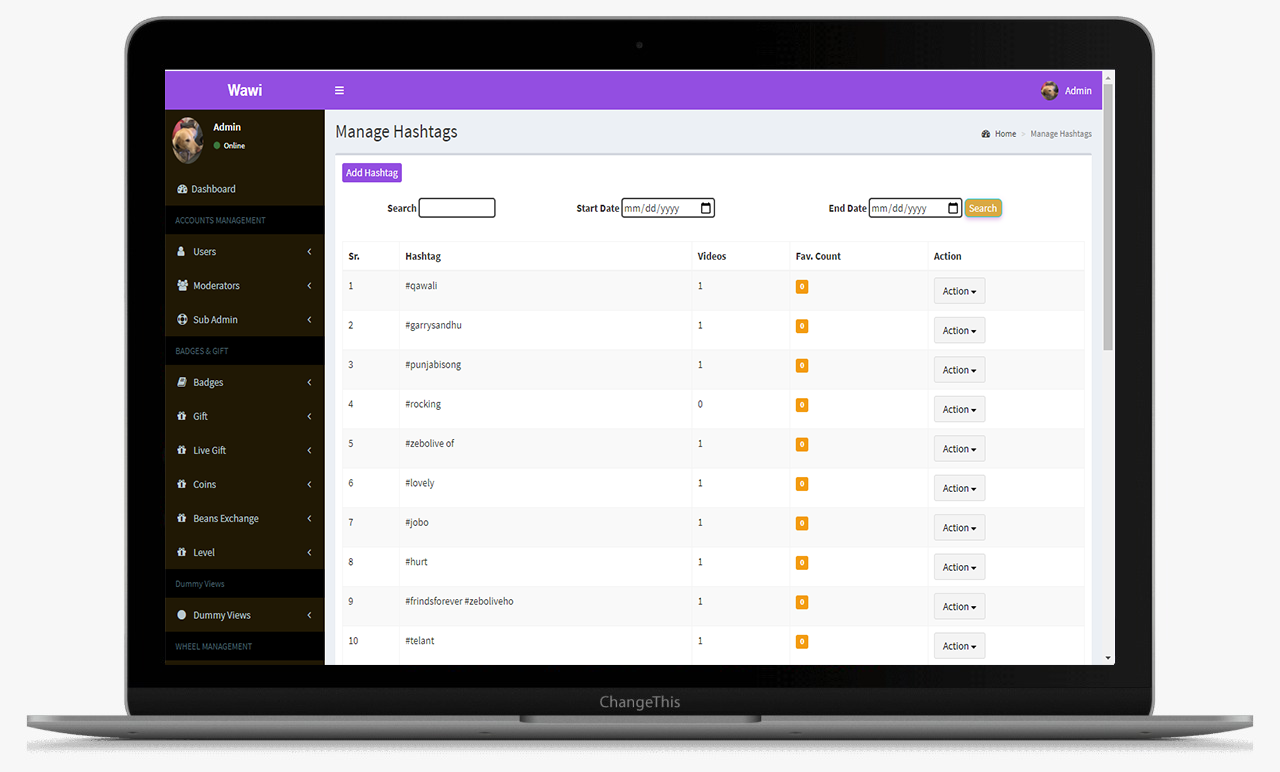
Creator Dashboard Interface – Stereo Clone App

This is the main Dashboard of the admin panel, Where we can see all the modules, Chart and Side menu.
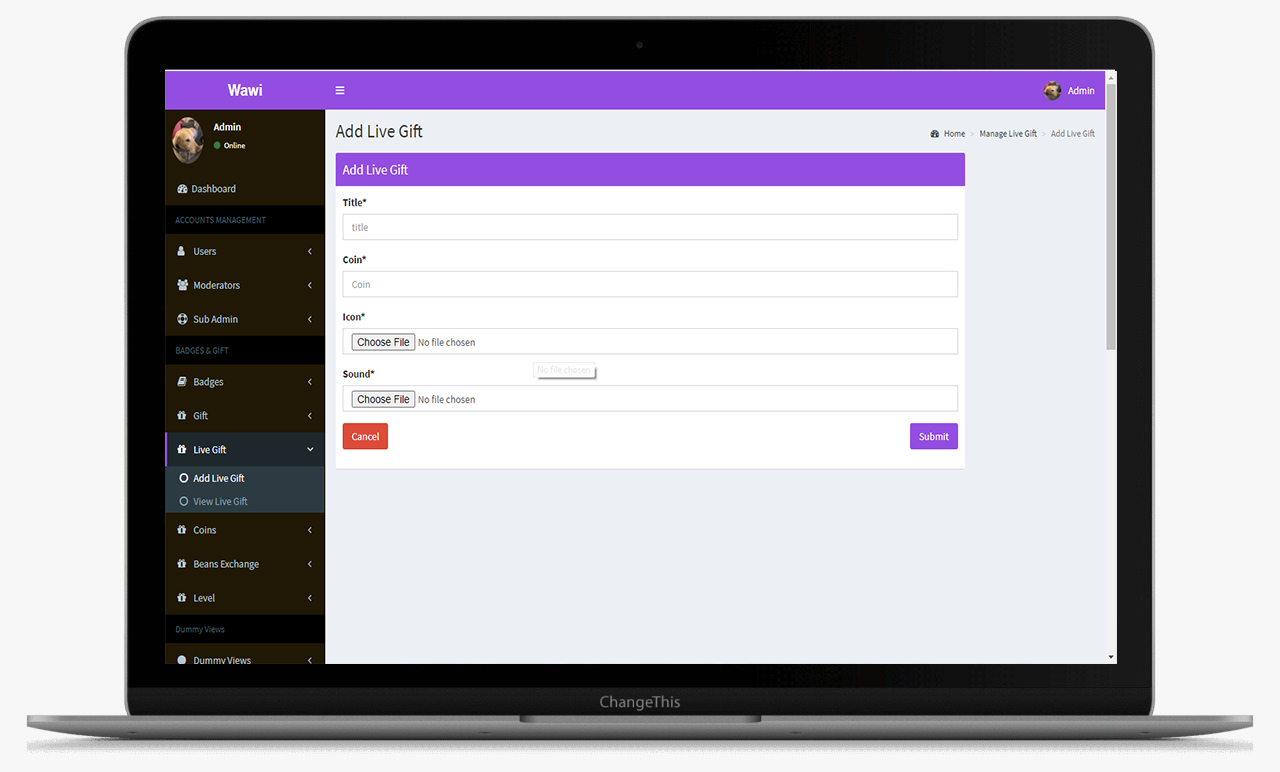
On-Demand Audio Content Screen – Stereo Clone App

This is the main Dashboard of the admin panel, Where we can see all the modules, Chart and Side menu.
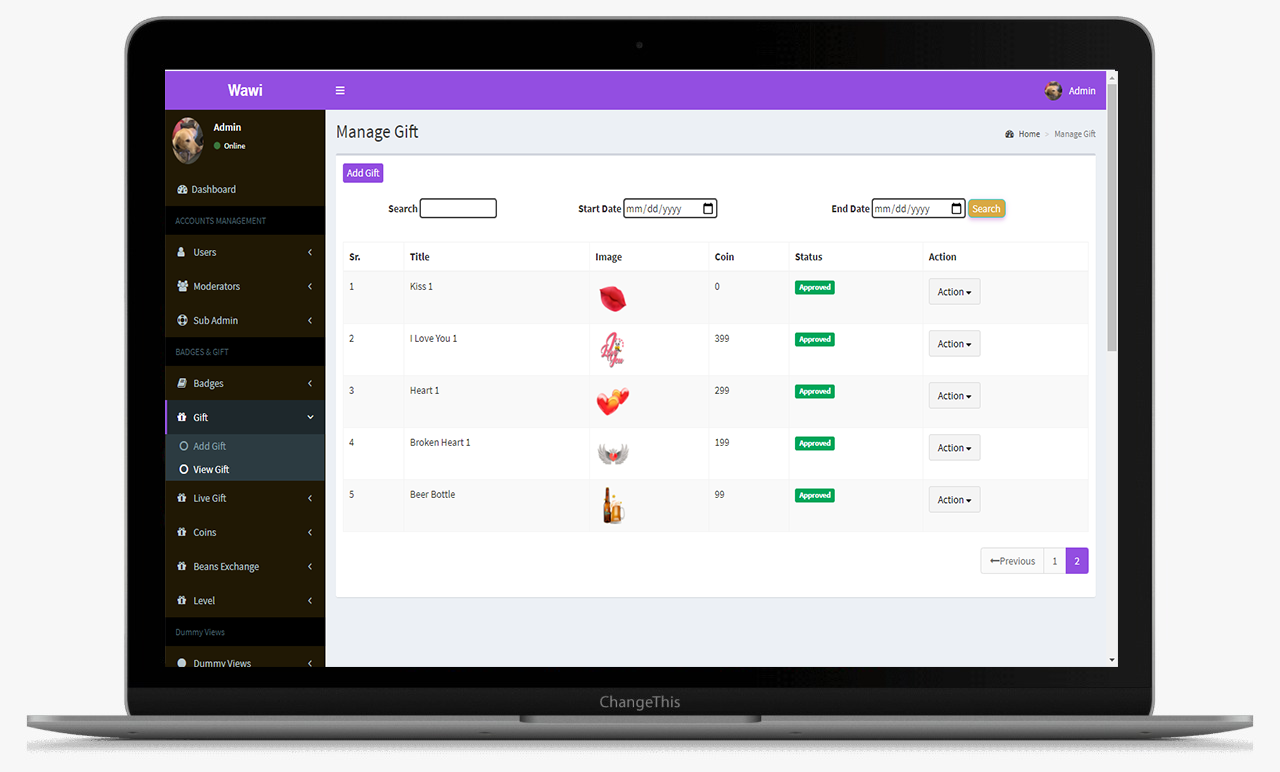
 Real-Time Audio Conversation Screen – Stereo Clone App

This is the main Dashboard of the admin panel, Where we can see all the modules, Chart and Side menu.

Stereo CLONE APP SOLUTION ADMIN PANEL

Frequently Asked Questions (FAQ)

A Stereo clone app is a ready-made platform that helps you launch your own live audio conversation and podcast network with customizable branding and monetization options.

Yes, the Stereo clone app script is fully customizable. You can adjust design, add features, change workflows, and personalize it for your business.
You can earn through subscriptions, in-app purchases, virtual gifts, advertisements, pay-per-view content, and sponsored shows.
With our pre-built solution, you can launch within 2–4 weeks including branding, customization, testing, and deployment.
Yes, we offer complete post-launch support, including bug fixes, updates, security patches, feature upgrades, and 24/7 technical assistance.

Schedule - With Us Now