Complete Script for Imgflip Clone

The advanced Imgflip clone software solution.

Imgflip clone app comes with an iOS and Android app for your users with a powerful admin dashboard you can control it all from.

Imgflip App Clone Development Company

The rapid growth of photo-sharing apps like Imgflip has influenced a lot of entrepreneurs and startups to develop their own custom Imgflip clone app, letting people share pictures and videos publicly.
So, if you are also looking to hire the best mobile app developers to create native Android and iOS Imgflip like apps, we have an experienced mobile app developer team to customize and develop Imgflip like applications. Making use of advanced tools and technologies, we reinvent internet-based photo and video sharing apps for iOS and Android platforms.
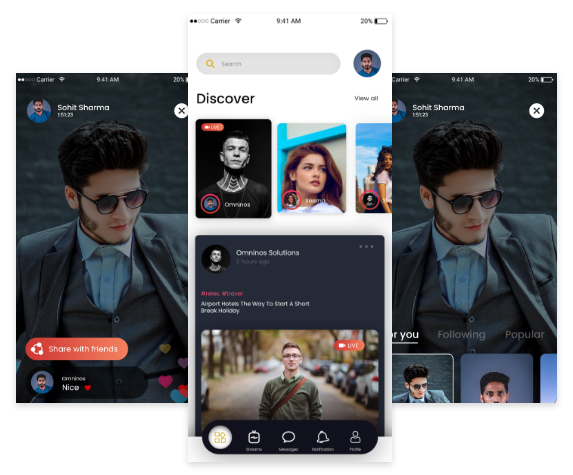
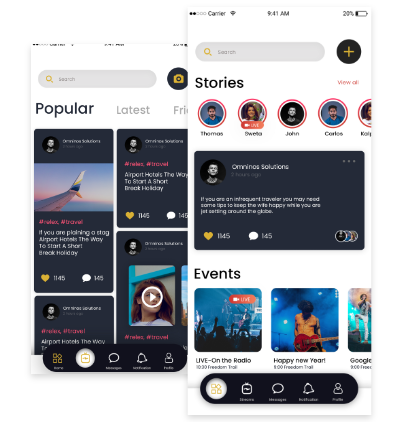
Imgflip clone app meme and GIF creation screen

Why Choose our Imgflip App Clone?

Imgflip clone trending content and meme feed

Full customization features in Imgflip clone appComplete customizable and branding

Android and iOS support for Imgflip clone appAvailable for Android and iOS

High user scalability in Imgflip clone platform Easily accommodate a number of users activity

Expert developers for Imgflip clone app developmentDedicated Admin panel to manage all the features of the application

Dedicated admin panel in Imgflip clone appProvide code to adopt complete customization

Continuous code support for Imgflip clone appFree bug support in the support period

Bug fixing and maintenance support for Imgflip cloneBuild by a well-experienced team of Web and Mobile developers

Efficient content and post management in Imgflip cloneProper Deliverable management of product
What makes us distinct from other Imgflip App Clone development company?

  • Comprehensive customizations

  • Timely deployment

  • Secure installation

  • Multi-platform operations

  • Appropriate support & maintenance

  • Cost-efficient solutions

  • Powerful admin dashboard

  • Performance scalability

  • Cloud tech integration

 Imgflip clone social sharing interface

Features

Social Media Login

​Here ​Users can sign up to the app using their social media accounts instead of using Email id and filling in all details.

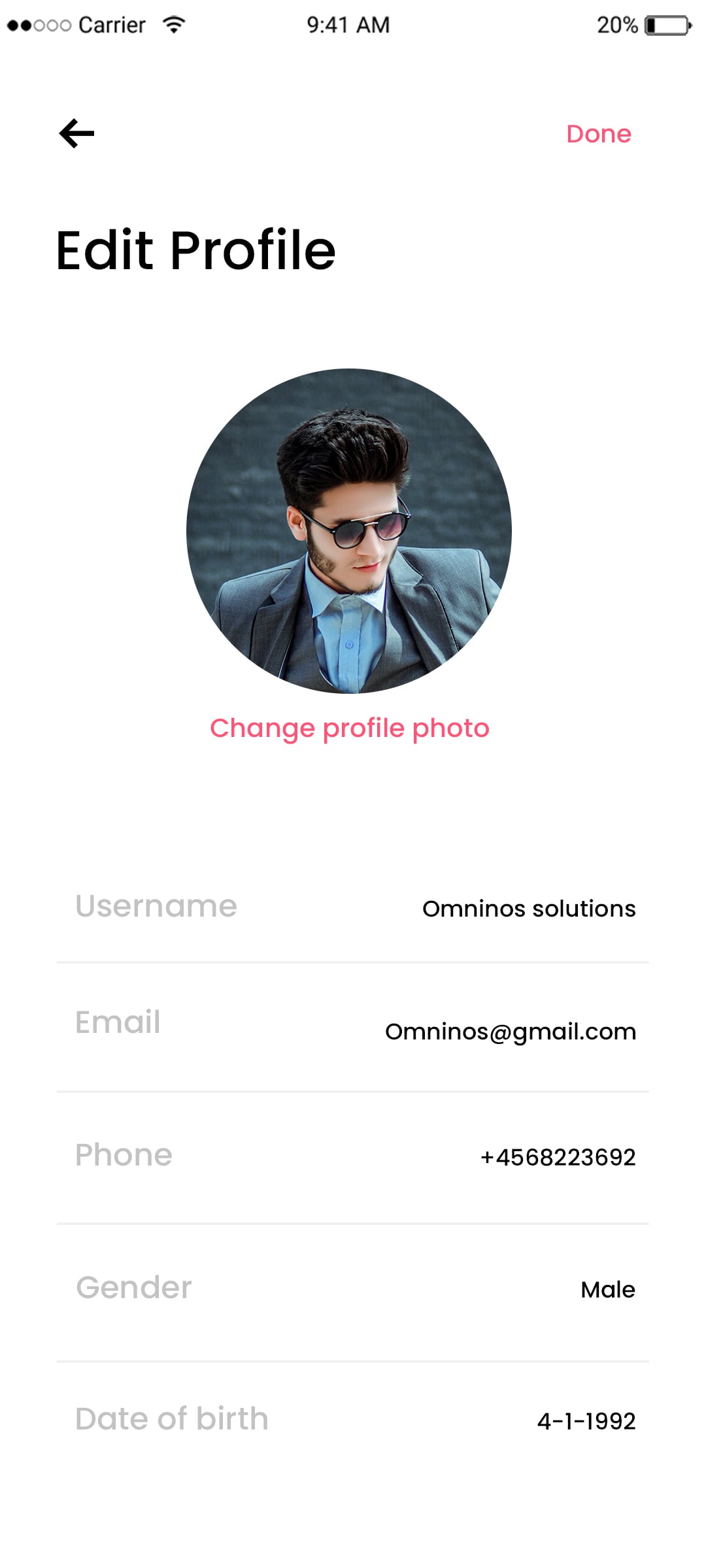
Edit Profile

​Here users can create a profile for them where they can manage their entire details such as Name, Age, Gender and Payment options, Watch history, etc add their favorite movies or Videos.

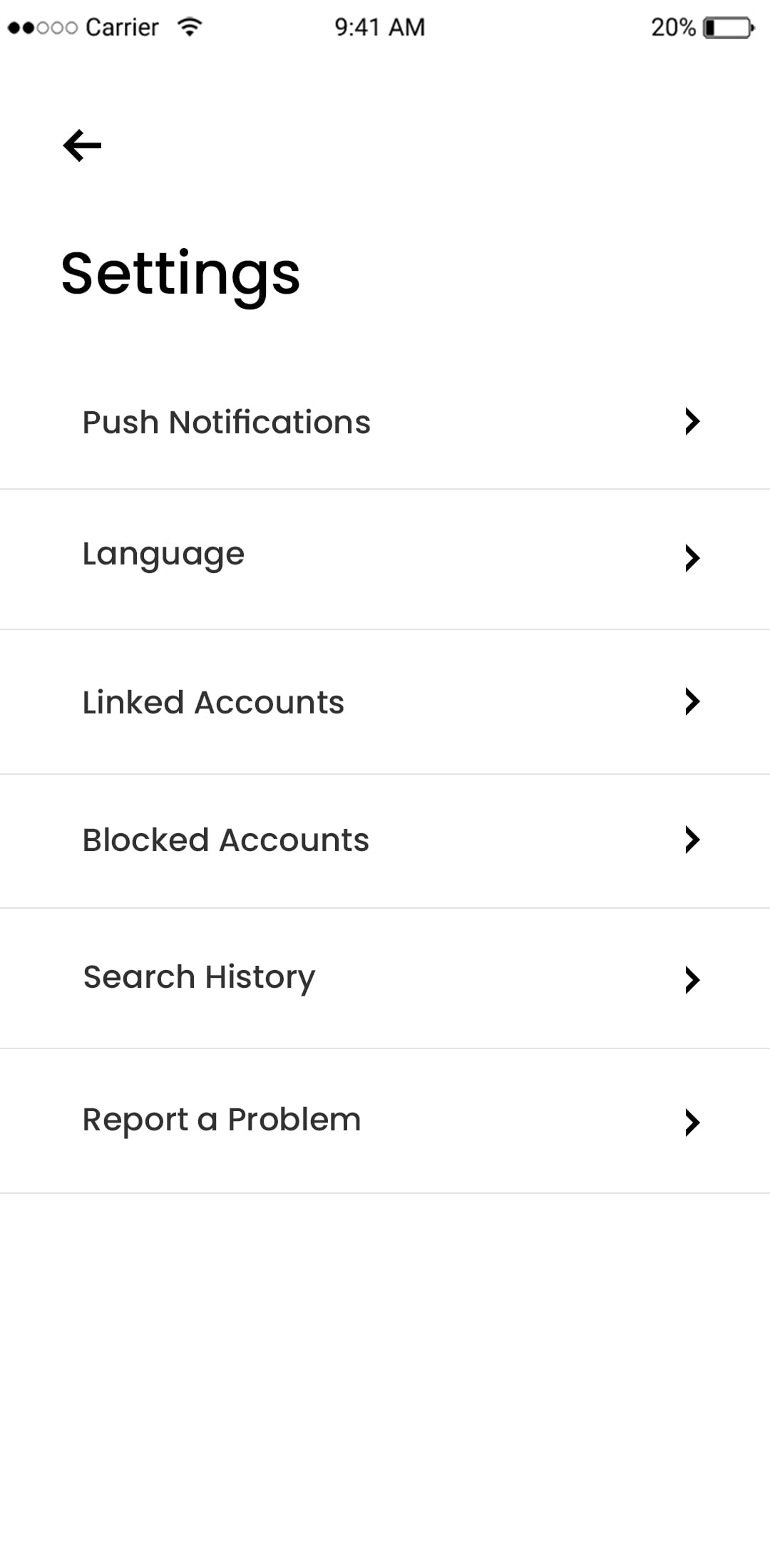
Settings Page

​Here users can do settings as per their convenience and privacy concern and can allow others to view the page or not.

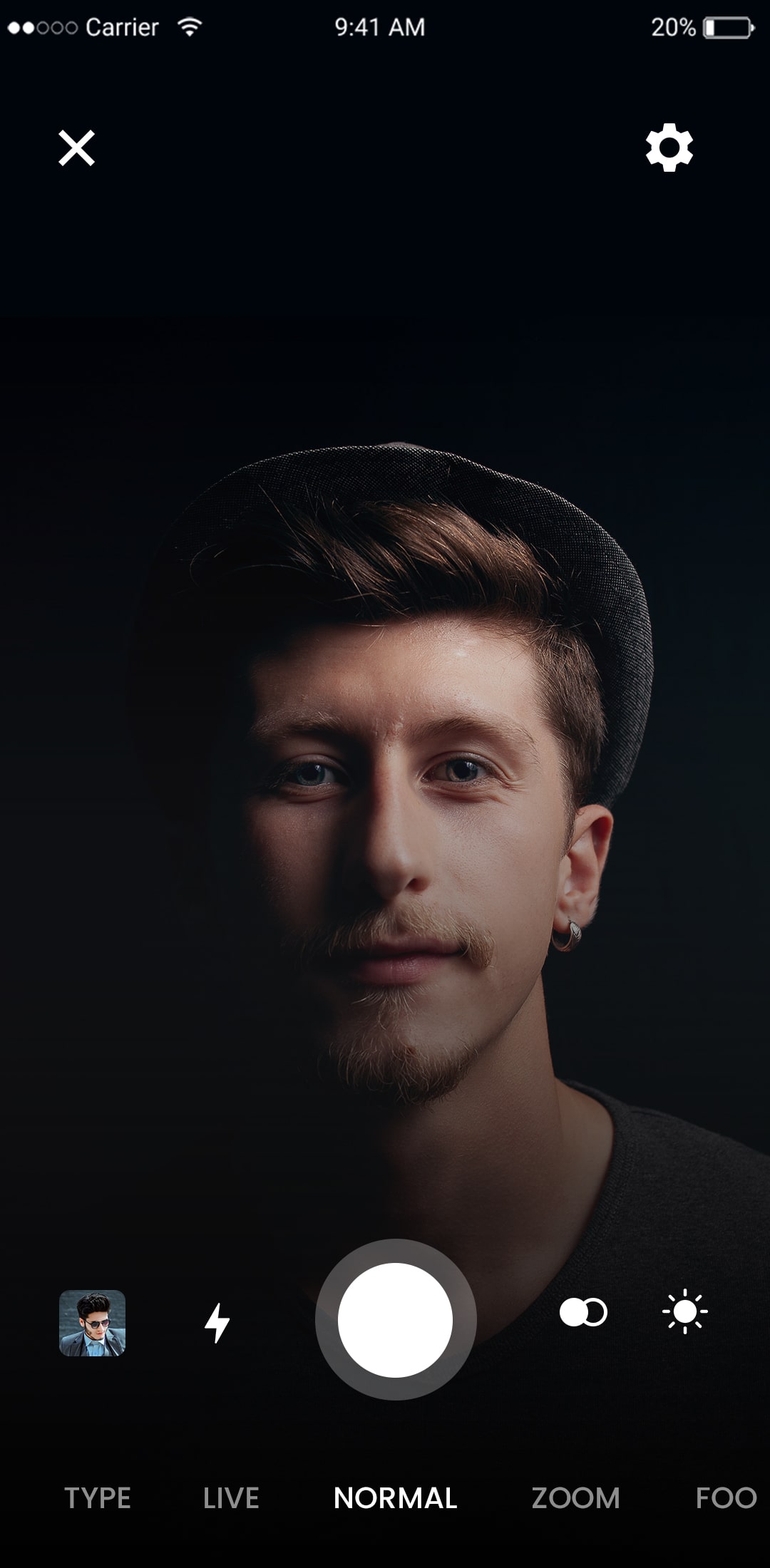
Image/video sharing

​Users upload photos and videos directly from the library or using the camera of the smartphone. By following a few simple steps, allowing users to upload multiple photos and videos.

Image filter

​Editing pictures using different filters and editing tools like crop, color combination, rotate, straighten and perspective correction is easily possible using this feature. Your users can apply filters and upload picture/video on the app.

Newsfeed

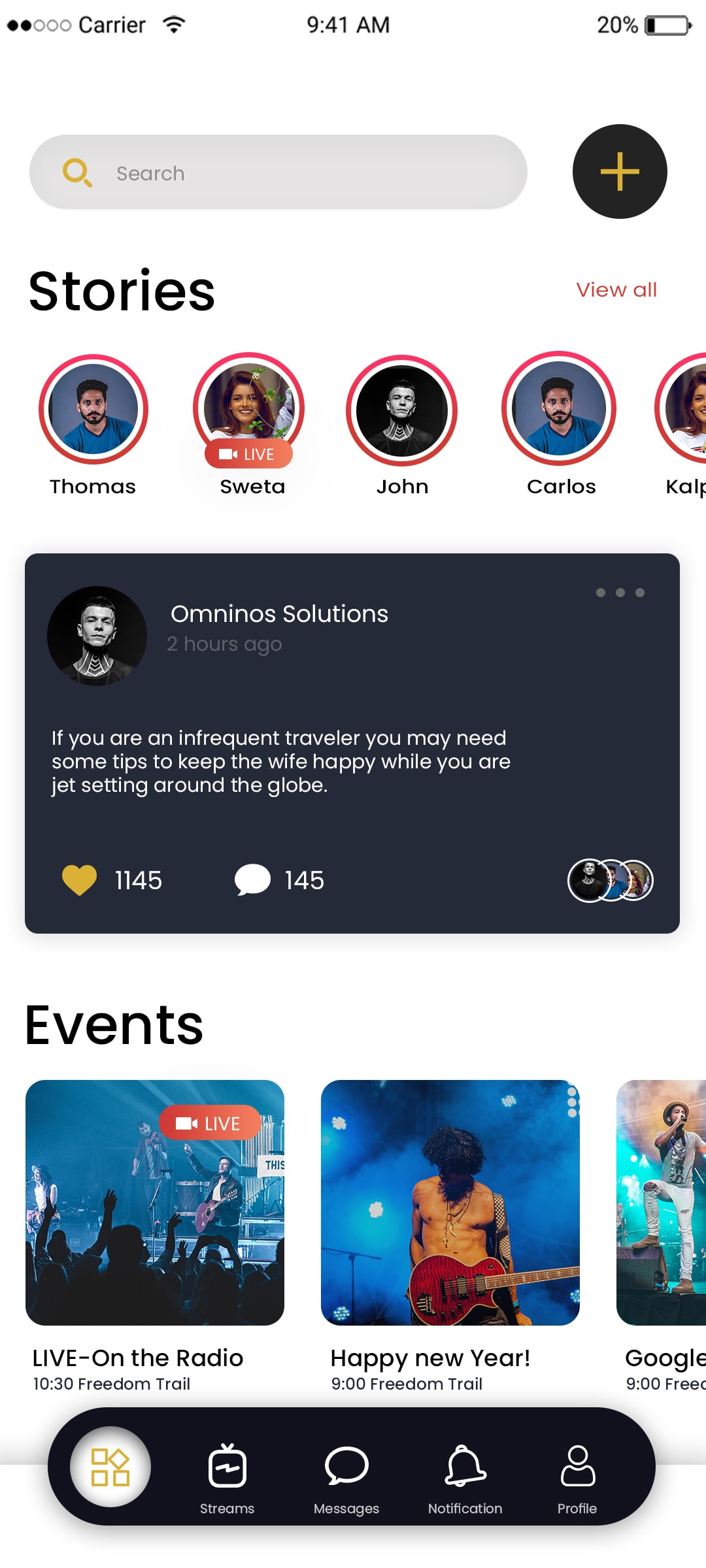
​Check out all the latest trending things happening in your friends life and updates from your favorite celebrities and followers.

Activity log

​The activity log contains all the lists about the friends who have joined  the application and also notifies the details regarding their postings.

Explore

​The user can post their live videos and there is no need to access the  gallery and post the outdated videos.

Chat

​Users can sign up to the app using their social media accounts instead of using Email id and filling in all details.

Application Flow for the User

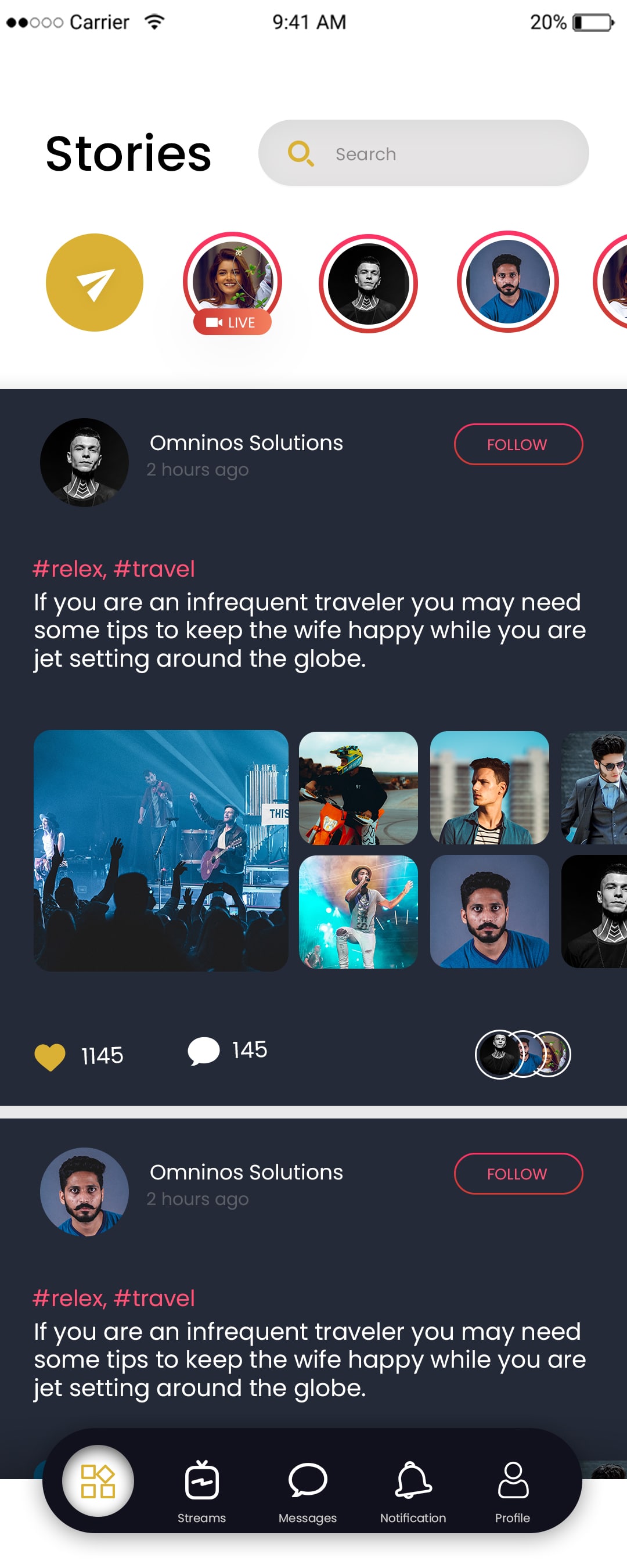
Instagram clone feed screen

Screen Splash

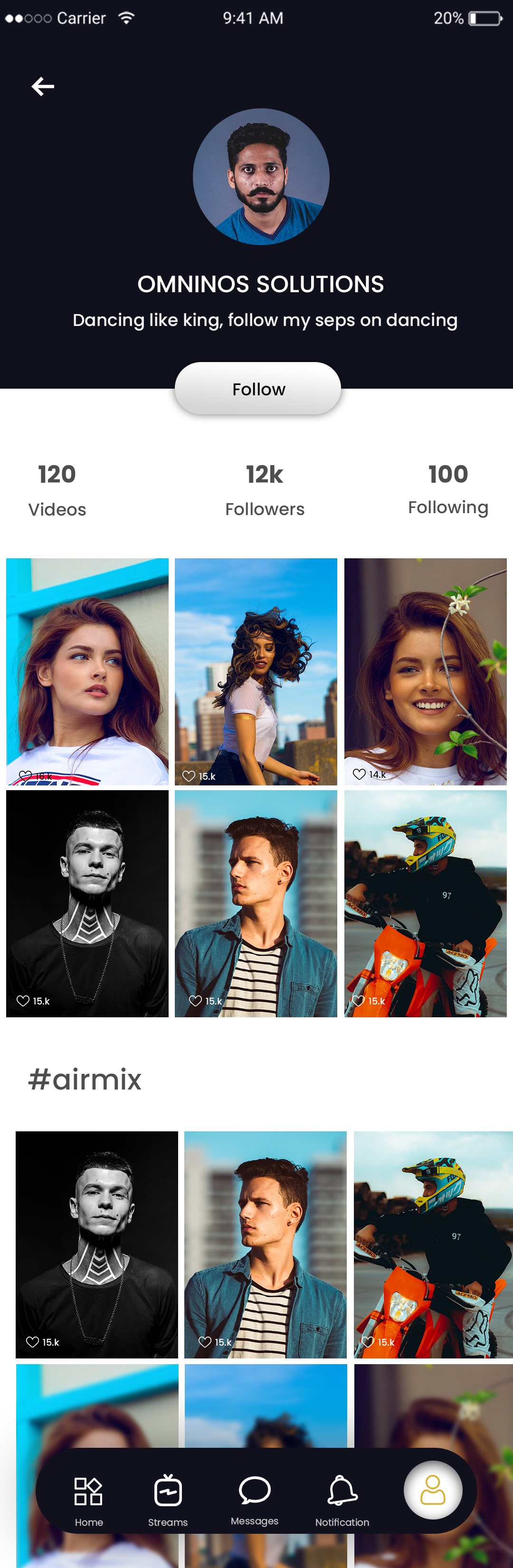
The app has engaging splash screens that are interactive and visually appealing to draw in more users.

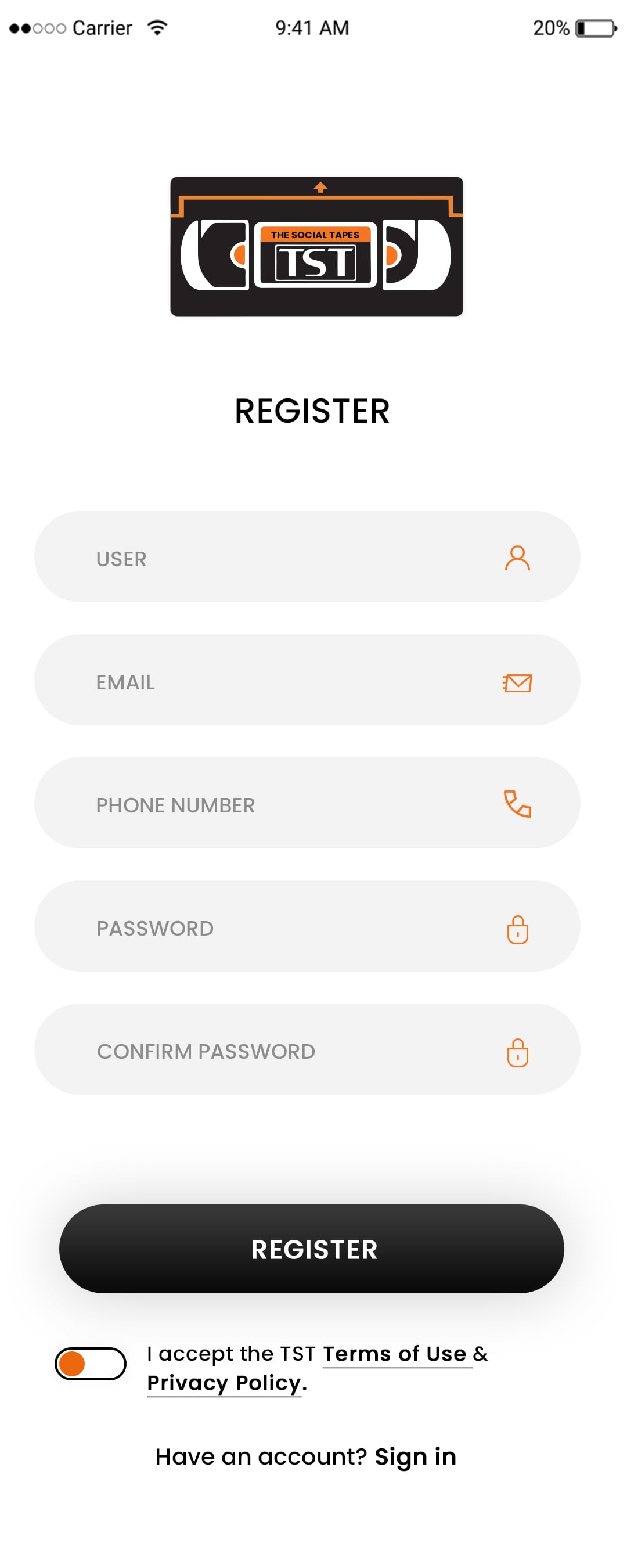
Login

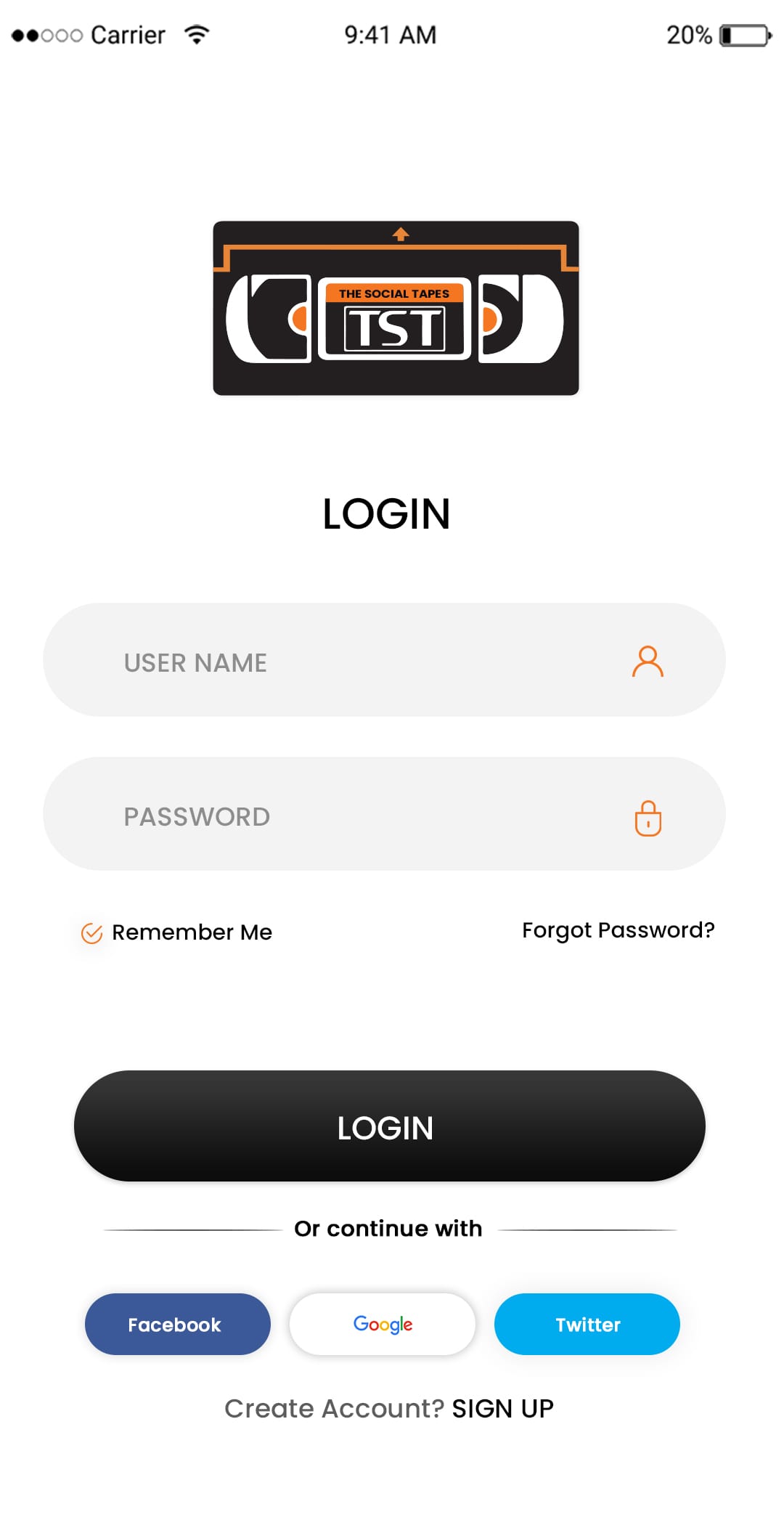
Users can log in after signing up using their username and password.

Instagram clone user profile page
Instagram clone stories feature

Register

An OTP would be sent as proof of registration if the user used their mobile number to register.

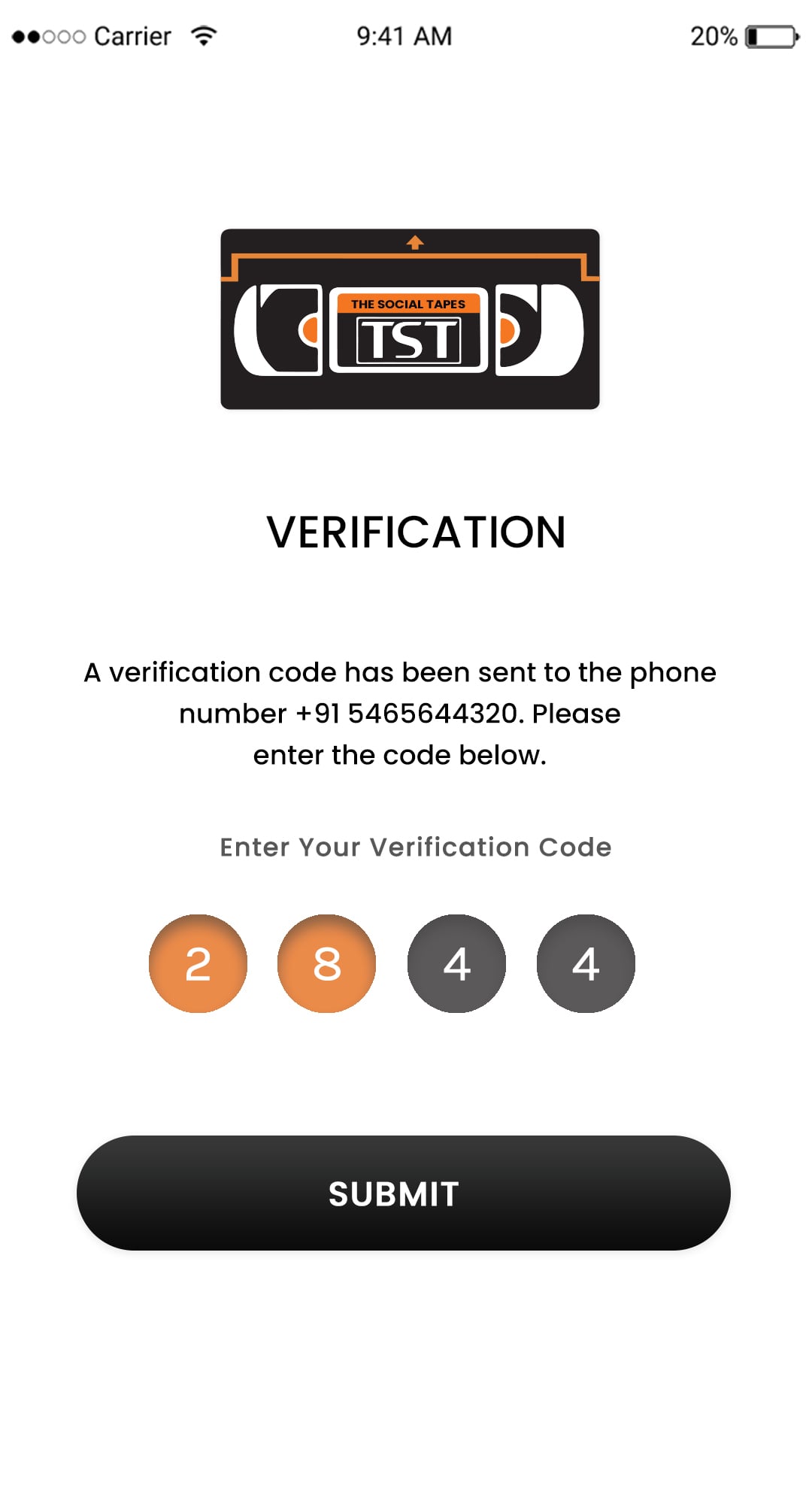
Verification

The correct OTP must be entered before continuing in order to validate the user's entered mobile number.

Instagram clone reels interface
Photo upload feature in Instagram clone

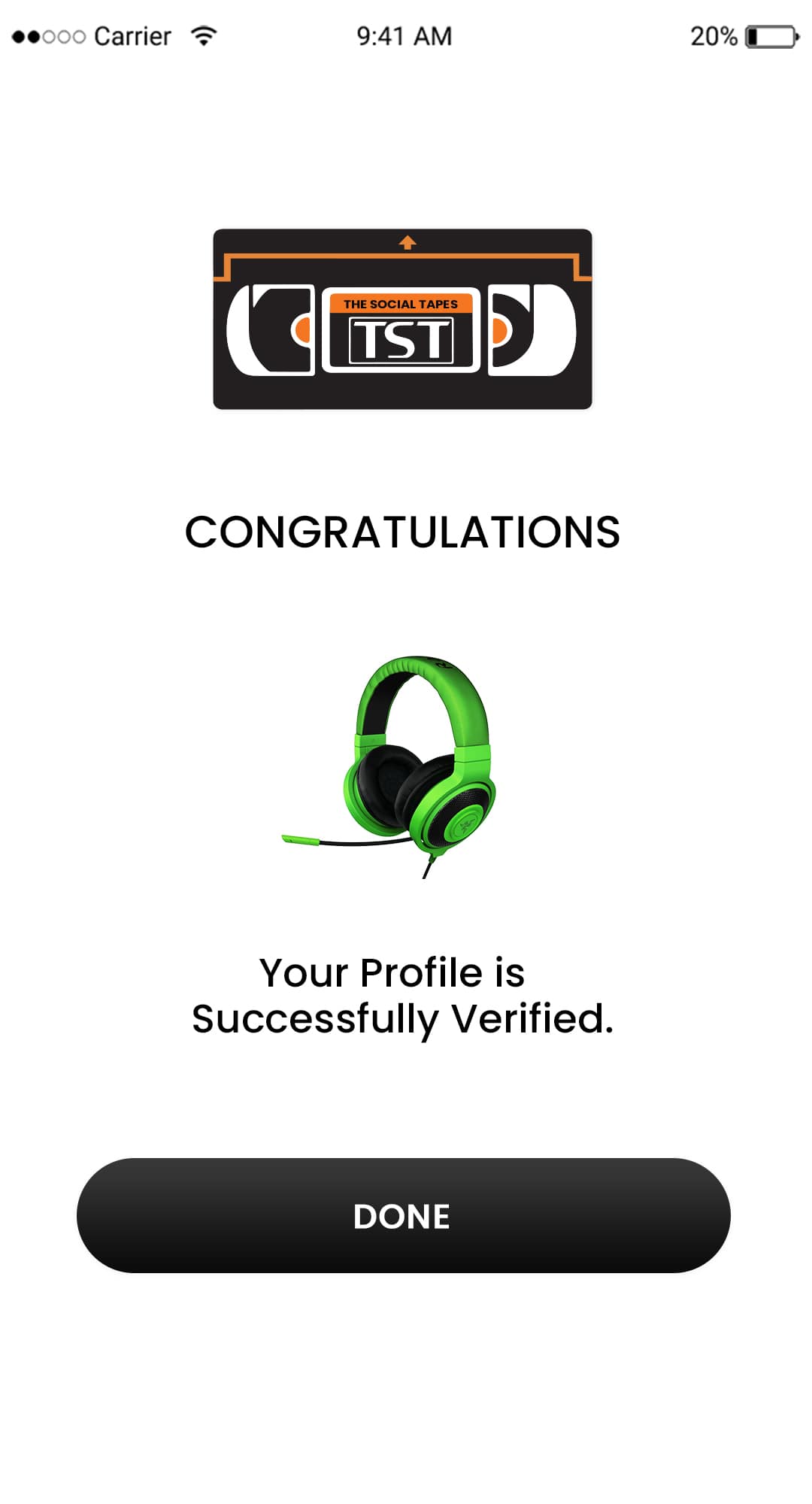
Verification finished

They will be notified that the process was successful once the number has been verified.

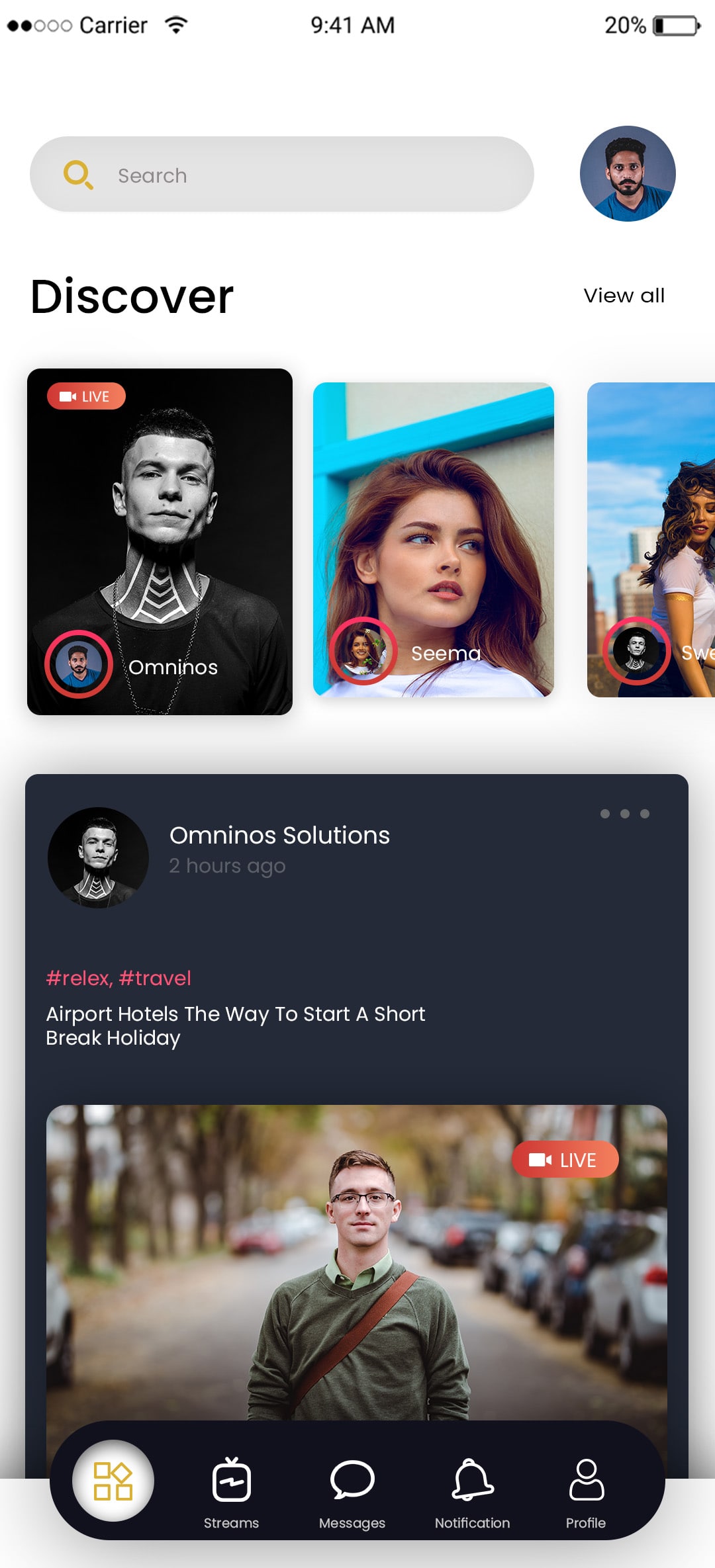
Discover

Users can look up and browse various pages and profiles using this option.

Video sharing in Instagram clone app
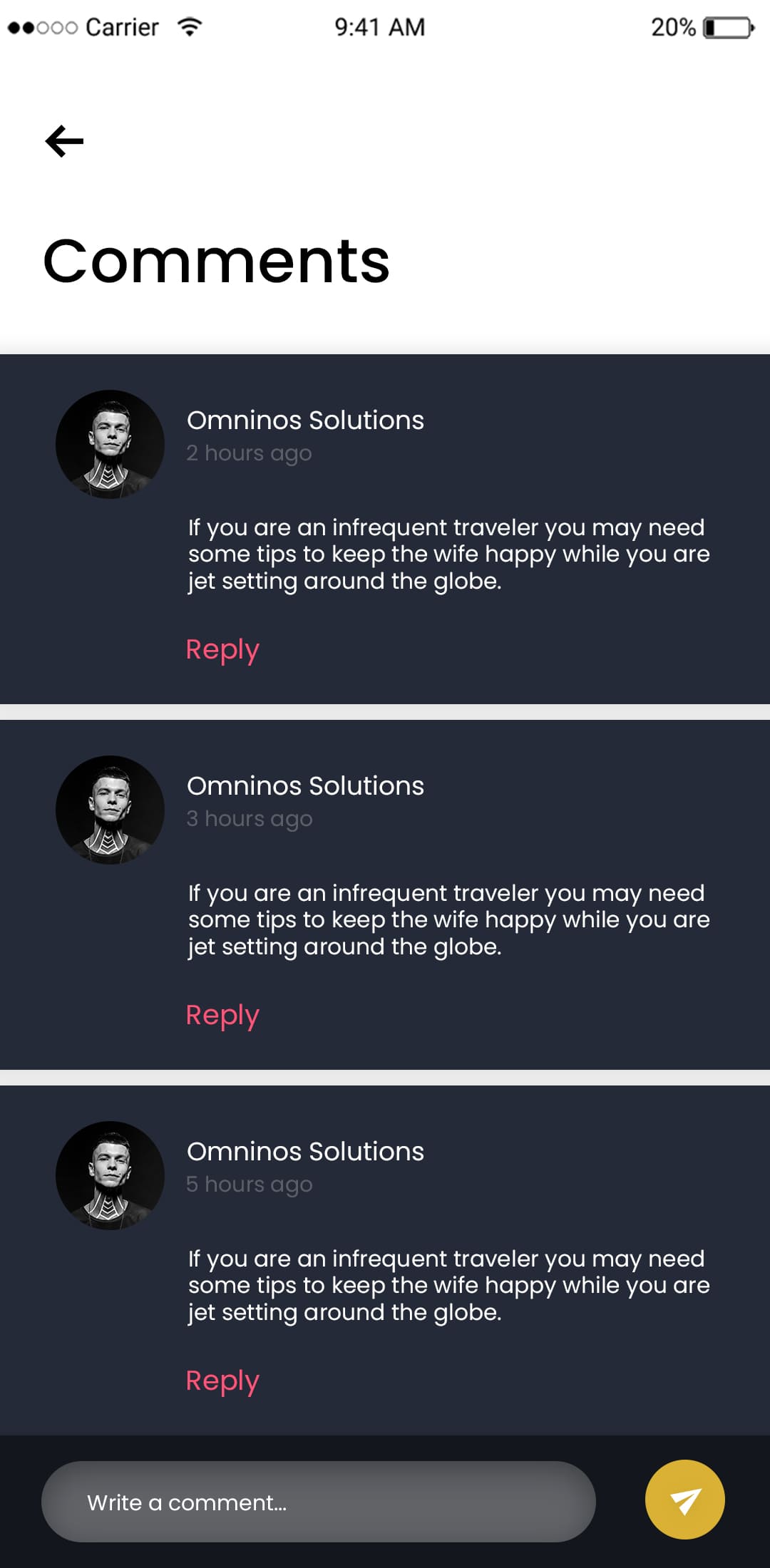
Like and comment system in Instagram clone

Portrait View

Edit your profile and complete the Edit profile section with all of your personal information.

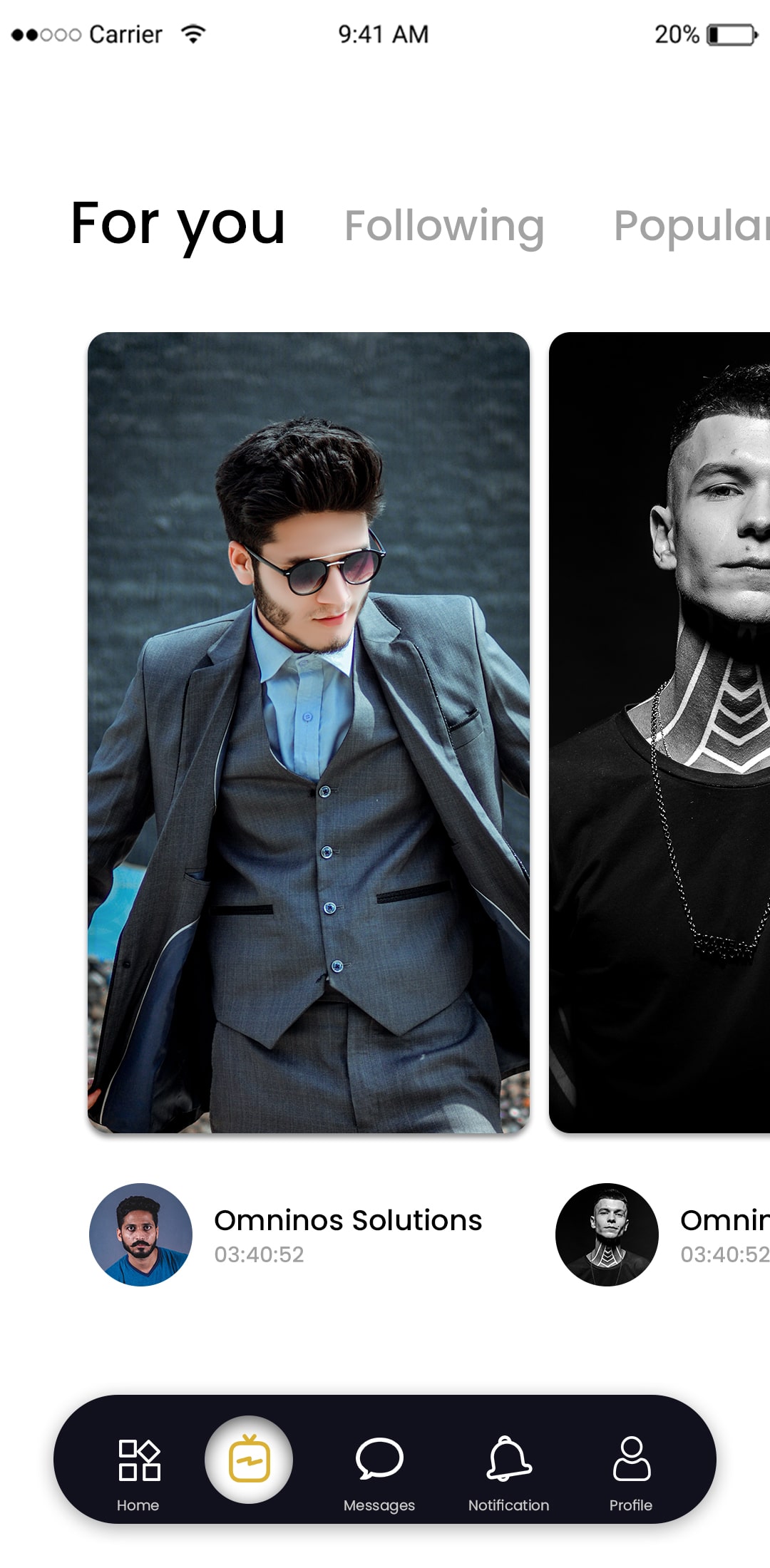
Watch IGTV

Users can watch IGTV in the clone app. 

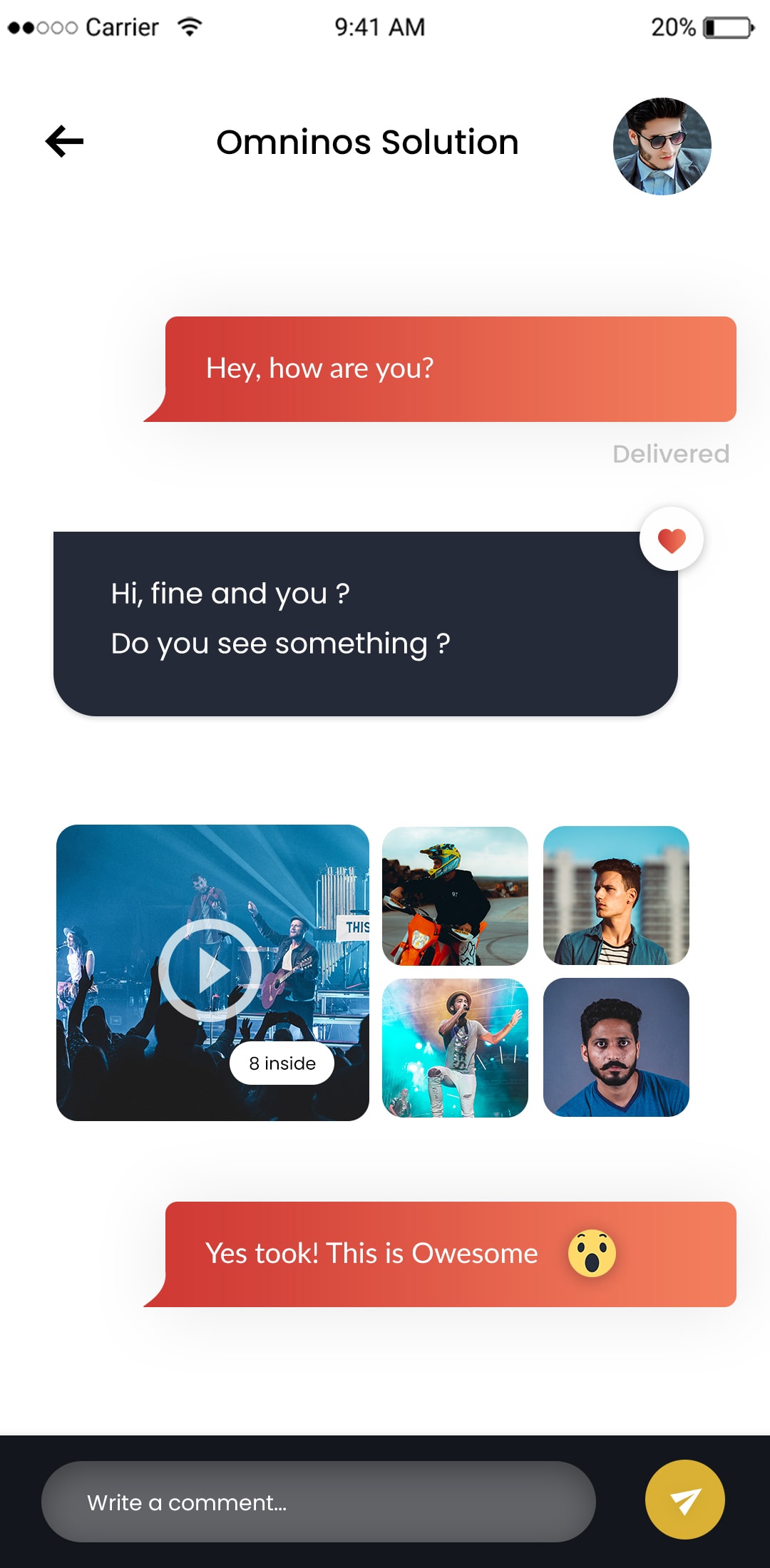
Direct messaging feature in Instagram clone
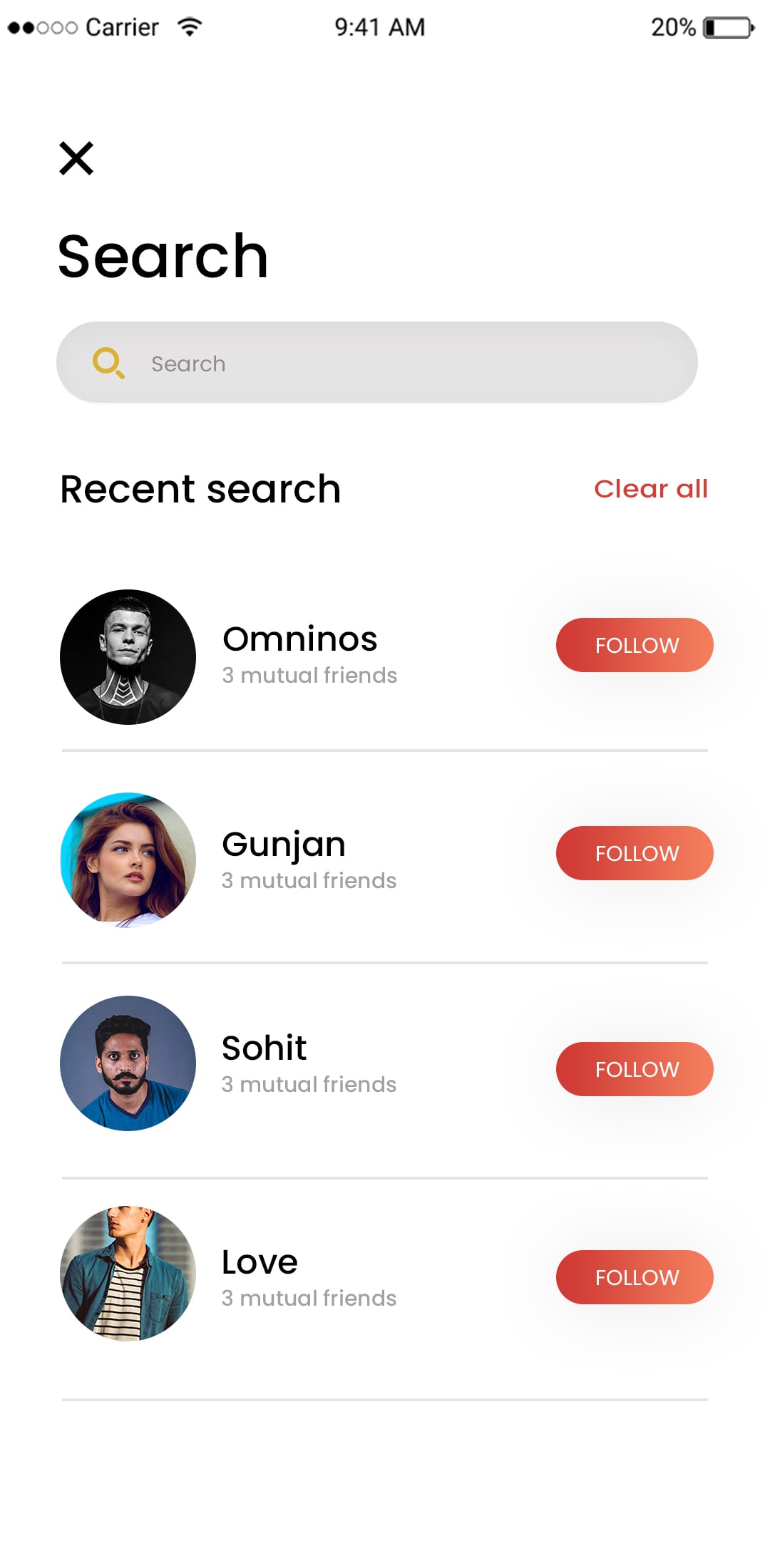
Search and explore section in Instagram clone

Perform common searches

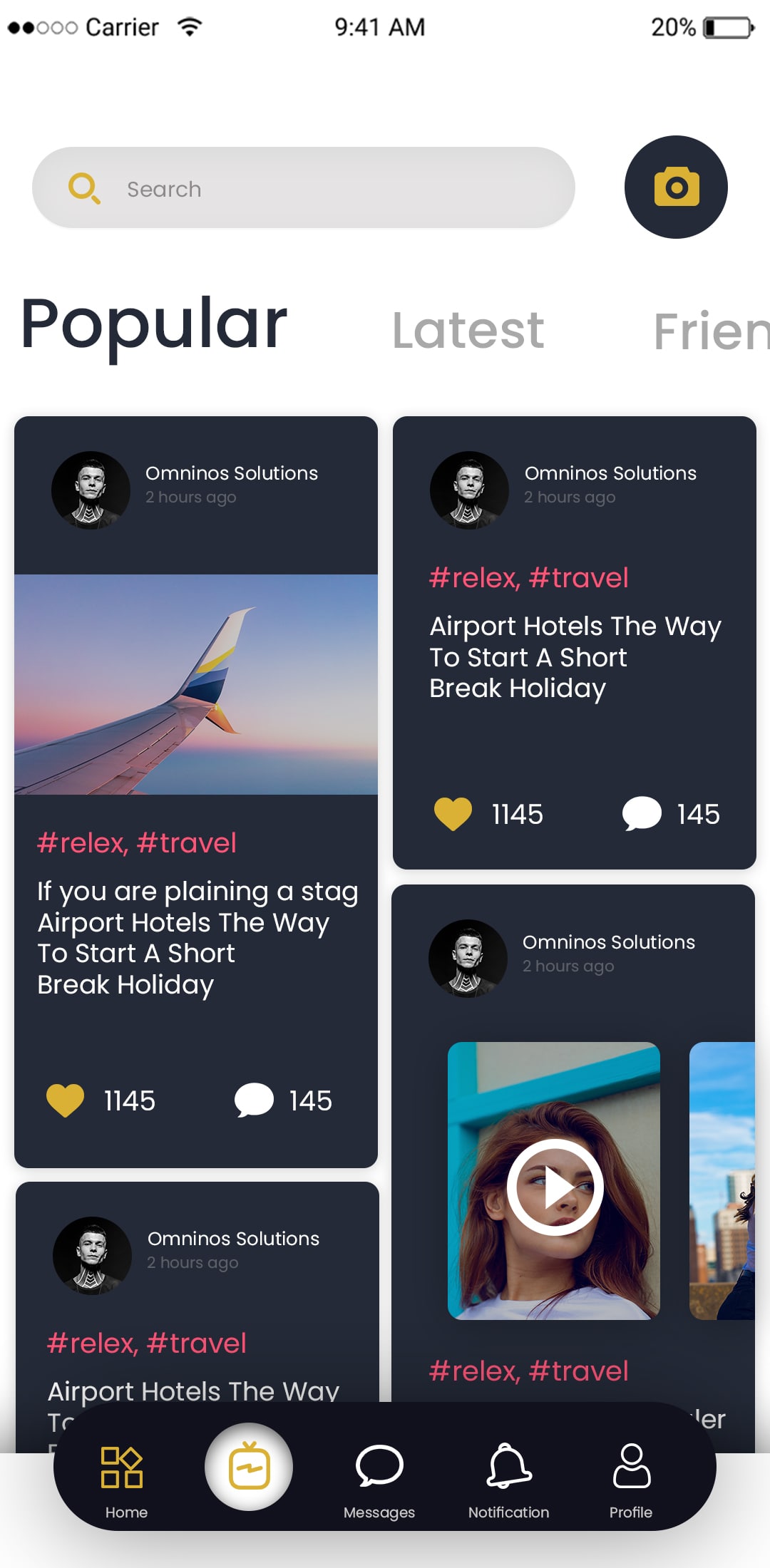
Use the search option to find popular channels, pages, or updates.

Stories

Users have the option to both post and read stories. After 24 hours, stories stop existing.

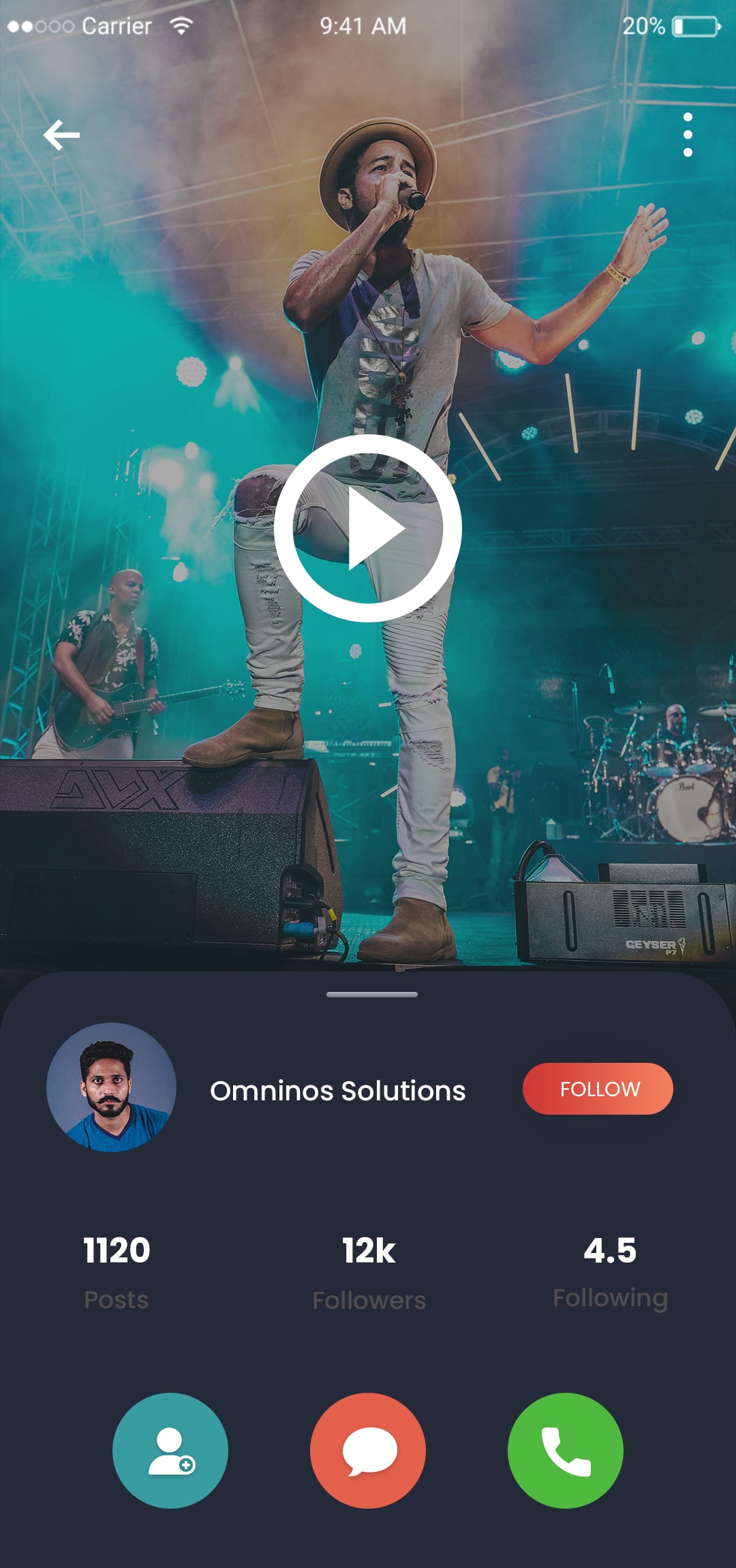
Follow and unfollow feature in Instagram clone
Notification screen in Instagram clone app

Browse Profiles

You can look for a particular profile and follow it.

Actual Sessions

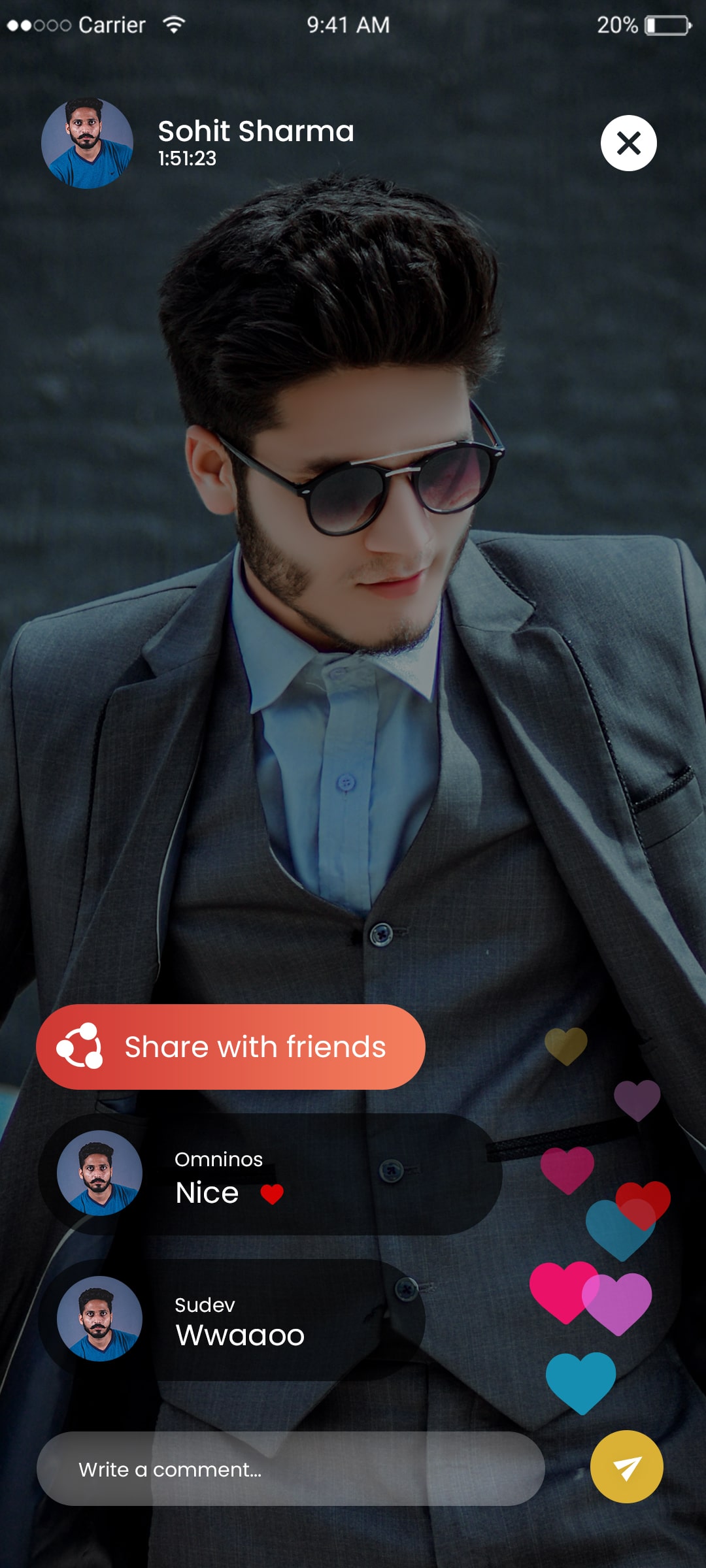
Users who choose the live option can interact with their followers live.

User settings panel in Instagram clone
Media filters in Instagram clone app

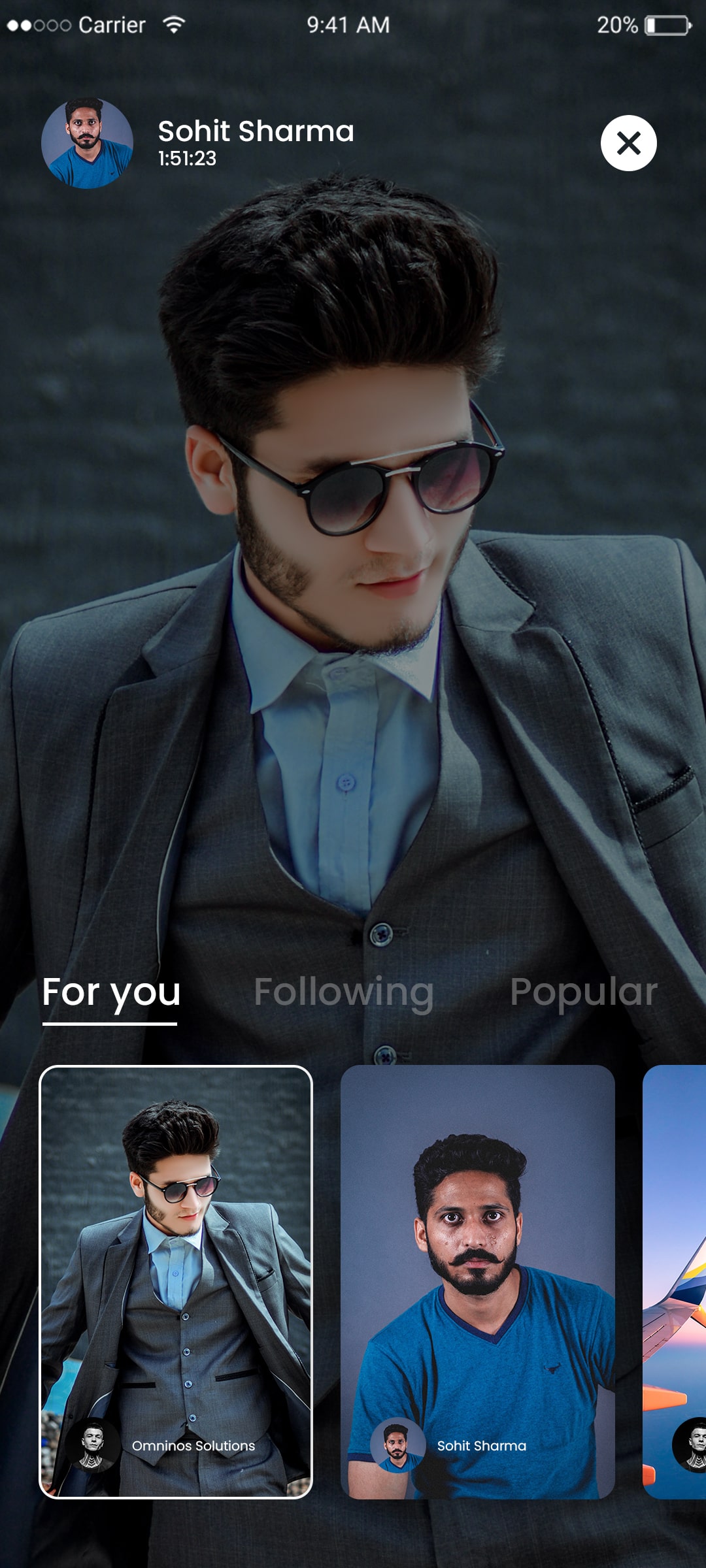
Live streaming

Here, a user can upload a video from their gallery or take a camera-based video.

Vacation deals

Users can receive reasonable travel plan offers.

Hashtag discovery in Instagram clone
Trending posts in Instagram clone app

comments

Users can express their opinions by commenting on another user's post. In a live session, you can leave comments and read the comments of others.

Customer Profile

To keep it current, view and edit your profile.

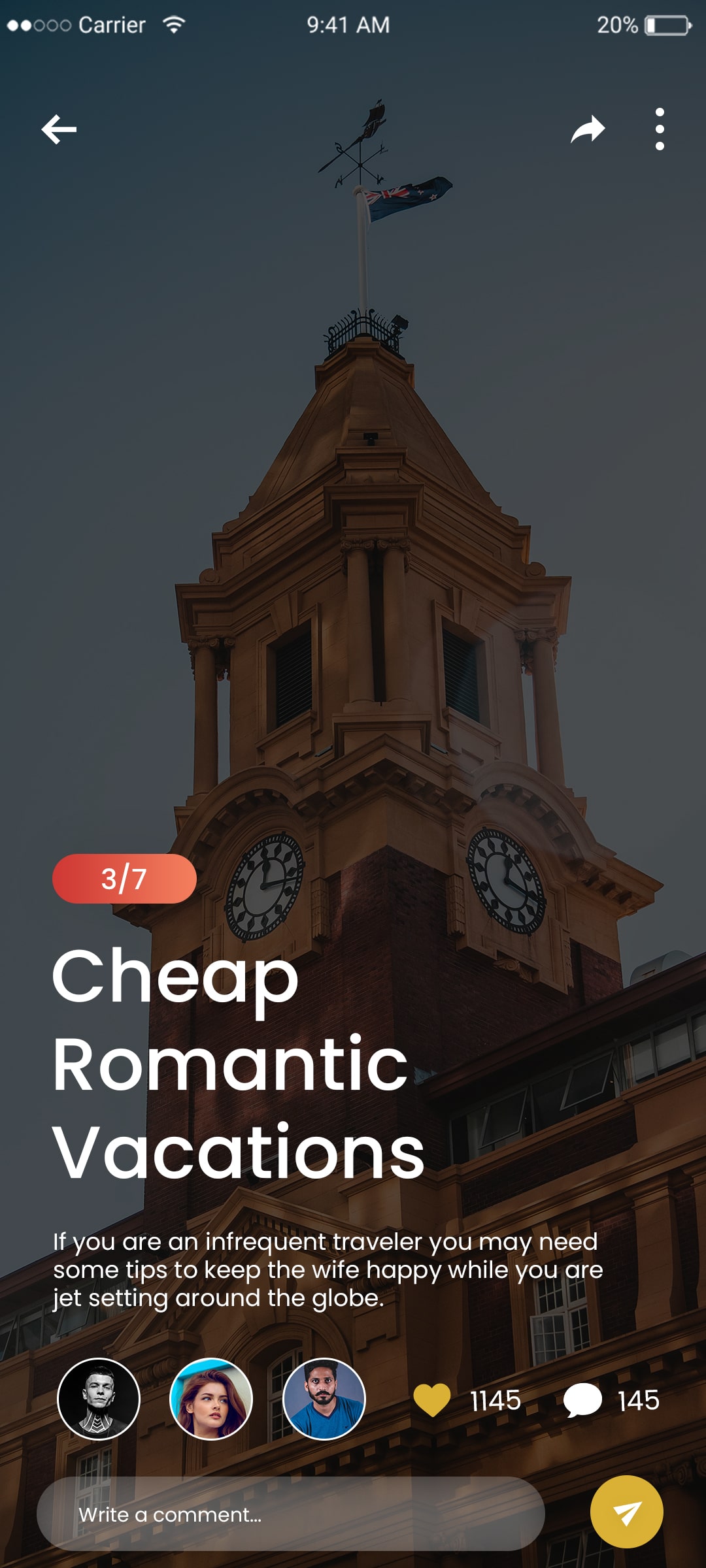
Story viewer screen in Instagram clone
Reels discovery page in Instagram clone

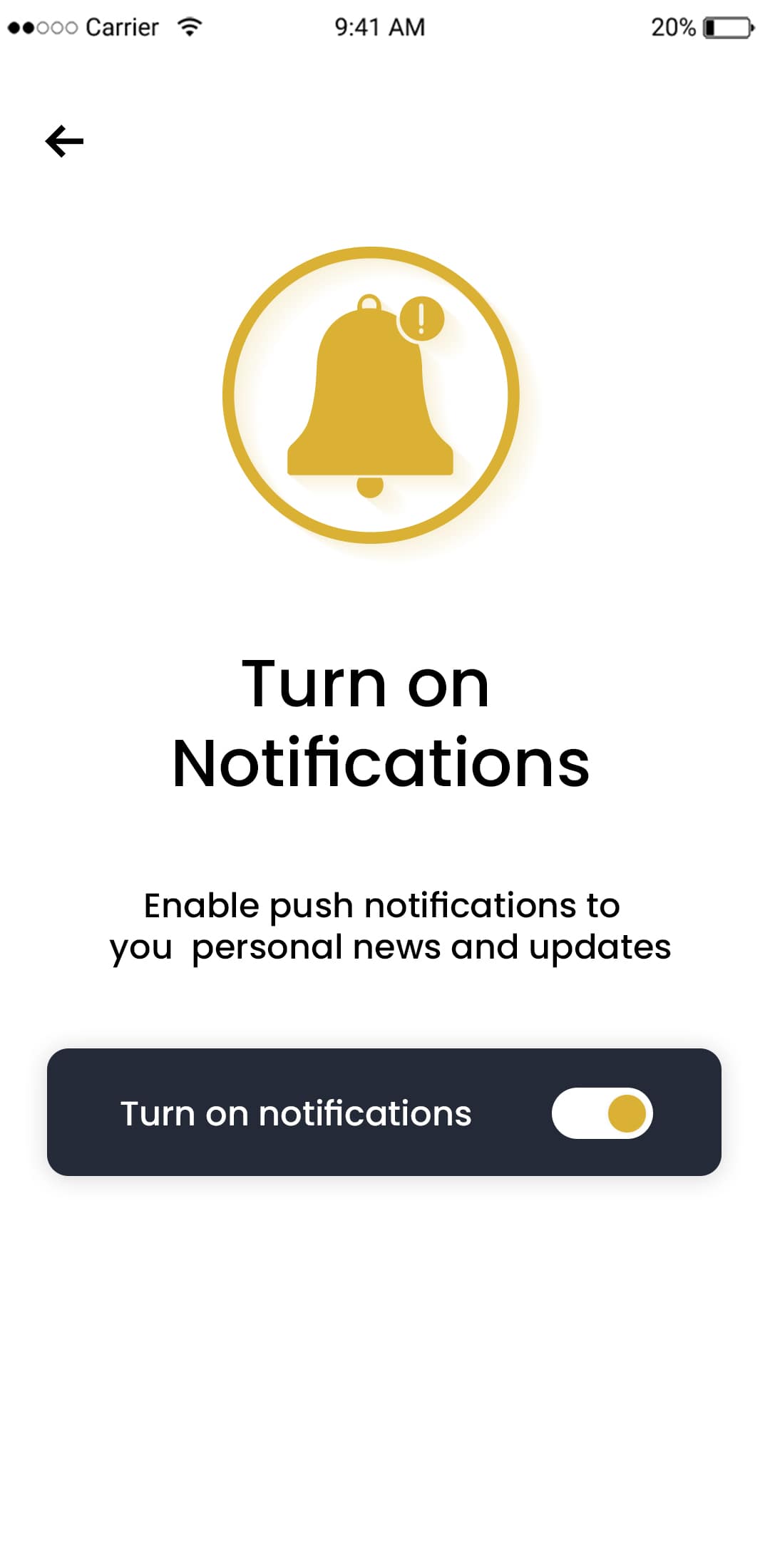
Activate Notifications

You have the option of receiving alerts for messages and posts by turning notifications on or off.

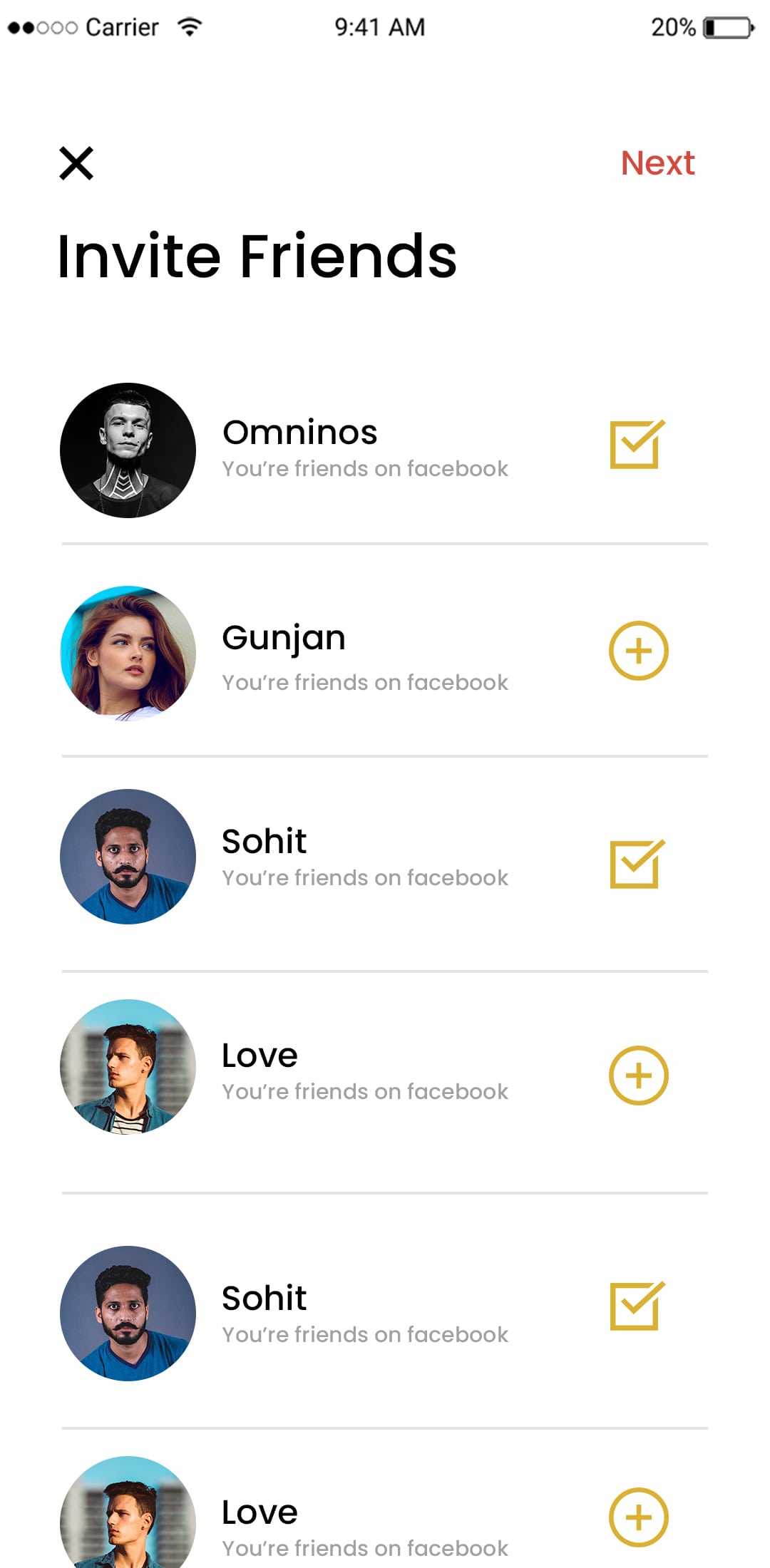
Invite Friends

Users can use this feature to invite friends to download the app.

Share post option in Instagram clone
Save post feature in Instagram clone

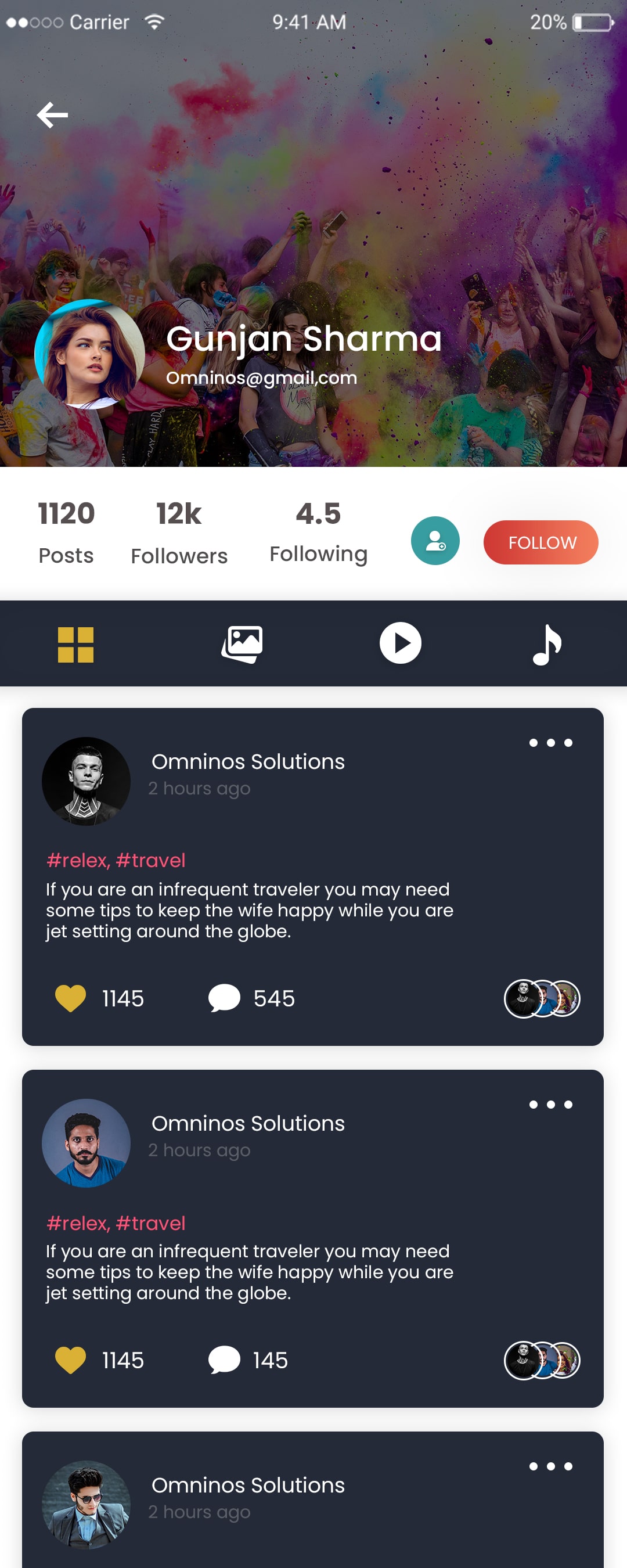
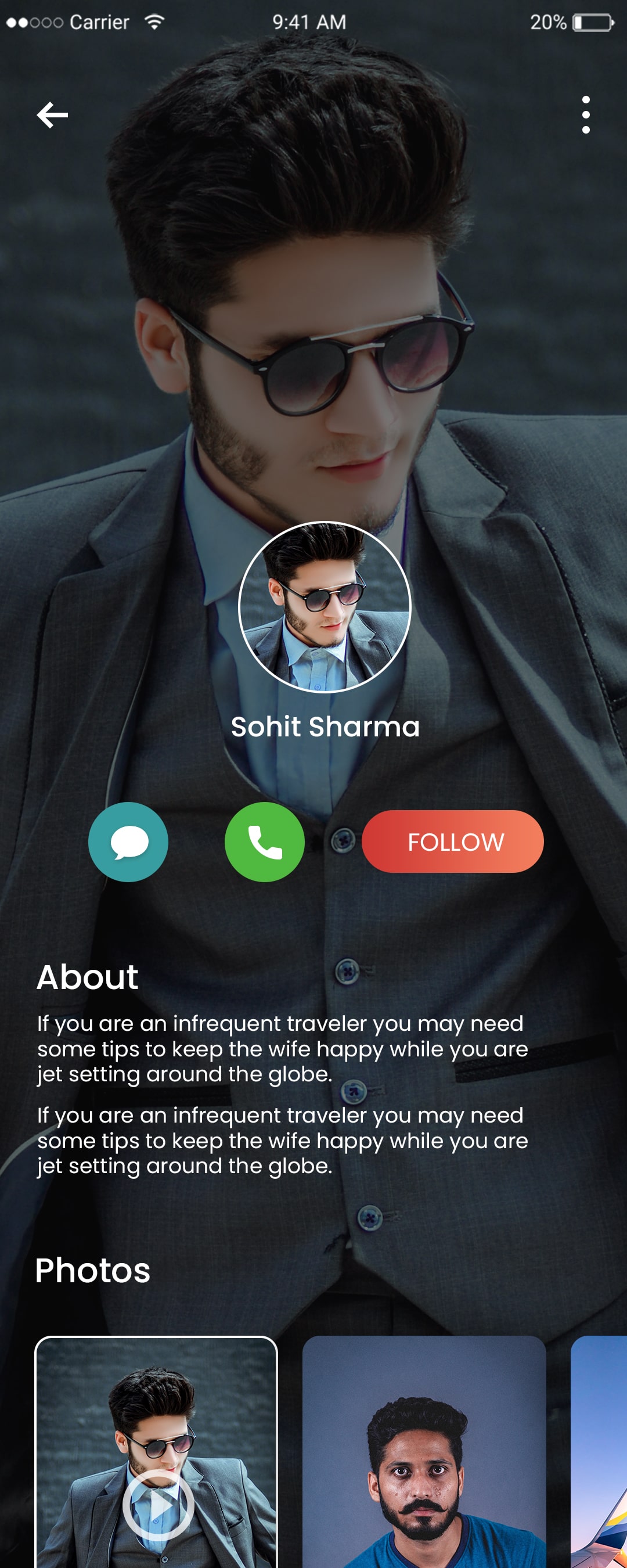
The Profile View

Users can look up their friends' profiles, view them, and follow them.

Further Settings

Users now have more options, such as the ability to add privacy to their profile.

User activity tracking in Instagram clone
Profile editing screen in Instagram clone

About

Learn more about the app and its creators.

Talk Box

You can keep a history of the chats you have with your friends in the chat box.

Content reporting feature in Instagram clone
Privacy settings in Instagram clone app

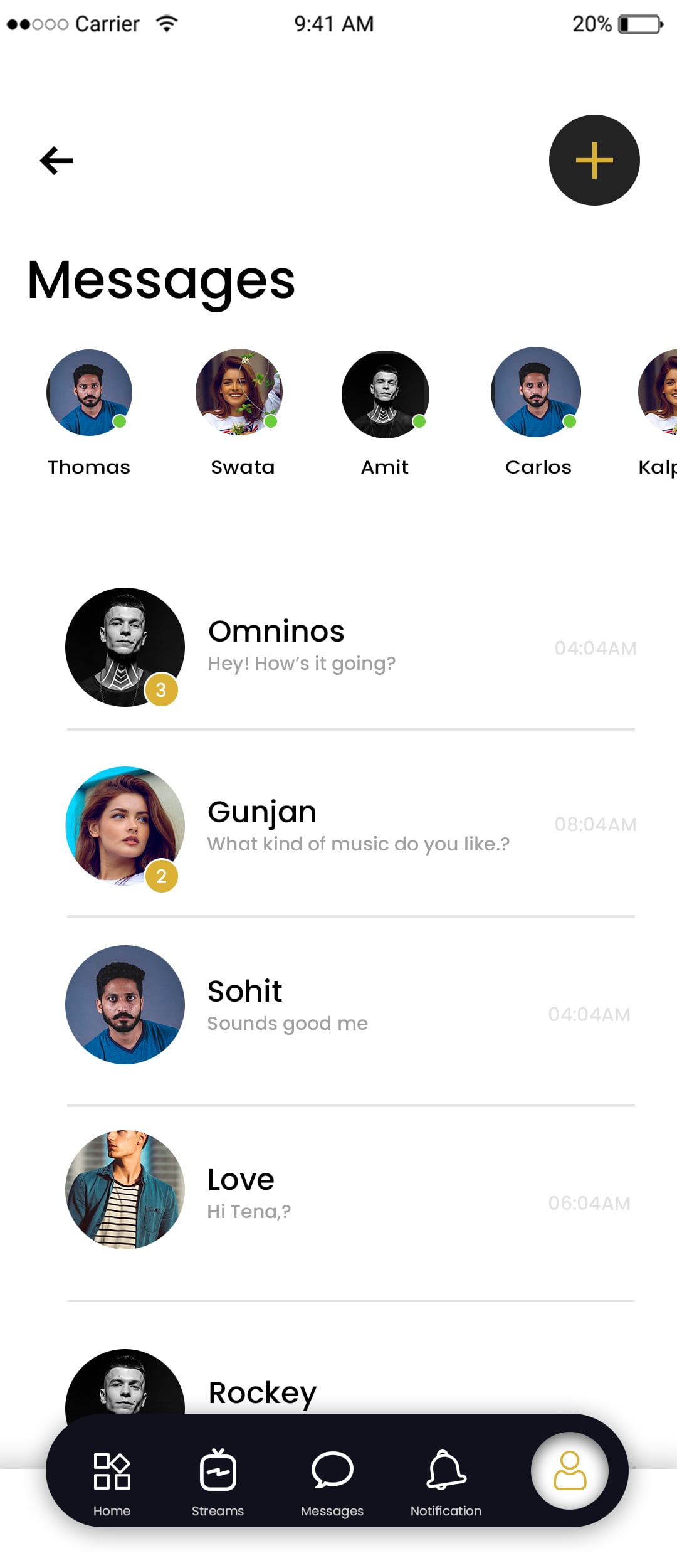
Talk list

The dashboard has a chat list where you can view all of your chats.

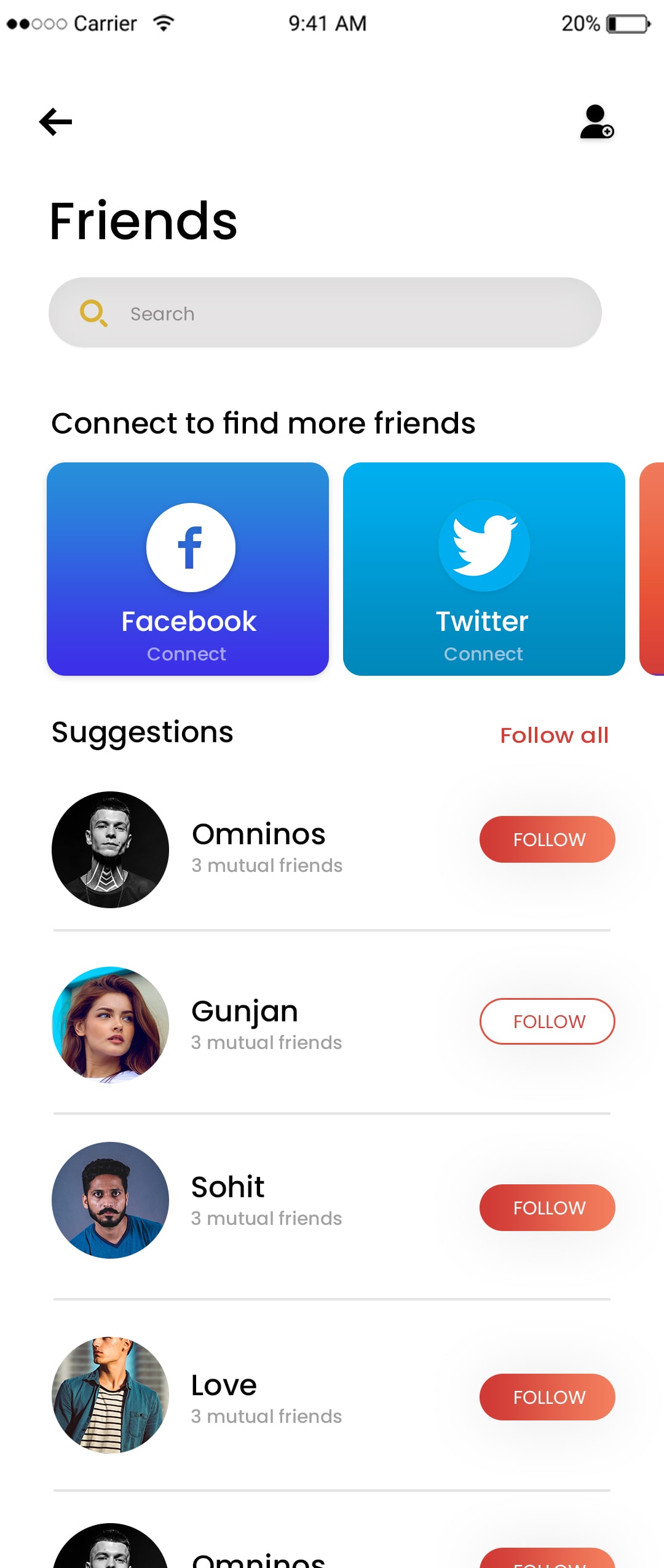
Friends

Users have the option to view their friends or expand their list.

User onboarding screen in Instagram clone
Login screen of Instagram clone app

Friends

Users can view the list of friends and can add more  friends. 

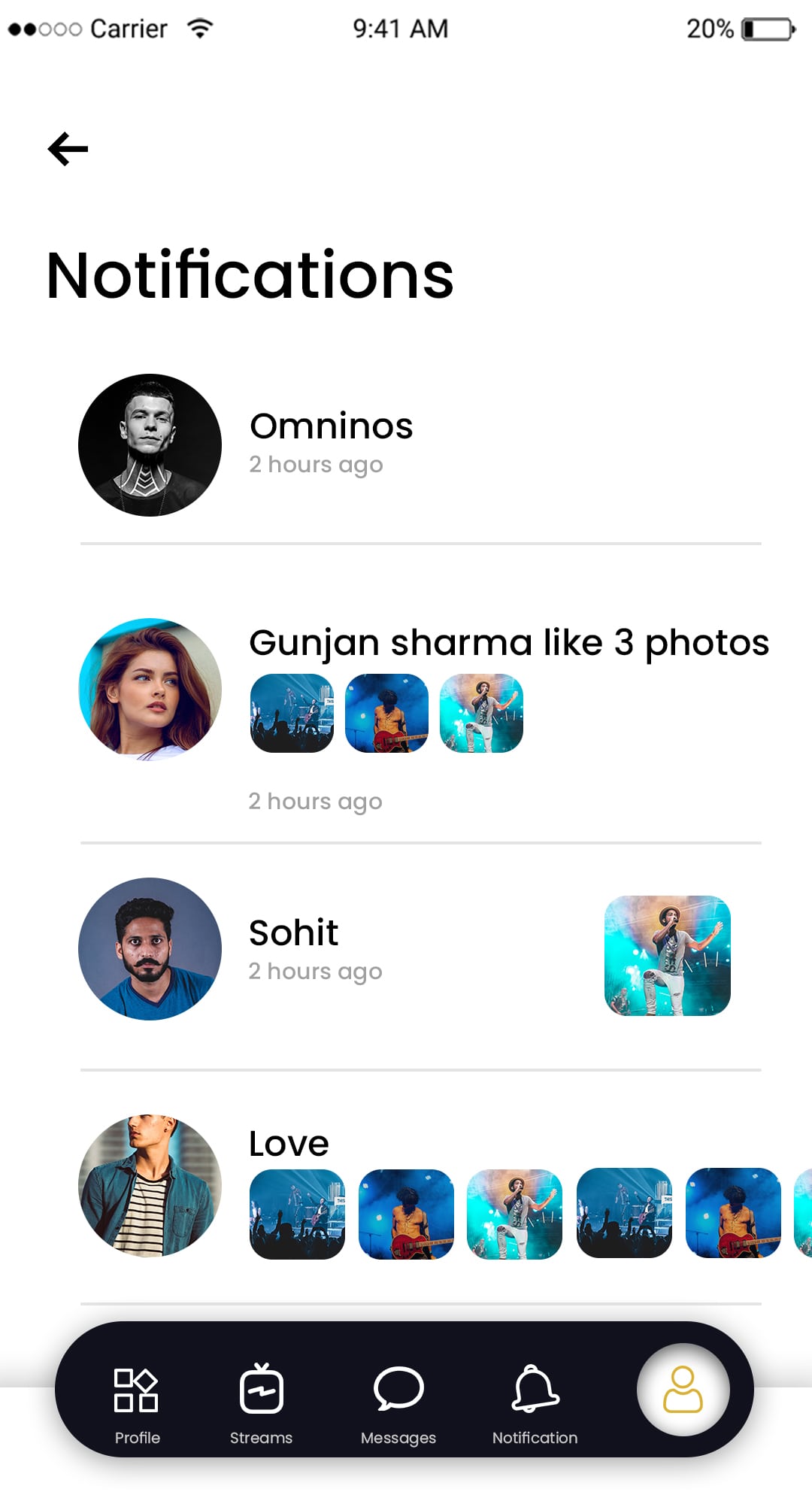
Notifications

The user will receive notifications for follow requests, messages, likes, comments, and mentions when they turn on app notifications.

Signup screen in Instagram clone app
Admin monitoring dashboard for Instagram clone

Change Profile

Users can enter information that is visible to other users and edit their personal information in this section.

Camera

Users can take pictures with the in-app camera and send them directly to their friends via the chat feature.

Analytics feature in Instagram clone app
Monetization options in Instagram clone

Settings

Users can edit their settings and privacy as per their  needs. 

Frequently Ask Question - FAQ

An Imgflip clone allows users to generate memes and GIFs, share viral content, engage communities, and monetize via ads and sponsorships.
Yes, the app includes preloaded meme templates, GIF creation tools, custom uploads, and trending formats for maximum user engagement.
Revenue can come from in-app ads, premium subscriptions, sponsored content, influencer partnerships, and branded meme campaigns.
Yes, the app supports multiple languages, trending content by region, cloud hosting for scalability, and high-performance content delivery.
Omninos builds secure, customizable, and scalable Imgflip clones with viral content features, social interaction tools, and reliable post-launch support.

Schedule - With Us Now

LATEST PROJECTS

BLOG